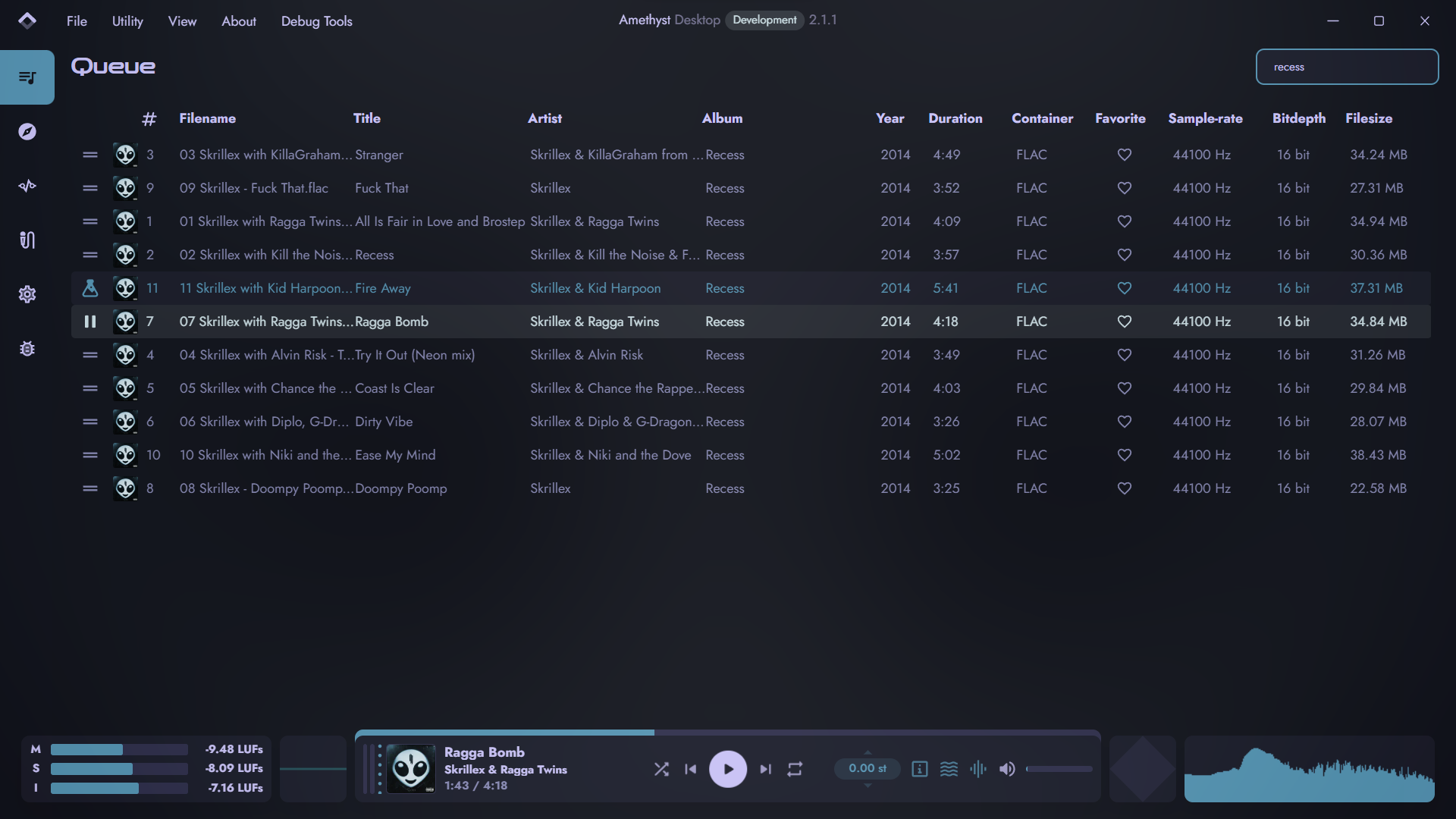
Amethyst is an cross-platform audio player with a node-basedaudio routing system, the main goal of this project is to make a music player in TypeScript to see how far the language can be stretched to prove it’s possible to provide pro-level features as most DAWs / DAEs, while also providing useful tools and customizability to the end-user.
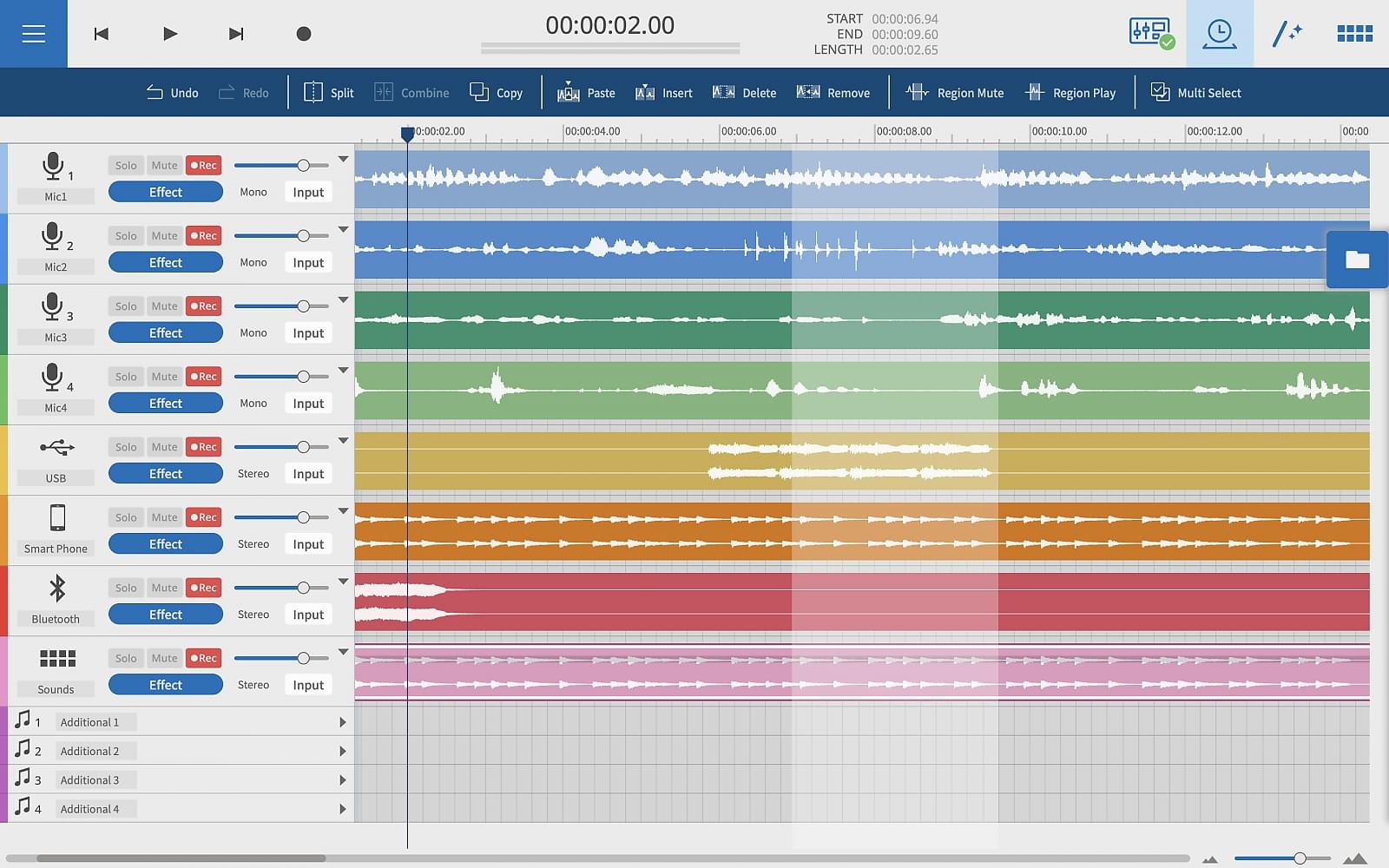
Tascam Podcast Editor is a software application specialising in the production of voice content such as podcasts, Internet radio, audio books, and voice logs.
From recording to editing and file output, the Tascam Podcast Editor provides all the functions necessary to publish a programme with intuitive, easy operation.
Tascam Podcast Editor | Simple Audio Editor for Podcast Creation
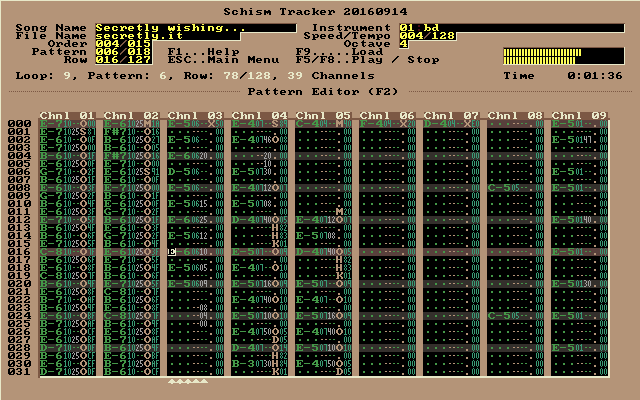
Schism Tracker is a free and open-source reimplementation of Impulse Tracker, a program used to create high quality music without the requirements of specialized, expensive equipment, and with a unique “finger feel” that is difficult to replicate in part. The player is based on a highly modified version of the ModPlug engine, with a number of bugfixes and changes to improve IT playback.
Where Impulse Tracker was limited to i386-based systems running MS-DOS, Schism Tracker runs on almost any platform that SDL supports, and has been successfully built for Windows, Mac OS X, Linux, FreeBSD, OpenBSD, AmigaOS, BeOS, and even Wii. Schism will most likely build on any architecture supported by GCC4 (e.g. alpha, m68k, arm, etc.) but it will probably not be as well-optimized on many systems.
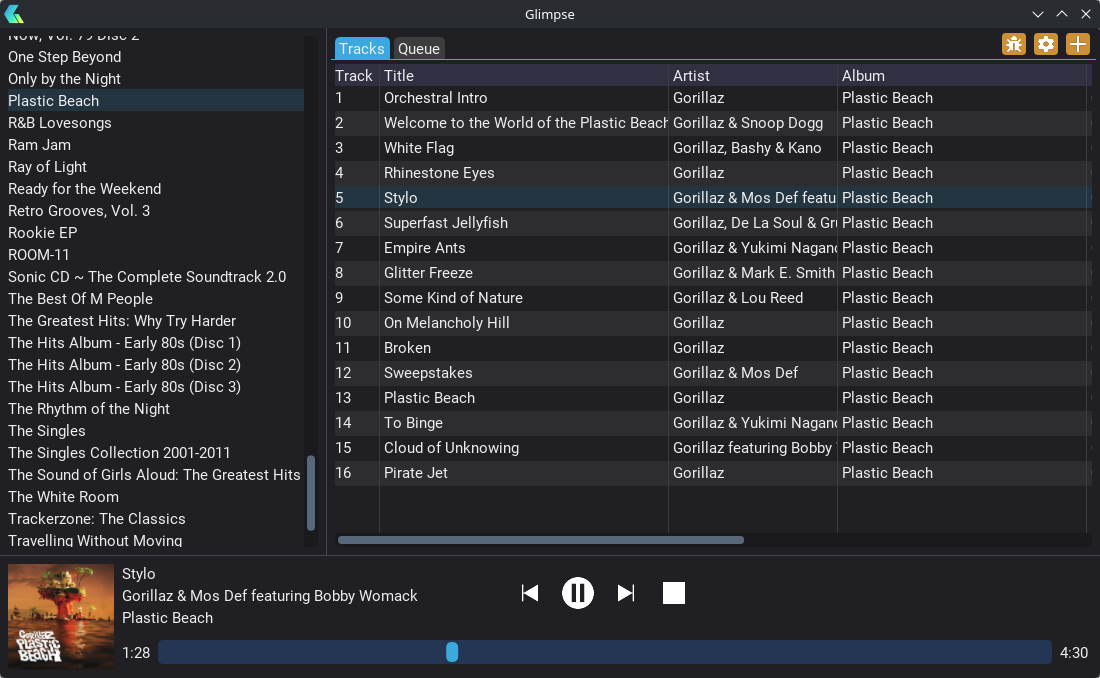
Wax is a program for cataloging and playing a collection of music recordings. Wax is able to rip CDs and import downloads so that you can create a sound archive complete with metadata.
Wax is fundamentally different from existing music managers in two important ways. First, the fundamental unit for recordings is a “work”, not a track. A work is usually a collection of tracks. It can encapsulate whatever tracks you choose. In pop music, a work can be an album. For symphonic music, a work can be a single symphony, even when the tracks come from a CD with more than one symphony. For operas, a work can be a single opera even when the tracks come from multiple CDs. Music collectors usually think in terms of works, so a music manager that supports the concept makes operation more natural.
The other distinguishing characteristic of Wax is that genres are fundamental to the organization of a collection rather than a mere attribute of a track. Wax recognizes that the ideal way to catalog works varies by genre. For example, symphonic works can be cataloged by composer, work, conductor whereas shows can be cataloged by show, composer, lyricist. By organizing collections around genres, Wax supports an operation sequence that is natural for music lovers: first select the genre, then the work, and finally the tracks.
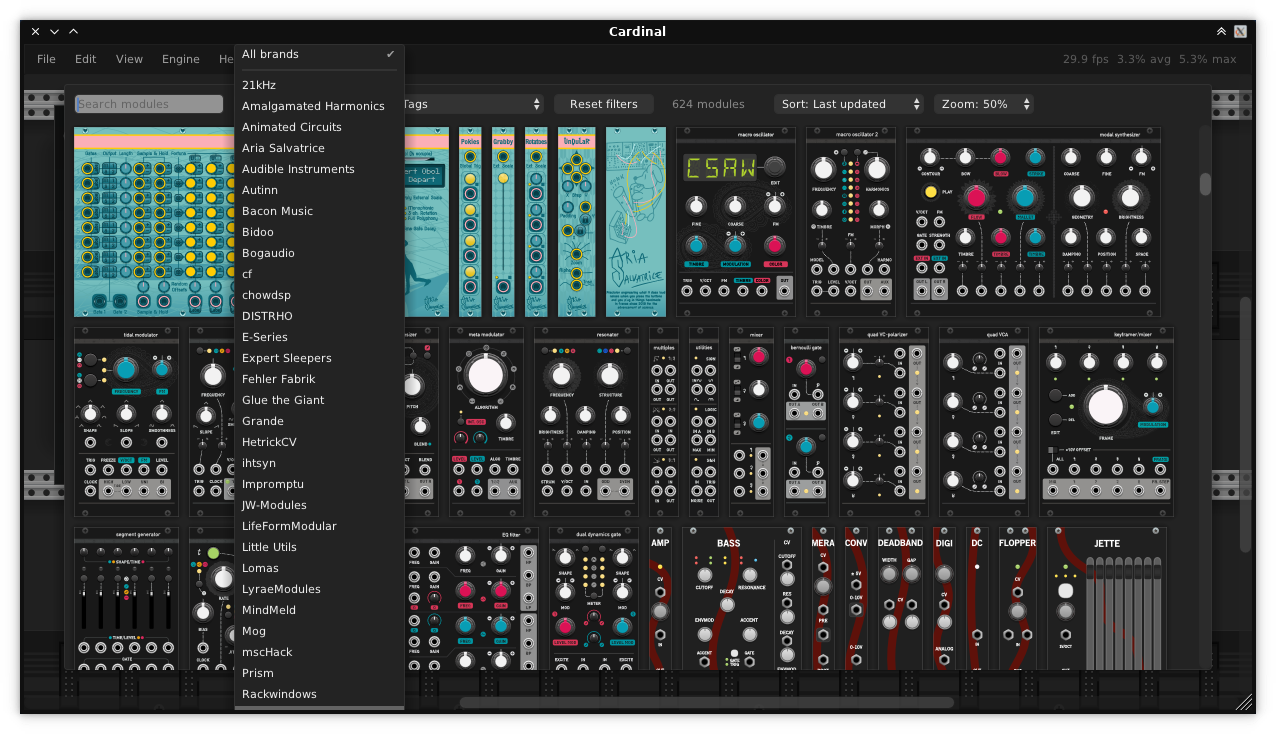
A fully free and self-contained modular synthesizer based on the popular VCV Rack. Available in AudioUnit/CLAP/LV2/VST2/VST3 plugin formats and as a standalone app for FreeBSD, Linux, macOS, Windows and the Web.
This Foobar2000 component collects and maintains enhanced statistics for played songs; primarily it records the timestamp of every play of a song, and not just the first and last. It will also query last.fm and record play times of every scrobble for a song.
foo_enhanced_playcount provides some additional functionality that foo_playcount does not, but is missing some functionality that foo_playcount has. They work well together, and foo_playcount should NOT be uninstalled when foo_enhanced_playcount is installed.
This component should be installed with foo_playcount and the same time foobar2000 is installed so playback statistics are maintained from the beginning.
%played_times_raw% – raw foobar timestamps: [129885911170000000, 129996456470000000, 131594314930000000] – There’s probably no reason to ever use this.
%lastfm_played_times% – Date formatted list of scrobbles: ["2012-08-04 15:58:37", "2012-12-10 14:40:46", "2018-01-02 23:38:13"]
%lastfm_play_count% – Count of last.fm plays, a la %play_count%: 5
%lastfm_added% – Single date: “2012-08-04 15:58:37“
%lastfm_first_played% – Always exactly the same as %lastfm_added%. Use whichever one makes most sense logically
%lastfm_last_played% – Single date: “2018-04-04 15:58:37“
%added_enhanced% – Returns the earliest of %added% (from foo_playcount) or %lastfm_added%. Single date: “2023-02-04 15:16:17“
%first_played_enhanced% – Returns the earliest of %first_played% (from foo_playcount) or %lastfm_added%. Single date: “2023-02-04 15:16:17“
%last_played_enhanced% – Returns the earliest of %last_played% (from foo_playcount) or %lastfm_last_played%. Single date: “2023-02-04 15:16:17“
These fields can be exposed via Title Formatting or used in scripts. This component does generate extra data per song played and may not be suitable for installations with limited storage.




 , Mac OSX
  and Windows


 The Audio File