This Java Modplayer plays *.mod, *.xm, *.s3m, *.stm, *.wow, *.it (all with interpolation), MP3s, *.sid, *.ogg, *.flac, *.ape, WAV, MIDI, RMI, AU, AIFF. It also supports playlists like PLS, M3U and cue-sheets.
To start the player you may just double click the jar or use:
java -jar ./javamod.jaror (for just commandline)java -cp ./javamod.jar de.quippy.javamod.main.CommandLine.This player can be run as a console application, with its swing GUI.
Category Archives: Player
Cog ~ Opensource Mac OSX Player
a free open source audio player for OS X
Features:

Sayonara ~ Lightweight Linux Player
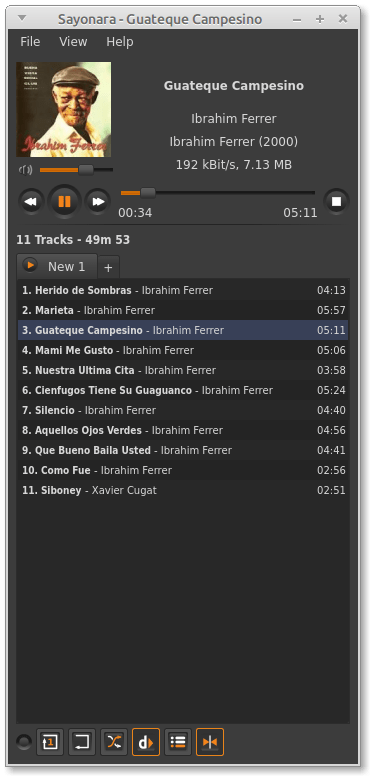
Sayonara is a small, clear and fast audio player for Linux written in C++, supported by the Qt framework. It uses GStreamer as audio backend. Sayonara is open source and uses the GPLv3 license. One of Sayonara’s goals is intuitive and easy usability. Currently, it is only available for Linux and BSD. Although Sayonara can be considered as a lightweight player, it has a lot of features in order to organize even big music collections. In contrast to the heavyweight players, the main focus of Sayonara is performance, low CPU usage and low memory consumption. Sayonara is a great alternative to players like Rhythmbox, Clementine or Amarok. Those who miss Winamp for Linux should give Sayonara a try.
Managing your library: You can manage your library by artists, albums, genres or file paths. Sayonara contains a sophisticated tag editor helping you to keep your collection clean. You can hold multiple playlists simultaneously, save/rename/delete or export them to common playlist file formats. With the multi library feature you can manage multiple directories as stand-alone libraries and copy and move tracks from one to another. There are even more complex library plugins like Soundcloud or SomaFM support.
Directory view: Some people don’t have a perfect tagged library and are more interested in the directory structure of their libraries. Sayonara provides various features to access and edit your music in the directory view.
Plugins: In addition, there are some useful plugins helping to enhance your comfort while listening. Some interesting plugins are the equalizer, a speed/pitch control, a crossfader, bookmarks for tracks and a broadcasting function.
Webstreams and Podcasts: You can record all tracks streamed from the internet. Your saved tracks automatically tagged, of course. When listening to ordinary webstreams, a history of all played tracks can be displayed. If webstreams or podcasts contain some chapter information, Sayonara also uses this information in order to provide fast jumping within these tracks.
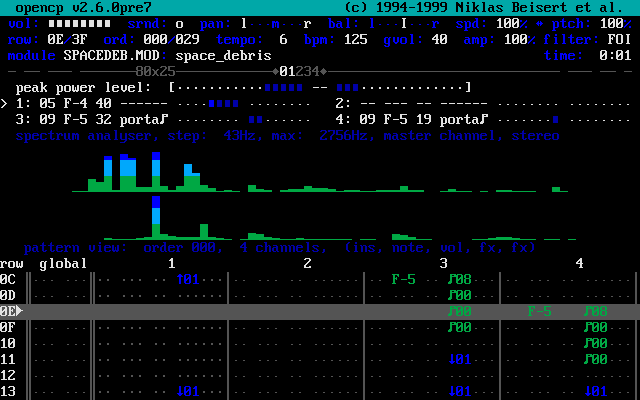
Open Cubic Player ~ Old School Audio
OPENCP is a music file player for DOS, Linux, Unix, Windows 95, ME & XP.
It’s derived from the Cubic Player 2.0 which was developed by Niklas Beisert.

Radio Tray ~ Linux Radio Player
Radio Tray is an online radio streaming player that runs on a Linux system tray. Its goal is to have the minimum interface possible, making it very straightforward to use. Radio Tray is not a full featured music player, there are plenty of excellent music players already. However, there was a need for a simple application with minimal interface just to listen to online radios. And that’s the sole purpose of Radio Tray.
Features:
- plays most media formats (based on gstreamer libraries)
- drag & drop bookmarks support
- easy to use
- supports PLS playlist format (Shoutcast/Icecast)
- supports M3U playlist format
- supports ASX, WAX and WVX playlist format
- extensible by plugins
Radiotray-NG: An Internet radio player for Linux (updated fork)
Nuclear ~ Stream From Free Sources
A modern music player focused on streaming from free sources.
Features:
- Searching for and playing music from YouTube (including integration with playlists), Jamendo, and SoundCloud
- Searching for albums (powered by Last.fm and Discogs), album view, automatic song lookup based on artist and track name (in progress, can be dodgy sometimes)
- Song queue, which can be exported as a playlist
- Loading saved playlists (stored in json files)
- Scrobbling to last.fm (along with updating the ‘now playing’ status)
- Newest releases with reviews – tracks and albums
- Browsing by genre
- Radio mode (automatically queue similar tracks)
- Unlimited downloads (powered by youtube)
- Realtime lyrics
- Browsing by popularity
- List of favorite tracks
- Listen from local library
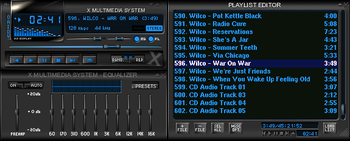
XMMS ~ Extensible Unix Player
XMMS is a multimedia player for unix systems. XMMS stands for X MultiMedia System and can play media files such as MP3, MOD’s, WAV and others with the use of Input plugins.
XMMS is mainly targeted at music playback, but through third party plugins some rudimentary video capabilities exists, but there are much better systems other than XMMS for video support.
It was modeled after Winamp from the Windows operating system. XMMS is not a port of Winamp but was written from scratch by Mikael and Peter Alm.

IMMS is an intelligent playlist plug-in for XMMS that tracks your listening patterns and dynamically adapts to your taste. It is incredibly unobtrusive and easy to use as it requires no direct user interaction.
Nebulus is an OpenGL visual plugin for XMMS. It’s conceptually a compilation of various
OpenGL effects that depends on the music.
Audiophile UPnP Renderer ~ Windows Network Player
Features:
- Supported audio formats: FLAC, WAV, AIFF.
- BitPerfect, zero CPU load streaming.
- Support for high-quality bit-depth upconversion.
- Support for VST 2.x plugins.
- Gapless playback.
- WASAPI (Exclusive mode) output.

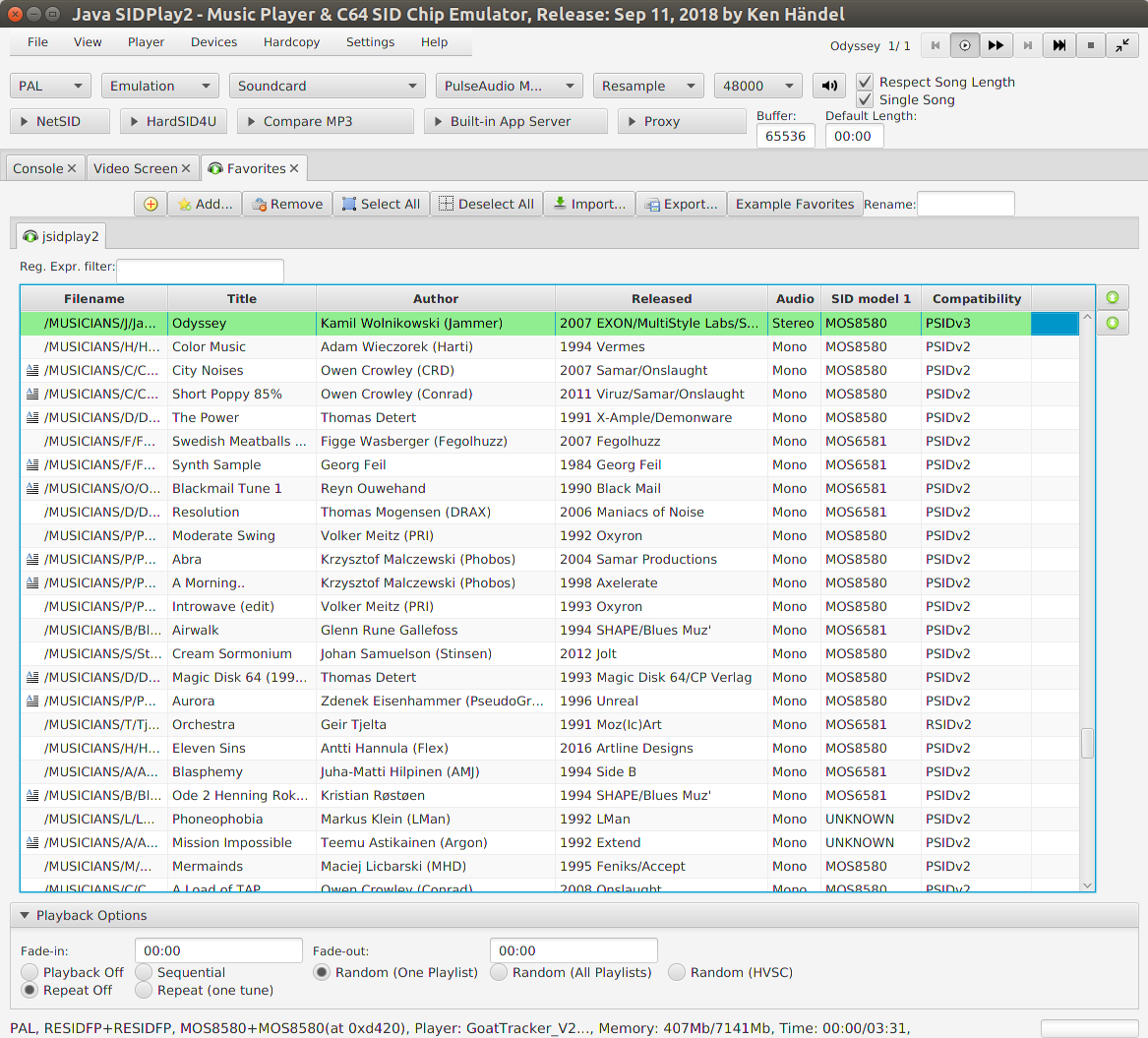
JSIDPlay2 ~ Java SID Player
This is a multi-platform Commodore 64 emulator specialized for sound reproduction. It is also a SID player for music collections like HVSC and CGSC. It is a full C64 emulator and can play games of the GameBase64 project as well.

haendel.ddns.net/~ken
sourceforge.net/projects/jsidplay2
Java SIDPlay2 Online
Cumulus ~ Mac Soundcloud Player
A SoundCloud player that lives in your menubar.

gillesdemey.github.io/Cumulus
github.com/gillesdemey/Cumulus
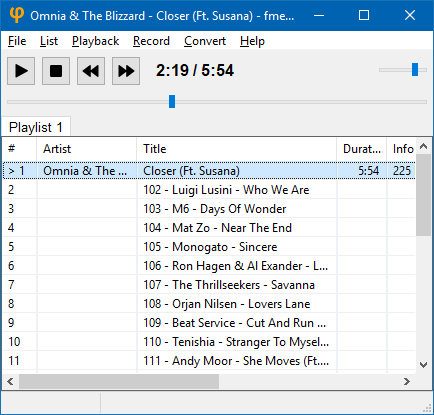
fmedia ~ Cross-platform Audio Interface
fmedia is a fast media player/recorder/converter for Windows, macOS, Linux and FreeBSD. It provides smooth playback and recording even if devices are very slow. It’s highly customizable and can be easily extended with additional plugins. Its low CPU & memory consumption saves energy when running on a notebook’s battery.
Play or convert audio files, record new audio tracks from microphone, save songs from Internet radio, and much more! fmedia is free and open-source project, and you can use it as a standalone application or as a library for your own software.

Rhythmbox ~ Gnome Audio Player
Rhythmbox is a music playing application for GNOME.

wiki.gnome.org/Apps/Rhythmbox
en.wikipedia.org/wiki/Rhythmbox