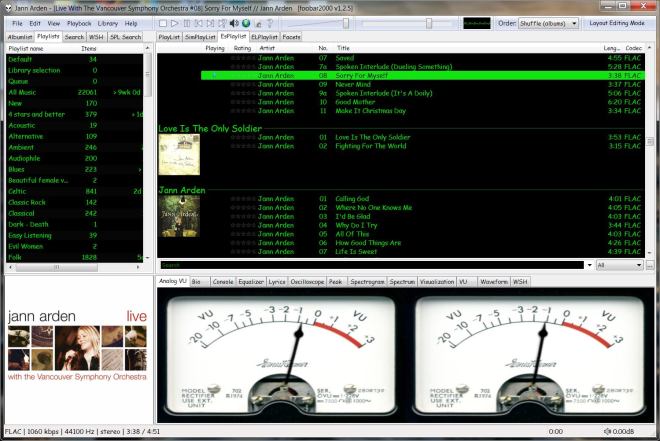
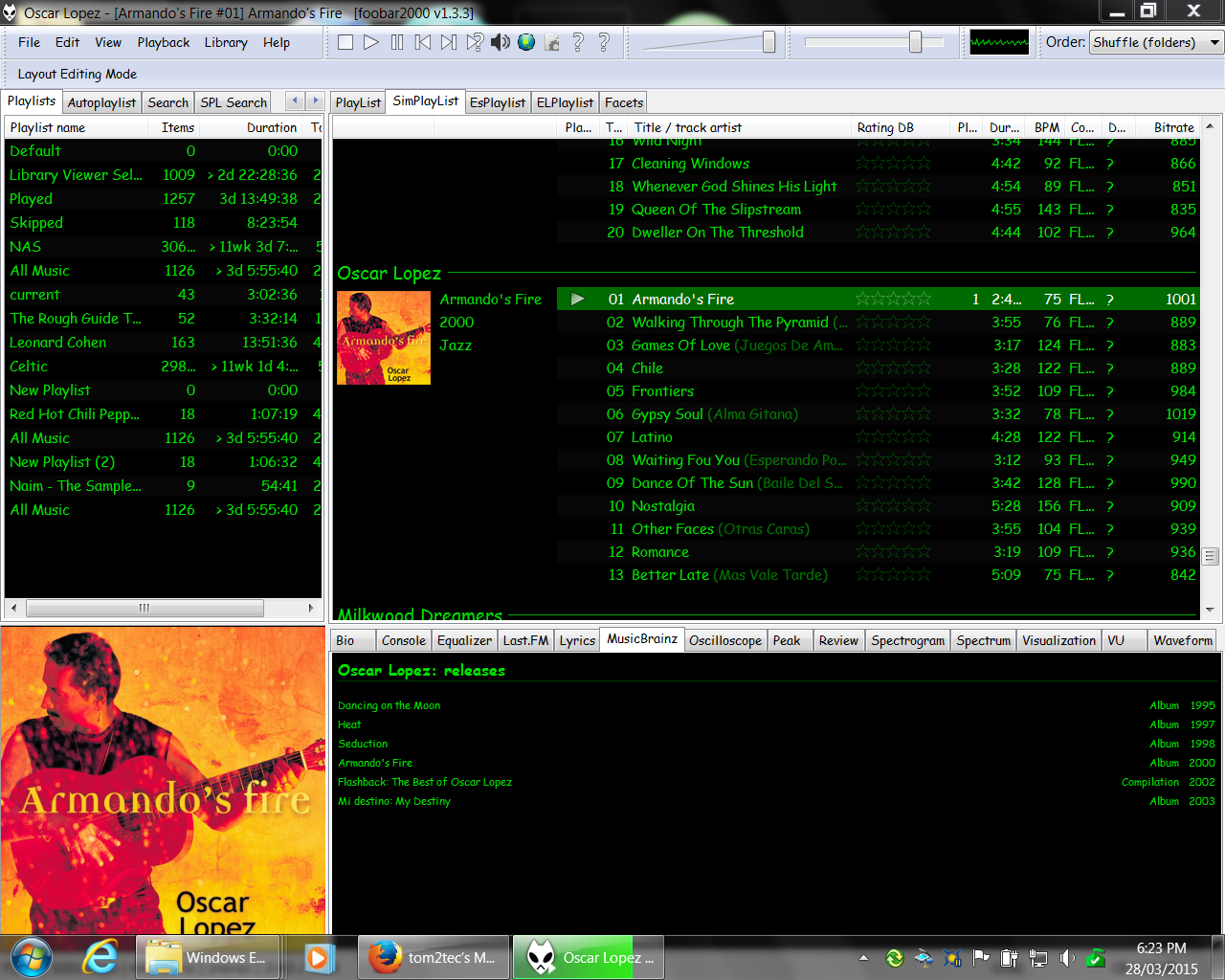
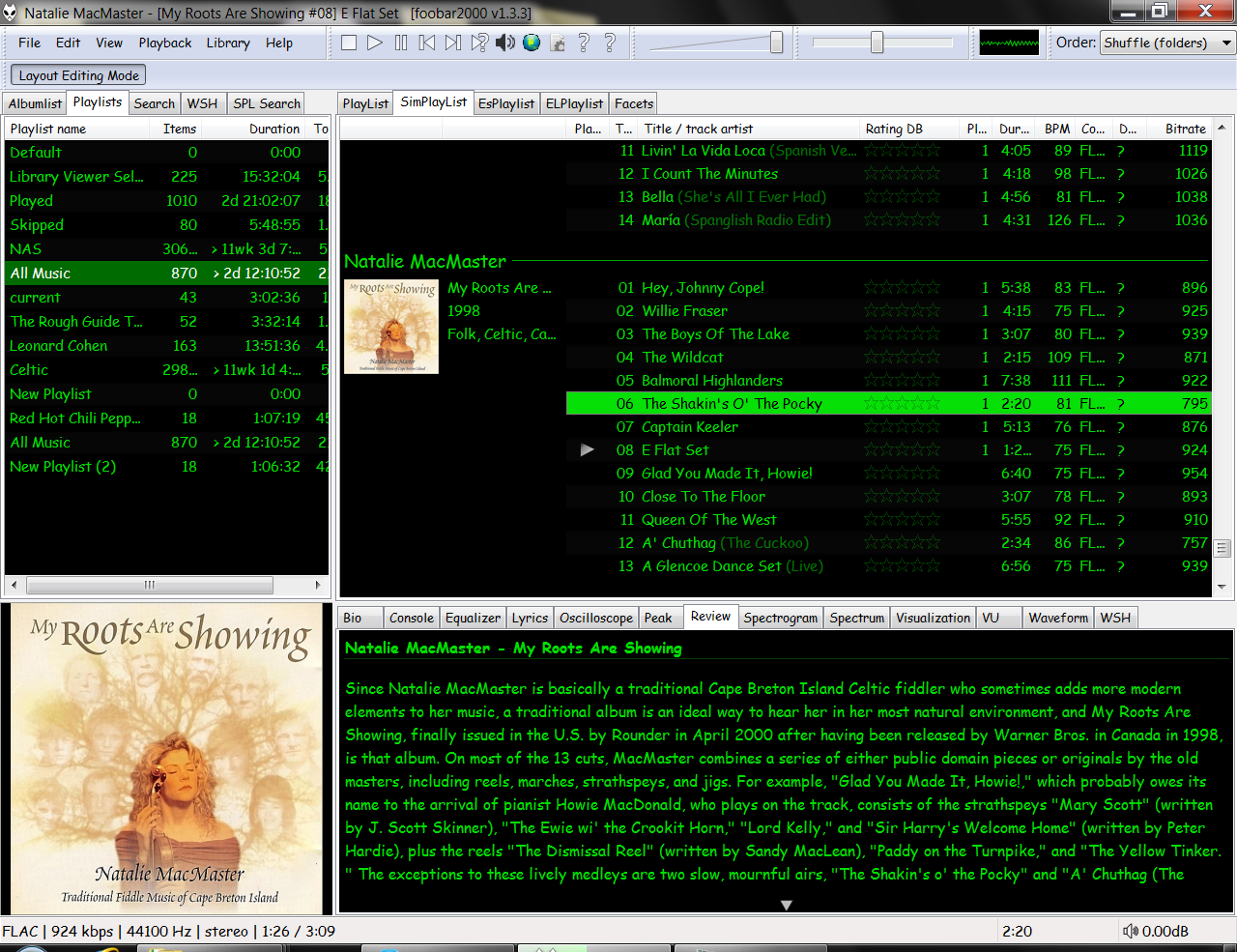
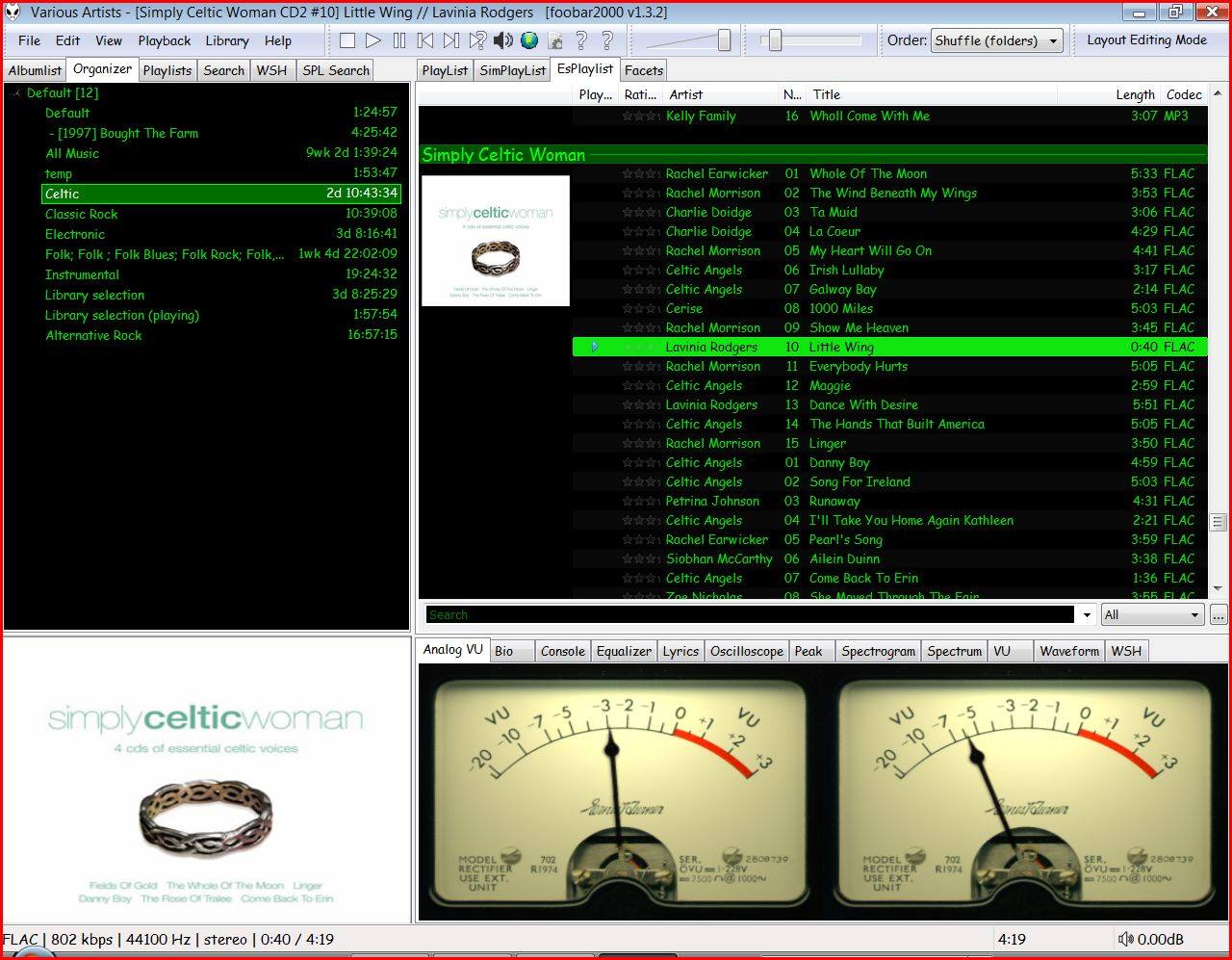
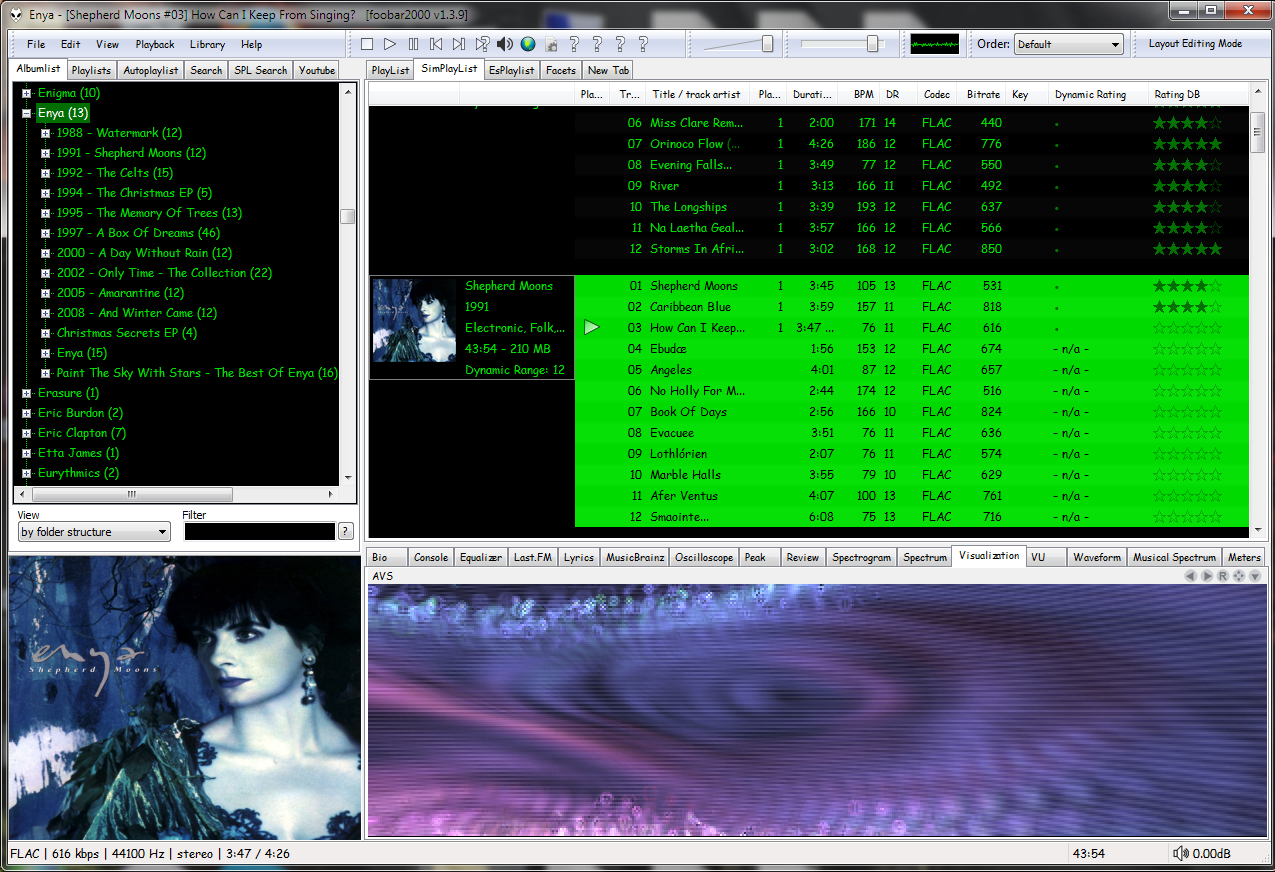
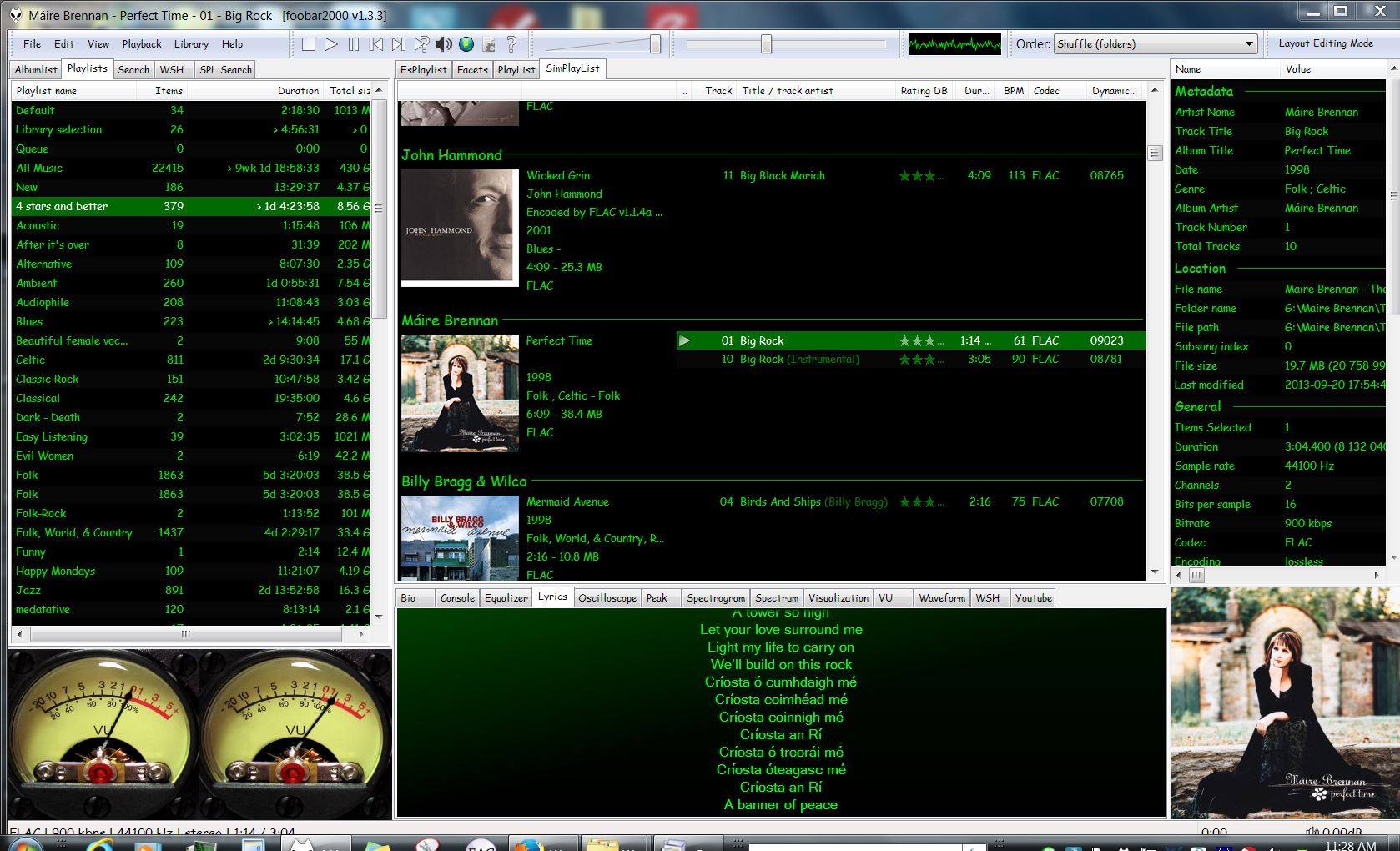
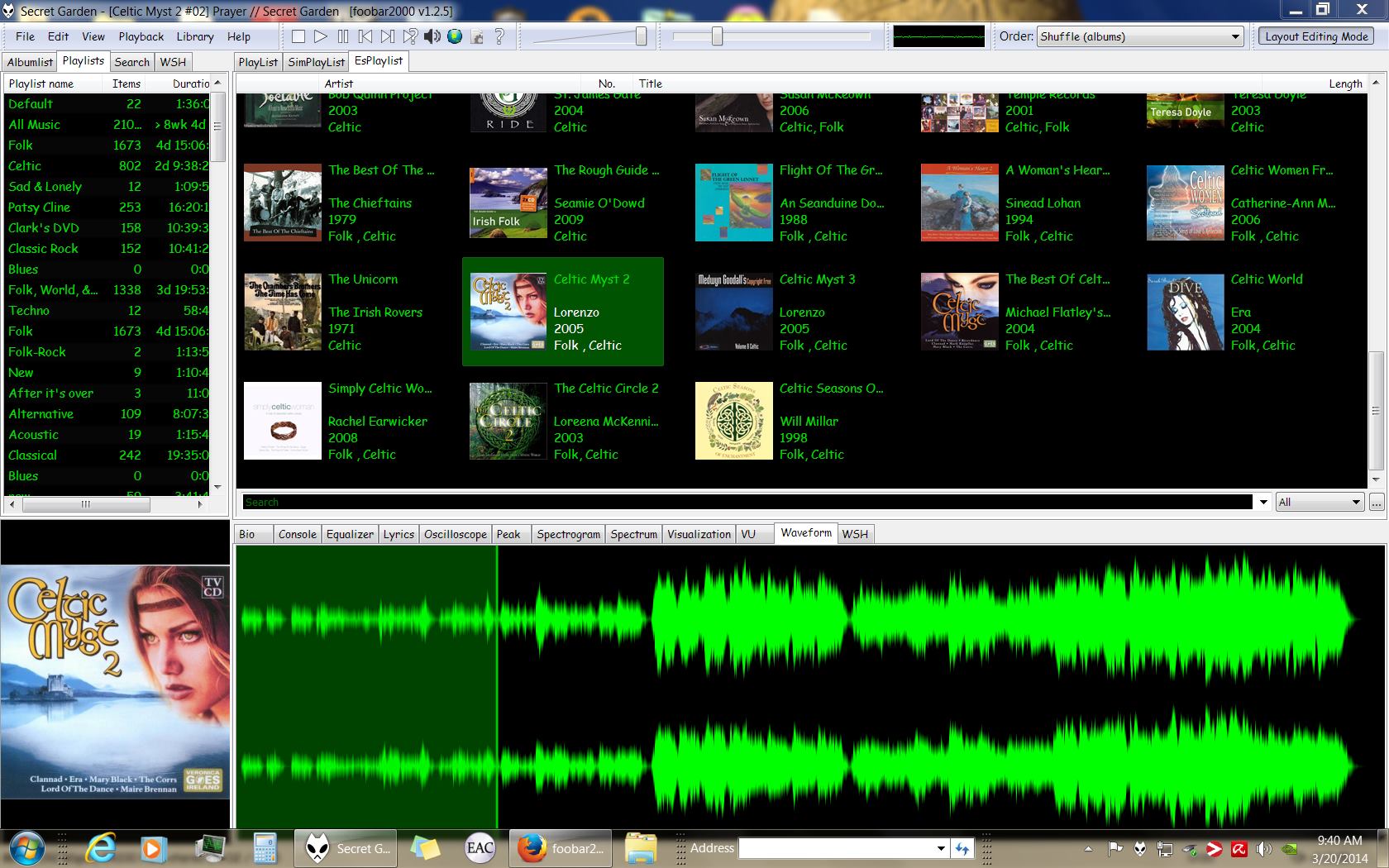
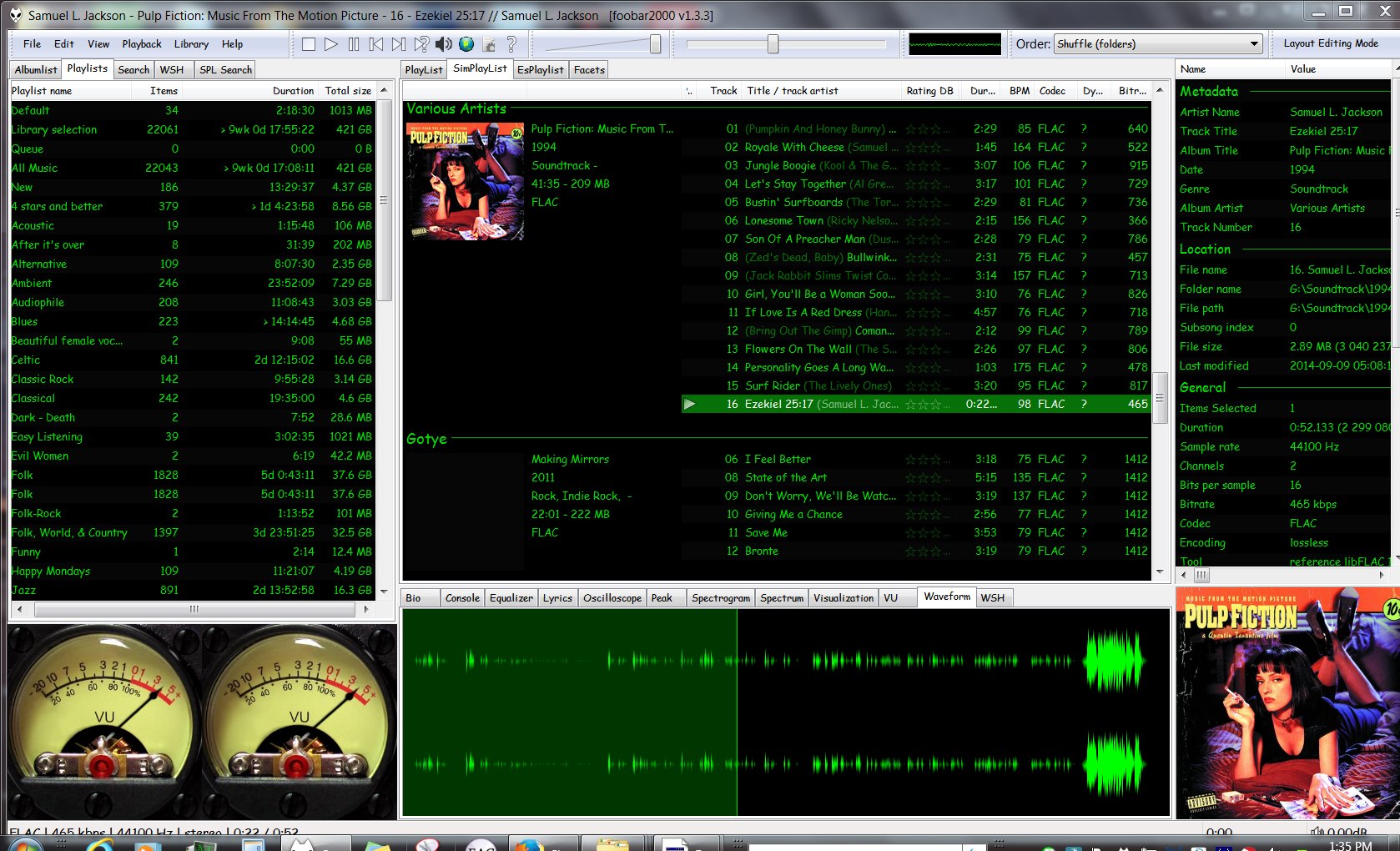
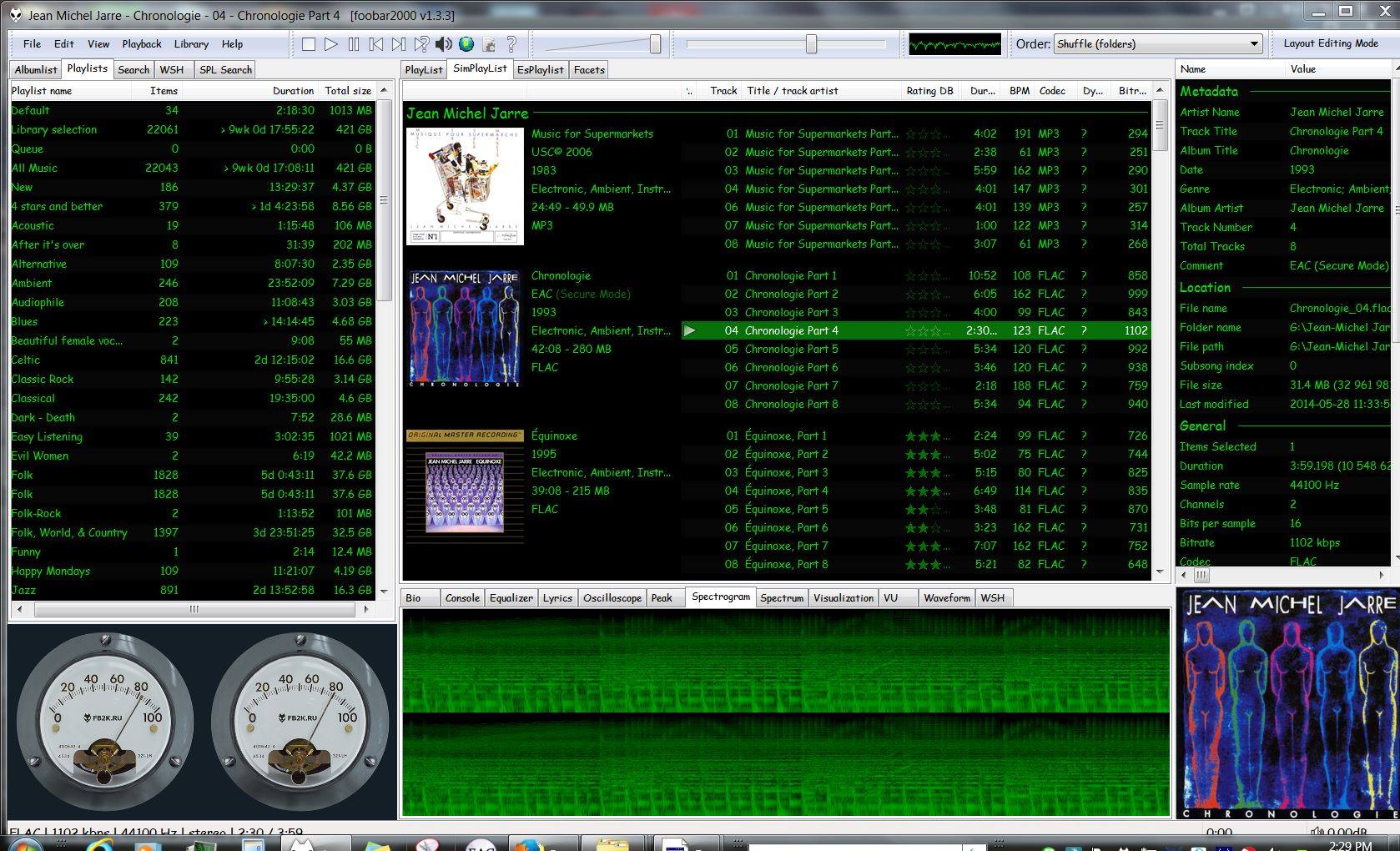
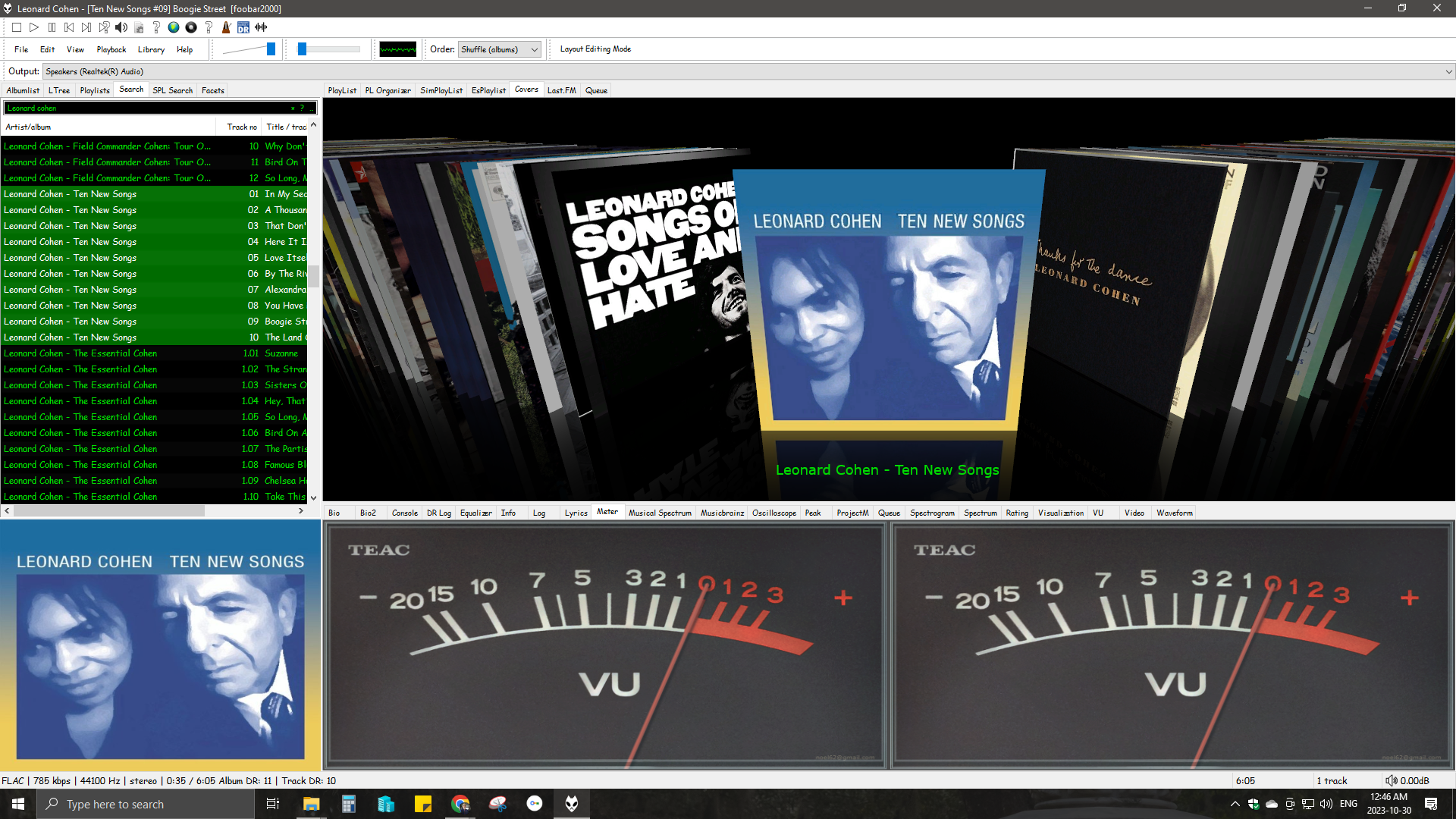
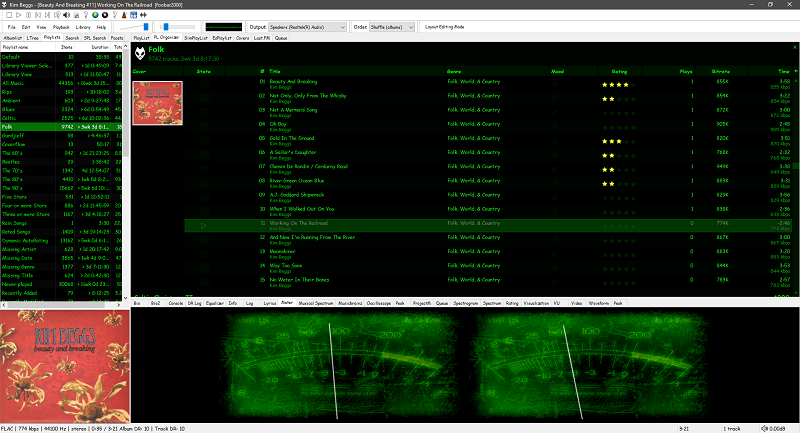
An advanced and evolved freeware audio player for Android, Mac, Windows and Wine. Foobar2000 can be extensively extended, modified and themed.
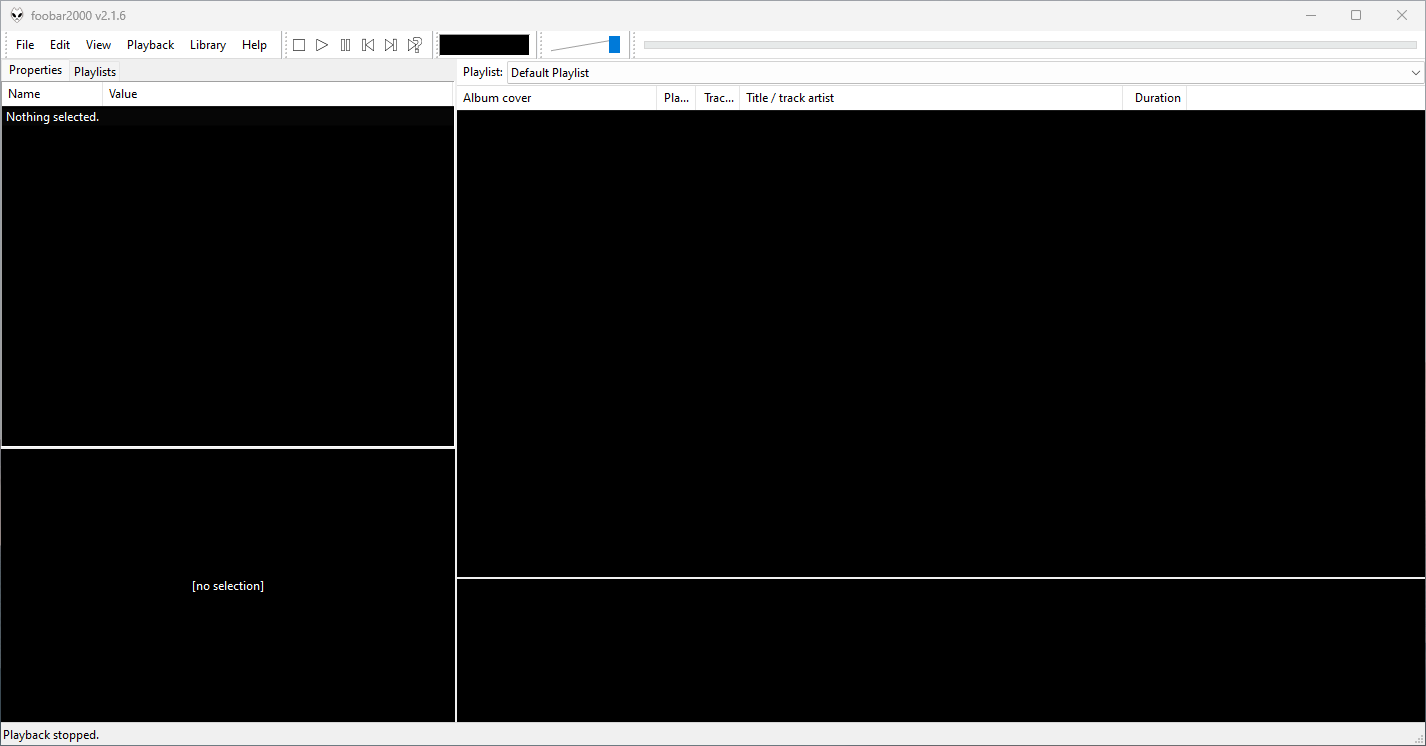
This is the basic Default User Interface or DUI. You will need to configure and extend the DUI Foobar2000 interface according to your preferences and requirements.
Features:
- Supported audio formats: MP3, MP4, AAC, CD Audio, WMA, Vorbis, Opus, FLAC, WavPack, WAV, AIFF, Musepack, Speex, AU, SND… and more with additional components.
- Gapless playback.
- Easily customizable user interface.
- Advanced tagging capabilities.
- Support for ripping Audio CDs as well as transcoding all supported audio formats using the Converter component.
- Full ReplayGain support.
- Customizable keyboard shortcuts.
- Open component architecture allows third-party developers to extend functionality.
- Multiplatform: Android, Mac, Windows 32|64-bit and ARM (ARM64EC).
Interfaces:
foobar2000 is not limited to the Default User Interface (DUI). Over its history, foobar2000 has had several complete user-interface modules, as well as newer technologies that extend the modern interfaces with highly customizable panels.
Core and Historical User Interfaces:
- Default User Interface (DUI) — The standard interface included with foobar2000. DUI uses configurable UI Elements to construct the player layout and remains the default interface in current versions of foobar2000.
- Columns User Interface (CUI) — A popular alternative user interface with interchangeable panels and toolbars. CUI provides extensive control over the arrangement and appearance of the foobar2000 interface and is widely used for customized layouts and themes.
- Classic User Interface — A recreation of the Default User Interface from early versions of foobar2000. It remains available as a component for current foobar2000 versions, primarily for historical and nostalgic purposes. The component intentionally does not attempt to reproduce all functionality of the modern DUI.
- Panels UI (PUI) — A discontinued historical user-interface module that allowed the entire foobar2000 interface to be constructed from configurable panels. Panels UI was an important interface in the foobar2000 customization community before being discontinued. It should be regarded as a legacy interface, not a current alternative to DUI or CUI.
Modern Web-Based User Interface:
foobar2000 also supports web-based interface components. These should not be confused with complete UI modules: they operate as panels or UI Elements within the DUI or CUI.
- WebView — Provides a Microsoft Edge WebView2 browser control as a foobar2000 UI panel. HTML, CSS and JavaScript can be used to create interactive panels and visualizations. It supports both Default UI and Columns UI.
- WebView2 — A newer WebView-based component that exposes Microsoft Edge WebView2 as a foobar2000 Default UI Element or a Columns UI panel. It allows HTML, CSS and JavaScript to interact with foobar2000 and can access the visualization stream. The current component supports foobar2000 2.0 and newer, Windows 10 and newer, and x86, x64 and ARM64/ARM64EC builds.
WebView and WebView2 represent a web-based UI technology rather than separate core foobar2000 interfaces. A WebView/WebView2-based design is still a DUI or CUI layout with a web-based component incorporated into it. The official component repository explicitly identifies WebView2 as a Columns UI panel / Default UI element, rather than as a user-interface module.
The Interface Landscape
In practical terms, foobar2000’s interface history can be divided into:
Complete user-interface modules
- Default User Interface (DUI) — current
- Columns User Interface (CUI) — current
- Classic User Interface — current component, reproducing the historical DUI
- Panels UI (PUI) — discontinued historical interface
UI extension and panel technologies
- WebView
- WebView2
- JScript Panel / JScript Panel 3
- Other DUI UI Elements and CUI panels
This distinction is important when describing foobar2000 themes. A theme designed for CUI is a theme for a different complete UI module than a DUI theme. A theme that incorporates WebView2, however, is still a DUI or CUI theme that uses WebView2 as one of its UI components.
For this reason, foobar2000 themes and interface collections identify the Intended User Interface separately from individual panel technologies and components.
Links:
- www.foobar2000.org
- www.foobar2000.org/download
- www.foobar2000.org/old
- www.foobar2000.org/components
- www.foobar2000.org/components/system/mac
- www.foobar2000.org/FAQ
- www.foobar2000.org/screenshots
- www.foobar2000.org/SDK
- mobile.foobar2000.com
- wiki.hydrogenaud.io
- Version_2.0_Release_Notes
Packages & Store Versions:
- apps.apple.com/us/app/foobar2000/id1072807669
- play.google.com/store/apps/details?id=com.foobar2000.foobar2000
- www.microsoft.com/en-us/p/foobar2000/9pdj8x9spf2k
- www.microsoft.com/store/productId/9PDJ8X9SPF2K (foobar2000 classic version 1.6x)
- chocolatey.org/packages/foobar2000
- aur.archlinux.org/packages/foobar2000/
Official Foobar2000 Forums At Hydrogenaudio:
References:
- en.wikipedia.org/wiki/Foobar2000
- Foobar2000 Encoder Pack
- head-fi.org ~ Foobar2000 resources
- Kode54’s Component Page
- Reddit – rFoobar2K
- snapcraft.io/foobar2000
- www.facebook.com/foobar2k
- github.com/marc2k3/foobar2000-sdk
- eolindel.free.fr/foobar
- MacOS components