Add-on components greatly extend the appearance and functionality of Foobar2000.
Open the Foobar Preferences dialog (File | Preferences or press CTRL+P)
Go to the Components page (click components at the top of the list)
Click the “Install…” button and select the component archive (zip) file, or drag the component’s file to the Installed components list box.
Press “OK“, you will be prompted to restart foobar2000 in order to load the newly installed component.
If the component has a visual element, you’ll need to add the component to the DUI (Default User Interface) now. Toggle View\Layout\Enable Layout Editing Mode and then add a new panel or tab. Right click the new panel or tab area and select “Add New UI Element …“, then select the new component from the list. You may need to adjust borders to fit. Exit layout mode.
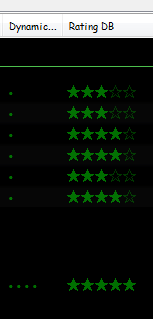
Date and duration adjusted (DADA) auto-rating algorithm for foobar2000
The DADA Auto-Rating algorithm (DAR) automatically rates music according to a variety of statistics collected by foobar2000’s official “playback statistics” plugin.
If done well, an auto-rating algorithm will simply tell you what your favorite (and conversely, least favorite) music is, and the rating will be derived from and reflect actual listening behavior. This is quite different from manual ratings (e.g. 1 – 5 stars set by the user), since there’s very often a disparity between what we’d like ourselves to like, and what we actually like. For those interested in uncovering their actual musical tastes, a good auto-rating formula can be quite illuminating.
MilkDrop is a music visualizer – a “plug-in” or extension to Winamp or Foobar2000 music players. As you listen your music in Winamp, MilkDrop takes you flying through the actual sound waves you’re hearing, and uses beat detection to trigger myriad psychedelic effects, creating a rich visual journey through sound. MilkDrop can also be driven by a live audio feed (microphone or line-in).
USF is a format which allows emulation of the sound of an Nintendo 64, which would allow (almost) perfect replication of the music in games. USFs are then played through a player, with a suitable plugin, which allows it to be played.
One of the first Foobar components to consider installing is foo_jesus. This component automatically saves your current configuration and creates backup copies on a regular basis. If you have a problem, or a regret, you can easily restore Foobar to an earlier state.
Adds submenu: File>Preferences>Advanced>Autosave & Autobackup Backs up to: \Users\username\AppData\Roaming\foobar2000\autobackup
An advanced and evolved freeware audio player for Android, Mac, Windows and Wine. Foobar2000 can be extensively extended, modified and themed.
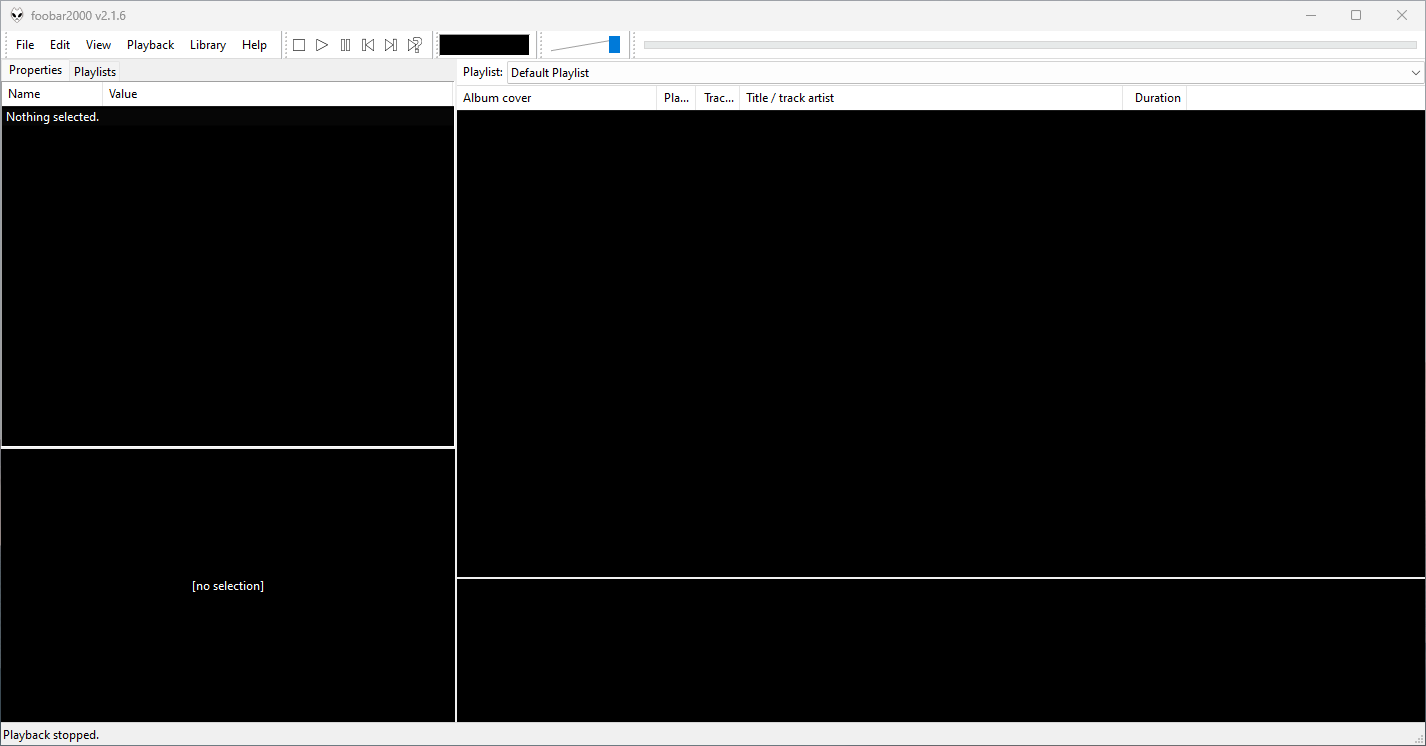
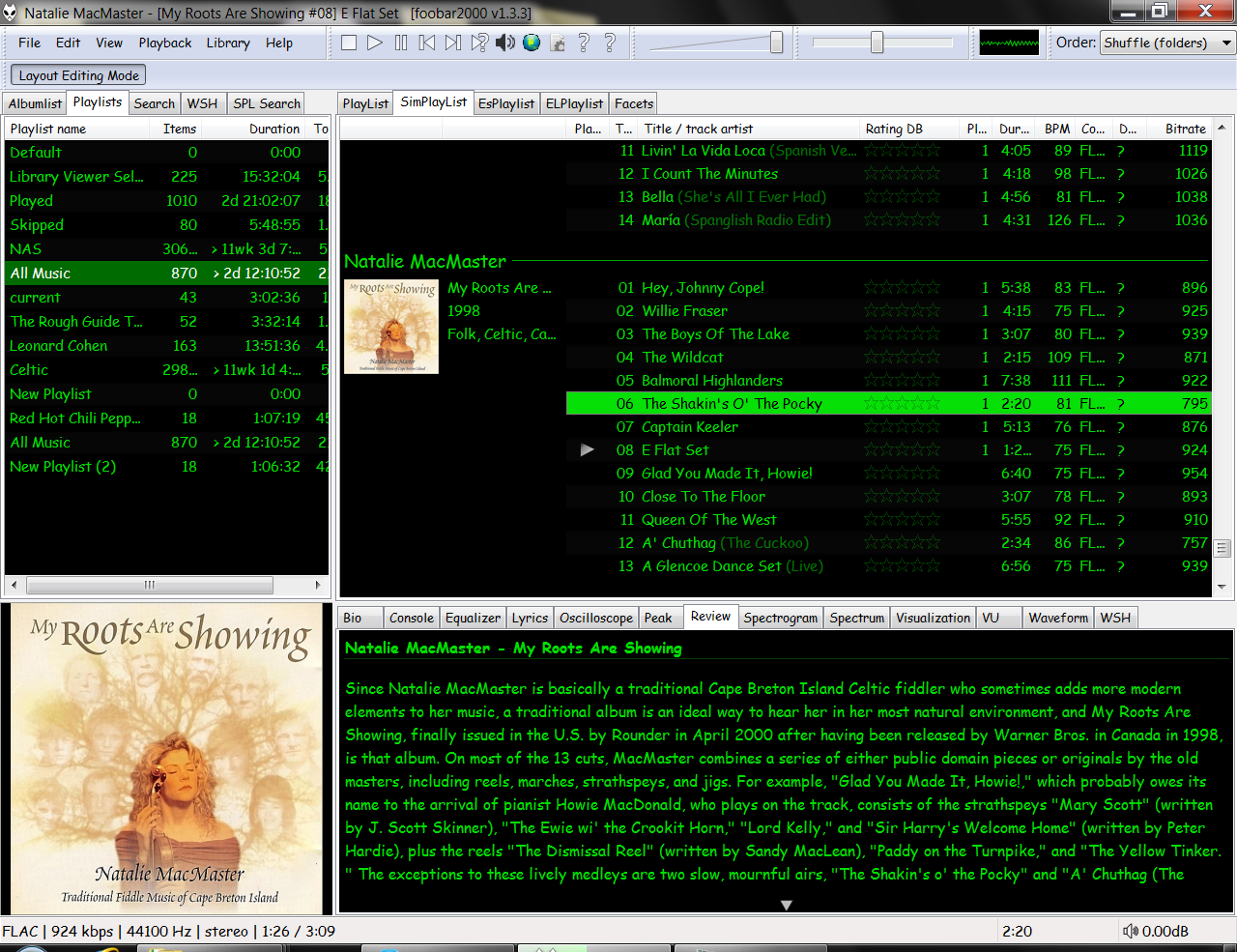
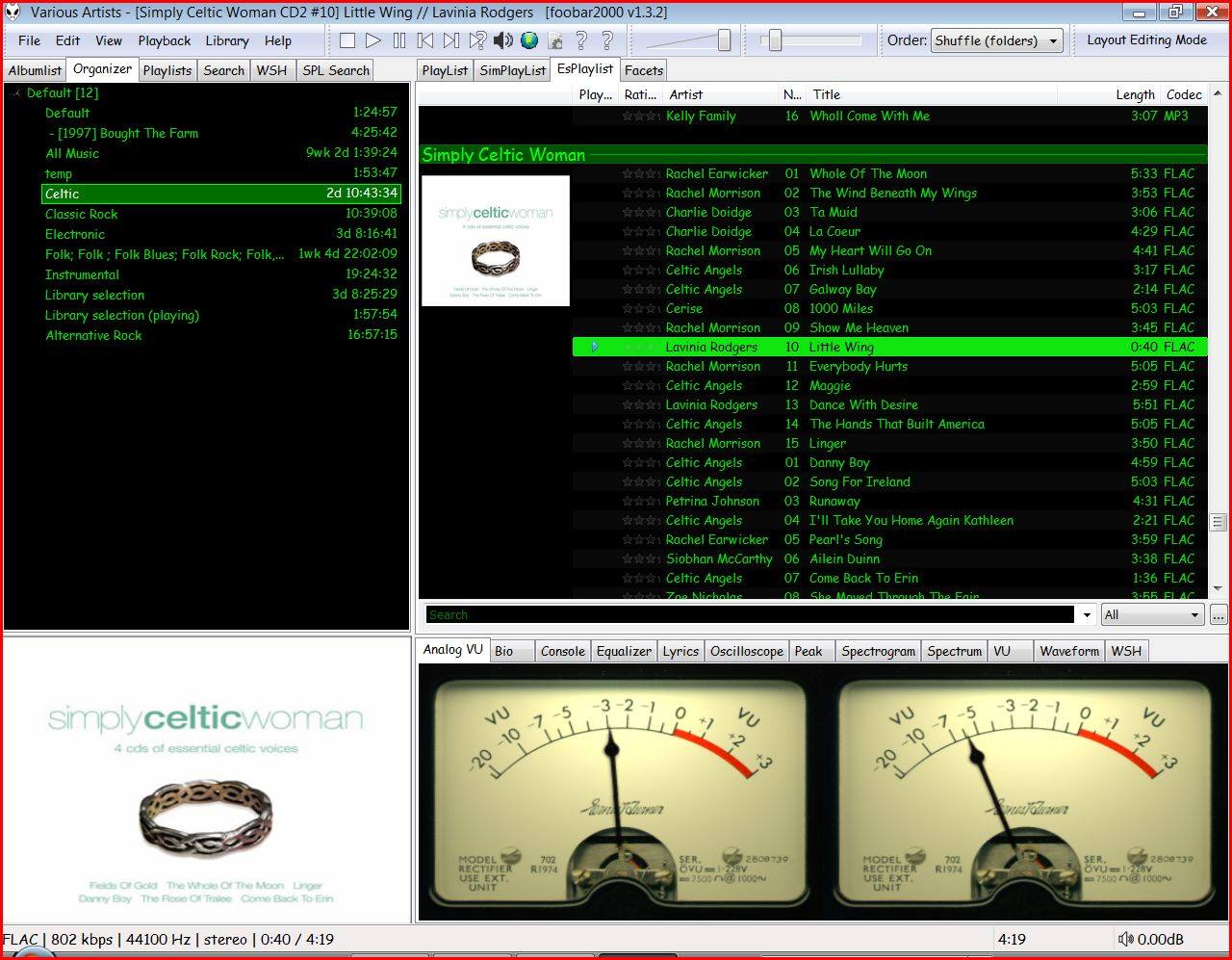
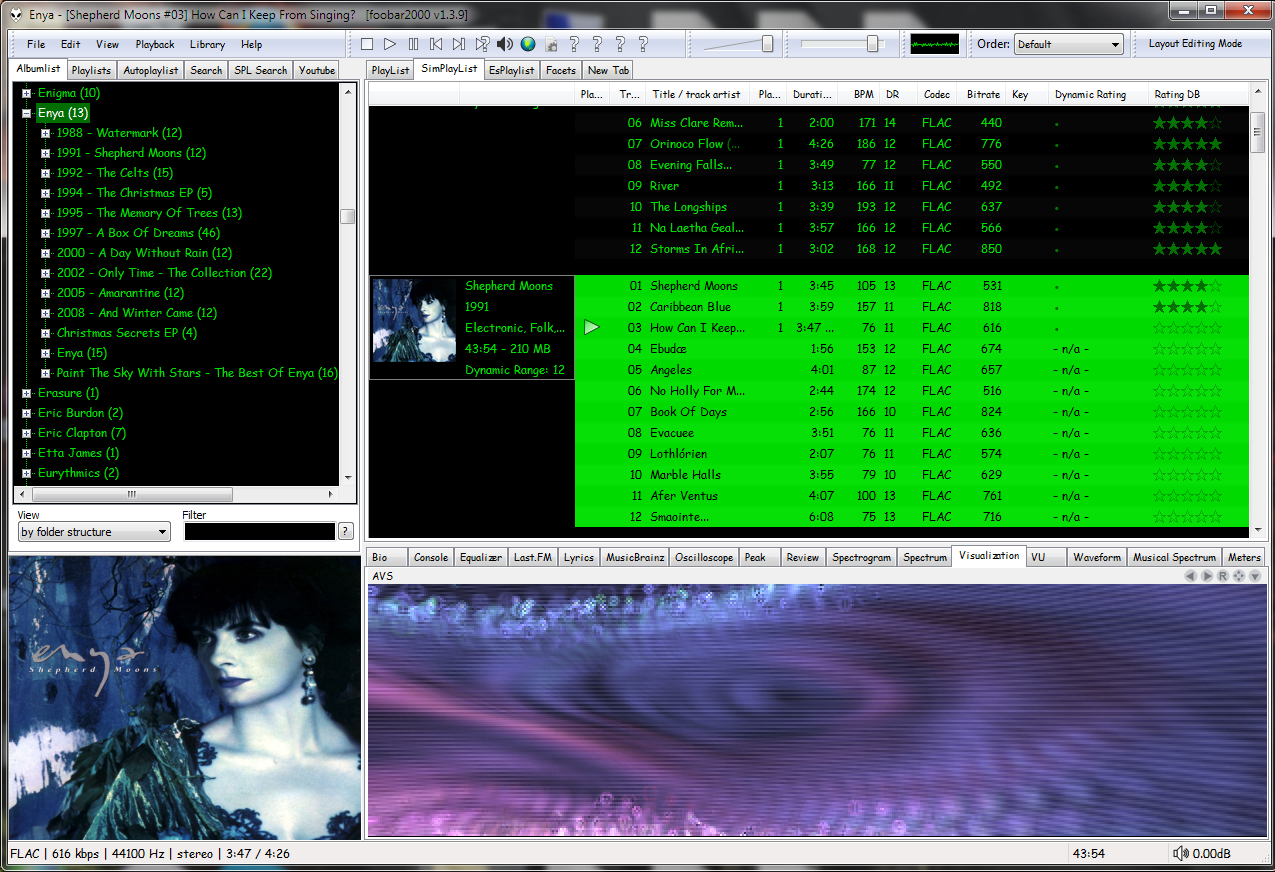
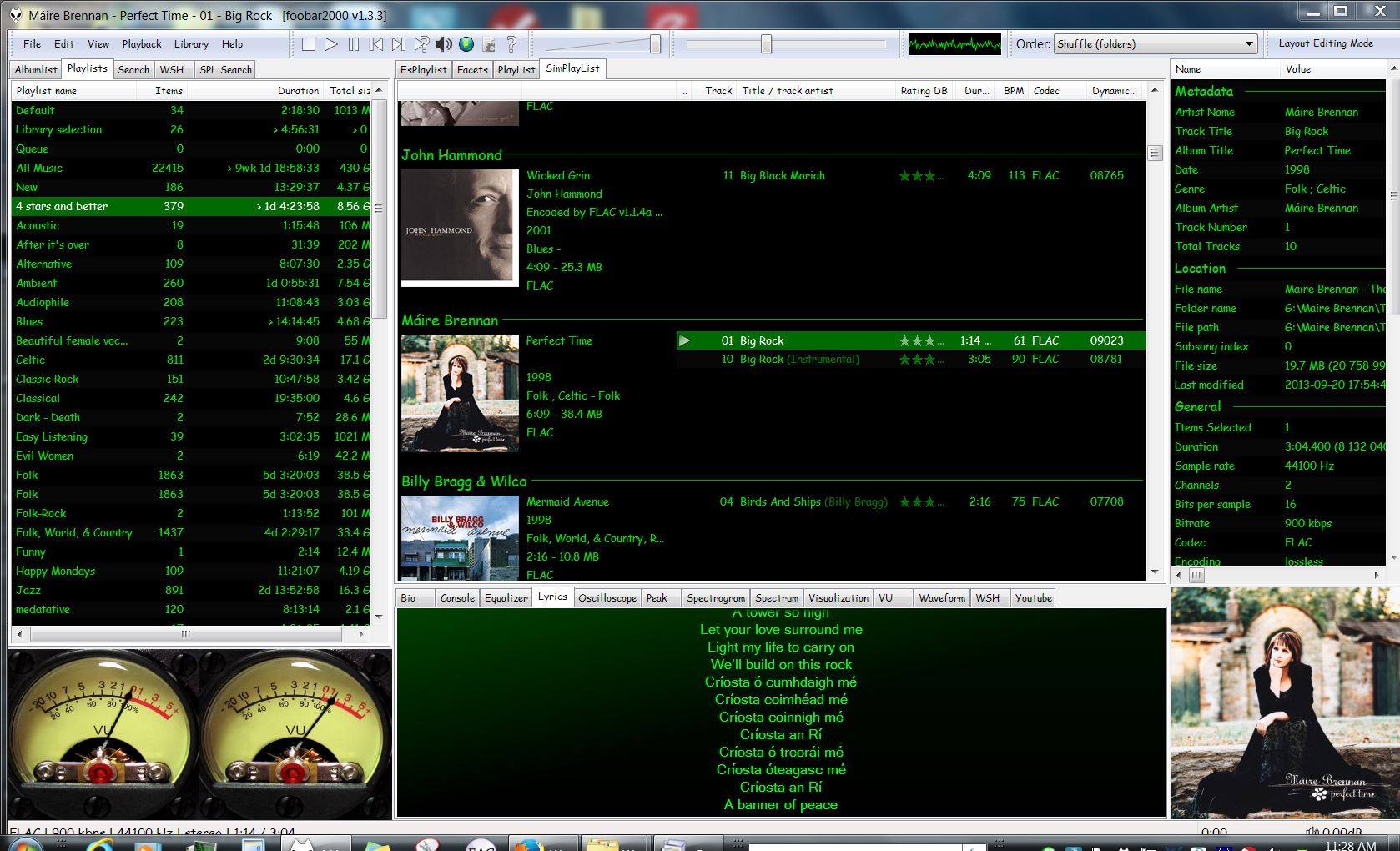
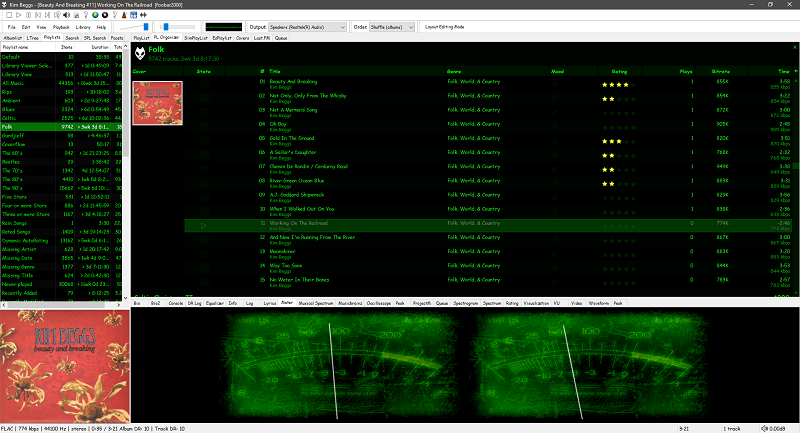
This is the basic Default User Interface or DUI. You will need to configure and extend the DUI Foobar2000 interface according to your preferences and requirements.
Foobar2000 Default User Interface
Features:
Supported audio formats: MP3, MP4, AAC, CD Audio, WMA, Vorbis, Opus, FLAC, WavPack, WAV, AIFF, Musepack, Speex, AU, SND… and more with additional components.
Open component architecture allows third-party developers to extend functionality.
Multiplatform: Android, Mac, Windows 32|64-bit and ARM (ARM64EC).
Interfaces:
foobar2000 is not limited to the Default User Interface (DUI). Over its history, foobar2000 has had several complete user-interface modules, as well as newer technologies that extend the modern interfaces with highly customizable panels.
Core and Historical User Interfaces:
Default User Interface (DUI) — The standard interface included with foobar2000. DUI uses configurable UI Elements to construct the player layout and remains the default interface in current versions of foobar2000.
Columns User Interface (CUI) — A popular alternative user interface with interchangeable panels and toolbars. CUI provides extensive control over the arrangement and appearance of the foobar2000 interface and is widely used for customized layouts and themes.
Classic User Interface — A recreation of the Default User Interface from early versions of foobar2000. It remains available as a component for current foobar2000 versions, primarily for historical and nostalgic purposes. The component intentionally does not attempt to reproduce all functionality of the modern DUI.
Panels UI (PUI) — A discontinued historical user-interface module that allowed the entire foobar2000 interface to be constructed from configurable panels. Panels UI was an important interface in the foobar2000 customization community before being discontinued. It should be regarded as a legacy interface, not a current alternative to DUI or CUI.
Modern Web-Based User Interface:
foobar2000 also supports web-based interface components. These should not be confused with complete UI modules: they operate as panels or UI Elements within the DUI or CUI.
WebView — Provides a Microsoft Edge WebView2 browser control as a foobar2000 UI panel. HTML, CSS and JavaScript can be used to create interactive panels and visualizations. It supports both Default UI and Columns UI.
WebView2 — A newer WebView-based component that exposes Microsoft Edge WebView2 as a foobar2000 Default UI Element or a Columns UI panel. It allows HTML, CSS and JavaScript to interact with foobar2000 and can access the visualization stream. The current component supports foobar2000 2.0 and newer, Windows 10 and newer, and x86, x64 and ARM64/ARM64EC builds.
WebView and WebView2 represent a web-based UI technology rather than separate core foobar2000 interfaces. A WebView/WebView2-based design is still a DUI or CUI layout with a web-based component incorporated into it. The official component repository explicitly identifies WebView2 as a Columns UI panel / Default UI element, rather than as a user-interface module.
The Interface Landscape
In practical terms, foobar2000’s interface history can be divided into:
Complete user-interface modules
Default User Interface (DUI) — current
Columns User Interface (CUI) — current
Classic User Interface — current component, reproducing the historical DUI
This distinction is important when describing foobar2000 themes. A theme designed for CUI is a theme for a different complete UI module than a DUI theme. A theme that incorporates WebView2, however, is still a DUI or CUI theme that uses WebView2 as one of its UI components.
For this reason, foobar2000 themes and interface collections identify the Intended User Interface separately from individual panel technologies and components.
Copy any .bin skin files to the …\AppData\Roaming\foobar2000\user-components\foo_vis_vumeter folder (Shift+File>Browse configuration folder)
Select View > Layout > Enable layout editing mode
Right click the tab area in a panel and select Add New Tab
Right click the new tab and rename it “Analog VU Meter” or whatever
Right click the new display area and select Add New UI Element
Select ‘Analog VU Meter’ from the list (Playback Visualization)
Disable layout editing mode
Group Submenus:
Adding a new subfolder to the …\AppData\Roaming\foobar2000\user-components\foo_vis_vumeter folder creates a listing with that subfolder’s name in the Group submenu. ‘.bin‘ meter files in those subfolders are then accessible via the corresponding group submenu.
Parameters:
Right mouse click on the meter display:
Layout submenu / Horizontal or Vertical / Dual or Single / Mono / Lock Aspect Ratio
Select skin
Preferences > Advanced > Display > VU Meter:
VU meter sensitivity – Default left and right preamp (db): 20 and rise time(s) 0.20s
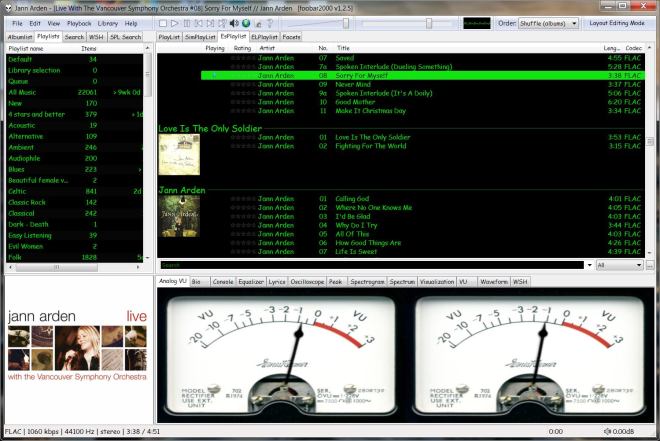
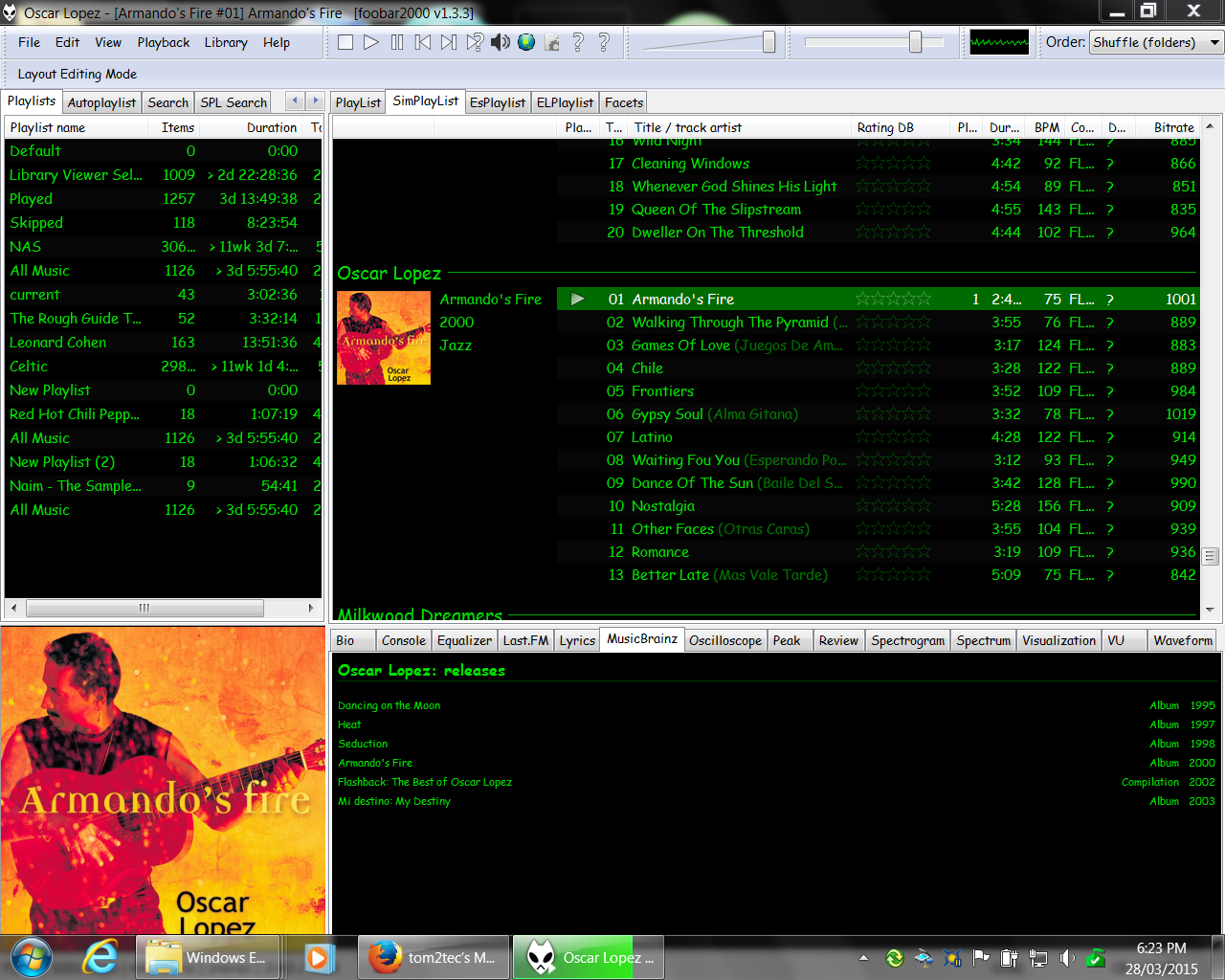
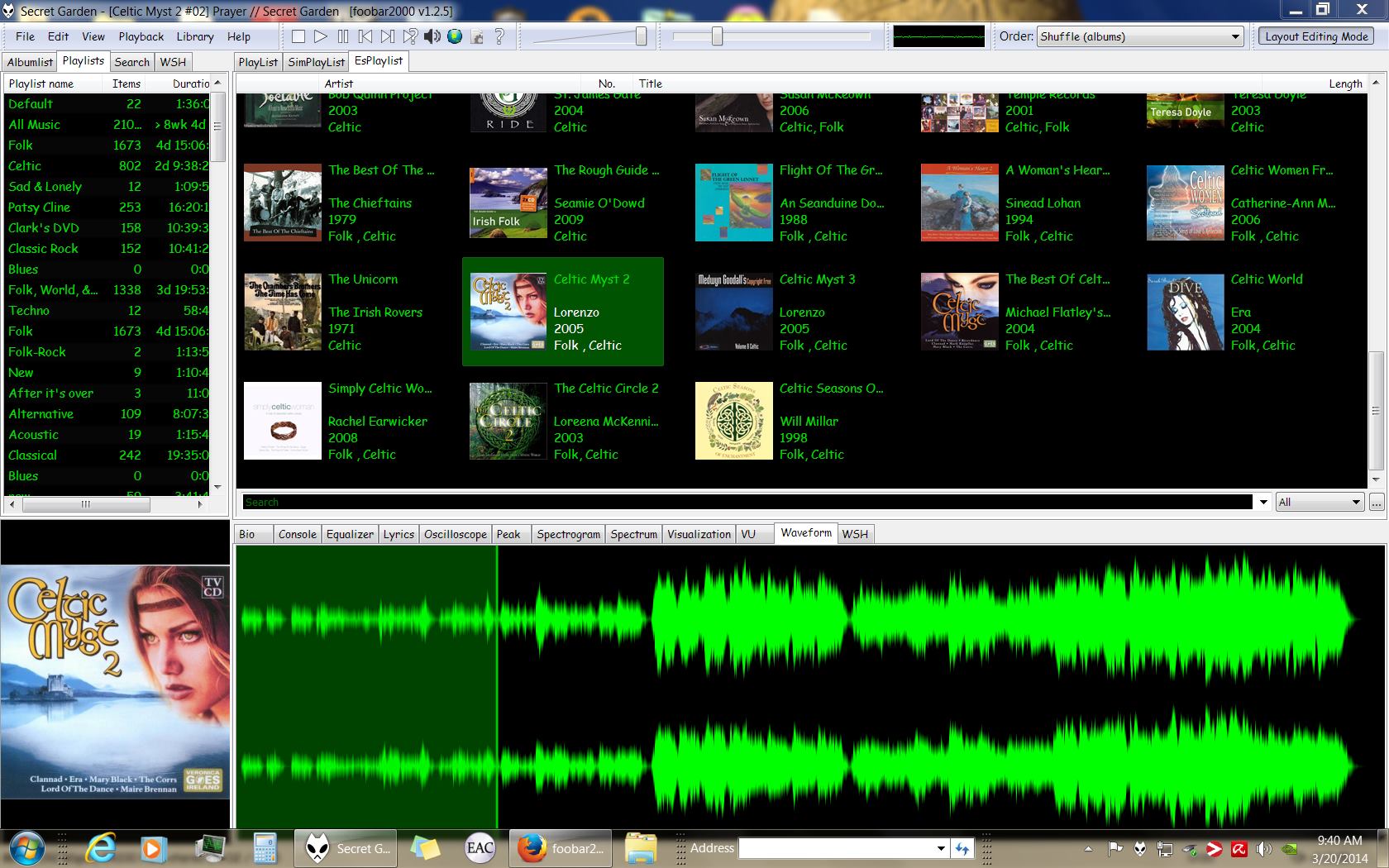
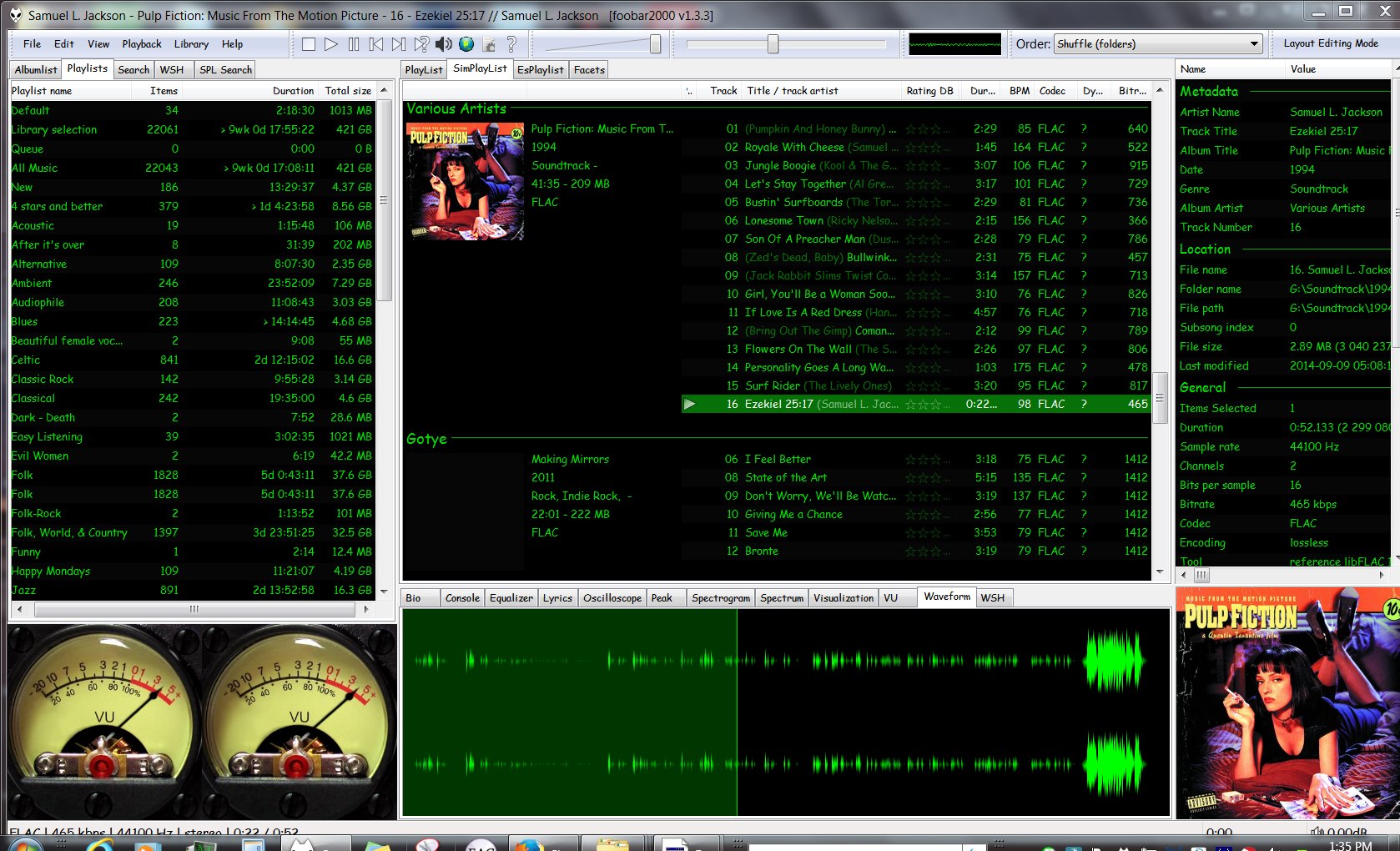
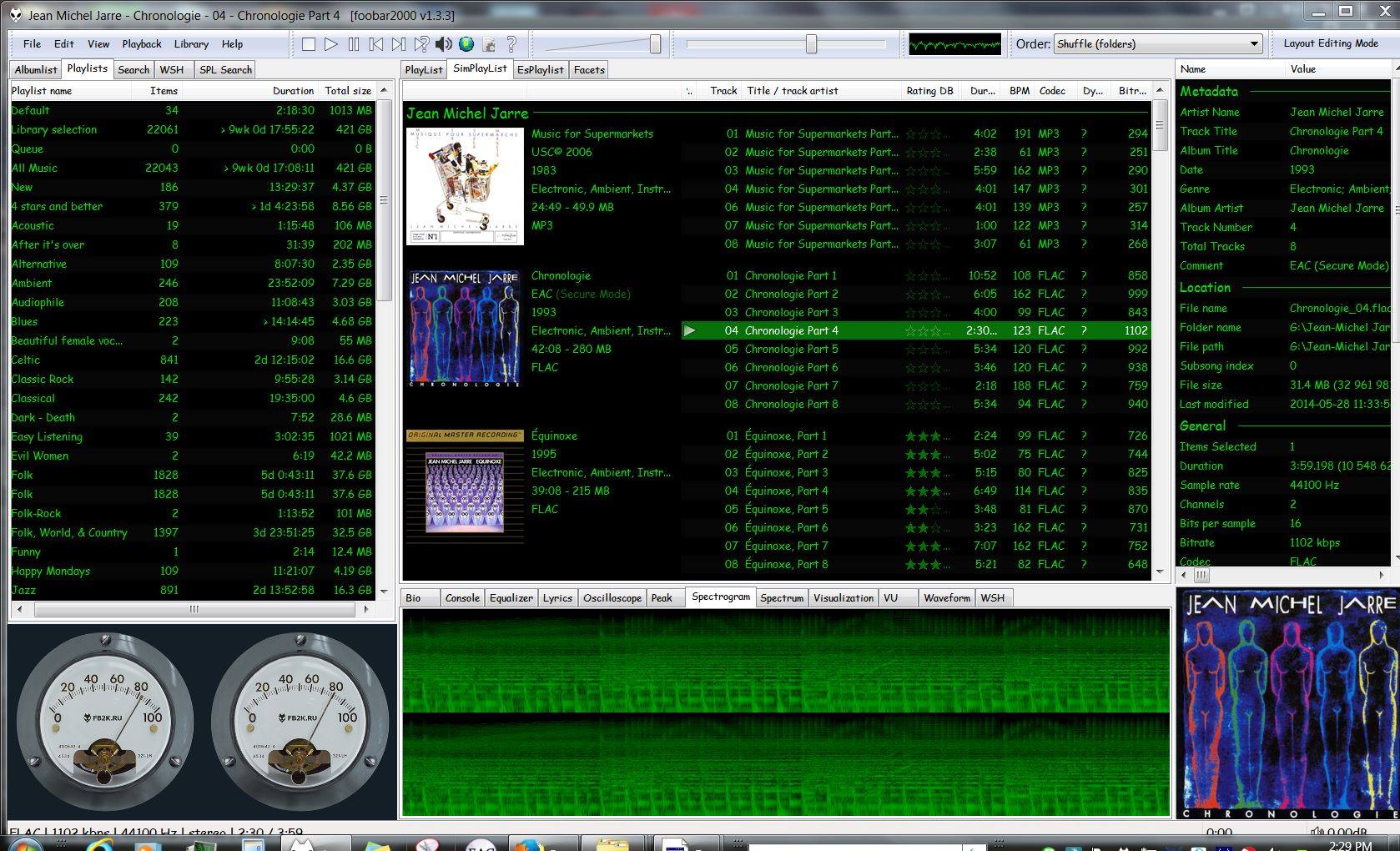
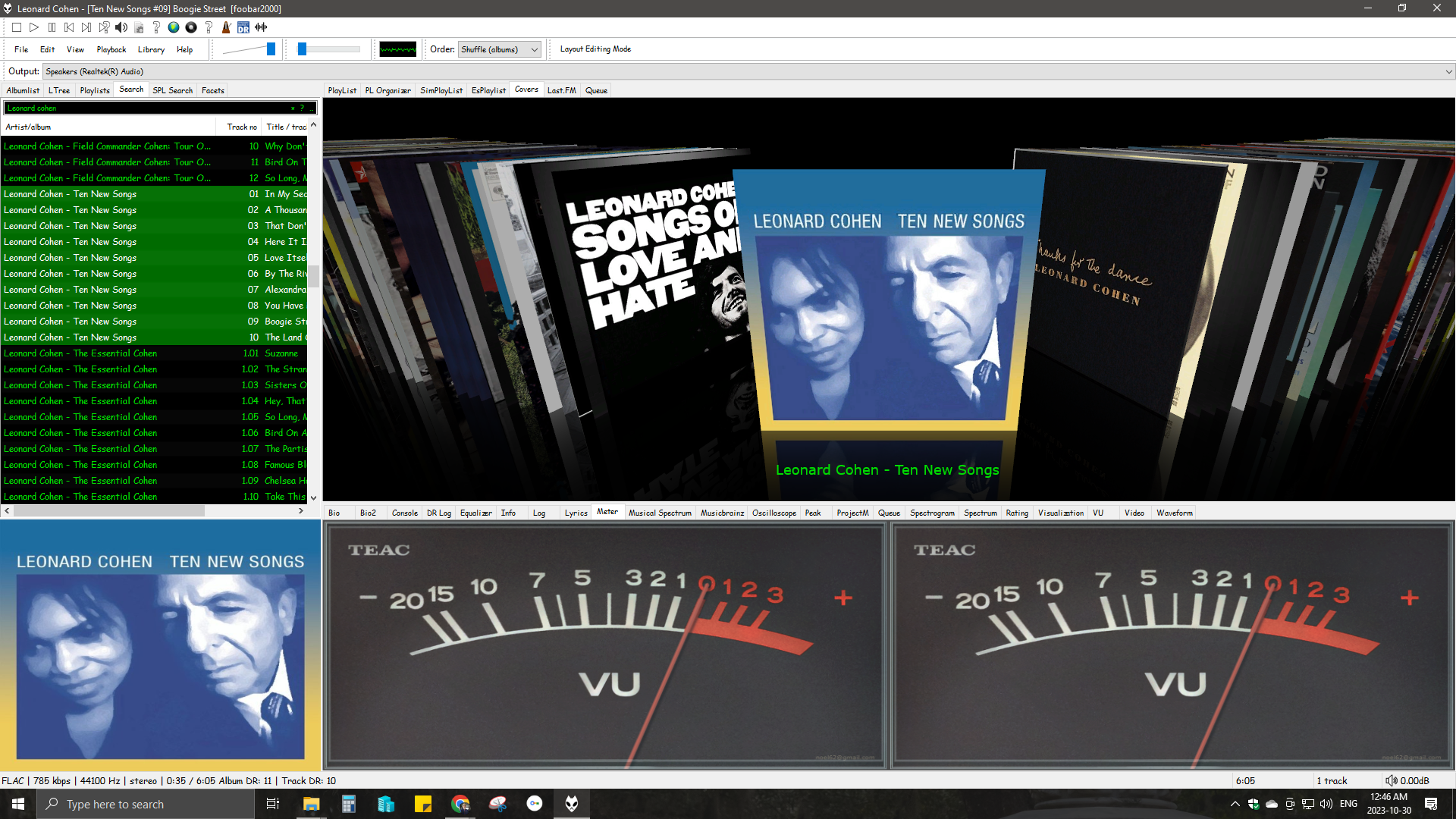
Four Panels & MusicBrainz ReleasesFour Panels – All Music ReviewFour Panels with Dynamic Range & Waveform SeektableDefault User Interface (DUI) – Four panels – Playlist Organizer (foo_plog)Four panels – EsPlaylist – Analog VU metersFour Panels – SimPlaylist – VisualizationsSix panel with lyrics and 4 star or better playlistFour Panel – Seektable WaveformSix Panel – SimPlaylist – Default analog VU metersSix panel – SpectrogramCurrent 4 Panel DUIFour Panel – Playlist Organiser Script