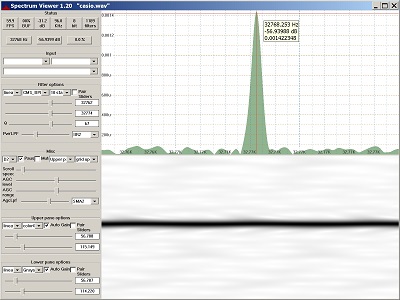
SpectrumViewer ~ Windows Continuous Spectrum Display


Display of audio spectrum from PC input or wave file.

Reads audio from Windows audio interface or wave file and creates a continuous spectrum display. Command line support for generating sine, square, triangle and sawtooth wave files. Uses biquad IIR digital filters for frequency detection, plus digital lowpass filters for smoothing. Highly configurable. 60+ FPS with suitable hardware. Manual or automatic gain control.

Features:

  • Continuous display update
  • Single function, easy to learn
  • Zoom in on small frequency or dB range
  • Resizable main window and repartitionable panes
  • Crosshair cursor when Ctrl is pressed
  • Single, stand-alone exe file, no install/uninstall
  • Builds with Visual Studio 2019 or 2022
  • Bit-perfect sine wave generation for all sample sizes
sourceforge.net/projects/spectrumviewer-for-windows

SuperCollider ~ Audio Synthesis & Composition


SuperCollider is a platform for audio synthesis and algorithmic composition, used by musicians, artists, and researchers working with sound. It consists of:

  • scsynth, a real-time audio server with hundreds of unit generators (“UGens”) for audio analysis, synthesis, and processing
  • supernova, an alternative server to scsynth with support for parallel DSP on multi-core processors
  • sclang, an interpreted programming language that controls the servers
  • scide, an editing environment for sclang with an integrated help system

sclang comes with its own package manager, called Quarks. scsynth and supernova both support third-party plugins via C and C++ APIs.

github.com/supercollider/supercollider
github.com/supercollider
supercollider.github.io
en.wikipedia.org/wiki/SuperCollider
soundcloud.com/tags/supercollider
www.linux-magazine.com/Online/Features/Sculpting-Sound-with-SuperCollider

AudioKit ~ Mac Open Source Audio Platform


AudioKit is an audio synthesis, processing, and analysis platform for iOS, macOS (including Catalyst), and tvOS.

github.com/AudioKit/AudioKit
www.audiokit.io

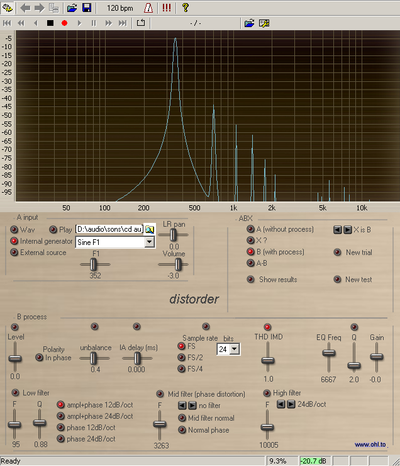
Distorder ~ Audio Distortion Analyser


The Distorder is a psychoacoustic standalone or VST application to check audibility of various forms of linear and nonlinear distortions applied to a stereo audio signal, including an ABX tester.

In simpler words, it’s just a soft to be sure if you’re not completely deaf.

BeatRoot ~ Beat Tracking & Visualization


BeatRoot is an interactive beat tracking and visualisation system.

code.soundsoftware.ac.uk/projects/beatroot
www.eecs.qmul.ac.uk/~simond/beatroot
en.wikipedia.org/wiki/BeatRoot

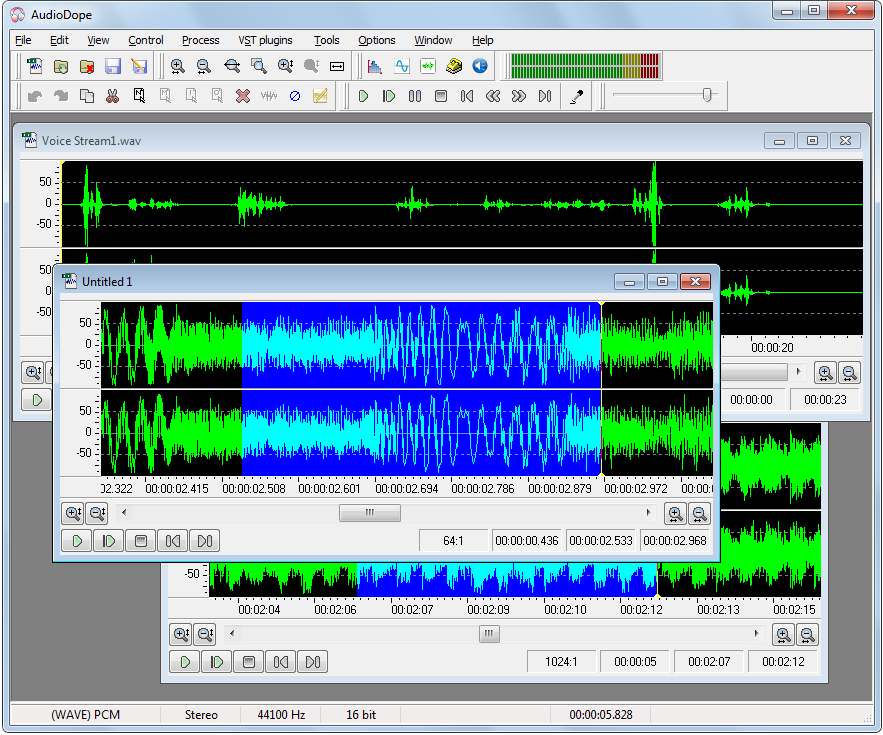
Audiodope ~ Freeware Audio Editor


Audiodope is an audio editor. You can load and listen to music files of various formats such as wave, MP3, WMA, etc. You can also edit part or the whole stream with functions like copy, cut, paste, insert and delete. You may modify any part of the stream by applying audio effects and synthesize sound files.

Features:

  • Sound editing functions such as copy, cut, paste, delete, insert, trim.
  • Apply processes like click removal, DC offset correction, compressor, echo, fading, inversion, noise reduction, normalization, pitch scale, pitch shift, reverberation, reversing, sound 3D, tempo, true bass, volume
  • Filters like, moving average, high-pass, low-pass, band-pass.
  • Special effects like flanger, phaser, chorus, gargle.
  • Listen to the audio file with play, pause, stop commands
  • Record from any source
  • Various tools like, frequency analyzer, tone generator, noise generator, DTMF synthesis, text to speech.
  • Process any channel separately or both
  • Apply third party VST plug-ins

www.audiodope.org

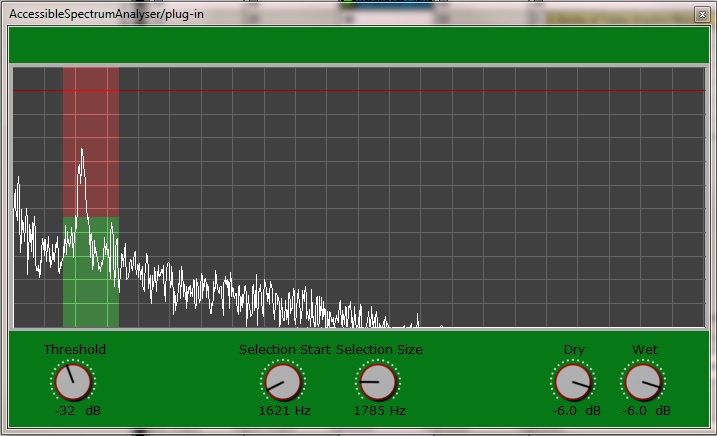
Accessible Spectrum Analyser ~ Inspect Spectrograms Via Sonification


AccessibleSpectrumAnalyser is a real time spectrum analysis plug-in that allows visual impaired users to  as the accessible peak meter. Instead of monitoring the amplitude of the audio signal though, you will be monitoring the frequency components of the signal within a customizable selection of frequencies.

The plug-in uses the “clipping” sonification of the AccessiblePeakMeter. That is, you can set a threshold in dB and, as soon as the energy of any frequency in the selection goes past the threshold, you will hear a short beep. Like in the AccessiblePeakMeter, the beep starts at 440 Hz and it’s raised one semitone for each dB of difference between the frequency magnitude and the threshold. In case more than one frequency within the selection is higher than the threshold, then the highest one is taken into account for the sonification purpose.

There is only one single spectrum for both left and right channels: the two channels are mixed together before being analysed. In AccessiblePeakMeter, there is a separate sonification for peaks in the left and the right audio channel. In the AccessibleSpectrumAnalyser instead, one single sonification is panned from left to right and the panning represents the position of the peaking frequency in the whole spectrum, ranging from 20 Hz on the very left, to 20050 Hz on the very right. For example, if the selected spectrum peaks at 50 Hz then you’ll hear the beep towards the left, whereas if the peak is at 20 kHz the beep will occur towards the right.

depic.eecs.qmul.ac.uk/apm/spectrum
www.tbproaudio.de/products/accessiblemeters

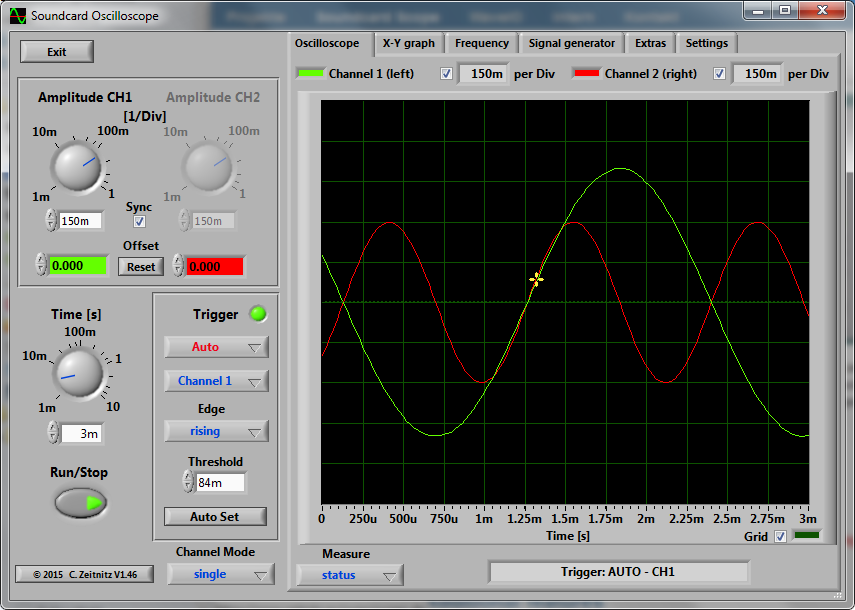
Scope ~ Windows Soundcard Oscilloscope


The PC based Soundcard Oscilloscope receives its data from the Soundcard with 44.1kHz and 16 Bit resolution. The data source can be selected in the Windows mixer (Microphone, Line-In or Wave). The frequency range depends on the sound card, but 20-20000Hz should be possible with all modern cards. The low frequency end is limited by the AC coupling of the line-in signal. Be aware, that most microphone inputs are only mono.

The oscilloscope contains in addition a signal generator for 2 channels for sine, square, triangular, sawtooth wave forms and different noise spectra in the frequency range from 0 to 20kHz. The signal can be defined by a mathematical formula as well. The signals are available at the speaker output of the sound card. These can be fed back to the oscillocope in order to generate Lissajous figures in the x-y mode.

Features:

  • Trigger modes: off, automatic, normal and single shot
  • Triggerlevel can be set with the mouse
  • The signals of the two channels can be added, subtracted and multiplied
  • x-y mode
  • Frequency analysis (Fourier spectrum)
  • Waterfall diagram (frequency spectrum as function of time)
  • Frequency filter: low-, high-, band-pass and band-stop
  • Cursors to measure amplitude, time and frequency in the main window
  • Audio Recorder to save data to a wave file
  • For multi soundcard system, the used card can be selected in the settings tab

www.zeitnitz.eu/scope

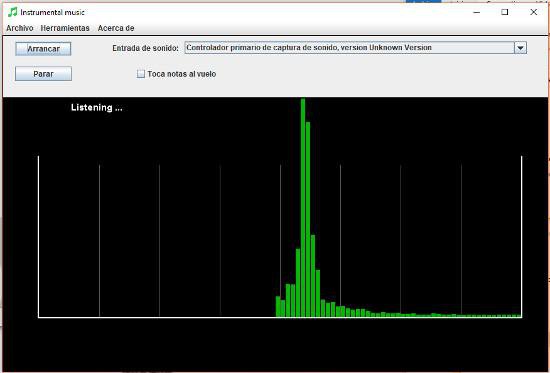
InstrumentalMusic ~ Automatic Note Detection


Application which detects musical notes from the microphone. It allows listening to the microphone and play the detected notes to output (in MIDI). Multi-language support.

Features:

  • Listens to the microphone
  • Plays notes in MIDI
  • multilanguage
  • Graphical environment
  • zoom

sourceforge.net/projects/instrumentalmusic

Calf Studio Gear ~ Free Your Sound!


You have the need for professional and state-of-the-art audio plug-ins – but don’t have thousands of bucks to spend on it? Then we believe you will love Calf Studio Gear! Focused on high-quality sound processing and a highly usable interface Calf Studio Gear is designed to give you a professional production environment for your open source operating system. Play your SF2 sample banks, create filthy organs, fatten your sounds with phasers, delays, reverbs and other FX, process your recordings with gates, compressors, deesser and finally master your stuff with multiband dynamics – for free! Calf Studio Gear is available exclusively for LINUX-based operating systems and runs as a stand-alone effect rack connectable through Jack sound server or as plug-ins in every audio host that is able to fire up LV2 compliant devices, e.g. the highly recommended Ardour Audio Workstation

calf-studio-gear.org
github.com/calf-studio-gear
en.wikipedia.org/wiki/Calf_Studio_Gear

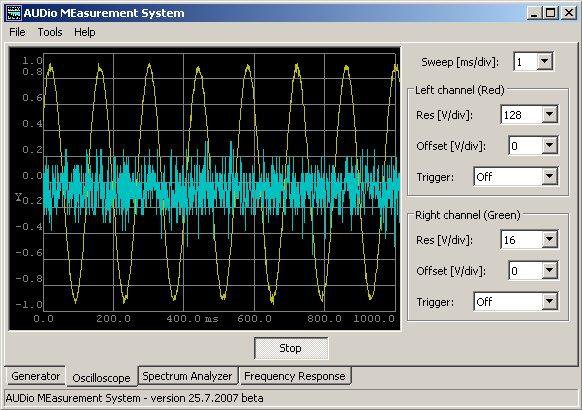
AUDMES ~ Oscilloscope & Spectrum Analyzer


AUDio MEasurement System – multi-platfrom system for audio measurement through a PC sound card. Incorporates generator, oscilloscope, audio spectrum analyzer (FFT) and frequency sweep characteristic. Can be compiled and works under Linux, Windows and MacOS.

Features:
  • Display audio spectrum (FFT)
  • Show wave form
  • Generate tones
  • Only requires a sound card
  • Uses WxWidgets
  • Source code available

sourceforge.net/projects/audmes

Resources:

en.wikipedia.org/wiki/Spectrum_analyzer
en.wikipedia.org/wiki/Oscilloscope

The Loudspeaker Explorer ~ Colaboratory Notebook


A speaker measurement visualization, analysis and comparison tool.

colab.research.google.com/github/dechamps/LoudspeakerExplorer-rendered/blob/master/Loudspeaker_Explorer