spotatui plays Spotify natively and streams YouTube, your local files, Subsonic or Navidrome and 30,000+ internet radio stations from a single keyboard-driven player. Spotify is optional. So is the AI DJ.
Native streaming. Play Spotify audio directly, no official app or spotifyd required — spotatui appears as its own Spotify Connect device (Premium required).
Synced lyrics. Line-by-line lyrics that follow playback.
Real-time audio visualizer. A system-wide FFT visualizer (press v) that reacts to whatever is playing.
Cross-source play queue. Press z on any track to queue it — the queue plays across every source before your current context resumes.
Lua plugins. Extend spotatui with event hooks, commands, keybindings, popups, and theming.
Listening history & recap. spotatui keeps a local play history and can generate a shareable HTML recap (spotatui history recap).
Full CLI. Most of what the UI does is scriptable — playback, search, playlists, shell completions. Run spotatui --help.
Lightweight. ~78 MB RAM while streaming, versus a full Electron client. See Performance.
Subsonic player is a responsive, modern web-based client designed for Subsonic music servers.
Built with Nuxt 4, a modern Vue 3 framework, this open-source application provides a seamless and enjoyable music listening experience across all devices.
Compatible Servers:
Gonic (This application is primarily optimized for use with Gonic).
Fully Responsive UI (Further design improvements are ongoing.)
Optimized for desktop and mobile devices.
Adaptive design.
Comprehensive Library Browsing
Browse by album, artist, genre, and folder/files.
Explore podcasts and favourites.
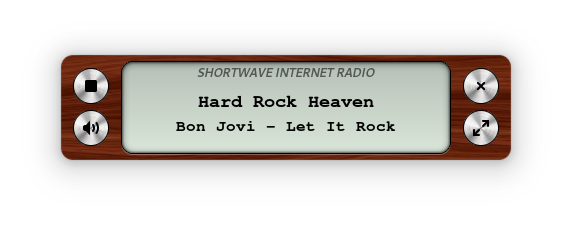
Access internet radio stations.
Advanced Functionality
Bookmarking podcast episode to keep track of the listening position across multiple sessions.
MediaSession Integration.
Advanced Search capabilities.
Dark/Light Mode support.
Keyboard shortcut (Press h to see menu).
Context menu access via right-click (desktop) or long press (mobile) for quick actions on tracks, albums, playlists, and more.
Easily drag and drop your favorite tracks, albums, and podcast episodes right into the queue or your playlist in the sidebar (available only on desktop).
Progressive Web App (PWA) Feature
Seamlessly download the app icon to the home screen, providing the convenience of launching the app just like a traditional native application.
Benefit from a web-based app that reduces storage space on devices compared to traditional downloadable applications, while still providing robust functionality.
Settings
The app includes settings for theme, layout, crossfade, replaygain, scrobbling, and more. See the environment variables section for which can be pre-configured across all devices.
This is a community driven effort (like Wikipedia) with the aim of collecting as many Internet radio and TV stations as possible. Any help is appreciated!
Free for ALL!
Data license: public domain, software license: GPL, server software: open source
Open API for usage in own apps
Everyone is free to use the collected data (station names, tags, links to stream, links to homepages, language, country, state) in their works. I give all the rights I have at the accumulated data to the public domain.
Cover-art for the 24seven.fm family of internet radio stations — Streaming Soundtracks, 1980s.FM, Adagio.FM, Death.FM, and Entranced.FM. A shared, host-agnostic C++ engine drives three Windows front-ends plus a cross-platform core library:
Component
Directory
Output
Build system
Desktop viewer
desktop/
24sevenfm_covers.exe (x64, self-contained)
MSBuild (.vcxproj / .sln)
Winamp plugin
winamp/
gen_24sevenfm_covers.dll (x86 / 32-bit)
CMake
foobar2000 component
foobar2000/foo_24sevenfm_covers/
foo_24sevenfm_covers.dll (x64)
MSBuild (.vcxproj)
Core library
lib/
coverfetch static lib (cross-platform)
CMake
All three front-ends share the same Direct2D renderer (shared/d2d_*.cpp), the cover engine (shared/cover_engine.* — cover preload, crossfade/flip transitions, remaining-time countdown), the options page (shared/options_*), and the networking/parse library (lib/). The library alone (lib/) is portable C++11 and already cross-compiles for Android/iOS.
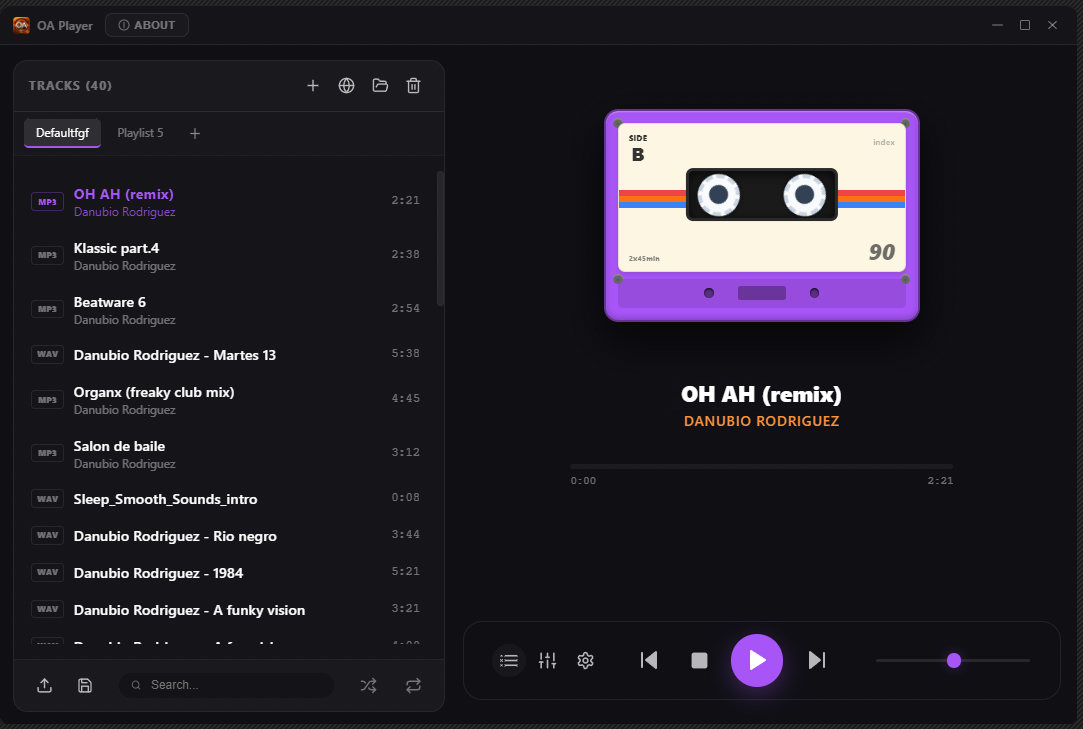
Transform your PC into a premium analog audio experience with the latest version of OA Player. This audiophile-grade, hi-fi integrated media player combines cutting-edge digital technology with the warm, rich character of classic analog sound.
GNU Radio is a free & open-source software development toolkit that provides signal processing blocks to implement software radios. It can be used with readily-available low-cost external RF hardware to create software-defined radios, or without hardware in a simulation-like environment. It is widely used in research, industry, academia, government, and hobbyist environments to support both wireless communications research and real-world radio systems.
GNU Radio is a free software development toolkit that provides signal processing blocks to implement software-defined radios and signal processing systems. It can be used with external radio frequency (RF) hardware to create software-defined radios, or without hardware in a simulation-like environment. It is widely used in hobbyist, academic, and commercial environments to support both wireless communications research and real-world radio systems.
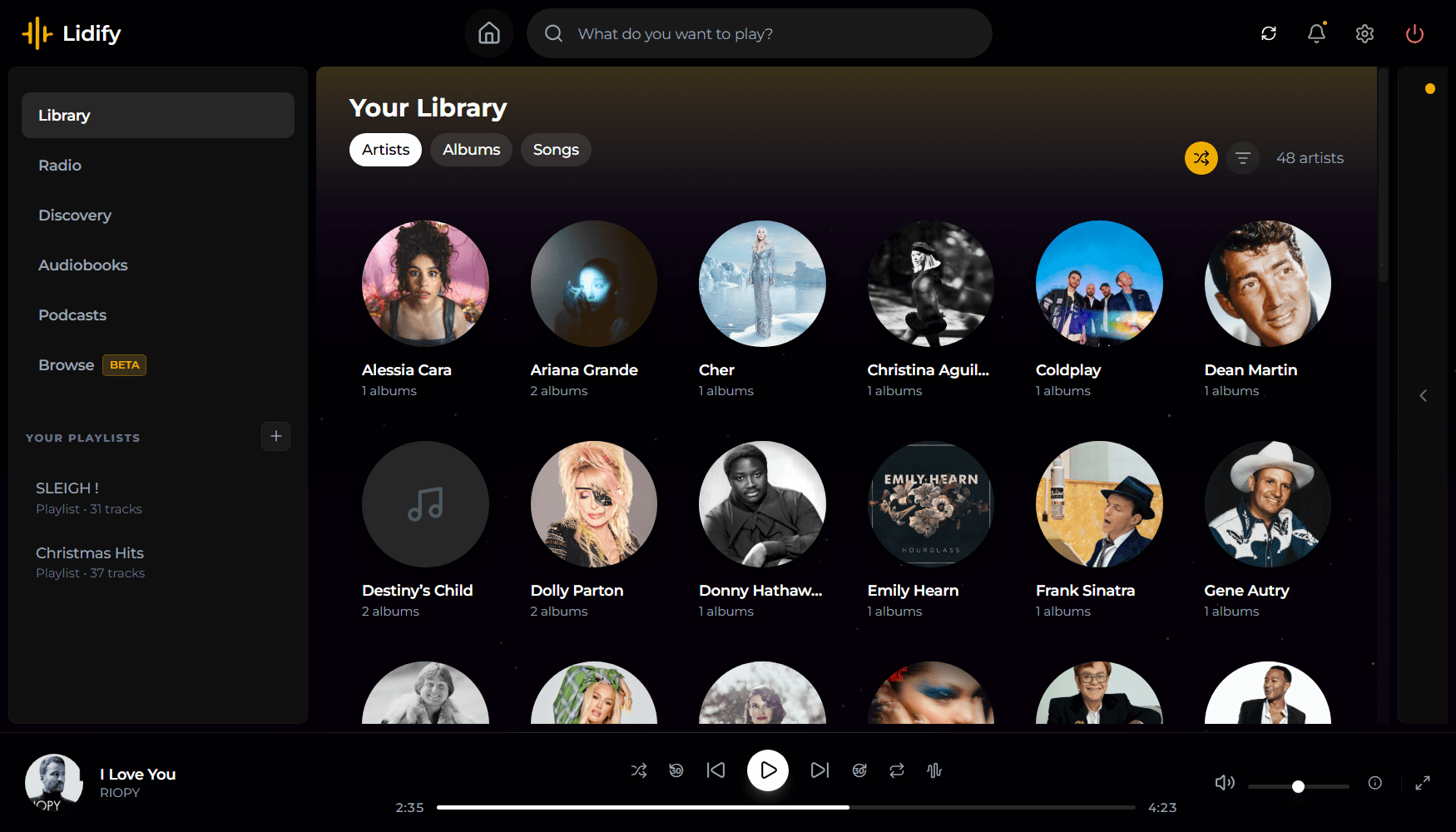
Lidify is built for music lovers who want the convenience of streaming services without sacrificing ownership of their library. Point it at your music collection, and Lidify handles the rest: artist discovery, personalized playlists, podcast subscriptions, and seamless integration with tools you already use like Lidarr and Audiobookshelf.
Stream your library – FLAC, MP3, AAC, OGG, and other common formats work out of the box
Automatic cataloging – Lidify scans your library and enriches it with metadata from MusicBrainz and Last.fm
Audio transcoding – Stream at original quality or transcode on-the-fly (320kbps, 192kbps, or 128kbps)
Ultra-wide support – Library grid scales up to 8 columns on large displays
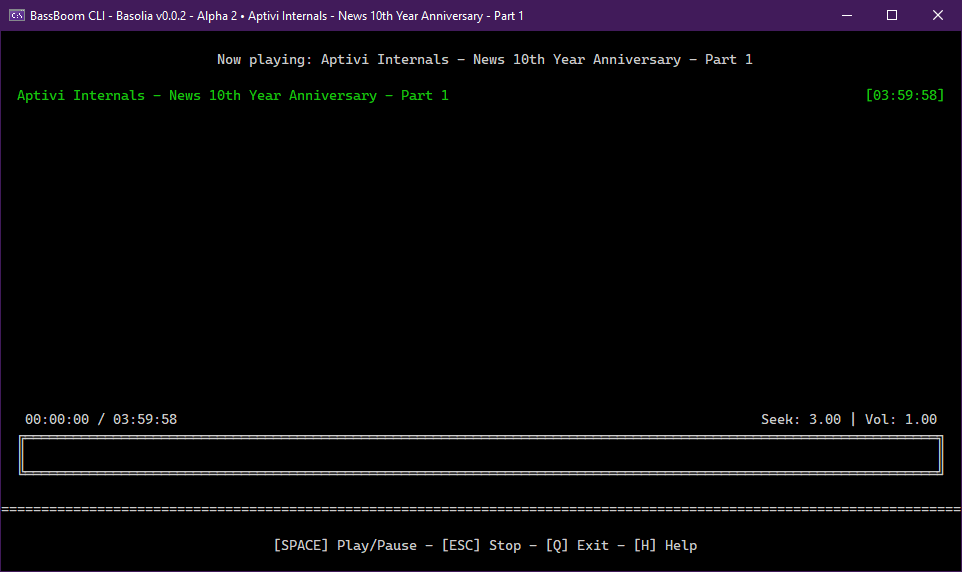
BassBoom is a music player made with C# using the fast mpg123 library as the native backend that handles the music playback and song information, including the playback device information.
This library is a viable library aimed for cross-platform music playing because we’ve selected mpg123 as the MP3 backend library for its ease of use and for its fast music playback. This library is frictionless as it aims for stability and cross-platform compatibility.
In addition to your regular music files, BassBoom also supports online MPEG radio stations that you can use to play your own favorite radio stations, as long as they don’t use AAC or any other codec that BassBoom doesn’t support.