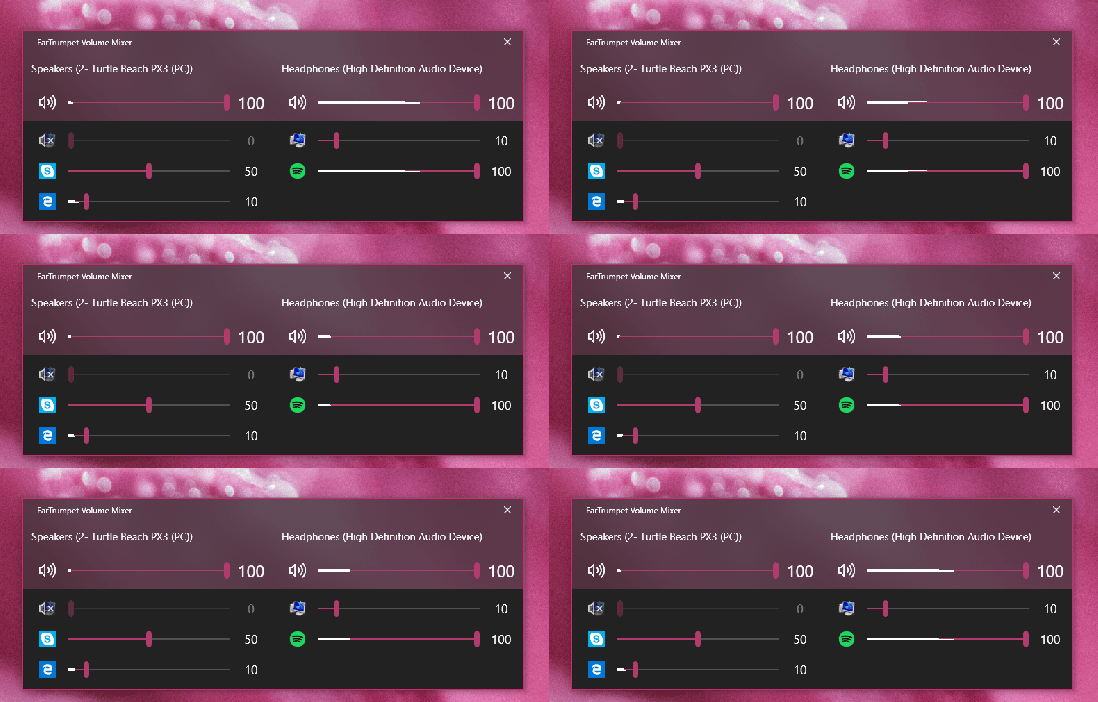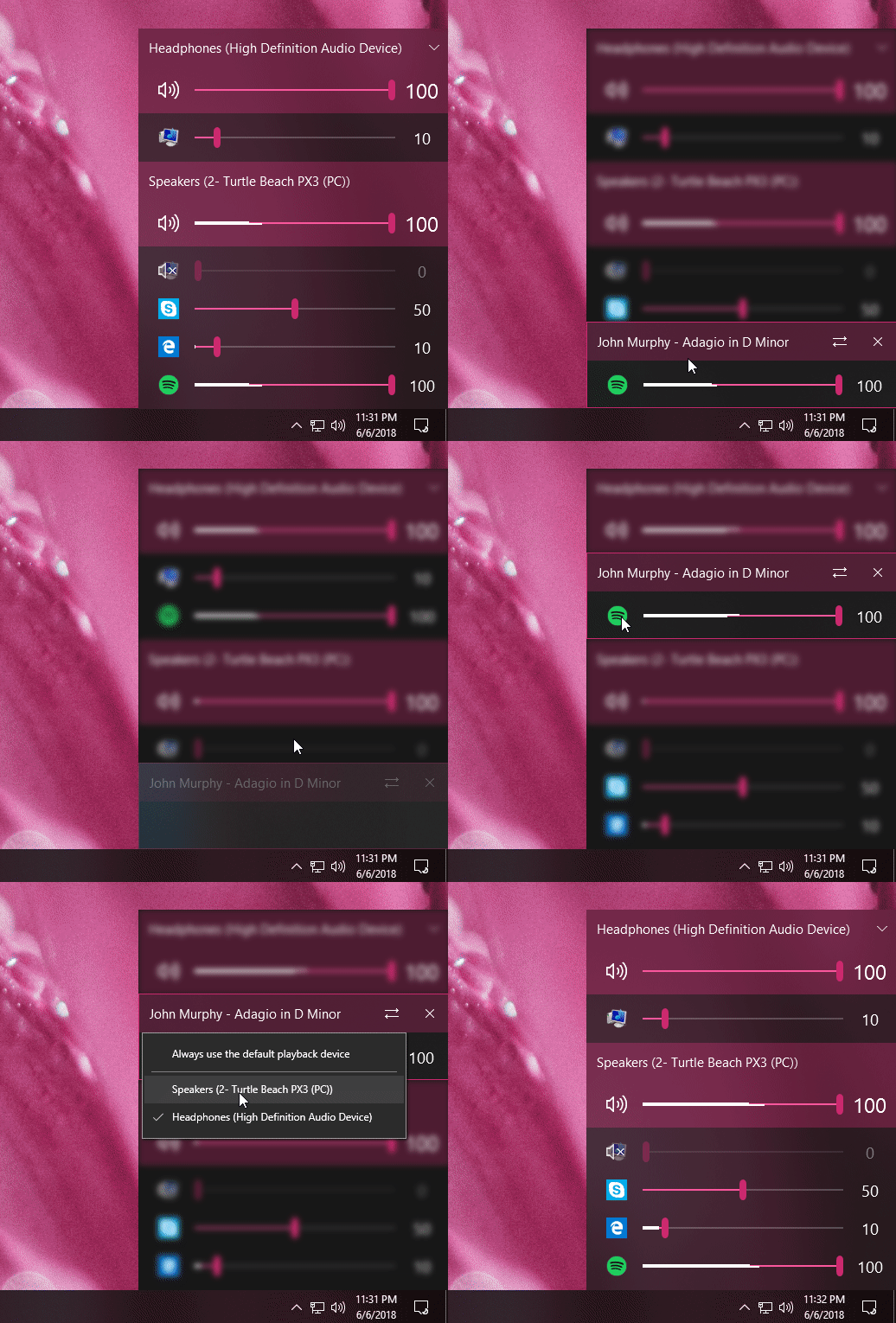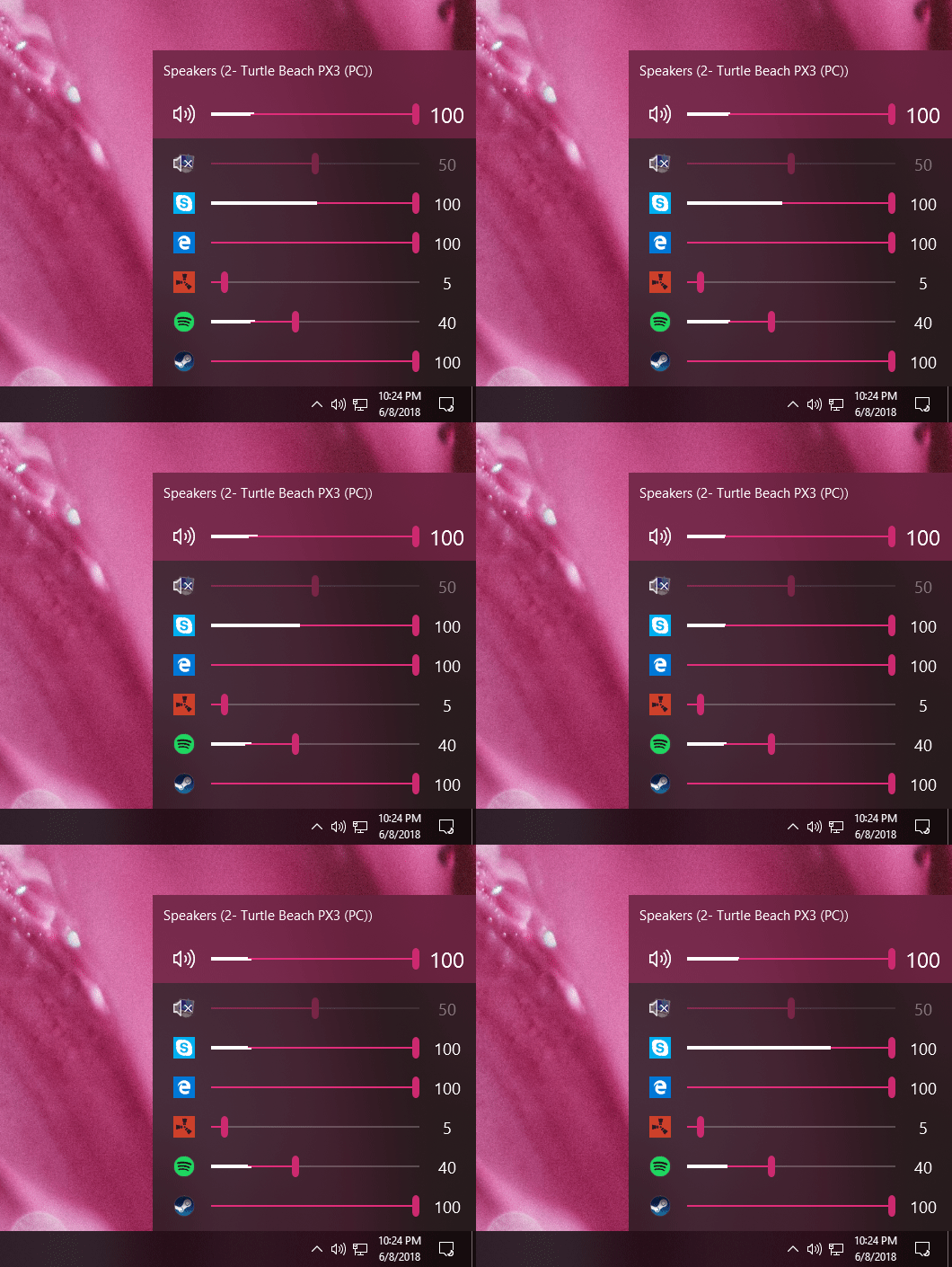
Audio Switcher is a 100% free, Open Source, application for Windows® Vista, 7, and 8.
Audio Switcher makes switching between sound devices trivial. No longer do you have to go into the Control Panel or the Windows® Sound options, instead there is an easy to access icon, or even hotkeys.
The beautiful part of Audio Switcher is it’s simplicity. It doesn’t try to do too much, it does exactly what is needed; nothing more, nothing less.
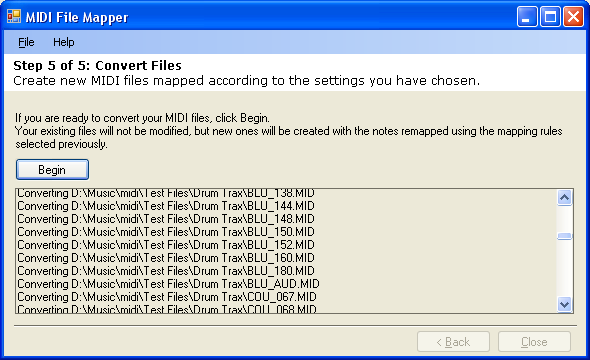
MIDI File Mapper is a utility that allows you to remap the notes in MIDI files. This is particularly useful when converting GM drum patterns for a specific drum sampler or converting between loops for two different samplers.
MIDI File Mapper ships with some built-in mappings for popular drum samplers and allows you to create your own, as well as import maps from Cakewalk SONAR or Steinberg Cubase.
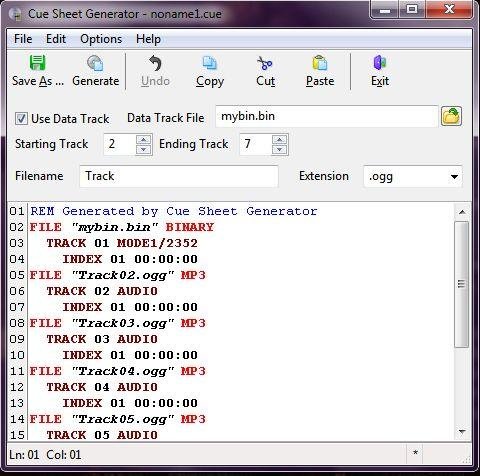
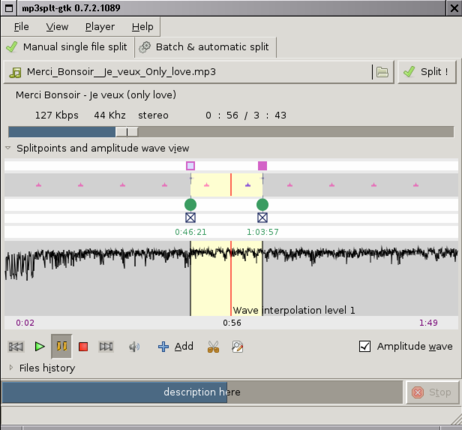
Mp3Splt-project is a cross-platform utility to split mp3, ogg vorbis and native FLAC files by selecting a begin and an end time position, without decoding. It’s very useful to split large mp3, ogg vorbis or FLAC files to make smaller files or to split entire albums to obtain original tracks. If you want to split an album, you can select split points and filenames manually, you can get them automatically from CDDB (internet or a local file) or from .cue files. Also supports automatic silence splitting, which can be used to adjust cddb/cue split points. Trimming using silence detection is also available. You can extract tracks from Mp3Wrap or AlbumWrap files in few seconds.
Following the Unix philosophy “one tool for one job” Playlist Creator enables you to create playlists of your precious music within seconds.
The composition and creation of a playlist is quite intuitive: Add all desired files, enter a name for the playlist and select its save location. Hit the create button and one moment later your brand-new playlist is ready.
You don’t have to recreate your playlist every time you want to make changes to it. Just open the existing playlist file, make the changes you want and save the playlist. It’s as simple as that!
Combining several playlists into a single big playlist is quite simple as well: Insert as many existing playlist files to your current playlist as you like and save the playlist. Done!