rmlyrics3 ~ Lyrics3 Tag Remover For mp3s


Before ID3v2 came around, Lyrics3 and Lyrics3v2 had their uses (extending the 30-char limit, placing synced lyrics), but nowadays they are a nuisance for most of us. Plus, we have the lyrics frames USLT and SYLT in ID3v2.

Lyrics3 tags come between the audio data and an ID3v1/ID3v1.1 tag at the end of the file (sometimes without the following ID3v1 tag, even if that is mandatory according to Lyrics3 specs). Current ffmpeg and some players and tools still have bugs and try to interpret Lyrics3 tags as audio data, resulting in obscure errors. Unfortunately, there are almost no tools out there to remove Lyrics3 tags—most programs ignore them, but write them back if changing tags. When removing ID3v1 tags from a file, this can result in the illegal situation mentioned above (having a Lyrics3 tag without a following ID3v1 tag)..

This code has been tested with thousands of files but I can give no guarantees. If you destroy your whole music collection, it’s not my fault. Please have a backup!

github.com/Moonbase59/rmlyrics3

Tomita ~ python-tomita Synthesizer


tomita is a command-line music and synthesizer package based on PySynth.

github.com/g4brielvs/python-tomita

PySynth ~ Python Synthesizers & Scripts


PySynth is a suite of simple music synthesizers and helper scripts written in Python 3. It is based on a synth script I found on the Web and then modified for my purposes. The goal is not to produce many different sounds, but to have scripts that can turn ABC notation or MIDI files into a WAV file without too much tinkering.

There are nine PySynth variants now: PySynth A, the oldest variant, only needs Python itself, and sounds somewhat like a cross between a flute and organ. PySynth B is more complex in sound and needs NumPy. It is supposed to be a little closer to a piano. No competition for Pianoteq of course, but a reasonable fit for keyboard music. PySynth E is similar, but an FM-synthesized e-piano so it sounds much brighter than B (slightly DX7 e-piano-like; I used the DX7 presets in hexter as a basis). PySynth S is more comparable to a guitar, banjo, or harpsichord, depending on note length and pitch. PySynth C, D, and P are subtractive synths, reminiscent of 1970s analog synthesizer voices.

The synthesizers are all monophonic, i.e. they can only play one note at a time. (Although successive notes can overlap in PySynth B and S, but not A.) However, two or more output files can be mixed together…

mdoege.github.io/PySynth/

github.com/g4brielvs/python-tomita

libraries.io/pypi/PySynth

en.wikipedia.org/wiki/PySynth

Matchering ~ Master Via Modeling


Matchering 2.0 is a novel Containerized Web Application and Python Library for audio matching and mastering. It follows a simple idea – you take TWO audio files and feed them into Matchering:

  • TARGET (the track you want to master, you want it to sound like the reference)
  • REFERENCE (another track, like some kind of “wet” popular song, you want your target to sound like it)

Our algorithm matches both of these tracks and provides you the mastered TARGET track with the same RMS, FR, peak amplitude and stereo width as the REFERENCE track has.

github.com/sergree/matchering

Curlew ~ Linux Multimedia Converter


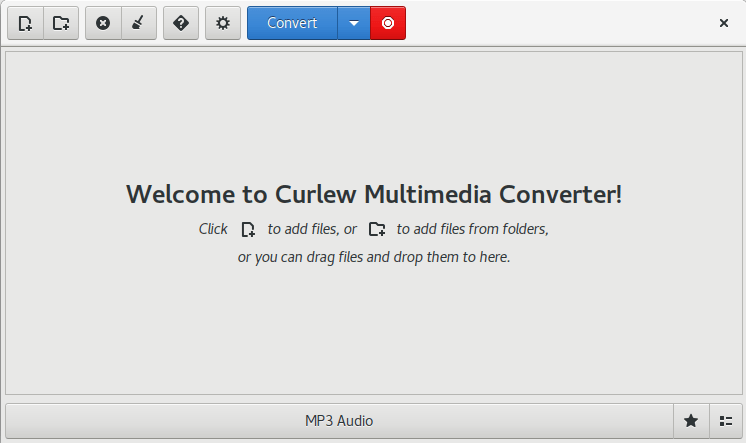
Curlew is an easy to use, free and open-Source multimedia converter for Linux. It written in Python and GTK3 and it depends on FFmpeg or Libav.

Main features:

  • Easy to use and clean user interface.
  • Hide the advanced options with the ability to show them.
  • Convert to more than 100 different formats.
  • Allow to edit formats.
  • Shutdown or suspend PC afer a conversion process.
  • Show file informations (duration, remaining time, estimated size, progress value).
  • Show file details using mediainfo.
  • Allow to skip or remove file during conversion process.
  • Preview file before conversion.

curlew1

curlew.sourceforge.io
sourceforge.net/projects/curlew

GNU Solfege ~ Train Your Ears


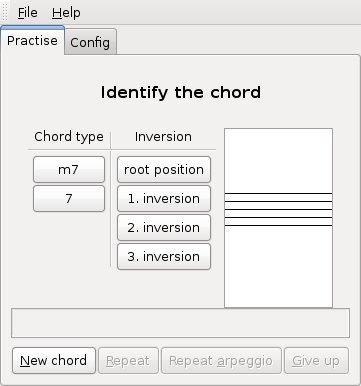
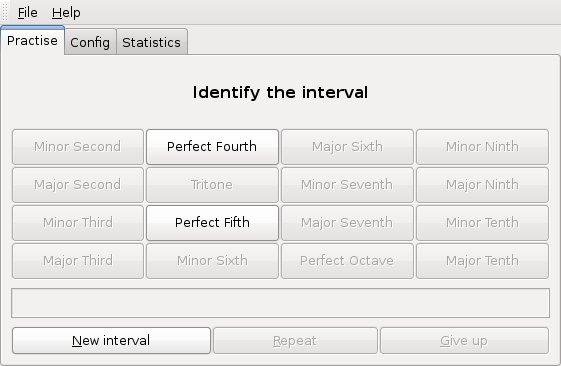
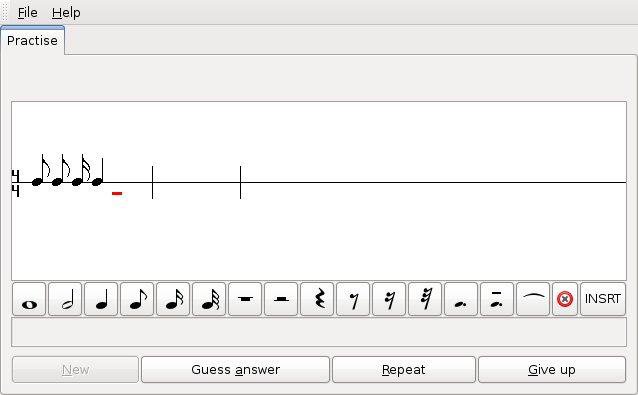
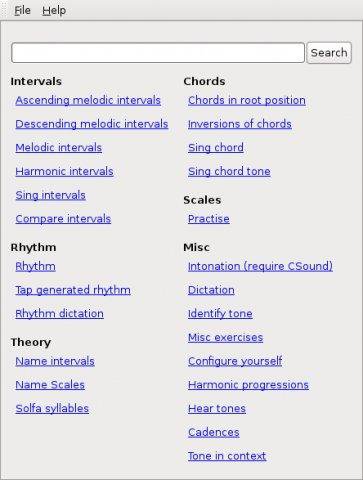
GNU Solfege is *free* ear training software written in Python 3.4 using the Gtk+ 3 toolkit. The program is designed to be easily extended with lesson files (data files), so the user can create new exercises.

www.gnu.org/software/solfege
sourceforge.net/projects/solfege

Mkchromecast ~ Linux & Mac Casting


This is a program to cast your macOS audio, or Linux audio to your Google Cast devices or Sonos speakers. It can also cast video files.

It is written for Python3, and it can stream via  node.js,parec (Linux), ffmpeg, or avconvMkchromecast is capable of using lossy and lossless audio formats provided that ffmpeg, avconv (Linux), or parec (Linux) are installed. It also supports Multi-room group playback, and 24-bit/96kHz high audio resolution. Additionally, a system tray menu is available.

mkchromecast.com
github.com/muammar/mkchromecast

Humdrum Toolkit ~ Music Analysis & Research


David Huron created Humdrum in the 1980s, and it has been used steadily for decades. Humdrum is a set of command-line tools that facilitates musical analysis, as well as a generalized syntax for representing sequential streams of data. Because it’s a set of command-line tools, it’s program-language agnostic. Many have employed Humdrum tools in larger scripts that use PERL, Ruby, Python, Bash, LISP, and C++.

www.humdrum.org

Humdrum Labs ~ wiki.ccarh.org/wiki/Humdrum_Lab_1
Humdrum music encoding tutorial ~ doc.verovio.humdrum.org/humdrum/getting_started
Humdrum Resources ~ github.com/humdrum-tools

mopidy ~ Extensible Music Server


Written in Python, Mopidy plays music from a local disk, Spotify, SoundCloud, Google Play Music, and more. You edit the playlist from any phone, tablet, or computer using a range of MPD and web clients.

mopidy-screenshot

www.mopidy.com