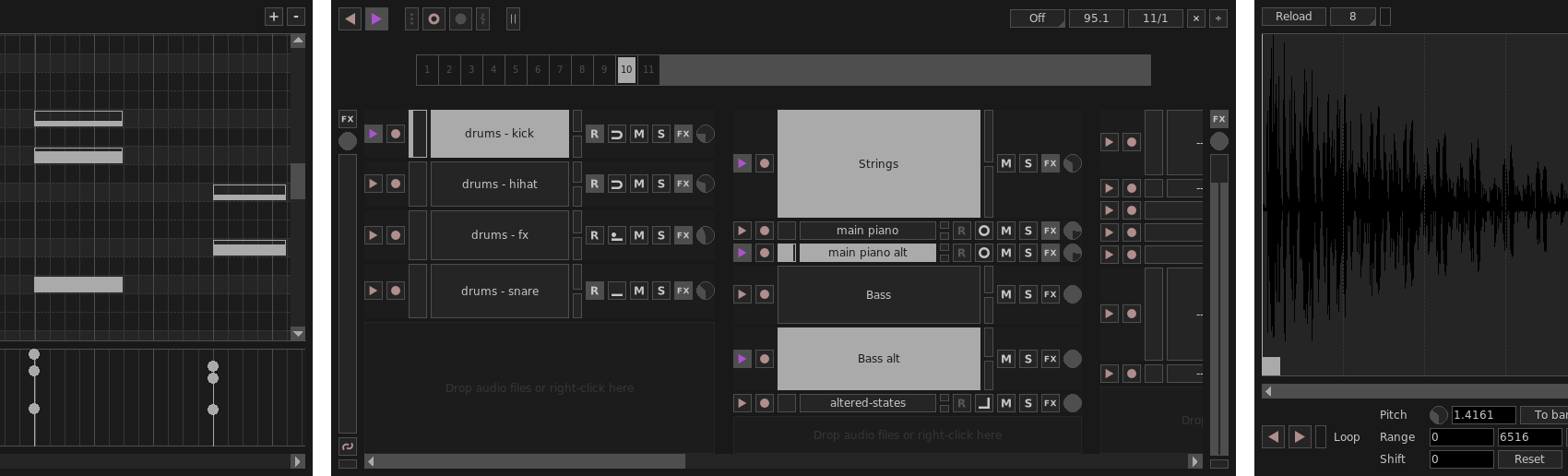
Giada is a free, minimal, hardcore audio tool for DJs, live performers and electronic musicians. How does it work? Just pick up your channel, fill it with samples or MIDI events and start the show by using this tiny piece of software as a loop machine, drum machine, sequencer, live sampler or yet as a plugin/effect host. Giada aims to be a compact and portable virtual device for Linux, Mac and Windows for production use and live sets.
PoQStacker is a PC based MP3 and wav file music player with a playlist manager / organizer. If you have a CD or MP3 collection, PoQStacker will assist you in connecting you to your music.
Squash is a C / Ncurses based Unix music player. It supports mp3, ogg and flac through libraries. Squash uses statistics to determine songs to play automatically. It garners this information through whether or not a song is skipped. Squash also avoids picking the same song twice. Thus Squash is like a radio station that plays the songs you like — and you don’t even have to call in requests!
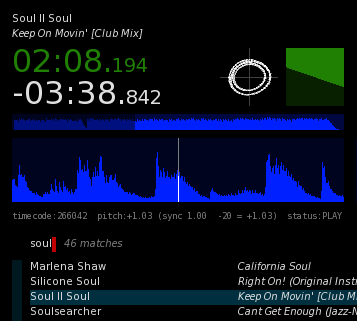
xwax is an open-source Digital Vinyl System (DVS) for Linux. It allows DJs and turntablists to playback digital audio files (MP3, Ogg Vorbis, FLAC, AAC and more), controlled using a normal pair of turntables via time coded vinyls.
It’s designed for both beat mixing and scratch mixing. Needle drops, pitch changes, scratching, spinbacks and rewinds are all supported, and feel just like the audio is pressed onto the vinyl itself.
The focus is on an accurate vinyl feel which is efficient, stable and fast.
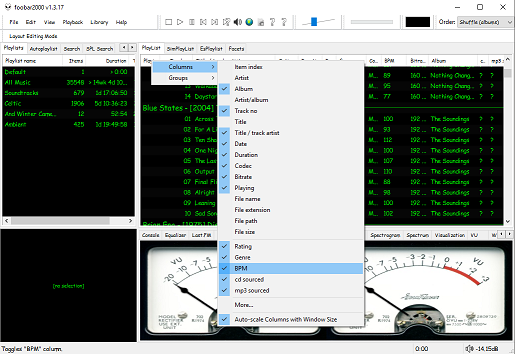
The second step is adding a new BPM playlist column to the DUI playlist viewer:
Right click the playlist header and select columns. Toggle the BPM column on.
The third step, add an Analyze BPM toolbar button:
Right click on the metronome icon ico file shown below and download / save it locally
Right click the Foobar toolbar
Select the Customize button
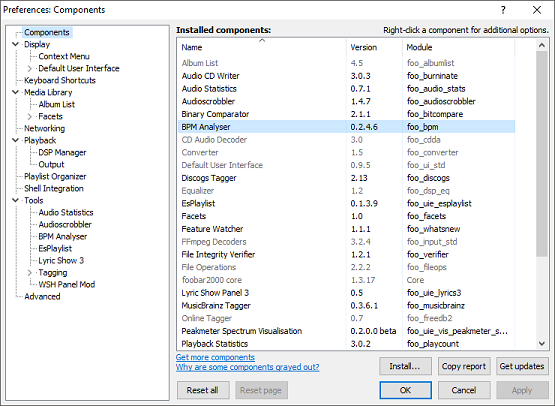
Select from Available Commands [context] > BPM Analyzer > Automatically analyze BPMs
Click Add
Click Change Icon and select the downloaded metronome.ico file
Click OK
metronome.ico (right click and save the link ico file locally)
The fourth step is to select and scan files:
Once the toolbar button is installed, songs can be selected then scanned. The songs will now be tagged with the %bpm% tag and can be selected or sorted by beats per minute as displayed in the playlist column.
The fifth step is to update your entire library:
Open Library > Search and insert the query %bpm% MISSING then click … and then click Create Autoplaylist. Rename the new autoplaylist located at the bottom of the playlist switcher Missing BPM. Activate the playlist, select the entire contents, automatically analyze them and then apply the changes.
Jukes was created for the serious music lover. This program was created for people who rip full CD’s or possibly their entire CD collection to their hard drive. Jukes allows you to have all of your CD’s at your fingertips and play them like a real jukebox. Perfect for DJ’s, whether in your house or for parties or whatever, spin all of your favorite tunes anytime you want. No more loading the files in to play them and removing them to add more to the list, now all of your CD’s are at your disposal! Jukes is cross-platform and operates on Windows, Solaris, Linux, and Mac OSX.
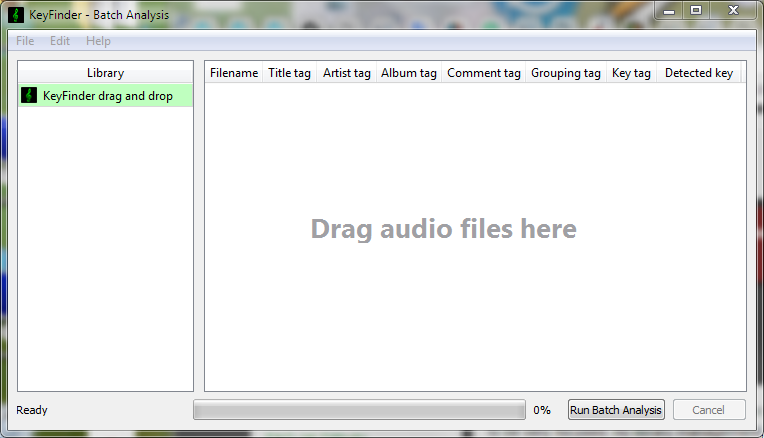
KeyFinder is an open source key detection tool, for DJs interested in harmonic and tonal mixing. It’s intended to be very focused: no library management, no track suggestions, no media player. Just a fast, efficient workflow tool. It supports a huge range of codecs thanks to LibAV, and writes to metadata tags using TagLib.
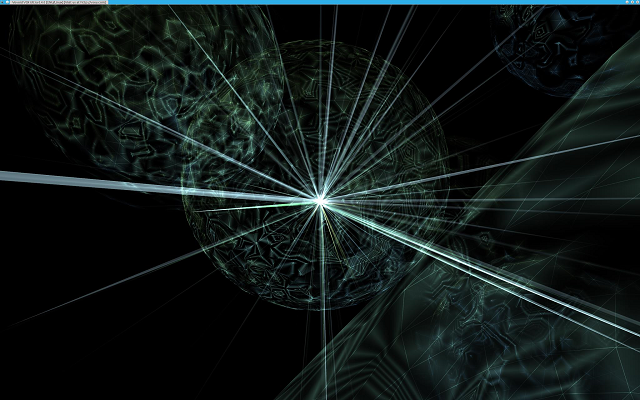
VSXu (VSX Ultra) is an OpenGL-based (hardware-accelerated), modular programming environment with its main purpose to visualize music and create graphic effects in real-time.
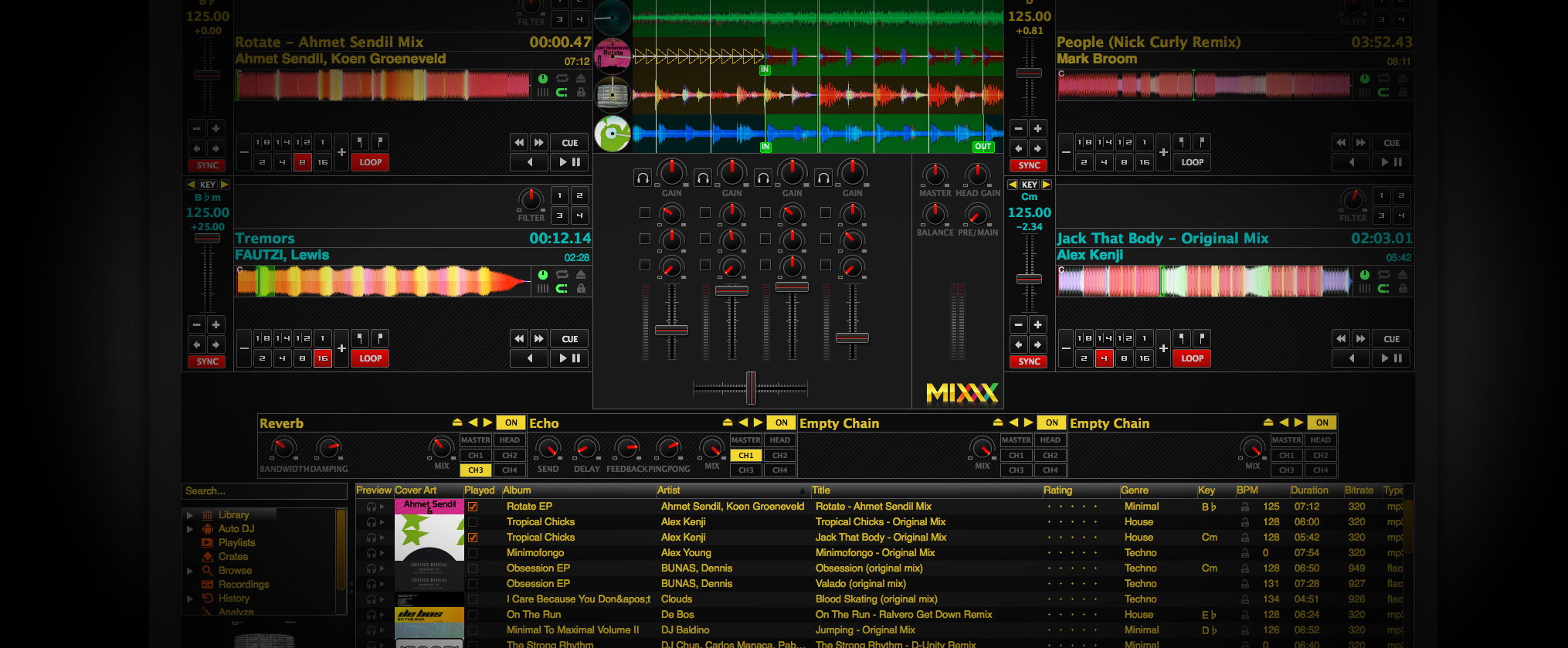
Mixxx has everything you need to start making DJ mixes in a tight, integrated package. Whether you’re DJing your next house party, spinning at a club, or broadcasting as a radio DJ, Mixxx has what you need to do it right.
Cross-platform, extensible, multi-language, open source & skinnable freeware. Support for iTunes, MusicBrainz, ReplayGain and Traktor.









 The Audio File