foo_audio_wizard ~ Full-track Analysis & Real-time Monitoring


Audio Wizard (foo_audio_wizard) is a fiery chapter of The Wizardium, granting foobar2000 audiophiles and engineers tools for full-track analysis and real-time monitoring. Harness Pure Dynamics for psychoacoustic clarity.

github.com/The-Wizardium/Audio-Wizard

Foobar2000 ~ File Operations


File Operations are available from the context menu when a playlist item or group is selected.

wiki.hydrogenaudio.org/Foobar2000 File Operations – foo_fileops

Using File Operations is both efficient and necessary. The library location of the your music is updated by the built in component foo_fileops. Albums are filed differently than compilations. Often users have a local library and a networked backup archive. File Operation Presets allow you to automate these procedures.

File Operations preset selection submenu

Foobar2000 File Operations Preset Submenu Selections


For instance, archiving an album:

Or archiving a compilation:

Creating A File Operations Preset:

  1. Select a song or an album
  2. Right mouse click selection and select File Operations from menu
  3. Select either Copy to or Move to
  4. Select the ellipse …
  5. The File Operations Setup dialog is now displayed

6. Once you have selected a destination folder and selected any appropriate options, type a name for your preset in the Presets field and save it.
7. You can Run, modify (save) or delete existing presets from this form.

Harmonoid ~ Play & Manage Music Library


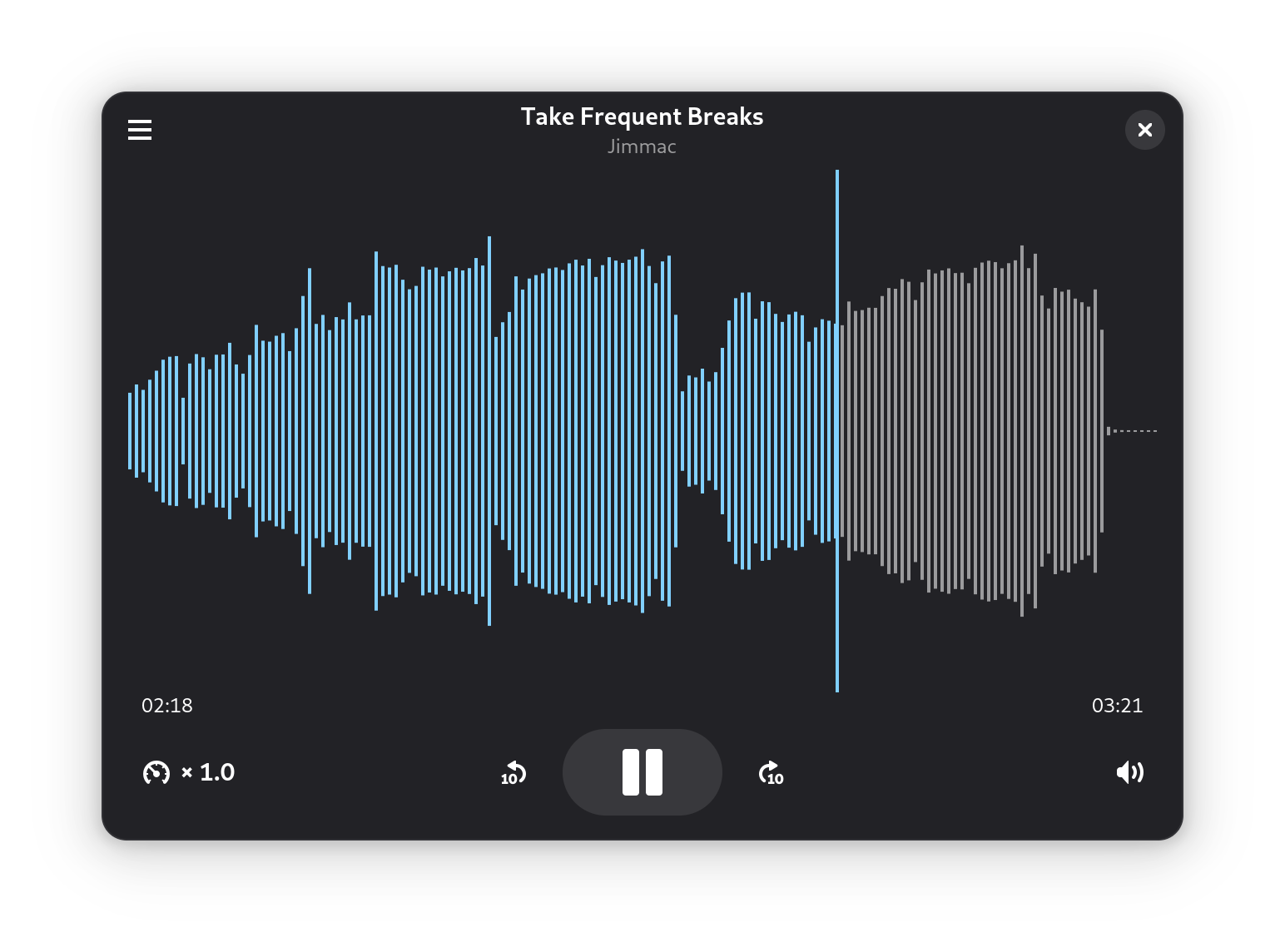
Plays & manages your music library. Looks beautiful & juicy.

Features:

  • Fluid animations & beautiful design, everywhere you navigate
  • It’ll find lyrics or give your own .LRC files
  • Closely paired to work together. Windows & Linux
  • Experience the consistent Material Design
  • Music library management based on metadata tags
  • Capable of indexing 30+ files/second & saves cache for future app start-ups
  • Very strictly follows Material Design guidelines for UI & animations
  • Taskbar & System Media Transport Controls for Windows
  • Small installer (β‰ˆ 35 MB) & low RAM usage (β‰ˆ 150 MB)
  • Discord RPC integration with album art support & “Find”/”Listen” buttons

harmonoid.com
github.com/harmonoid
sourceforge.net/projects/harmonoid.mirror
itsfoss.com/harmonoid

cdparanoia ~ Linux Digital Audio Extraction


Cdparanoia is a Compact Disc Digital Audio (CDDA) Digital Audio Extraction (DAE) tool, commonly known on the net as a ‘ripper’. The application is built on top of the Paranoia library, which is doing the real work (the Paranoia source is included in the cdparanoia source distribution). Cdparanoia reads audio from the CDROM directly as data, with no analog step between, and writes the data to a file or pipe in WAV, AIFC or raw 16 bit linear PCM.

Cdparanoia is a bit different than most other CDDA extration tools. It contains few-to-no ‘extra’ features, concentrating only on the ripping process and knowing as much as possible about the hardware performing it. Cdparanoia will read correct, rock-solid audio data from inexpensive drives prone to misalignment, frame jitter and loss of streaming during atomic reads. Cdparanoia will also read and repair data from CDs that have been damaged in some way.

Cdparanoia is easy to use and administrate; It has no compile time configuration, happily autodetecting the CDROM, its type, its interface and other aspects of the ripping process at runtime. A single binary can serve the diverse hardware of the do-it-yourself computer laboratory from Hell.

www.xiph.org/paranoia
en.wikipedia.org/wiki/Cdparanoia
wiki.hydrogenaudio.org/index.php?title=Cdparanoia

Resources:

Documentation
man.archlinux.org/man/cd-paranoia.1.en

Command Line Music Metadata Manager
github.com/krateng/mumema

foo_ui_wizard ~ User Interface Wizard


Sealed within the luminousΒ Sapphiraz Sanctum, where ethereal interfaces shimmer in eternal twilight, theΒ UI WizardΒ is a spellbinding chapter ofΒ The Wizardium’s grimoire. Its runic seal, the radiantΒ α›‹ Sowilo, yields only to masters of window enchantment, reshaping foobar2000’s form with mischievous elegance β€” from glass-like Aero effects to borderless designs that defy mortal UI constraints.

  • Window Appearance Customization:
    • Supports multiple frame styles: Default, Small Caption, No Caption, No Border.
    • Configurable Aero effects: Default, Disabled, Glass Frame, Sheet of Glass.
    • Customizable window background color and transparency.
    • Optional custom window title and icon.
    • Configurable window shadow for borderless styles.
  • Window Behavior Control:
    • Adjustable window positioning and sizing with constraints (min/max width and height).
    • Customizable caption area for dragging with various move styles (e.g., mouse buttons, key combinations).
    • Snap-to-edge functionality with configurable snap and unsnap distances.
    • ESC key actions: None, Hide, or Exit.
    • Inactivity-based window hiding with customizable timeout.
  • Window State Management:
    • Toggle between Normal, Maximized, and Fullscreen states.
    • Option to disable window maximizing or resizing.
    • Automatic saving and loading of window position and size.
  • API: COM/ActiveX interface for scripting in foobar2000 via Spider Monkey Panel or JSplitter.
Foobar2000 > Preferences: UI Wizard Menu

www.the-wizardium.org
github.com/The-Wizardium/UI-Wizard

Zenamp ~ Player With Visualizations & Games


Multi-format audio player with MIDI, minigames, playlists & many visualizations

Lightweight GTK3 audio player supporting MIDI, WAV, MP3, OGG, FLAC, AIFF, and Opus formats. Features OPL3 FM synthesis for authentic MIDI playback, drag-and-drop playlist queue, real-time spectrum visualization, 10-band equalizer, and M3U playlist support. Built with SDL2 audio backend for cross-platform compatibility across Linux and Windows. Includes intuitive controls with keyboard shortcuts, 5-second seek buttons, and efficient format conversion. Perfect for musicians and audio enthusiasts needing reliable playback of both modern and legacy audio formats. Multi-threaded architecture ensures smooth performance. MIT License.

Features:

  • Music Player
  • Queue Support
  • Playlist Support
  • Visualizations
  • Minigames

sourceforge.net/projects/midiplayer
apps.microsoft.com/detail/9p7ddq785vq2

Foobar2000 ~ Album & Artist Artwork


Foobar2000 displays artwork in a panel which can be added and configured to suit your preferences. The artwork panel displays the image file associated with an audio track. If the standard options are insufficient, Foobar’s image handling can be extended via additional components.

To add an artwork panel to the default user interface (DUI), Enable Layout Editing Mode from the menu View > Layout. Add the Album Art Viewer from the Selection Information section.

Context Menu (Right Mouse Button On Artwork Panel)
Selecting the Album Art Viewer on the Add New UI Element menu

Album Art Viewer (built-in)

Sources:

  • Embedded tags (front, back, disc, artist, etc.)
  • External image files (folder.jpg, cover.png, etc.)

Notes:

  • Supports multiple artwork types.
  • Very stable, but basic (no advanced layout or scripting).
  • Artist art is only shown if tagged or present as files.
Foobar2000 Artwork Display Context Submenu

Context Menu

Display Components (Artwork panels)

foo_ui_columns (Columns UI)

Displays: Album & artist art
Sources: Embedded tags and external files

Notes:

  • Legacy but still widely used.
  • Artwork panels are static (no scripting).
  • No longer actively developed, but stable.

Resources:

CLAMPS ~ Common Lisp Aided Music Production System


Clamps, short for “Common Lisp Aided Music Production System”, is a software system for realtime and non-realtime music production written in Common Lisp. It enables a seamless workflow between high-level structures to define musical processes all the way down to low level DSP definitions for sound creation including browser based interfaces for interactive work and control useable for live performances. In that respect it combines features of systems like OpenMusic, SuperCollider or the Pure Data/Max family of software.

codeberg.org/ormf/clamps
codeberg.org/ormf/clamps-install
github.com/arclanguage/Clamp

Goom-Online ~ Web Visualization Player


A forgotten music visualizer, revived straight into your web browser.

Goom Display

goom-online.github.io
github.com/goom-online/goom-online.github.io

editmp3tags.com ~ MP3 Metadata Editor


Edit MP3 Tags in Your Browser. Privacy-friendly: files never leave your device. Read & write ID3v2, plus optional ID3v1 for legacy players.

editmp3tags.com

SmartGuitarAmp ~ Neural Network Hardware Emulation


Guitar plugin made with JUCE that uses neural network models to emulate real world hardware.

See video demo on YouTube

This plugin uses a WaveNet model to recreate the sound of real world hardware. The current version models a small tube amp at clean and overdriven settings. Gain and EQ knobs were added to modulate the modeled sound.

github.com/GuitarML/SmartGuitarAmp

Strobo ~ Turntable Strobe Disk Generator


I had one of these trivial problems. Yesterday I wanted to create a new stroboscope disc for my Metzner rebuild (now with 50HZΒ πŸ™‚Β β€¦ After fiddling around with some graphic tools I decided to build a small Web-App (quick and dirty) to support me on this task. It might be of interest? You can use it offline or via the web site…

Main Features:

– Supports 33β…“, 45, 78 RPM + custom speeds
– 50Hz, 60Hz, 300Hz lamp frequencies + custom frequency
– Adjustable disk size, bar length, smoothing
– Custom colors and logo upload
– Drag/rotate/resize logo interactively
– Export: SVG (print), STL/3MF (3D print), FreeCAD macro
– Light/dark theme, EN/DE bilingual
– Offline-capable (standalone download)

strobo.apfelbeck.at
www.diyaudio.com/community/threads/stroboscope-disc-tool-webtool-to-automatically-create-them