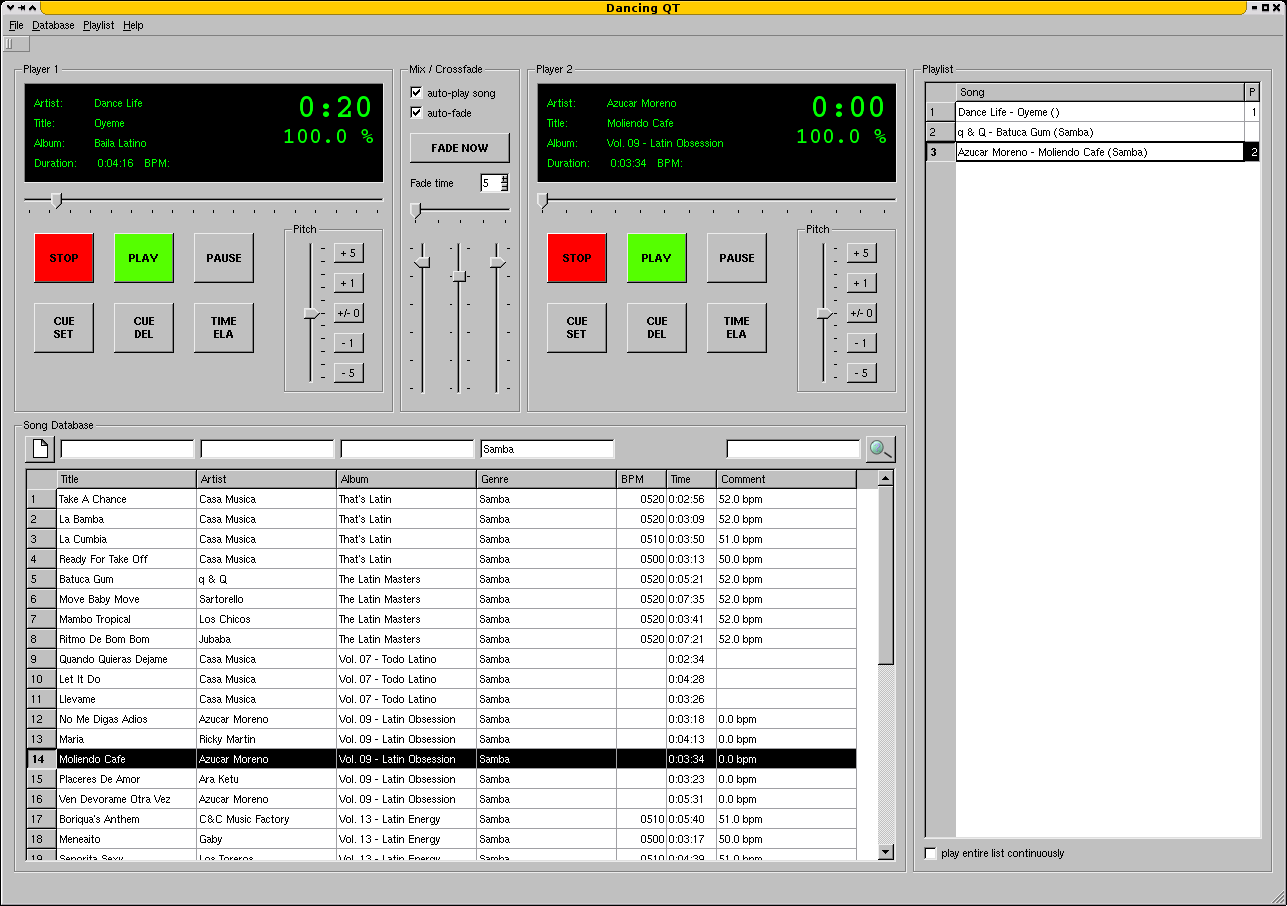
Dancing QT is a combined music database and player application specially designed for dancing schools and equivalent applications. Key features are an easy-to-use interface, fast search capabilities, playlist management, exact pitching and crossfading.
Looking around the open source landscape for a while, I tried to find a music database and player that is suitable for use in a dancing school environment – without success. Most mixing applications tend to be too confusing for the intended audience, most players lack database searching capabilites and most song databases don’t know how to pitch 😦
Because of this, I decided to setup a new application – Dancing QT. It uses alsaplayer because of its excellent interface and pitching capabilities, it uses an embedded SQLite DBMS to maintain a song database, and it uses taglib to populate the database. The interface is written in C++ using Qt. Because of the alsaplayer dependency, the target platforms will be limited to environments providing alsaplayer.
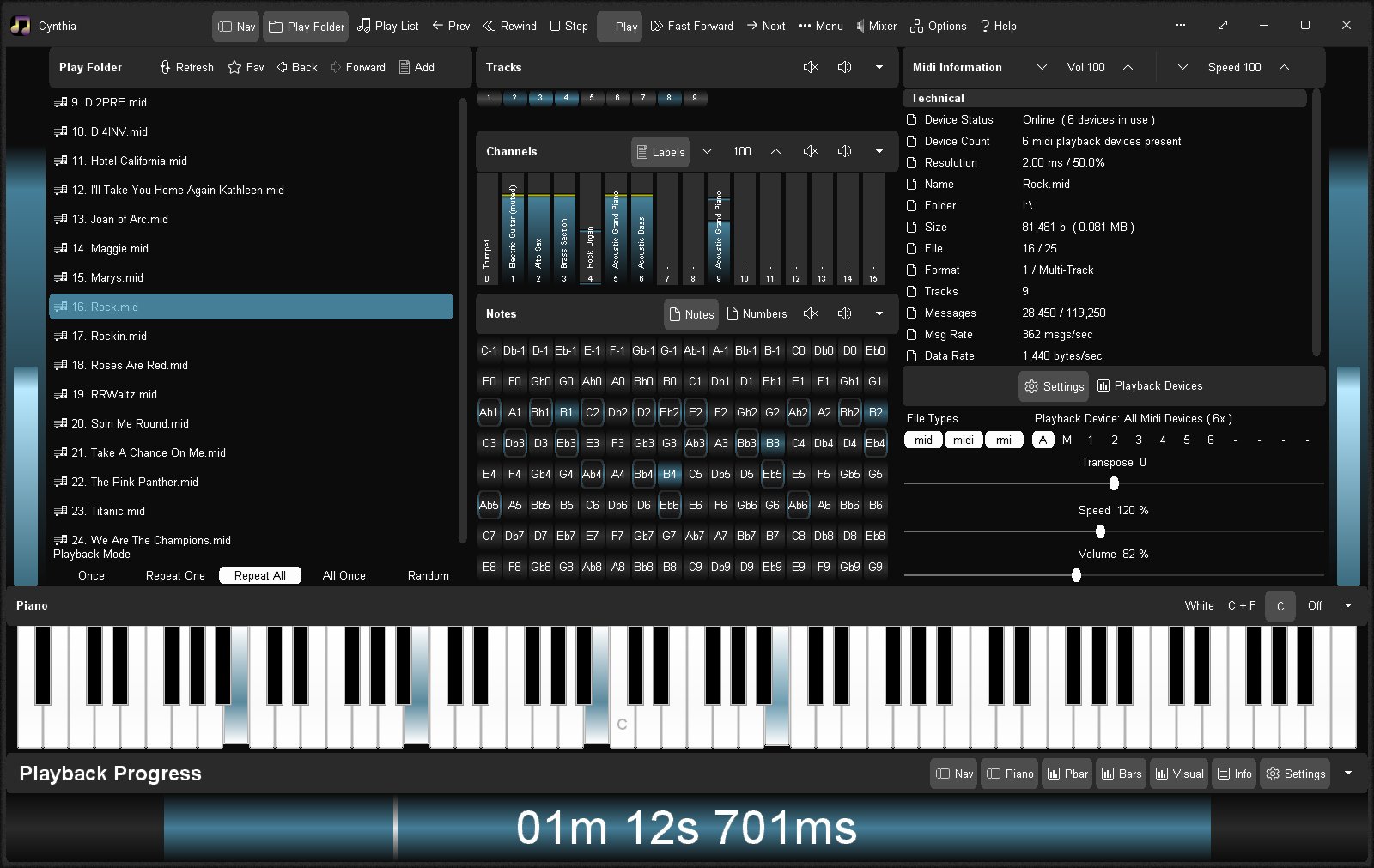
Reliably play midi music files from a folder or “.m3u” playlist. Adjust playback speed, volume and output device on the fly during playback. A large playback progress bar makes jumping forward and backward in time a breeze with just a single click or tap. Supports “.mid”, “.midi” and “.rmi” files in format 0 (single track) and format 1 (multi-track). Comes complete with 24 sample midis ready to play.
Features:
Dual play systems – Play Folder and Play List
Comes with 24 built-in sample midis on a virtual disk
Elapsed, Remaining and Total time readouts
Native “.m3u” playlist support (copy, paste, open, save, build)
Drag and drop midi files to play / add to playlist
Play Modes: Once, Repeat One, Repeat All, All Once, Random
Play Speed: 10% to 1,000% (1/10th to 10x)
Intro Mode: Play first 2s, 5s, 10s or 30s of midi
Rewind / Fast Forward by: 1s, 2s, 5s, 10s or 30s
Play on Start option – playback commences on app start
Always on Midi option – maintain connection to midi device for instant playback
Auto Fade In – eliminate loud or abrupt notes during rewind, fast forward or reposition operations
Playback Progress bar – click to reposition/jump backward or forward in time
Volume control with volume boost (up to 200%)
Play “.mid”, “.midi” and “.rmi” midi files in 0 and 1 formats
Custom built midi playback subsystem for high playback stability
Scrolling lyrics viewer
Detailed midi information panel
Tracks Panel: Realtime track data indicators with mute all, unmute all, and mute individual track options
Channels Panel: Realtime channel output volume indicators with peak level hold and variable hold time, unmute all, mute all, and mute individual channel options
Notes Panel: 128 realtime note usage indicators with variable hold time, 8-12 notes per line display, labels as letters or numbers, unmute all, mute all, and mute individual note options
Piano Panel: View realtime piano keystrokes on a 128, 88, 76, 61, 54, 49 or 37 key keyboard with animated and lit keystrokes
Piano: Mark middle C key, C + F keys, or all white keys
Transpose option: Shift all notes up or down music scale
Use an Xbox Controller to control Cynthia’s main functions – playback speed and volume, song position, display panels, song file navigation, jump to start of song, toggle fullscreen mode, etc
Large list capacity for handling thousands of midi files
Switch between up to 10 midi playback devices
Simple and easy to use
Options Window – Easily change app color, font and settings
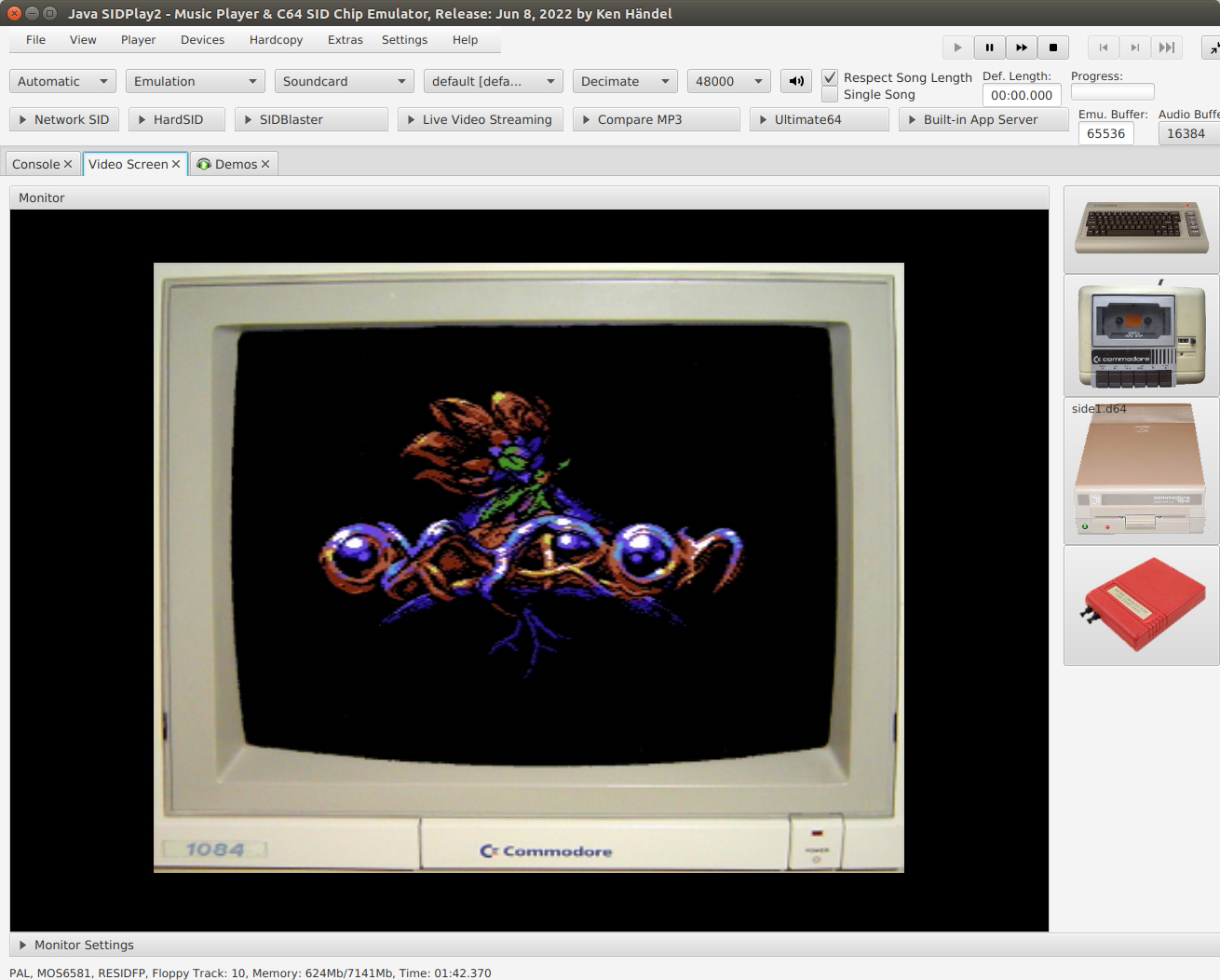
This is a Commodore 64 emulator specialized for sound reproduction. It is also a SID player for music collections like HVSC and CGSC. It is a full C64 emulator and can play games of the GameBase64 project as well.
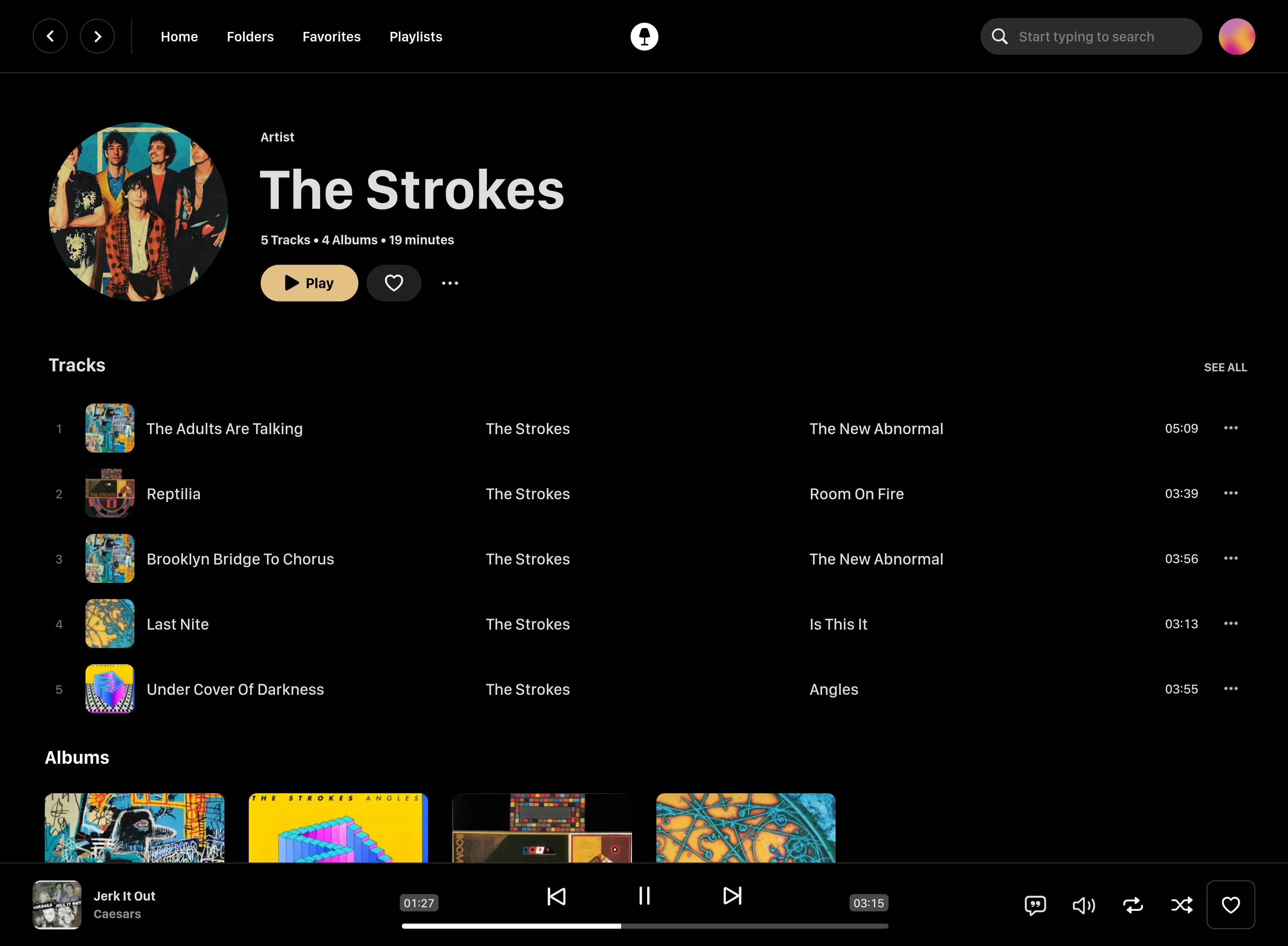
Swing Music is a fast and beautiful, self-hosted music player for your local audio files. Like a cooler Spotify … but bring your own music. Just run the app and enjoy your music library in a web browser.
Features:
Daily Mixes – curated everyday based on your listening activity
Metadata normalization – a clean and consistent library
Album versioning – normalized albums and association with version labels (eg. Deluxe, Remaster, etc)
Related artist and albums
Folder view – Browse your music library by folders
Playlist management
Beautiful browser based UI
Silence detection – Combine cross-fade with silence detection to create a seamless listening experience
Collections – Group albums and artists based on your preferences
Statistics – Get insights into your listening activity
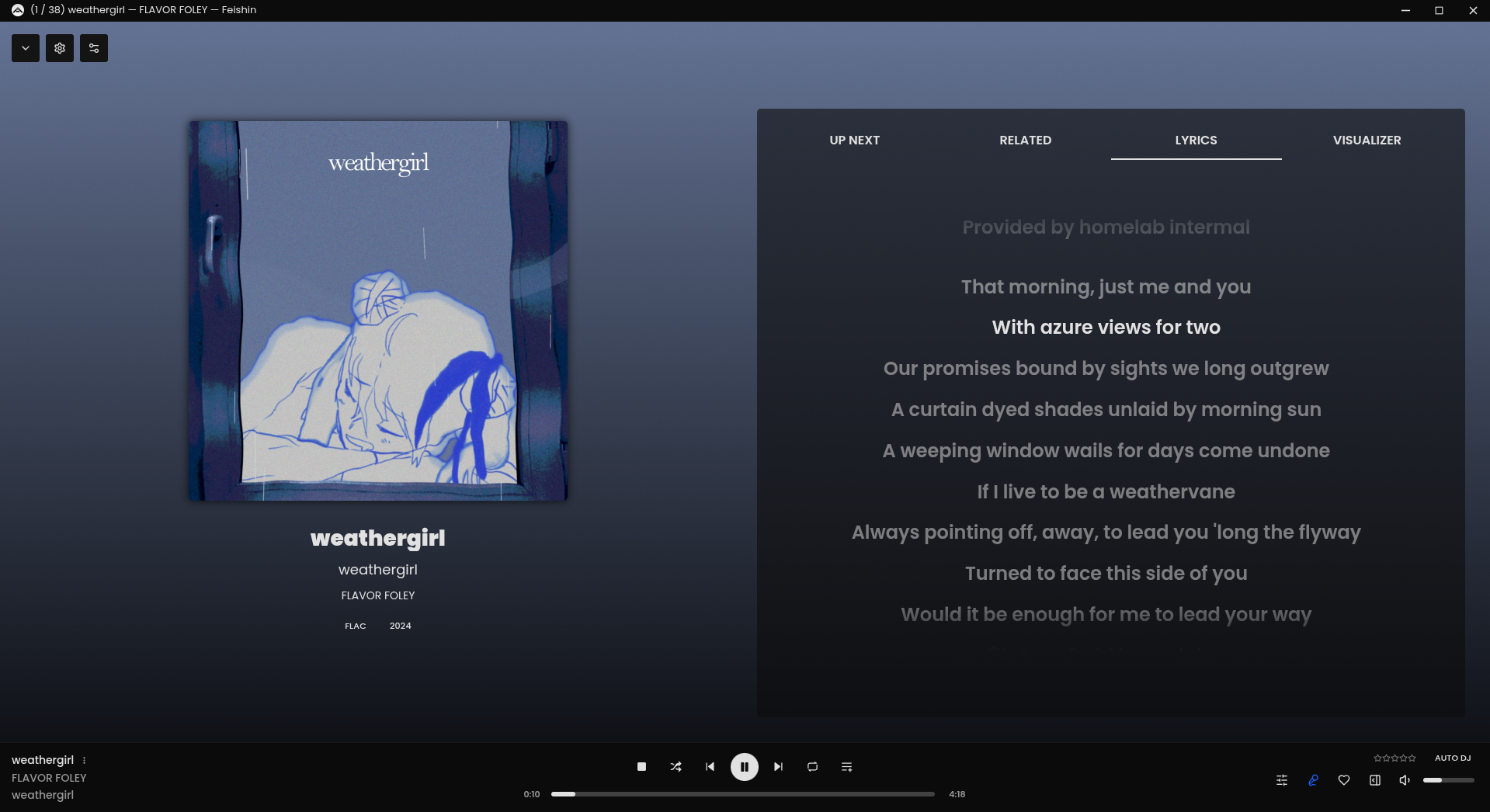
Lyrics view
Android client
Last.fm scrobbling
Multi-user support
Cross-platform – Windows, Linux, MacOS (coming soon), arm64, x86
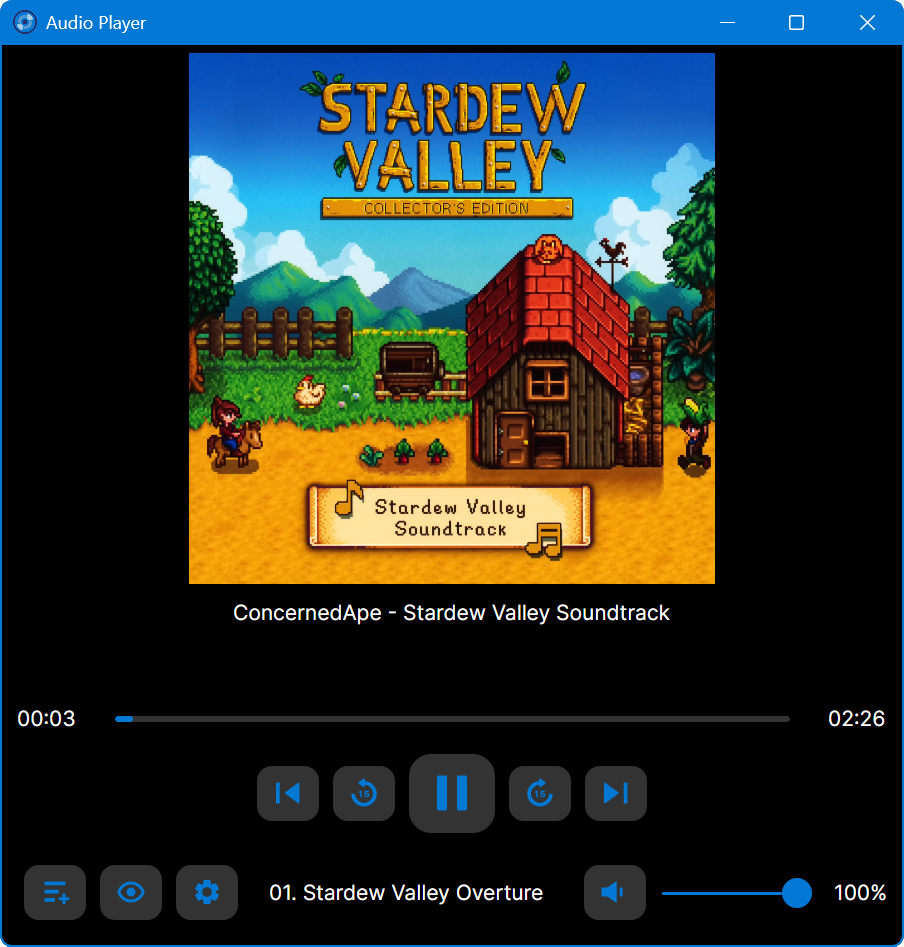
Multi-format audio player with MIDI, minigames, playlists & many visualizations
Lightweight GTK3 audio player supporting MIDI, WAV, MP3, OGG, FLAC, AIFF, and Opus formats. Features OPL3 FM synthesis for authentic MIDI playback, drag-and-drop playlist queue, real-time spectrum visualization, 10-band equalizer, and M3U playlist support. Built with SDL2 audio backend for cross-platform compatibility across Linux and Windows. Includes intuitive controls with keyboard shortcuts, 5-second seek buttons, and efficient format conversion. Perfect for musicians and audio enthusiasts needing reliable playback of both modern and legacy audio formats. Multi-threaded architecture ensures smooth performance. MIT License.












 The Audio File