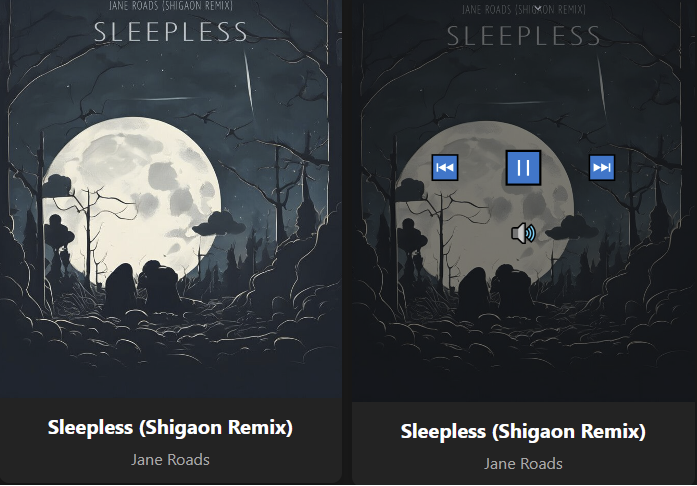
A clean, minimalist web interface for foobar2000 that displays full-screen album art with elegant hover controls.

github.com/jame25/albumart_minimal

A clean, minimalist web interface for foobar2000 that displays full-screen album art with elegant hover controls.
github.com/jame25/albumart_minimal

A lightweight HTML5 web music player with FLAC support that runs in a Docker container. This project provides a clean, minimalist interface for playing FLAC audio files with metadata extraction.

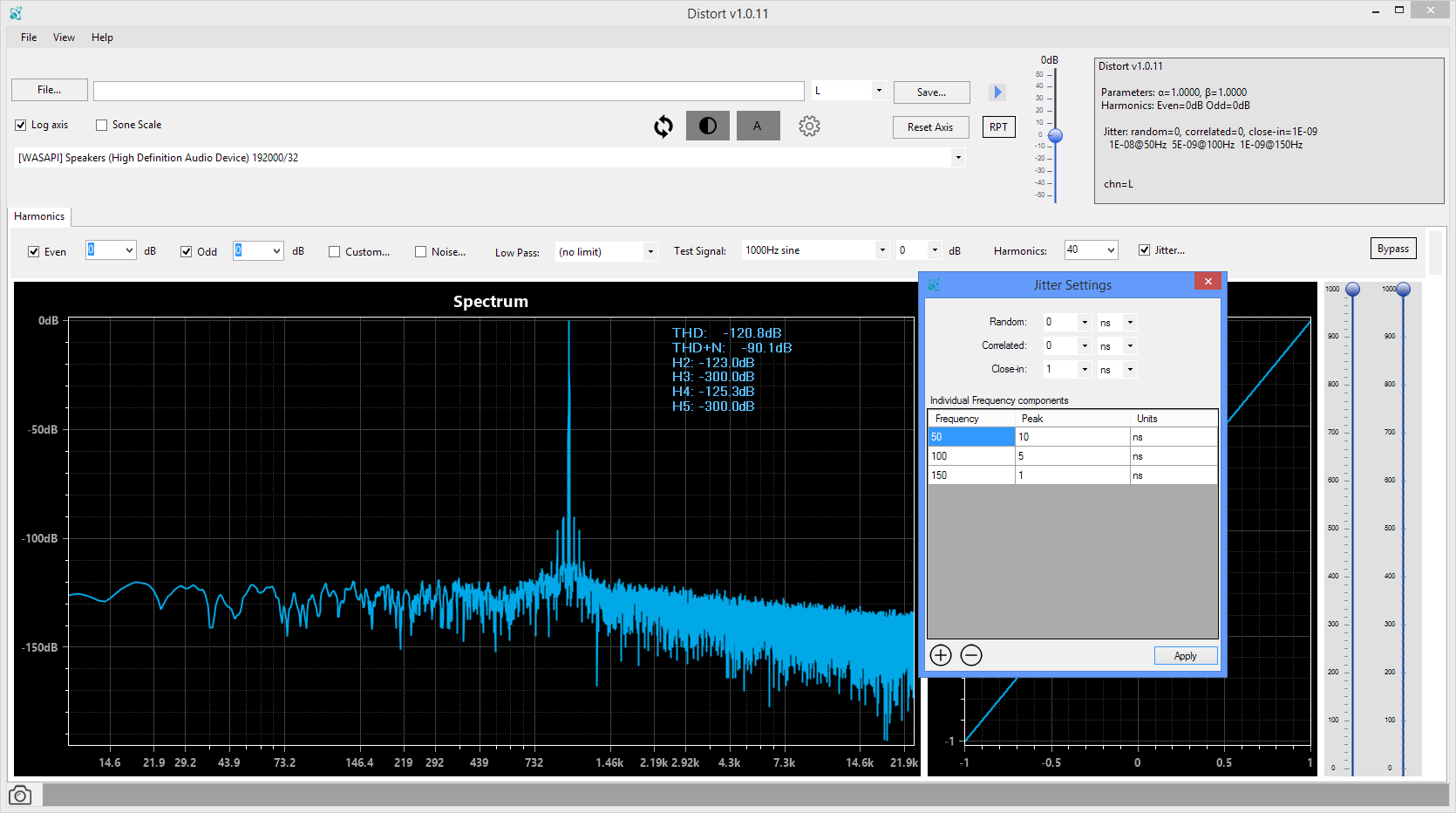
DISTORT was conceived as a tool to allow one to apply a combination of complex distortions to any recorded signal, including music and hi-res recordings. DISTORT also provides simple visualization tools to examine the effects of all the distortions as they are being adjusted. The distorted sound file can be played through the available audio device drivers, from ASIO to WASAPI to Direct Sound.
The following distortions are currently provided with a variety of settings and options:
- Harmonic distortion (THD, SINAD, THD+N)
- Different noise floors and various spurious noise components, such as mains frequency
- Various types of jitter, random, correlated, 1/f noise, and at various frequencies
- Dynamic range compression effects
- Different types of dither and bit settings

GNU Radio is a free & open-source software development toolkit that provides signal processing blocks to implement software radios. It can be used with readily-available low-cost external RF hardware to create software-defined radios, or without hardware in a simulation-like environment. It is widely used in research, industry, academia, government, and hobbyist environments to support both wireless communications research and real-world radio systems.
wiki.gnuradio.org/index.php?title=What_Is_GNU_Radio
GNU Radio is a free software development toolkit that provides signal processing blocks to implement software-defined radios and signal processing systems. It can be used with external radio frequency (RF) hardware to create software-defined radios, or without hardware in a simulation-like environment. It is widely used in hobbyist, academic, and commercial environments to support both wireless communications research and real-world radio systems.
en.wikipedia.org/wiki/GNU_Radio

A small script to sync your play counts from last.fm back to iTunes. Supports both Windows and Mac OS X without any native dependencies. (Requires Music.app on OS X.)
Useful if you scrobble to last.fm from iTunes on multiple computers / devices and want to keep your local play counts consistent.

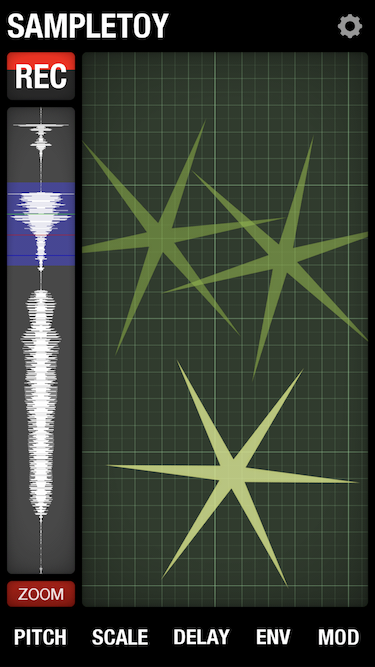
Sampletoy is a radical new musical instrument / plaything;
part sampler, part granular synthesiser.Use it to capture sounds through the microphone,
then play, loop, pitch and distort them live on the screen.
www.elf-audio.com/sampletoy
www.facebook.com/elfaudioapps

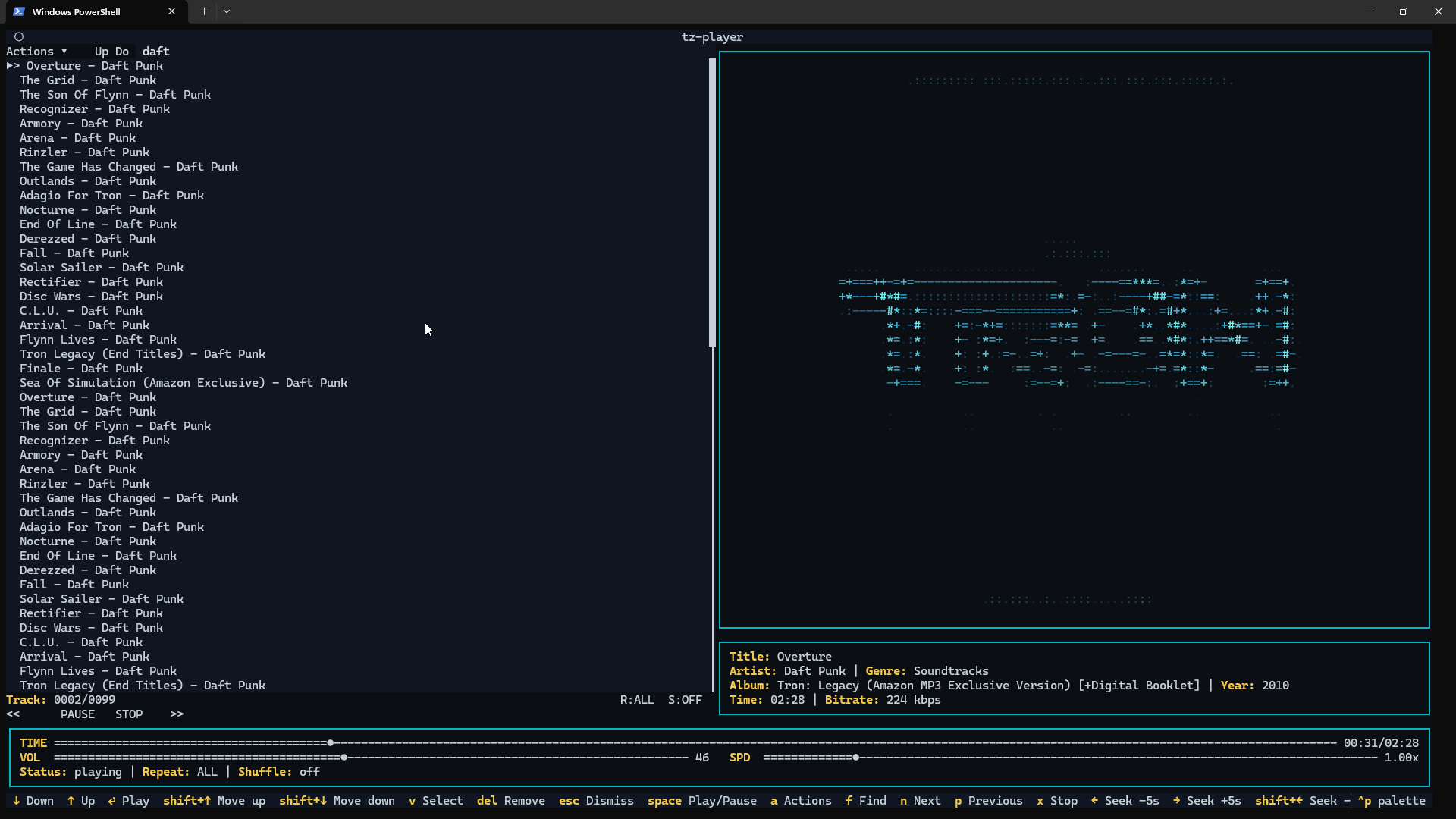
A clean, keyboard-driven music player for the terminal.
tz-playeris a simple TUI music player built with Python and powered by VLC. If VLC can play it,tz-playercan play it.No streaming. No accounts. No background services. Just your music, in your terminal.

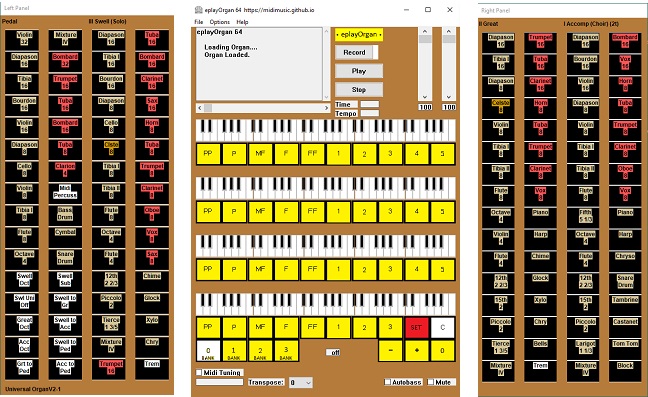
Midimusic provides archives of Wurlitzer and Estey music rolls in e-roll format. These are downloadable and the music can be played using eplayOrgan. An archive of Miditzer organ midi files is also provided.
All features of the original e-rolls and midis are available including stops and swell.
eplayOrgan is a fully featured organ which can also be played from a full midified console or standard midi keyboards. Stops may be set using a touch screen.
eplayOrgan operates under Windows. Mac and Linux are supported under Wine. The programs work just the same under Wine on Mac and Linux as they do under Windows.
sourceforge.net/projects/midimusic

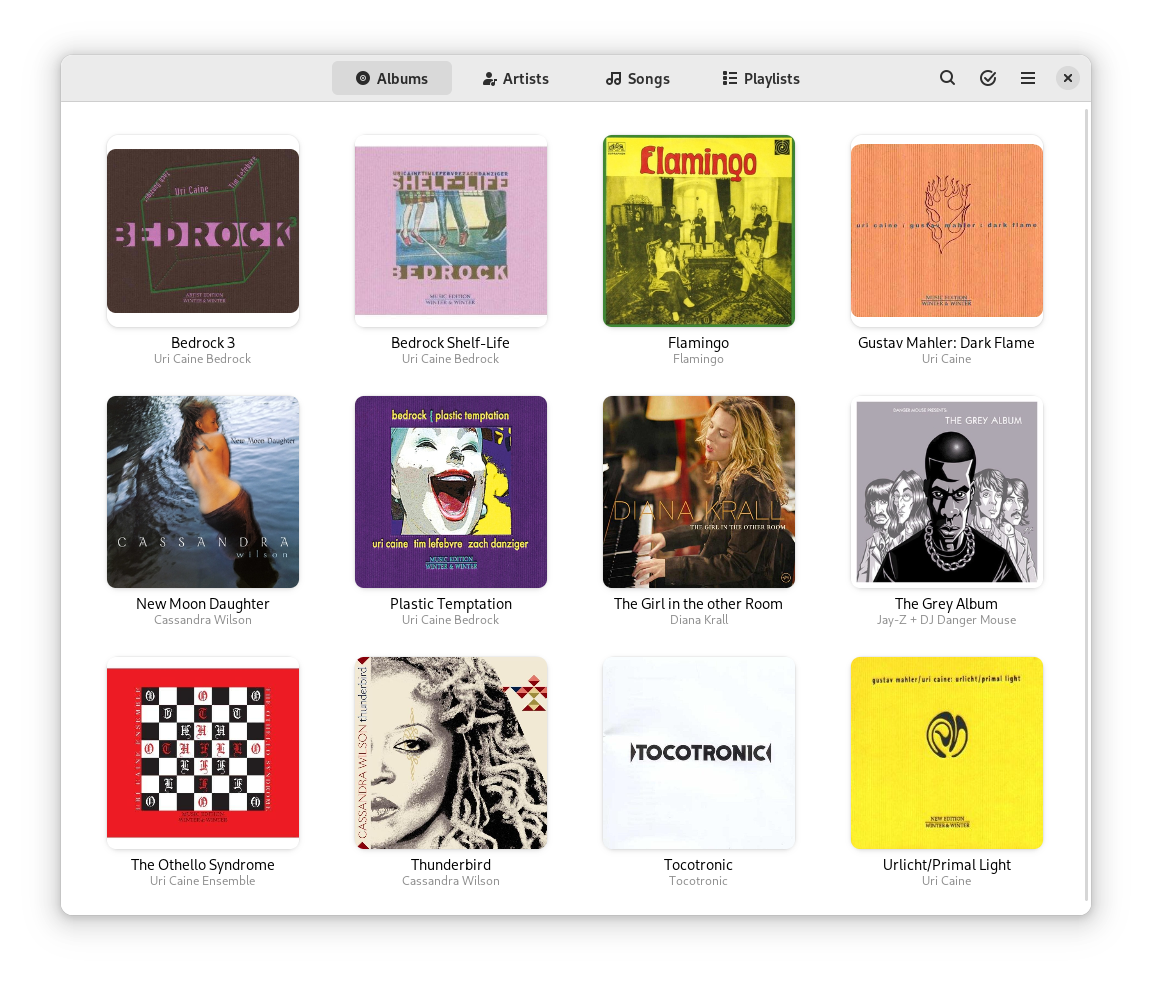
An easy and pleasant way to play your music.
Find tracks in your local collection, use automatically generated playlists or curate a fresh one.

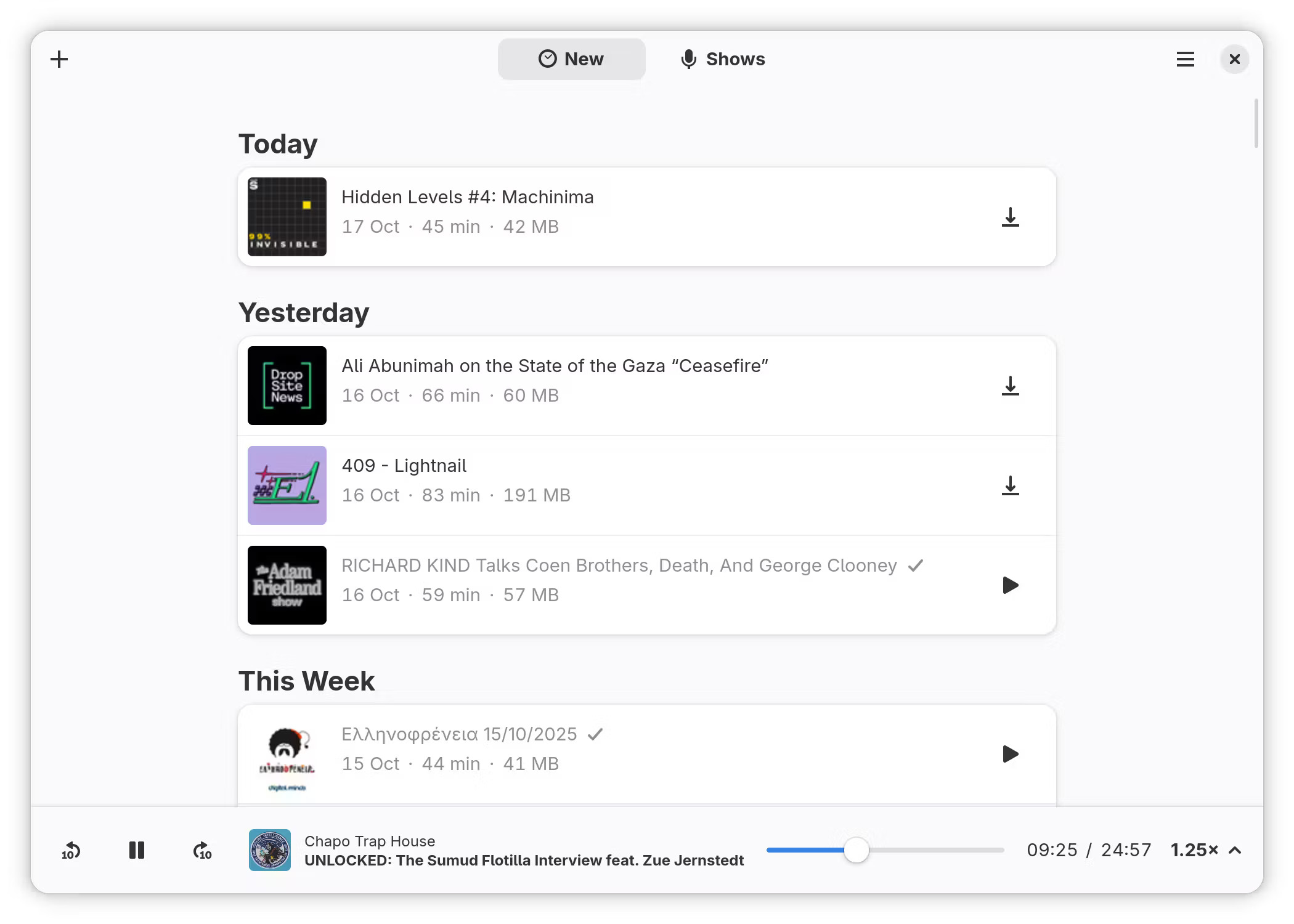
Listen to your favorite podcasts, right from your desktop.
gitlab.gnome.org/World/podcasts

Keep the tempo
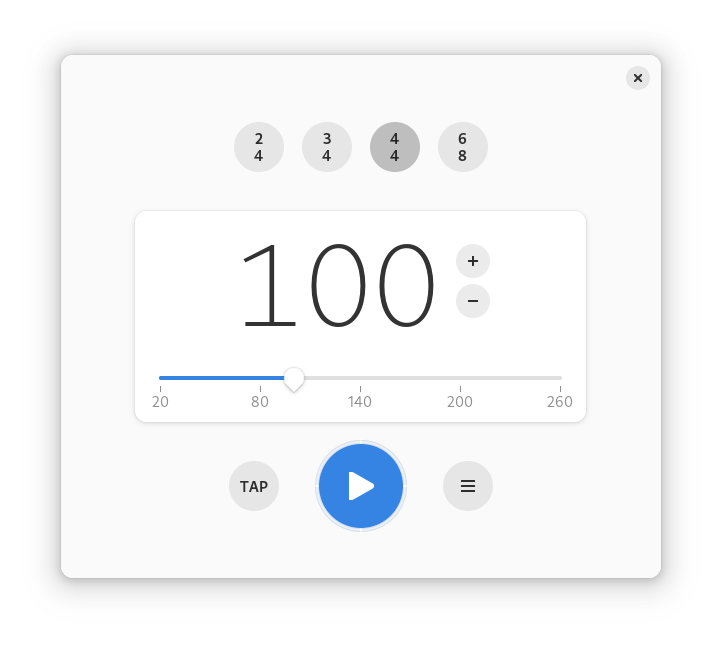
Metronome beats the rhythm for you, you simply need to tell it the required time signature and beats per minutes.
You can also tap to let the application guess the required beats per minute.
A boilerplate template to get started with GTK, Rust, Meson, Flatpak made for GNOME. It can be adapted for other desktop environments like elementary.
gitlab.gnome.org/World/metronome


 The Audio File