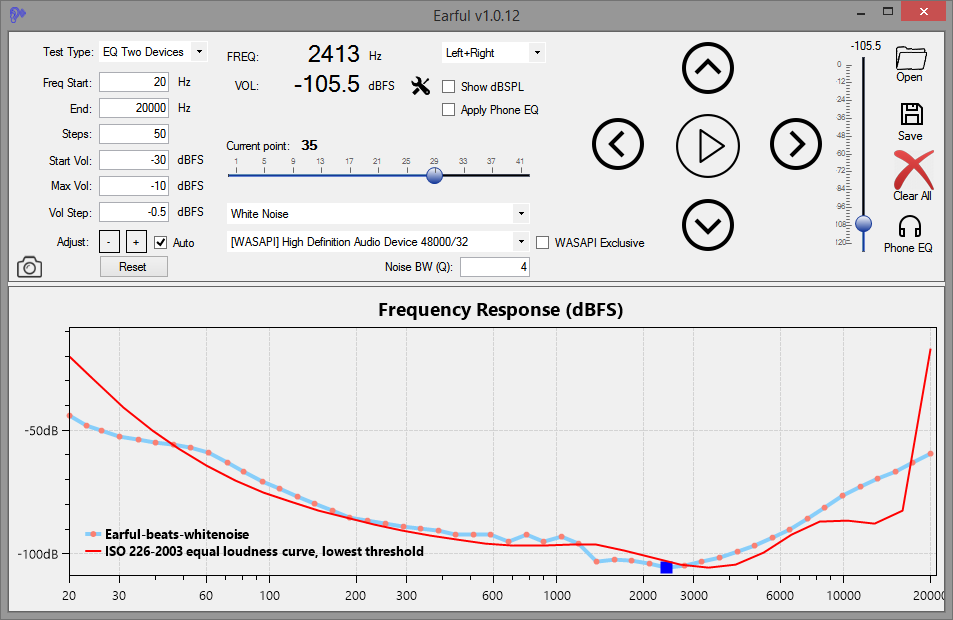
Earful is an app designed to measure and evaluate the lower threshold of hearing across a frequency spectrum. It is designed to run on Windows and support ASIO, WASAPI, and Direct Sound audio devices. Use with headphones is recommended for greater accuracy and noise elimination.
In addition, with version .10, Earful now supports two other types of tests:
Equal-loudness testing using the same device and 1kHz reference tone
Two devices equal-loudness testing, using a reference device, such as speakers, and a test devices, such as headphones
The app is free to use, but to use it, you must agree to do so AT YOUR OWN RISK ONLY. Make sure that the volume settings are set such that any loud sounds played through your system will not damage your equipment or your hearing! This is important. Set the frequency range in Earful correctly, and also specify the maximum volume setting at a low number to avoid surprises (default is -20dBFS).
Features:
Pick your own frequency range for the test
Specify any number of logarithmically spread points to test along the frequency axis
Compare your results to others, compare to your older tests to check for changes, or compare to any of the industry standard, published curves
Test with a single tone, a warble tone, or a band-limited white noise
Using a simple text format supported by REW, so the result can be loaded into that tool directly
Supports ASIO, WASAPI exclusive/shared, and Direct Sound device drivers
Display in dB SPL or in db FS with configurable dBSPL calibration
Apply a flat calibration curve to account for variations in headphones or speakers
Equal-loudness testing using a 1kHz reference or a separate audio device
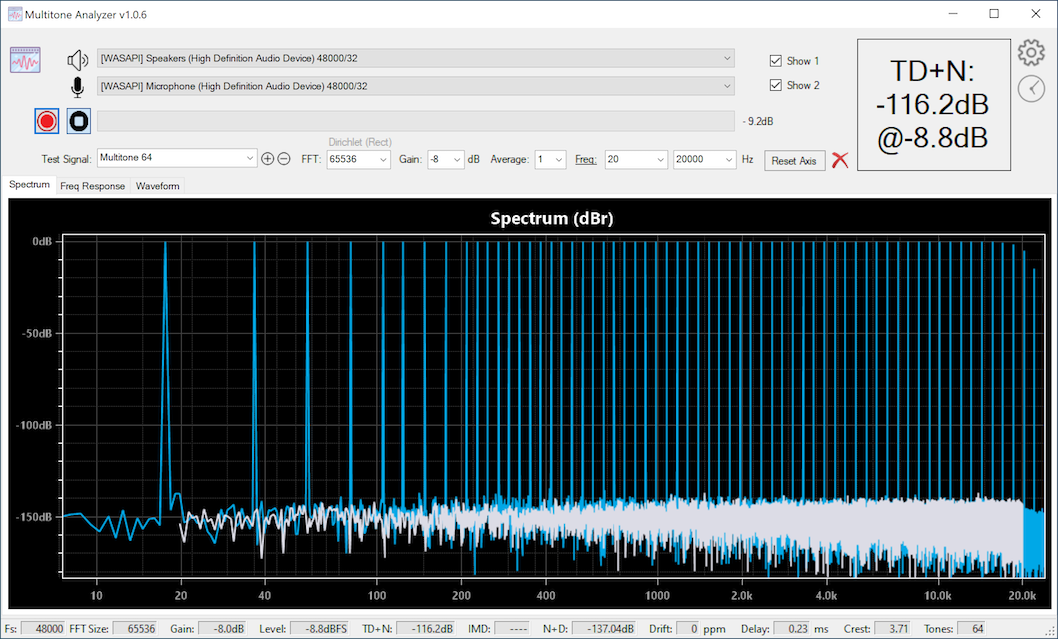
Multitone Analyzer is an app designed to explore audio electronics performance by producing quick measurements using a simple loop-back configuration. MA produces a specific set of test tones that are sent to a digital-to-analog converter (DAC) that are then passed through one or more analog components and then received by MA and analyzed. MA both, plays the signals and records them for analysis. DAC and ADC are required for this to work.
Measurements that MA can produce: TD+N, IMD, N+D, delay, clock drift, frequency response, etc.
Audio support for WASAPI, ASIO, and Direct Audio devices with sampling rates of up to 384kHz/32 bits
Test signals: arbitrarily large multi-tone signal, simple sine waves, two-tone IMD test signals, 3-tone IMD test signals, square wave, triangle wave
FFT sizes of up to 1M
For distortion measurements a range of frequencies to measure can be selected
Test your audio equipment, online. AudioCheck gives you access to an extensive collection of sound tests, playable online and downloadable in high-quality for patrons. The audio material provided here will help you assess the audio equipment connected to your computer. Using this website, you will be able to:
Test your hearing, speakers, headphones, digital-to-analog converters… and more!
Design your own sound tests using our high quality waveform generators.
Download our sound files to your favorite audio player, and use your player as a portable audio test device.
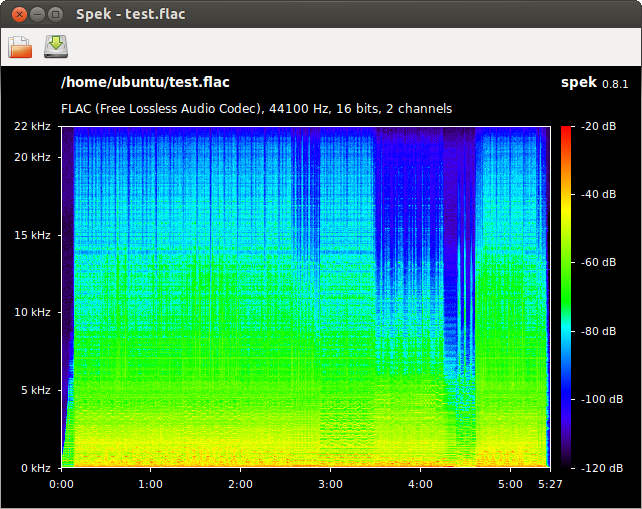
Spek (IPA: /spɛk/, ‘bacon’ in Dutch) helps to analyse your audio files by showing their spectrogram. Spek is free software available for Unix, Windows and Mac OS X.
Features:
Supports all popular lossy and lossless audio file formats thanks to the FFmpeg libraries.
Ultra-fast signal processing, uses multiple threads to further speed up the analysis.
Shows the codec name and the audio signal parameters.
Allows to save the spectrogram as an image file.
Drag-and-drop support; associates with common audio file formats.
Auto-fitting time, frequency and spectral density rulers.
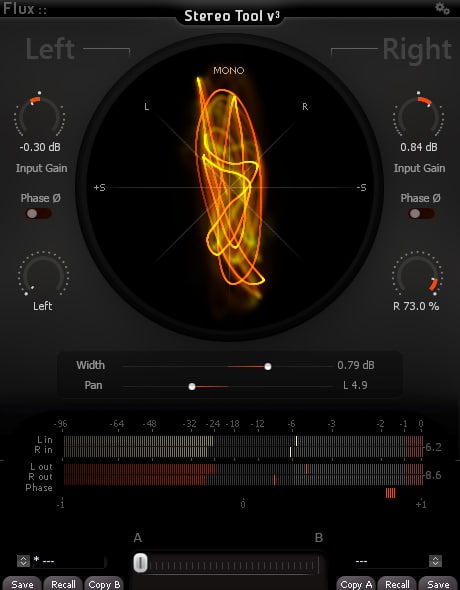
The Complete Stereo Imaging And Analysis Tool. StereoTool offers ultra-precise control of input gain and individual pan for left and right channels, accurate visual feedback reflecting the signal content with; a vectorscope, PPM meters for inputs/outputs, phase correlation meter permanently monitoring the signal and individual left and right polarity reversal – No dongle or registration required – 100% Freeware!
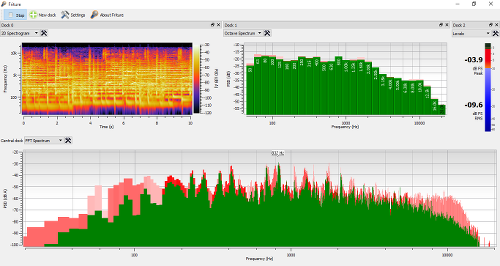
Friture is an application to visualize and analyze live audio data in real-time. Friture displays audio data in several widgets, such as a scope, a spectrum analyzer, or a rolling 2D spectrogram.
This program can be useful to analyze and equalize the audio response of a hall, or for educational purposes, etc.
The name Friture is a french word for frying, also used for noise in a sound.
Friture helps you to understand audio data with several widgets:
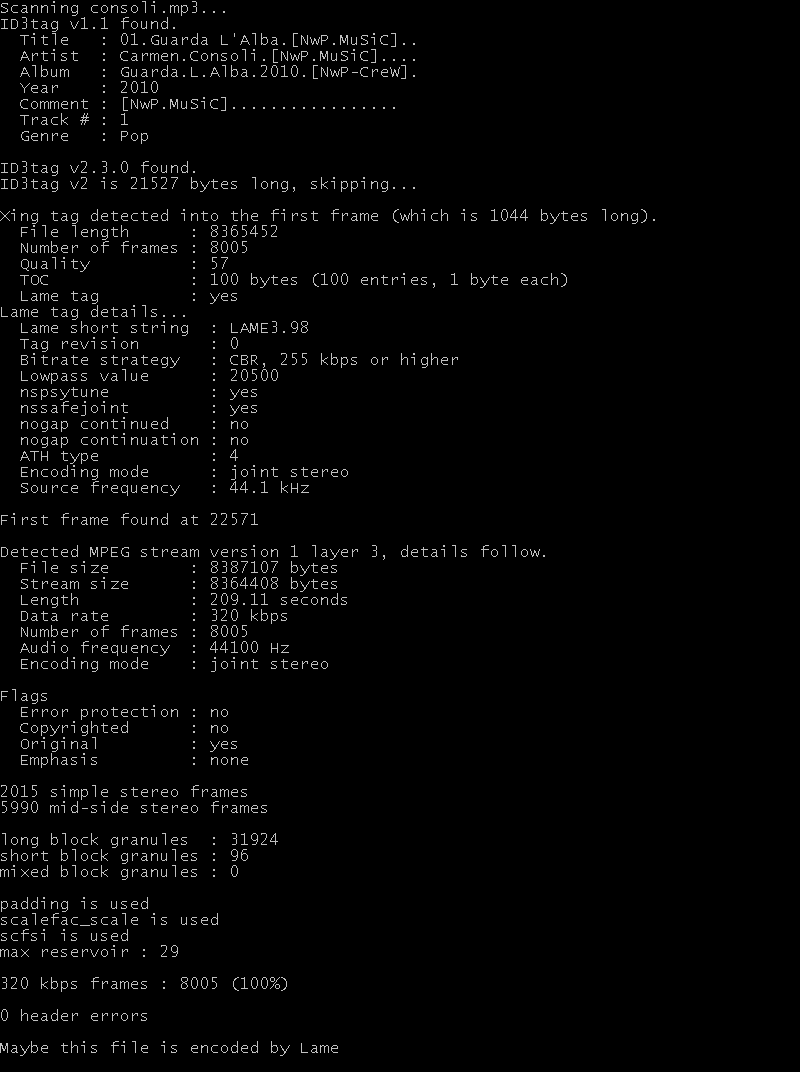
… a small utility for analysis of audio mpeg files and detection of the encoder used (when layer III).
Further, mp3guessenc can detect many details about the mpeg audio stream and print out lots of useful information.
Supported streams are mpeg 1, mpeg 2 and unofficial mpeg 2.5 – layer I, layer II and layer III of course. Xing tag, lame tag, VBRI tag, Id3 tags (both 1.x and 2.x), APE tags (both v1 and v2), Lyrics3 tags (both v1 and v2) and MusicMatch tag (any version) are detected as well.
Features:
scan mpeg 1/2/2.5 streams, layer I/II/III
guess encoder used (lame/gogo/xing/helix/fhg(new, old and ancient)/blade)
also detects mp3pro and mp3surround streams (even with OFL)
support for large files (up to 2^60 bytes!)
free format streams supported
full statistics for the stream (audio mode, frame histogram, block usage, ancillary data)
crc16 verification
vbr tags by xing/lame + VBRI tag by fhg
detection of ID3 v1/v2 + APE tags + Lyrics3 tags + MusicMatch tag
While working at the music and neuroimaging lab at Beth Israel/Harvard Medical School in Boston, I developed a quick online way to screen for the tonedeafness. It actually turned out to be a pretty good test to check for overall pitch perception ability. The test is purposefully made very hard, so excellent musicians rarely score above 80% correct. Give it a try!
aveX is a free software for running and monitoring ABX listening tests. It works as a Jack (Jack Audio Connection Kit) client and is able to send test-status messages over a network for monitoring purposes. ‘A’ and ‘B’ audio files are read in pairs from a list and played in randomized order, the ‘X’ audio file is also randomized and is either ‘A’ or ‘B’ (double-blind test).
The listening test results are written after every choice in a file in text format.
The program is configured by filling in a very simple XML file.
AudioCheck gives you access to an extensive collection of sound tests, playable online and downloadable in high-quality for patrons. The audio material provided here will help you assess the audio equipment connected to your computer. Using this website, you will be able to:
Test your hearing, speakers, headphones, digital-to-analog converters… and more!
Design your own sound tests using our high quality waveform generators.
Download our sound files to your favorite audio player, and use your player as a portable audio test device.
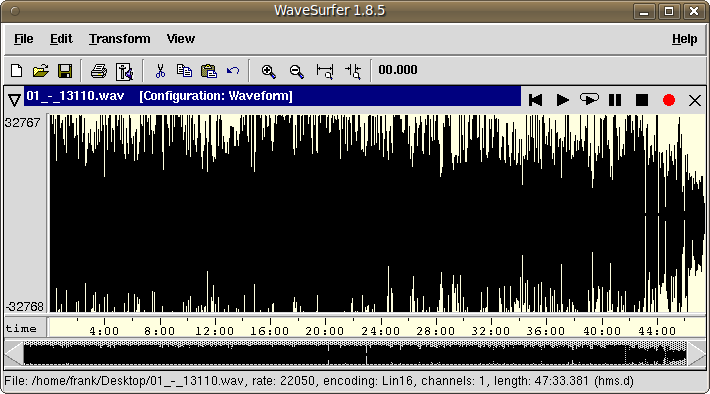
WaveSurfer is an open source tool for sound visualization and manipulation. Typical applications are speech / sound analysis and sound annotation / transcription. WaveSurfer may be extended by plug-ins as well as embedded in other applications. Features:
Customizable – users can create their own configurations. Localization support.
Extensible – new functionality can be added through a plugin architecture.
Embeddable – WaveSurfer can be used as a widget in custom applications.
Transcription file formats – reads, and writes HTK (and MLF), TIMIT, ESPS/Waves+, and Phondat. Support for encodings and Unicode.










 The Audio File