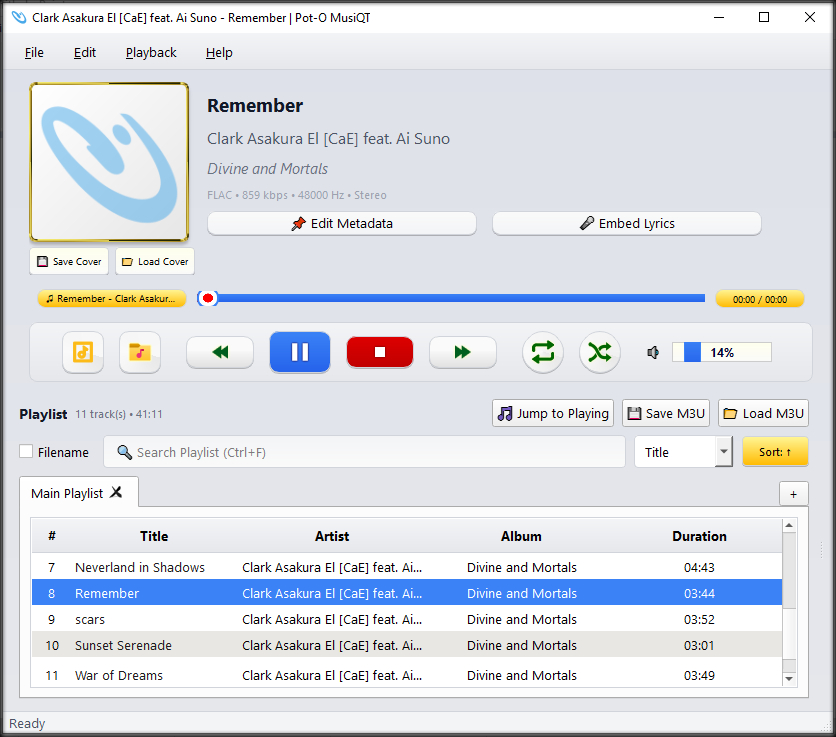
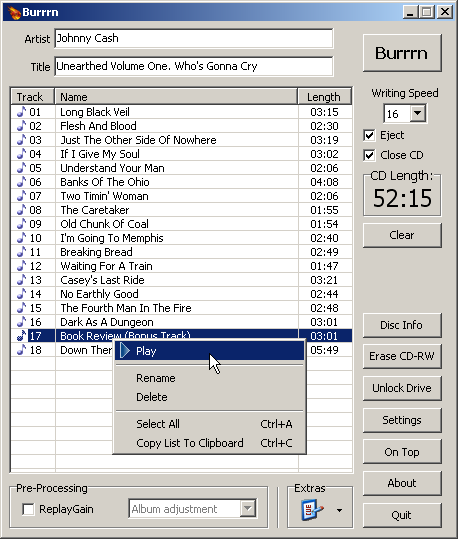
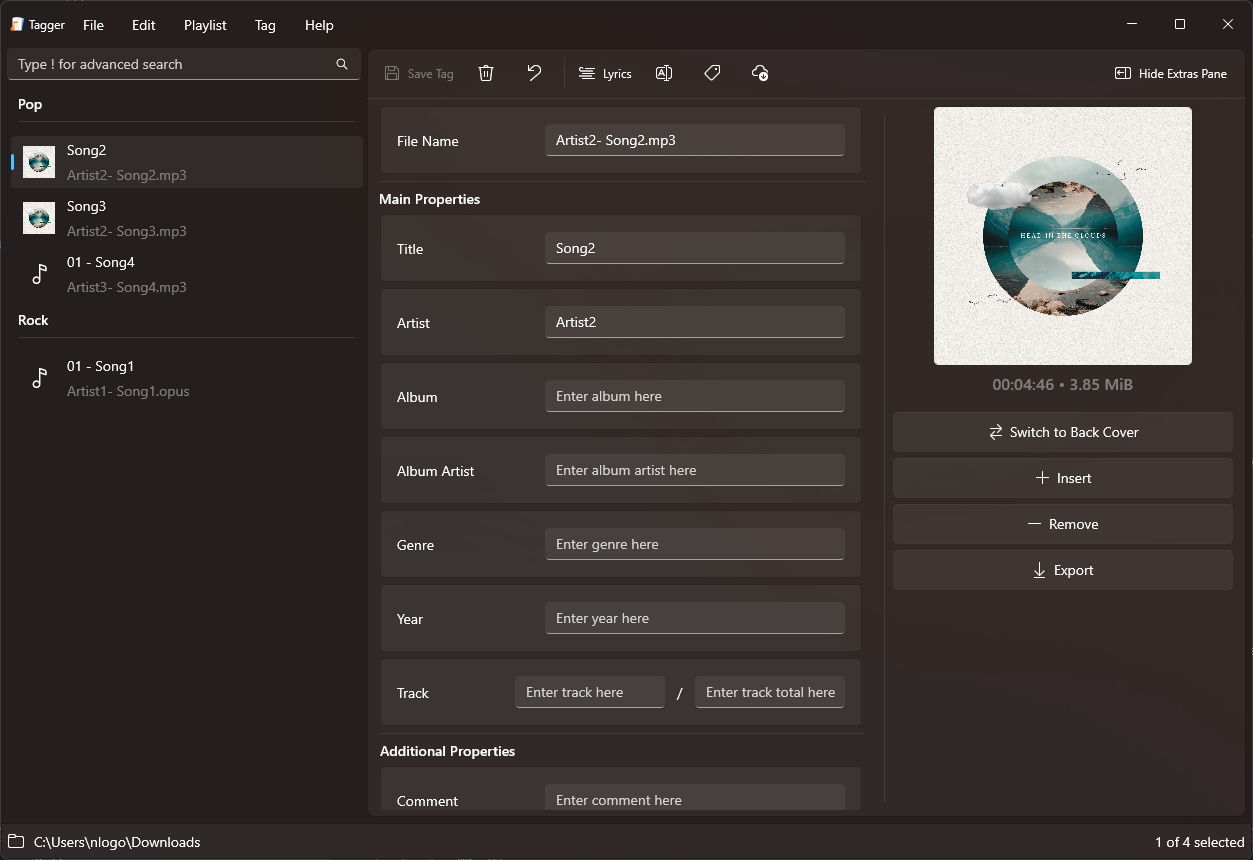
Burrrn is a little tool for creating audio CDs with CD-Text from various audio files. Supported formats are: wav, mp3, mpc, ogg, aac, mp4, ape, flac, ofr, wv, tta, m3u, pls and fpl playlists and cue sheets. You can also burn EAC’s noncompliant image + cue sheets! Burrrn can read all types of tags from all these formats (including ape tags in mp3). Burrrn uses cdrdao.exe for burning.
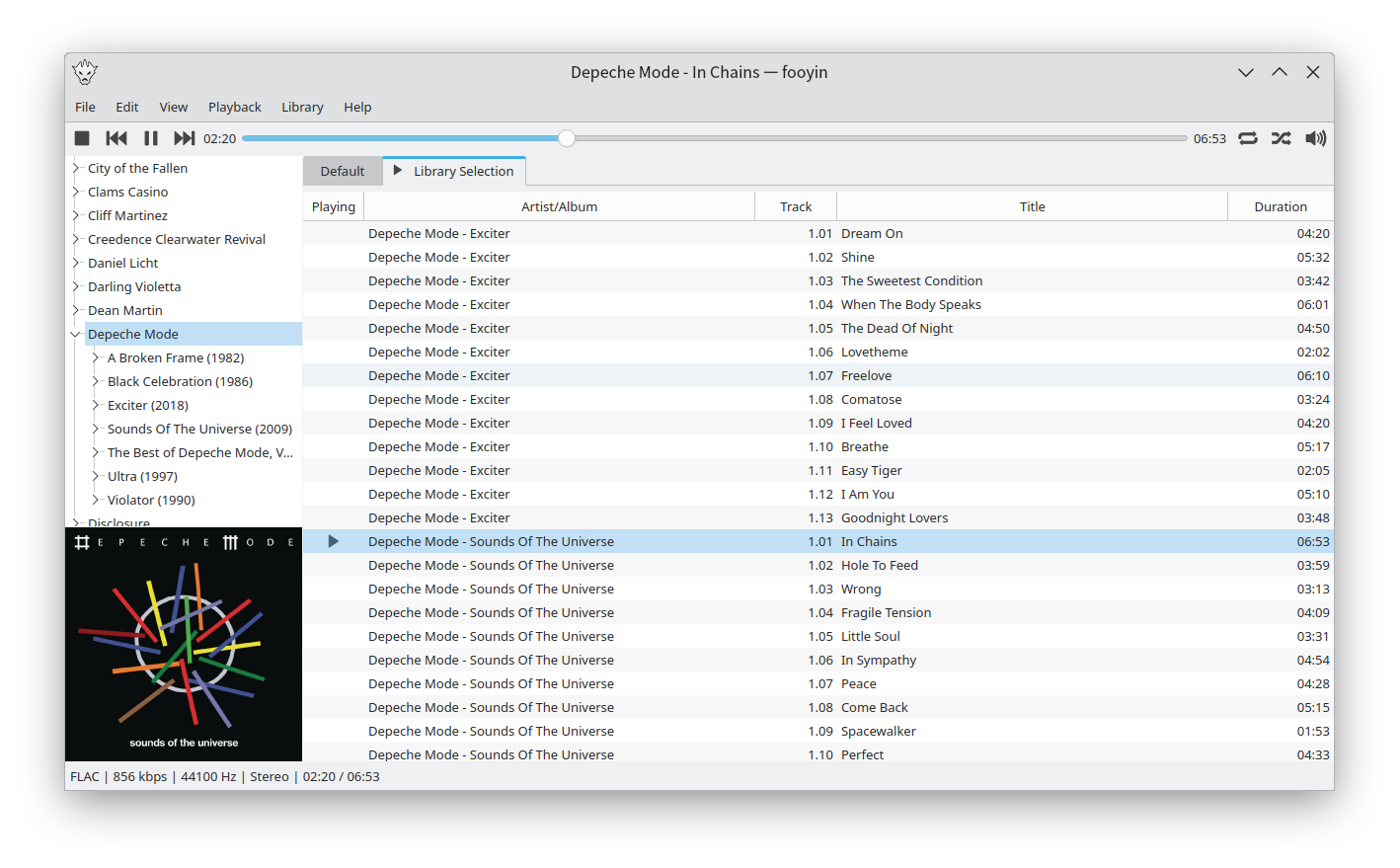
Fooyin is a customisable music player for Linux. Fooyin features a layout editing mode in which the entire user interface can be customised, starting from a blank state or a default layout. FooScript takes this further by extending the customisation to individual widgets themselves.
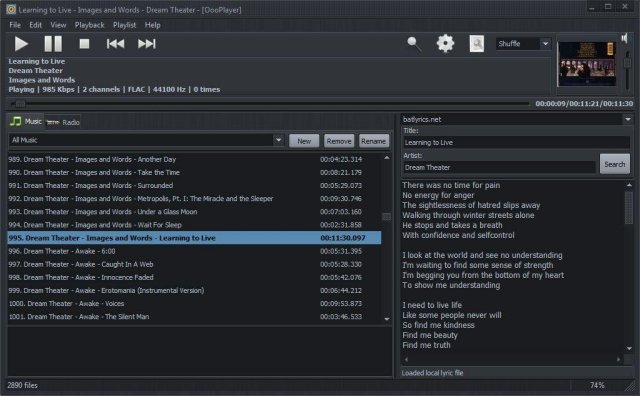
OooPlayer is a free audio player for Microsoft® Windows®. It has a clean, lightweight user interface and it is also friendly with your computer resources. It is one of the best candidates if you’re looking for an alternative to Winamp® or just looking for a simple, easy-to-use music and radio player. It’s written in Delphi and uses Bass library and its plugins from www.un4seen.com
The listed versions are clean, without no bundles/installers and it has support for most popular audio formats (see below in the features section). This player is released under the GNU General Public License version 2.0 and is available in two versions: installer and portable.
Features:
user-friendly and with a low impact on resource usage
support for most audio formats: MP3, FLAC, OGG, MPC, WMA, AC3, SPX, AAC, ALAC, APE, TTA, OFR, WV, OPUS, TAK etc.
support for gapless playback (uninterrupted playback of sequential/consecutive audio tracks)
support for M3U and M3U8 playlists
integrated lyric downloader (it doesn’t work with certain files such as covers)
save your own playlists in M3U, M3U8 or PPF format
built-in support for radio stations (huge list available) including details about the current radio
multiple options available: shuffle, repeat, search, jump, find etc.
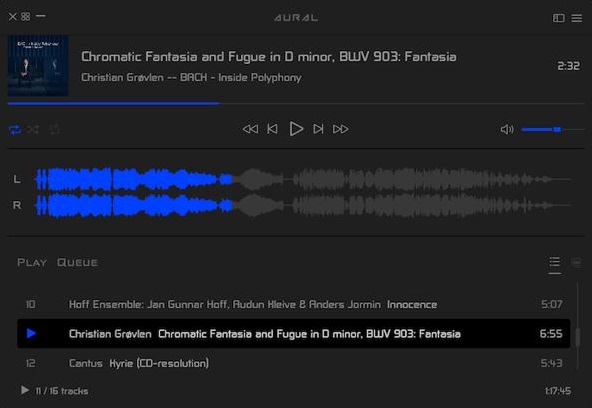
Aural Player is an audio player for macOS. Inspired by the classic Winamp player for Windows, it is designed to be to-the-point, easy to use, and customizable, with support for a wide variety of popular audio formats and some sound tuning capabilities for audio enthusiasts.
MOC (music on console) is a console audio player for LINUX / UNIX designed to be powerful and easy to use.
You just need to select a file from some directory using the menu similar to Midnight Commander, and MOC will start playing all files in this directory beginning from the chosen file. There is no need to create playlists as in other players.
However if you want to combine some files from one or more directories on one playlist, you can still do it. The playlist will be remembered between runs or you can save it as an m3u file and load it whenever you want.
Need the console where MOC is running for more important things? Need to close the X terminal emulator? You don’t have to stop listening to the music – just press q and the interface will be detached leaving the server running. You can reattach it later, or you can attach one interface in the console, and another in the X terminal emulator, no need to switch just to play another file.
MOC plays smoothly, regardless of system or I/O load because it uses the output buffer in a separate thread. It provides gapless playback because the next file to be played is precached while the current file is playing.
Internet streams (Icecast, Shoutcast) are supported.
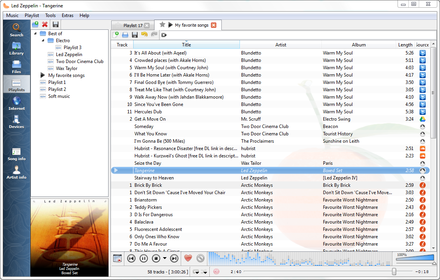
Clementine is a multi-platform music player. It’s inspired by Amarok 1.4, focusing on a fast and easy-to-use interface for searching and playing your music.
Drag & drop files or folders to create .m3u playlists. For each folder, a single .m3u file is created named after that folder. It will not replace already existing playlists of that name. The generated playlists do not contain EXTM3U information because a simple .m3u is nothing more than a text file with a list of file names per line. The initial tool for this task for me was a batch file. 😉
As the generated playlists only include filenames without any path, and they are located with the media files, they can be moved together with the files, as an example, for portable mp3 player usage.
Following the Unix philosophy “one tool for one job” Playlist Creator enables you to create playlists of your precious music within seconds.
The composition and creation of a playlist is quite intuitive: Add all desired files, enter a name for the playlist and select its save location. Hit the create button and one moment later your brand-new playlist is ready.
You don’t have to recreate your playlist every time you want to make changes to it. Just open the existing playlist file, make the changes you want and save the playlist. It’s as simple as that!
Combining several playlists into a single big playlist is quite simple as well: Insert as many existing playlist files to your current playlist as you like and save the playlist. Done!