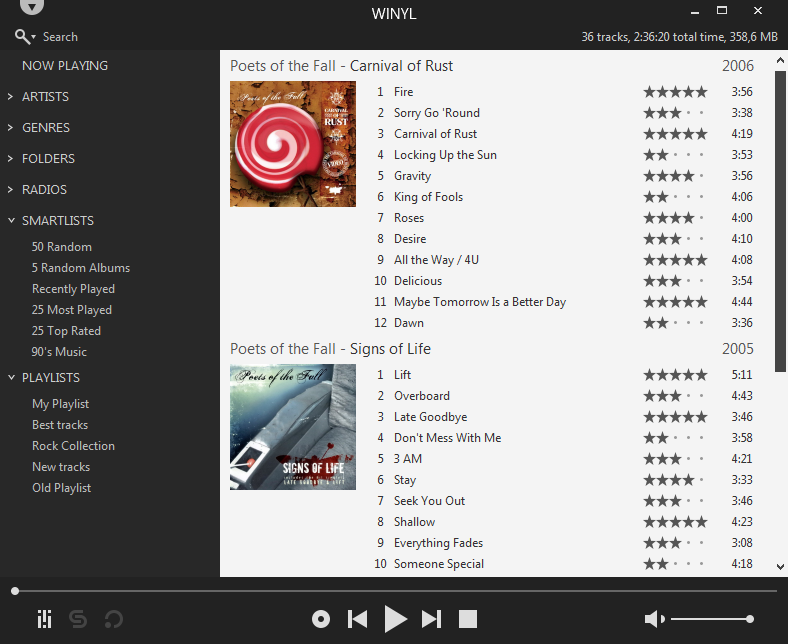
Winyl is a free digital audio player and music library application for organizing and playing audio on Windows.
Winyl offers great new ways to organize and enjoy all your music. Listen to music and radio, rate your favorite tracks, create playlists, browse song lyrics, tag music, all of this is very simple in Winyl.
Winyl uses the least system resources, it starts and working very fast. It’s the best choice for a laptop or netbook.
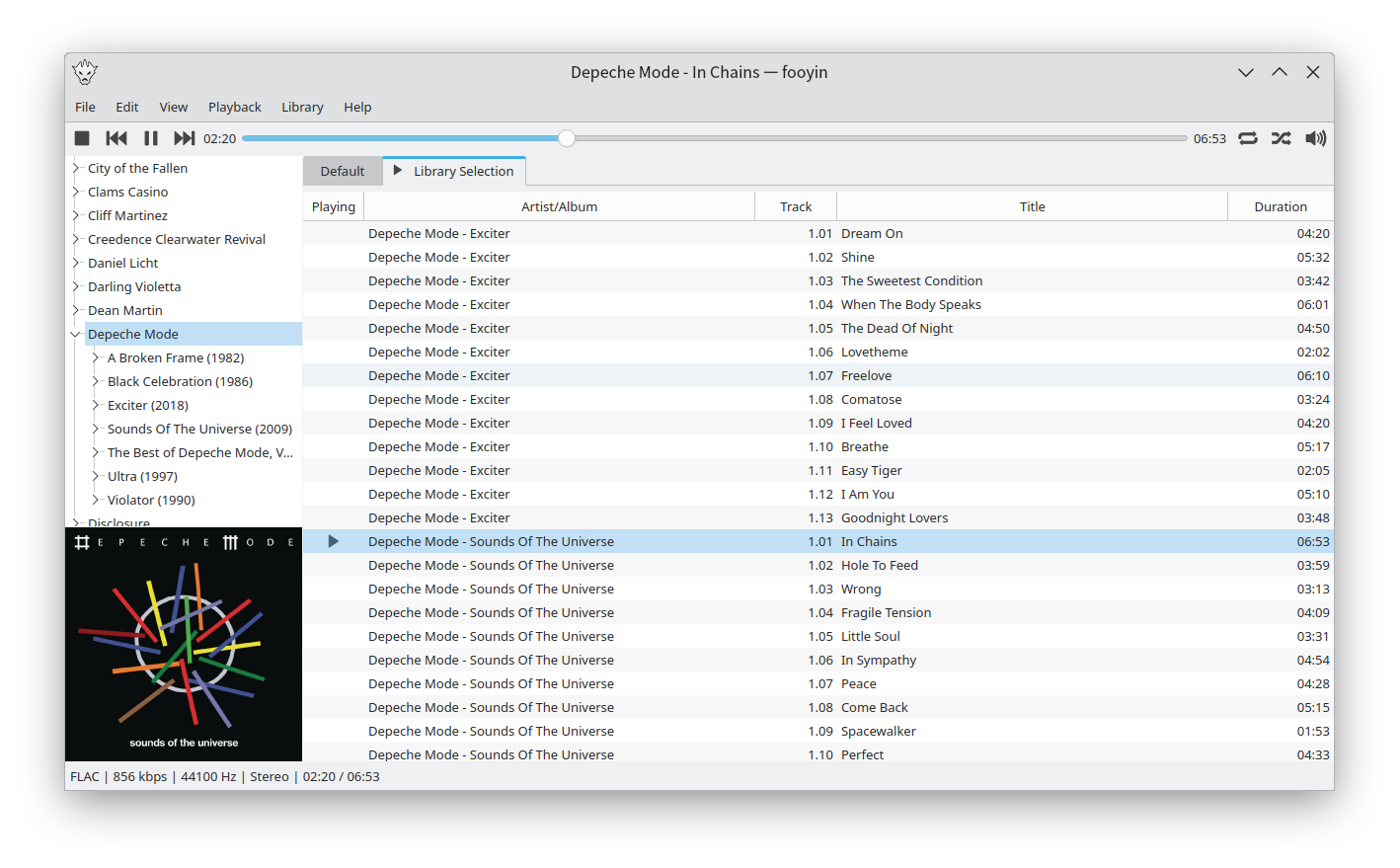
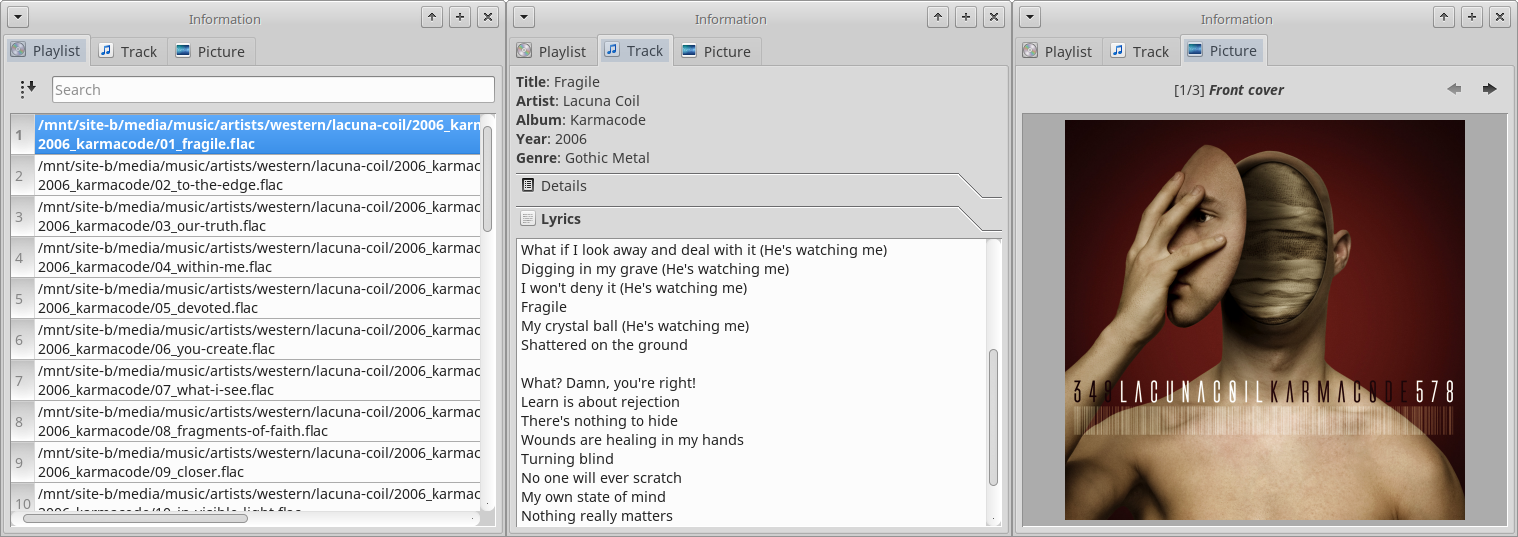
Fooyin is a customisable music player for Linux. Fooyin features a layout editing mode in which the entire user interface can be customised, starting from a blank state or a default layout. FooScript takes this further by extending the customisation to individual widgets themselves.
Before ID3v2 came around, Lyrics3 and Lyrics3v2 had their uses (extending the 30-char limit, placing synced lyrics), but nowadays they are a nuisance for most of us. Plus, we have the lyrics frames USLT and SYLT in ID3v2.
Lyrics3 tags come between the audio data and an ID3v1/ID3v1.1 tag at the end of the file (sometimes without the following ID3v1 tag, even if that is mandatory according to Lyrics3 specs). Current ffmpeg and some players and tools still have bugs and try to interpret Lyrics3 tags as audio data, resulting in obscure errors. Unfortunately, there are almost no tools out there to remove Lyrics3 tags—most programs ignore them, but write them back if changing tags. When removing ID3v1 tags from a file, this can result in the illegal situation mentioned above (having a Lyrics3 tag without a following ID3v1 tag)..
This code has been tested with thousands of files but I can give no guarantees. If you destroy your whole music collection, it’s not my fault. Please have a backup!
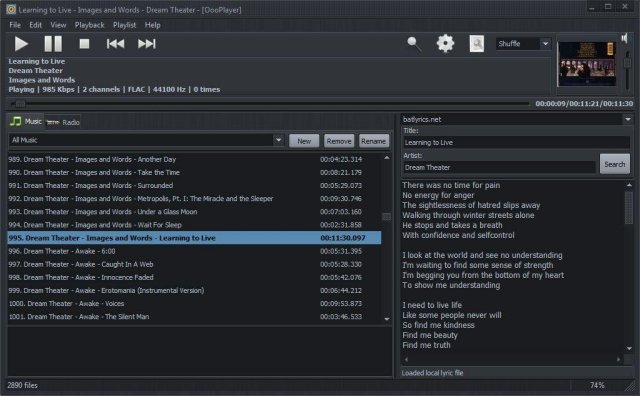
OooPlayer is a free audio player for Microsoft® Windows®. It has a clean, lightweight user interface and it is also friendly with your computer resources. It is one of the best candidates if you’re looking for an alternative to Winamp® or just looking for a simple, easy-to-use music and radio player. It’s written in Delphi and uses Bass library and its plugins from www.un4seen.com
The listed versions are clean, without no bundles/installers and it has support for most popular audio formats (see below in the features section). This player is released under the GNU General Public License version 2.0 and is available in two versions: installer and portable.
Features:
user-friendly and with a low impact on resource usage
support for most audio formats: MP3, FLAC, OGG, MPC, WMA, AC3, SPX, AAC, ALAC, APE, TTA, OFR, WV, OPUS, TAK etc.
support for gapless playback (uninterrupted playback of sequential/consecutive audio tracks)
support for M3U and M3U8 playlists
integrated lyric downloader (it doesn’t work with certain files such as covers)
save your own playlists in M3U, M3U8 or PPF format
built-in support for radio stations (huge list available) including details about the current radio
multiple options available: shuffle, repeat, search, jump, find etc.
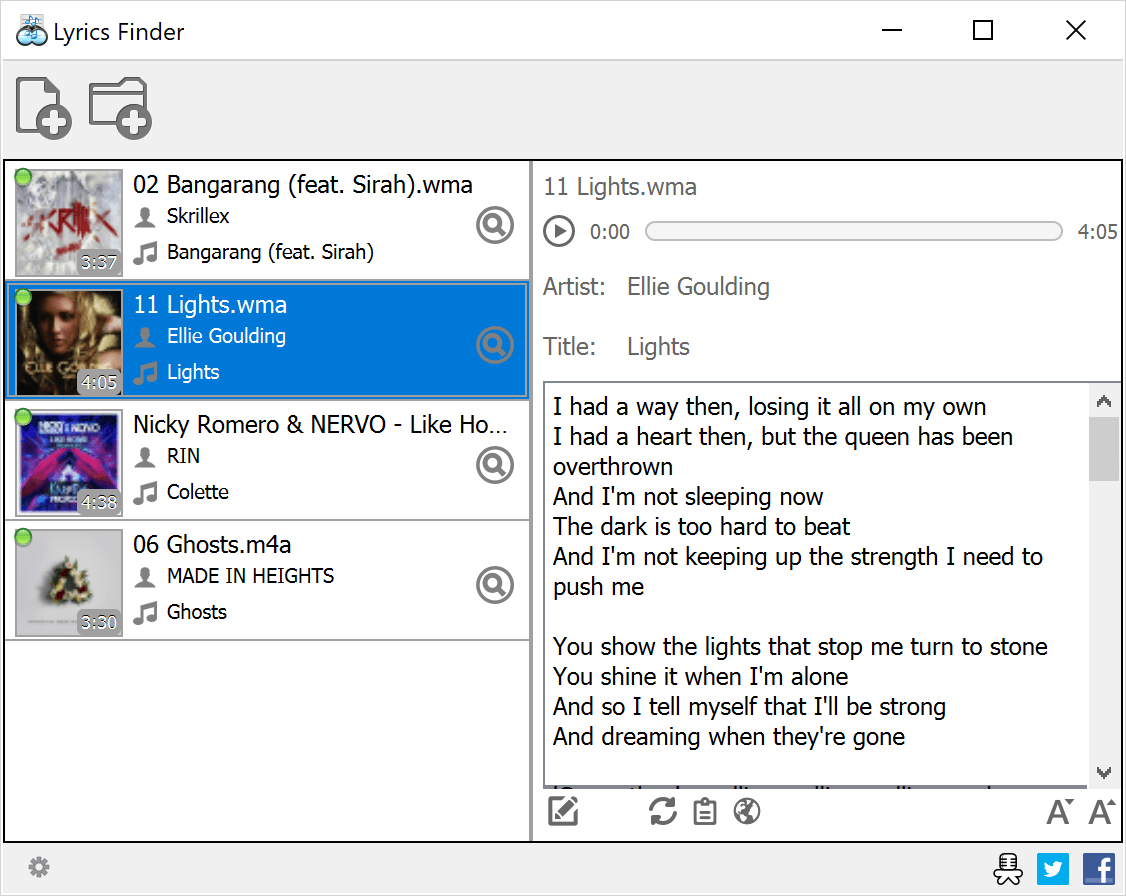
MediaHuman Lyrics Finder is a free software application, which can help you find and add missing lyrics (song text) to all songs in your music library. It’s a safe operation because the app doesn’t overwrite lyrics you’ve already had.
Very easy to use: simply drag & drop some tracks from your favorite music player (e.g. iTunes) and MediaHuman Lyrics Finder will do the rest.
MediaHuman Lyrics Finder will give you access to over a million different lyrics collected from various sources on the Internet.
An open-source lyrics plugin for foobar2000 that includes its own UI panel for displaying and sources for downloading lyrics that are not available locally. It is intended to be a replacement for LyricShowPanel3 so it is fully-featured and supports lyric searching, saving and editing directly from within foobar2000.
Features:
Buttery-smooth lyric scrolling (either horizontally or vertically)
Supports retrieving lyrics from local files, ID3 tags or the internet
Customise the font and colours to perfectly suite your layout and theme
Easily edit lyrics directly inside foobar2000 with built-in support for timestamps
Check the saved lyrics of any track in your library (whether it is currently playing or not)
Apply common edits (such as removing blank lines) in just two clicks
FiiO Music App is designed to maximize the experience of music lovers. Download the FiiO Music app today to start your journey to rediscover your music!
Show synced lyrics with your favorite media player on Linux. OSD Lyrics is a desktop application to view lyrics compatible with various media players. It is not a plugin but a standalone program. OSD Lyrics shows lyrics on your desktop, in the style similar to KaraOK. It also provides another displaying style, in which lyrics scroll from bottom to top. OSD Lyrics can download lyrics from the network automatically.
* Your filesystem should remain tidy and clean – let’s pack tracks into uncompressed archives a.k.a. “libraries” (this was inspired by a common practice of video game developers to store all game resources in one or several packages). Less files – less clutter.
* Tags suck (especially ID3) – let’s utilize XML/YAML/JSON to describe entire albums.
* Storing cover image in every track is a waste of space – let’s have one TIFF/PNG/FLIF file per library.
* Being able to verify integrity of files in your music collection is a good feature, so let’s use hash lists (MD5, SHA1 etc.) for libraries.
* Rather than having to dig through lots of directories in order to select what you want to listen at the very particular moment it is much more convenient to have a centralized per-user database with a quick access to any track/album in your precious collection.
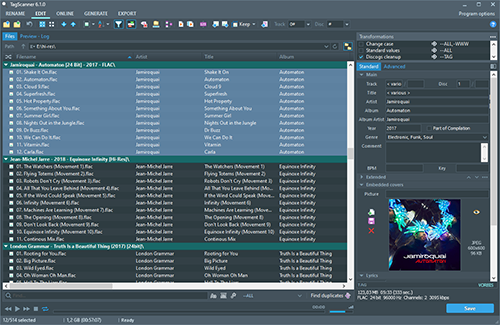
TagScanner is a powerful tool for organizing and managing your music collection. It can edit tags of most modern audio formats, supports ID3v1/v2, Vorbis comments, APEv2, WMA and MP4(iTunes) tags. You can rename files according to information from the tags, import tag information from filenames or other sources, perform any text replacement and transformations in tags and filenames. Also you may get album info and download covers via online databases like freedb, Discogs or MusicBrainz. You can create playlists in one click and export your collection to HTML, Excel or any user-defined format. Program has easy-to-use multilingual interface and built-in audio player. Features:
Rename files based on the tag and file information
Powerful multiple files tag editor
Import album information and covers from online databases like Discogs or MusicBrainz
Generate tag information from file/foldernames
Tag fields formatting and rearrangement
Words replacement and case conversion from tags and filenames















 The Audio File