This two-channel waveform editing software is capable of converting and editing high-resolution DSD and PCM files with support for up to 11.2MHz DSD and 384kHz PCM formats.
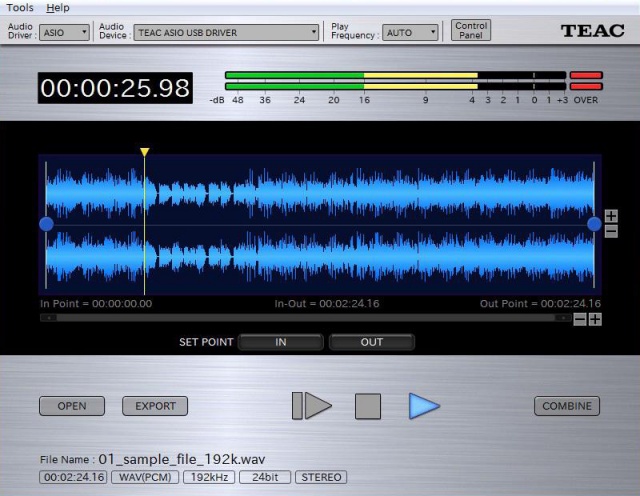
audio.teac.com/product/teac_hi-res_editor

This two-channel waveform editing software is capable of converting and editing high-resolution DSD and PCM files with support for up to 11.2MHz DSD and 384kHz PCM formats.
audio.teac.com/product/teac_hi-res_editor

RuneAudio is a free and open source software that turns embedded hardware into Hi-Fi music players. We want to make a cheap, low-consumption and silent mini-PC perform as an high fidelity digital source. RuneAudio features a custom-built Linux distribution (RuneOS) and a web player (RuneUI) which allows to remote control playback and setup options, from multiple devices (desktop PC, netbook, tablet, smartphone).
sourceforge.net/projects/runeaudio

Super Audio CD Decoder input plugin for foobar2000. Decoder is capable of playing back Super Audio CD ISO images, DSDIFF, DSF and DSD WavPack files. Direct DSD playback for compatible devices.
Separate DSD Processor/DSD Converter plugins for track extraction into DSD/DST encoded files.
sourceforge.net/projects/sacddecoder
Foobar2000:Components/Super_Audio_CD_Decoder_(foo_input_sacd)
Sony: How to install a Super Audio CD Decoder component
I’ve successfully followed these steps to get DSD (.dsf filetype) and SACD (.iso filetype) playing at high bit rate using foobar2000 on my S.M.S.L M500 DAC.
This has been adapted from “SECTION II” of this page, thanks to “sirblew” for the tip!
Introduction
DSD stands for Direct Stream Digital and it is a high-definition lossless audio format with a twist. PCM signal solutions (like FLAC, TTA or APE) measure a set of bits multiple times per second to capture the audio data, hence the 16/24-bit parameter. On the other hand, DSD uses only one bit but samples it 2.8 million times a second to capture the audio signal.
ASIO Output (Required)
Download and extract foo_out_asio – ASIO Output
Install the asio component:
- File > Preferences > Components
- Click Install.
- Select “foo_out_asio.fb2k-component”.
- Click OK, then OK again to restart Foobar2000.
Set the asio component as the output device:
- File > Preferences > Playback > Output
- Device: “ASIO : USB DAC ASIO” (or name of your device)
Optionally, disable all other devices:
- File > Preferences > Playback > Output > Devices
- (uncheck all but “ASIO : USB DAC ASIO”, for example)
SACD (ISO) Playback
Download and extract foo_input_sacd – Super Audio CD Decoder. This decoder is capable of playing back Super Audio CD ISO images, DSDIFF, DSF and DSD WavPack files.
Install DSD SACD component:
- File > Preferences > Components
- Click Install.
- Select only “foo_input_sacd.fb2k-component”.
- Click OK, then OK again to restart Foobar2000.
Set plugin for “PCM” as output mode:
- File > Preferences >Tools > SACD
- Output (per device)
- Type: “DSD+PCM” (was PCM). Note: DSD+PCM will send a converted to PCM stream to Foobar so graphic add-ons like VU-meters, spectrographs and so on will work as they do when playing regular PCM files.
- Samplerate: 384000 (was 44100)
- Converter
- DSD2PCM Mode: “Direct (64fp, 30kHz lowpass)” (was “Multistage (32fp)”). 30KHz low pass filtered means all DSD noise above that frequency is removed and does not reach the amp.
- Input
- Preferable Area: “Stereo” (was “None”). Only stereo tracks are displayed.
- Editable Tags (was unchecked).
- Store Tags With ISO (was unchecked). Stores tag info in the plugin folder.
- Linked 2CH/MCH Tags (was unchecked). Tags added to a SACD ISO will be shared between stereo and multichannel tracks.
- Click OK
DSF Extraction (optional)
This can be useful if you open an ISO file and want to extract the contained files to DSF.
Download and extract foo_dsd_converter.
Install DSD Converter component:
- File > Preferences > Components
- Click Install.
- Select only “foo_dsd_converter.fb2k-component”.
- Click OK, then OK again to restart Foobar2000.
Ensure “Convert” menu item is enabled:
- File > Preferences > Display > Context Menu
- Ensure “Convert” (and child items) are checked.
Now right click a file in the playlist an choose “Convert > DSD Convert”.
- Output format: DSF
- Path:
- Output style: “…” then choose file name: “nn. title” and close dialog.
- Click “Convert”.

A modular Linux / Windows XP music player using the BASS library.
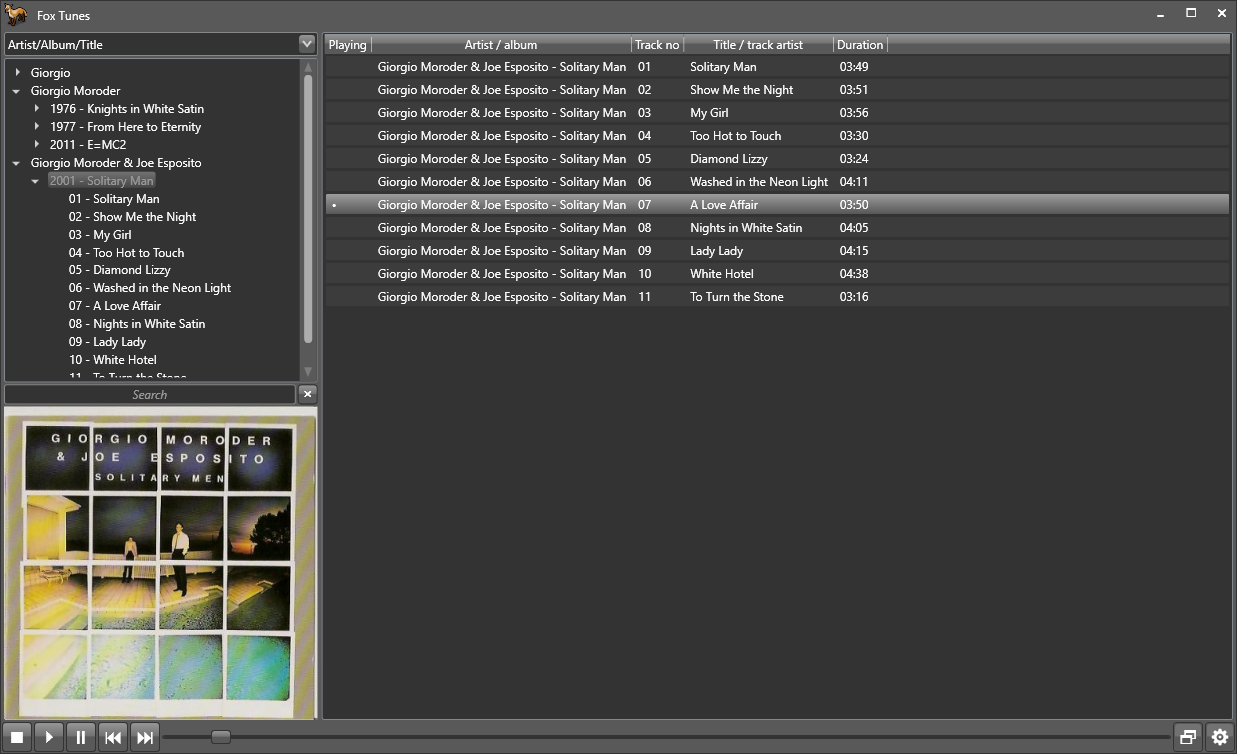

WavPack is a completely open audio compression format providing lossless, high-quality lossy, and a unique hybrid compression mode. For version 5.0.0, several new file formats and lossless DSD audio compression were added, making WavPack a universal audio archiving solution.
In the default lossless mode WavPack acts just like a WinZip compressor for audio files. However, unlike MP3 or WMA encoding which can affect the sound quality, not a single bit of the original information is lost, so there’s no chance of degradation. This makes lossless mode ideal for archiving audio material or any other situation where quality is paramount. The compression ratio depends on the source material, but generally is between 30% and 70%.
The hybrid mode provides all the advantages of lossless compression with an additional bonus. Instead of creating a single file, this mode creates both a relatively small, high-quality lossy file that can be used all by itself, and a “correction” file that (when combined with the lossy file) provides full lossless restoration. For some users this means never having to choose between lossless and lossy compression!
WavPack employs only well known, public domain techniques (i.e., linear prediction with LMS adaptation, Elias and Golomb codes) in its implementation. Methods and algorithms that have ever been patented (e.g., arithmetic coding, LZW compression) are specifically avoided. This ensures that WavPack encoders and decoders will remain open and royalty-free.
www.wavpack.com
github.com/dbry/WavPack
en.wikipedia.org/wiki/WavPack

Volumio is an headless audiophile music player, designed to play music with the highest possible fidelity. Volumio runs on most embedded devices (Raspberry Pi, UDOO, Odroid, Cubieboard, Beaglebone, Pine64, Allo Sparky…) and on any ordinary PC (x86).
Volumio is a free and open source Linux distribution, designed and fine-tuned exclusively for music playback. It runs on a variety of devices, typically small and inexpensive computers like the Raspberry PI, but also on low power PCs, notebooks or thin clients.
By flashing (installing) Volumio on any of these platforms, it will then become an headless audiophile music player. Headless means that the only way to control it will be with another mobile phone, computer or tablet.
This is made possible by Volumio’s User Interface: a web applications that runs on any device with a browser, and that allows for an easy and intuitive control of your playback sessions. All communications between the web app and Volumio will happen through your home network.

D.I.Y. Audio Heaven:
Compressing DSD files with Wavpack 5
Hydrogen Audio:
How to properly pack DSF files into WavPack?
DSD, WavPack and Foobar SACD Decoder
I’ve successfully followed these steps to get DSD (.dsf filetype) and SACD (.iso filetype) playing at high bit rate using foobar2000 on my S.M.S.L M500 DAC.
gist.github.com/milnak/c3b4148e574fa7828cc7d24e46d6dbe9


 The Audio File