Windows Vista / 7 VU Meters


Windows VU Meter is a standalone application that mimics an old stereo’s VU or audio level meters. Designed for Microsoft® Windows Vista® and up (even tested on Windows 7®), the program has no intervening toolbars or window frames to allow the program to allow a clean interface and make it easy to overlay on top of a program you’re using. Features of the program include:

  • For Microsoft ® Windows Vista ®, and after testing, works with Windows 7 ® as well.
  • Clean interface that includes no toolbars or window dressings
  • Ability to select response time of VU Meter, selectable of 150ms or default 300ms. Response time is the amount of time it takes the needles to make a full swing of the gauge.
  • User selectable interface component coloring. Program saves and remembers settings the next time it’s run.
  • Option setting to allow always-on setting, allowing the program to be laid over another program that you’re monitoring the audio levels for. An example image.
  • User option to alter the maximum value of the VU Meter. This is handy for videos or music that were recorded at a lower value. The above example image is an example of this too.
  • All program options and commands are handled by right-clicking the interface.

windowsvumeter.sourceforge.net
sourceforge.net/projects/windowsvumeter

Manalyzer ~ Analyze Downloads For Windows Malware


Manalyzer is a free service which performs static analysis on Windows PE executables to detect undesirable behavior.

manalyzer.org

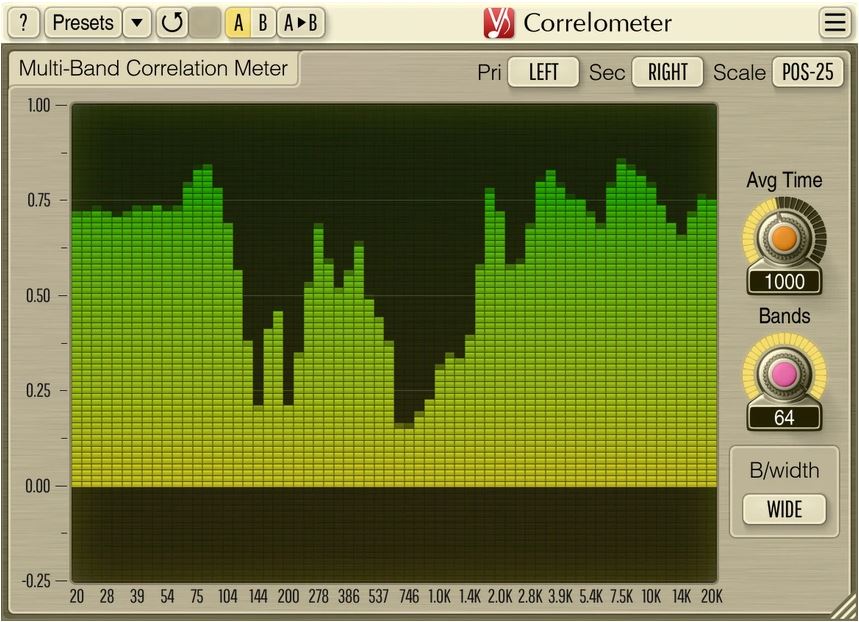
LVLMeter ~ Free VU Meter Plugin


vstwarehouse.com/d/lvlmeter

Local Audio Broadcast ~ Stream Windows Audio


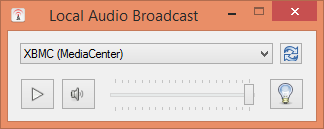
This simple application captures the local audio playback in Windows and sends it over the local network to a UPnP renderer. I originally wrote it to stream Spotify music playback from my computer over the home network to my HTPC running XBMC/Kodi (since I wasn’t satisfied with the available Spotify plugins), it can be used for any audio though.

github.com/protyposis/LocalAudioBroadcast

AudioAlign ~ Audio Synchronization & Analysis Tool


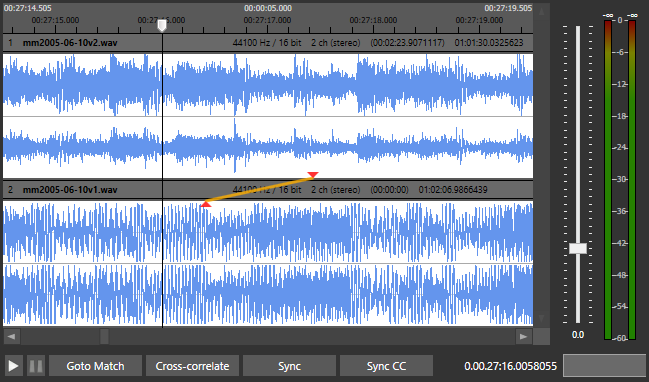
AudioAlign is a research tool to investigate automatic synchronization of audio and video recordings that have either been recorded in parallel at the same event or contain the same aural information. It is designed as a GUI for the Aurio library.

github.com/protyposis/AudioAlign

TEAC HR Audio Player ~ High Resolution DSD


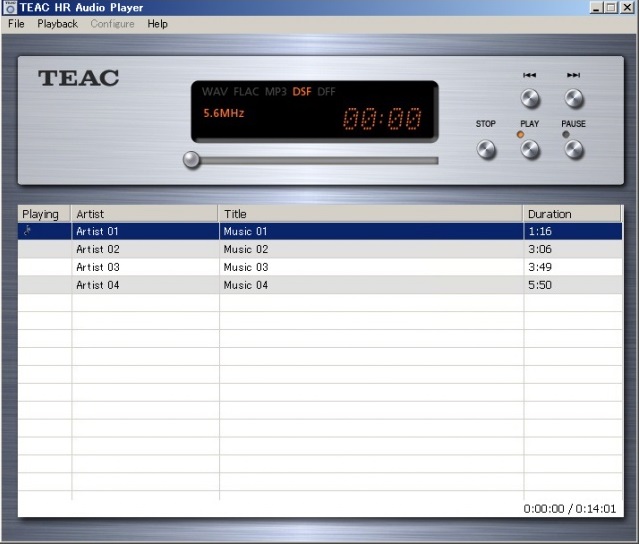
“TEAC HR Audio Player” is a high-quality music player freeware for Windows and Mac, with high-resolution audio data processing capabilities. Possibility to enjoy a high quality of high-resolution sound reproduction, including the DSD even without complicated settings.

teac.jp/int/product/hr_audio_player

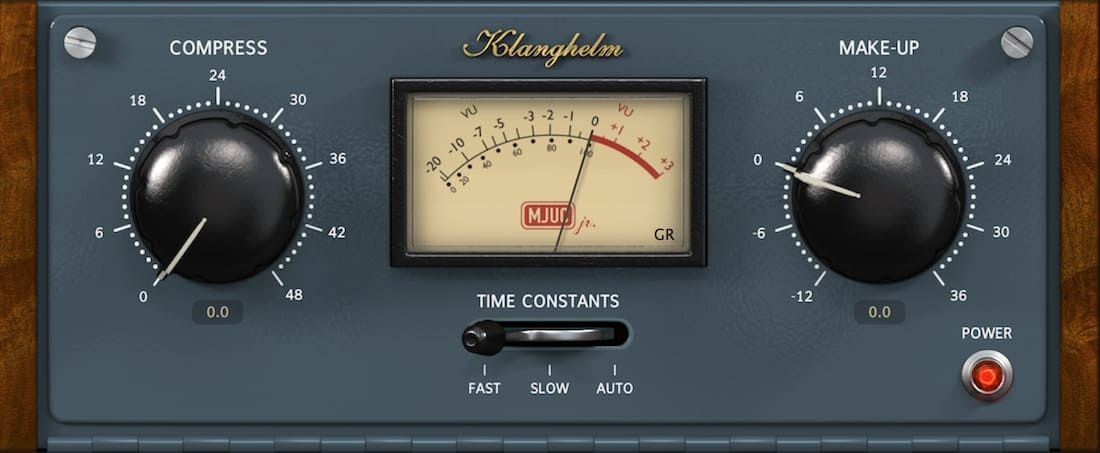
MJUC Jr. ~ Variable Tube Compressor


MJUC jr. is the little brother of the colorful MJUC.

It’s a variable-mu design with lots of vibe, capable of smooth leveling but also heavy pumping effects. With its two gain stages and interstage transformer simulation it offers a very deep and lively soundstage.

The three-position timing switch not only controls the attack and release times of the unit, but also the slew rate of the transformers and the timing of the other parts of the circuitry, that are directly influencing the generated harmonics (saturation). 

klanghelm.com/contents/products/MJUCjr

Voxengo Marvel GEQ ~ Linear-Phase 16-Band Graphic Equalizer


Marvel GEQ is a free linear-phase 16-band graphic equalizer AudioUnit, AAX, and VST plugin with multi-channel operation support (supporting up to 8 input/output channels, audio host application-dependent) for professional music production applications.  Marvel GEQ offers extensive internal channel routing capabilities, and supports mid/side channel processing.

www.voxengo.com/product/marvelgeq

Freeverb ~ Studio Quality Public Domain Reverb


Free studio-quality reverb plugin and source code in the public domain.

github.com/sinshu/freeverb

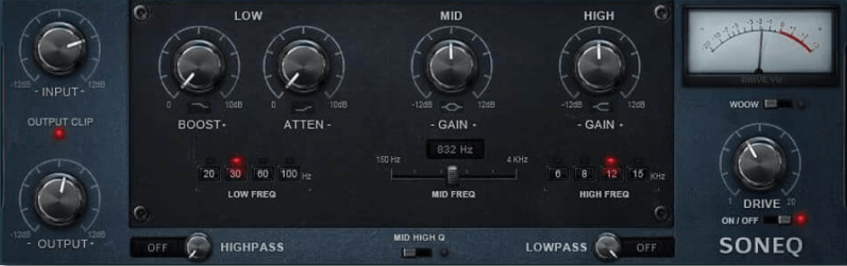
SonEQ ~ Vintage Equalizer Plugin


SonEQ is a free equalizer plugin that takes parts from some vintage gear and combines them in one.

sonimus.com/products/soneq

SMPlayer ~ Media Player With Built-in CODECS


SMPlayer is a free media player for Windows and Linux with built-in codecs that can play virtually all video and audio formats. It doesn’t need any external codecs. Just install SMPlayer and you’ll be able to play all formats without the hassle to find and install codec packs.

One of the most interesting features of SMPlayer: it remembers the settings of all files you play. So you start to watch a movie but you have to leave… don’t worry, when you open that movie again it will be resumed at the same point you left it, and with the same settings: audio track, subtitles, volume…

SMPlayer is a graphical user interface (GUI) for the award-winning MPlayer, which is capable of playing almost all known video and audio formats. But apart from providing access for the most common and useful options of MPlayer, SMPlayer adds other interesting features like the possibility to play Youtube videos or download subtitles.

www.smplayer.info

Navidrome ~ Open Source Music Server 


Navidrome is a piece of software that allows you to listen to your own digital music in the same way you would with services like Spotify, Apple Music and others. It also allows you to easily share your music and playlists with your friends and family

How it works?

After a simple installation, Navidrome indexes all digital music stored in your hard drive and makes it available through a nice web player and also by using any Subsonic-API compatible mobile client. Your music becomes searchable and you can create playlists, rate and “favourite” your loved tracks, albums and artists

www.navidrome.org
github.com/navidrome/navidrome
www.reddit.com/r/navidrome/
twitter.com/navidrome