Live Compositor is an engine for applying effects to videos and for combining multiple videos together. On a very basic level, it is an application which exposes an HTTP API. The API allows you to specify where to get input videos, and how to modify and compose them together. The resulting outputs can then be written to a file or streamed to a separate service.
compositor.live
compositor.live/playground
github.com/software-mansion/live-compositor
Category Archives: Software
Android VU Meter
Realistic vintage Hi-Fi audio LED VU level meter, which shows relative loudness in decibels of the ambient sound, music or your voice. It features fall time selection, alternative VFD or Neon segments and calibration.
DMRA ~ Digital Media Renderer Analyser
This Digital Media Renderer Analyser is a test application that evaluates the capabilities of a selected UPnP / DLNA Digital Media Renderer and recommends the optimum server settings for it to run with JRiver Media Center.
Optional Test Files
In addition to the tool, you can also download an optional set of sample test files here – warning download size 100 MByte
Database of Renderer Test Reports
You can download the database collection of the test results of all renderers so far tested here. Note if you want to add your renderer to this collection please email me the report.
www.whitebear.ch/dmra
TidyMP3 ~ Metadata Removal Tool
This tool removes every kind of trash from your mp3-files. It searches for valid mp3 audiodata-frames and removes everything else. This has the big advantage that it will also remove tags which are in the middle of the file (as is the case with joined tracks) as well as broken frames (half-downloads) and malicious tags (Tag-buffer-overflow bug in WinAMP and Windows XP). Use this tool to cleanup your mp3 files before you add your own tag. No more double tags, or annoying ‘Lyrics’ data containing group names or misspelled song names.
cuemaster.org/tidymp3
Foobar2000 ~ Installing Analog VU Meters
Adding an analog VU meter to the Foobar2000 2.x Default User Interface

Required component: foo_vis_vumeter
Directions:
- Download foo_vis_vumeter
- Click on foo_vis_vumeter which should install the component
- Click
Applyand thenOkto restart Foobar - Copy some .bin skin files to the …\AppData\Roaming\foobar2000-v2\vumeter folder (Shift+File>Browse configuration folder)
- Select
View > Layout > Enable layout editing mode - Right click the tab area in a panel and select
Add New Tab - Right click the new tab and rename it “Analog VU Meter” or whatever
- Right click the new tab display area and select
Add New UI Element - Select ‘
Analog VU Meter(DirectX 12)’ from the list (Playback Visualization) - Disable layout editing mode
Parameters:
Right mouse click on the meter display:
- submenus – Layout / Mode / Levels / Decay / Tuning / Options
- Fullscreen
- Skin Selection
Mouse wheel (hover over meters)
- Adjusts current Tuning selection
Resources:
Analog VU Meter Skin Gallery
Foobar2000 1.x ~ Installing Analog VU Meters
Sources:
www.hydrogenaud.io/forums/index.php?showtopic=33939
www.hydrogenaud.io/forums/index.php?showtopic=106793
www.head-fi.org/t/616963/the-foobar2000-resource-thread/45#post_9382013
foobar2000.ru/forum/viewtopic.php?t=5012 (Russian)
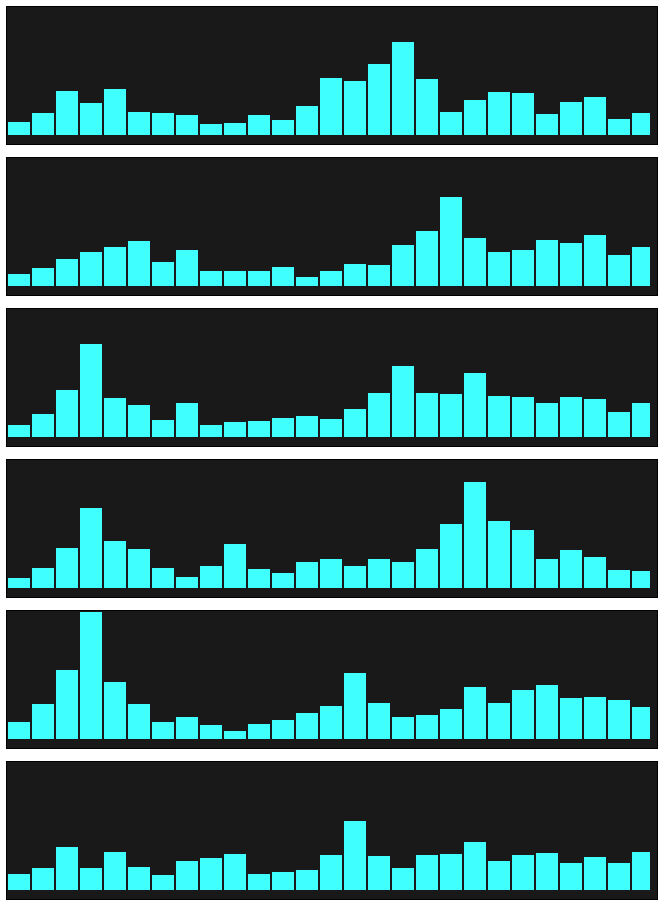
Online Multichannel Peakmeter Using AudioWorklet
foo_dr_meter ~ Foobar2000 Dynamic Range Meter
A simple Dynamic Range meter based on DR estimation formula published by https://dr.loudness-war.info/. For foobar2000 version 1.5 and newer.
Binary Synth ~ Audio Synthesis From Binary
A web-synthesizer that generates sound from the binary code of any files. It can synthesize sound directly in the browser, or be a generator of MIDI messages to external devices or DAWs, turning any file into a score. All the application code is written in Javascript and along with everything you need is packed into a single .html file of about 750kb. The synthesizer doesn’t need internet, it can be downloaded and run locally on any device with a browser.
The application reads the file sequentially, and due to the high speed of reading and random deviation of reading duration, we can get quite unpredictable generation of timbre nuances, and at certain settings we can switch to granular synthesis.
Picard Barcode Scanner ~ Scan Your Collection
Picard Barcode Scanner helps you to tag your physical releases with MusicBrainz Picard. It allows you to scan the barcode of e.g. a CD and have the corresponding metadata from MusicBrainz automatically loaded into Picard on your desktop.
This is especially useful if you have your physical music collection already digitized and want to tag the files using the correct album.
github.com/phw/PicardBarcodeScanner
foo_listenbrainz ~ Submit Listens To ListenBrainz
Status: alpha.
- [+] submits listens while online
- [+] provides UI to configure user name and token
- [-] no checks for online status, no exception handling
- [-] no caching of the listens history while offline
- [-] configurable server url
- [-] no separate thread for network requests
gitlab.com/ykBuilds/foo_listenbrainz
Updated ListenBrainz foobar2000 component
audio-file.org/2023/11/21/foo_listenbrainz-foobar2000-listenbrainz/
github.com/phw/foo_listenbrainz2
wo-audio-converter ~ Audio File Converter
Offline audio file converter powered by ffmpeg wasm.
github.com/thurti/wo-audio-converter
worksoffline.app/audio-converter/