This library can read SF2 SoundFont files and render audio samples from them in real-time. It properly reads in a compliant SF2 file and can be used to obtain meta data such as preset names. It also has an audio rendering engine that can generate audio samples for key events that come from (say) a MIDI keyboard. This library is currently being used by my SoundFonts and SoundFontsPlus applications for SF2 file parsing and, in the latter app, as the sample generating engine.
Although most of the library code is generic C++17/23, there are a few bits that expect an Apple platform that has the AudioToolbox and Accelerate frameworks available. The goal is to be a simple library for reading SF2 files as well as a competent SF2 audio renderer whose output can be fed to any sort of audio processing chain, but it would probably take some effort to remove it from the Apple ecosystem.
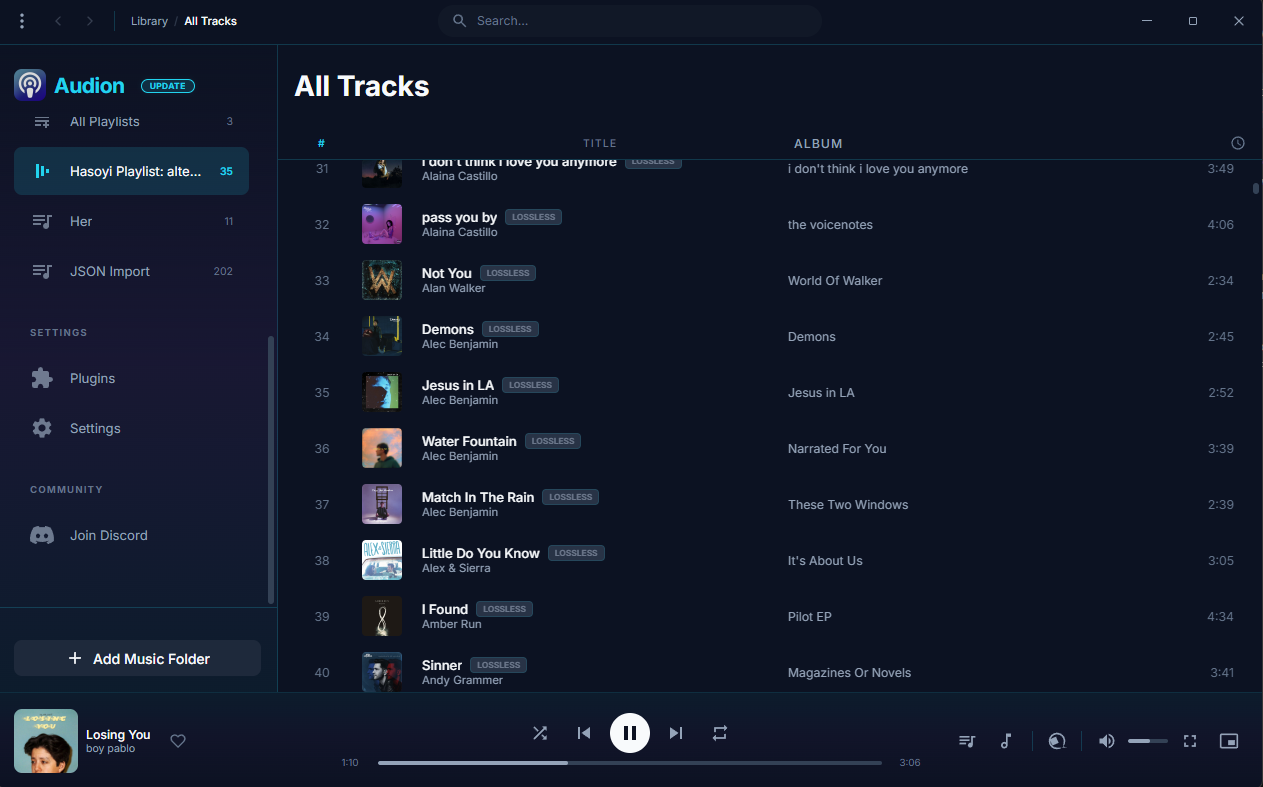
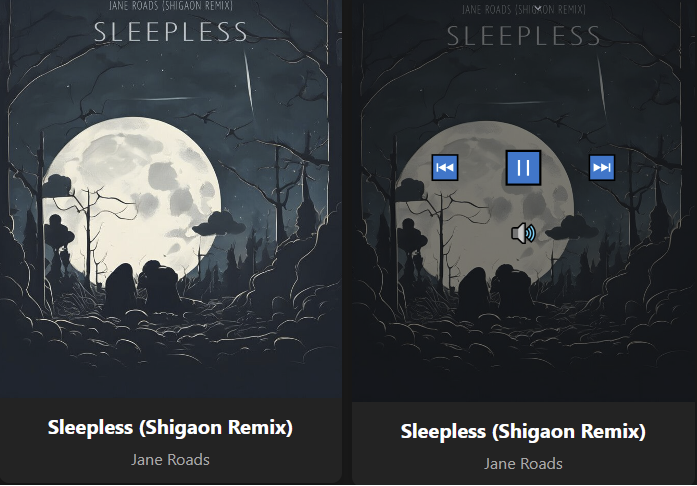
Amethyst is an cross-platform audio player with a node-basedaudio routing system, the main goal of this project is to make a music player in TypeScript to see how far the language can be stretched to prove it’s possible to provide pro-level features as most DAWs / DAEs, while also providing useful tools and customizability to the end-user.
Tascam Podcast Editor is a software application specialising in the production of voice content such as podcasts, Internet radio, audio books, and voice logs.
From recording to editing and file output, the Tascam Podcast Editor provides all the functions necessary to publish a programme with intuitive, easy operation.
Tascam Podcast Editor | Simple Audio Editor for Podcast Creation
Bloomee🌸 is my Flutter project, An Open-Source Music app designed to bring you Ad-free tunes from various sources. Dive into a world of limitless music from platforms like YouTube and Jio Savan, with more sources blooming soon! 🌼🎵
Why Bloomee? 🌟 Ad-Free Experience: Say goodbye to interruptions and enjoy uninterrupted musical bliss.
🌍 Multi-Source Player: Access your favorite tracks from diverse platforms, with more sources continually joining our melody garden.
🚀 Flutter-Powered Learning: Bloomee is not just about music; it’s about learning and growing with Flutter and BLoC architecture. Explore the intersection of beautiful design and smooth functionality while mastering the art of app development.
This project focuses on transforming music tracks by applying reverb and slowing them down for YouTube uploads. With the increasing popularity of slowed and reverbed music, this tool is designed to help you create unique audio experiences.
Features:
Audio Processing: Apply reverb effects to your tracks.
Slowed Music: Slow down any song to create a relaxing vibe.
YouTube Uploads: Easily prepare your tracks for YouTube.
Integration with MoviePy: Utilize MoviePy for audio and video processing.
Customizable Pedalboard: Adjust settings to suit your audio preferences.
Cavern is a fully adaptive object-based audio rendering engine and (up)mixer without limitations for home, cinema, and stage use. Audio transcoding and self-calibration libraries built on the Cavern engine are also available. This repository also features a Unity plugin and a standalone converter called Cavernize.
Cavern goes beyond fixed-channel audio systems by rendering any number of audio “objects” in three-dimensional space, tailored to the listener’s speaker arrangement or headphone output. It is also supported by a standalone conversion tool, Cavernize, which allows users to convert spatial mixes into conventional channel-based PCM formats while maintaining positional accuracy.
Key Features and Capabilities:
Object-Based Rendering Cavern supports an unrestricted number of audio objects and output channels. This allows precise spatial placement and movement of sounds in 3D space, independent of specific channel layouts.
Codec and Container Support The engine and its companion tools support a wide range of codecs and containers, including those commonly used for immersive audio delivery. Traditional formats such as WAV and common multimedia containers are also supported.
Calibration and Room Correction Cavern includes tools for self-calibration and room equalization. These can flatten frequency response, compensate for acoustic irregularities, and help unify tonal characteristics across speakers.
Headphone Virtualization Through HRTF-based processing, Cavern enables spatial rendering over stereo headphones. This simulates direction, distance, and spatial cues to reproduce the effect of multichannel speaker setups in a binaural listening environment.
Real-Time Up-Mixing Legacy stereo or multichannel content can be up-mixed into fully rendered 3D scenes. This provides an immersive experience even when the source was not originally produced as object-based audio.
Integration with Game Engines Cavern offers integration with Unity, enabling developers to incorporate real-time positional audio into games, simulations, and interactive media.
Use Cases
Home Cinema and Media Playback Cavern can render object-based audio tracks for users who do not have commercial hardware processors. It allows accurate spatial playback through both speakers and headphones.
Headphone-Focused Listening The binaural virtualization system benefits users who rely on headphones for movies, music, gaming, or general media consumption.
Game and VR Development Developers can use Cavern inside Unity to produce dynamic, spatially accurate audio scenes in interactive applications.
Archiving and Conversion Cavernize converts object-based audio into standard PCM or channel-based formats, preserving positional intent while enabling playback on conventional systems.
Speaker Optimization Its calibration tools provide a software-based approach to room correction and multi-speaker alignment without requiring dedicated hardware processors.
Limitations and Considerations
Some supporting utilities are not fully open-source and may be distributed under separate licensing terms.
Spatial rendering benefits depend on input quality; poor-quality stereo sources will not yield true immersive results.
Speaker hardware, room acoustics, and HRTF compatibility affect the perceived accuracy of spatialization.
Integrating Cavern into custom software projects requires familiarity with its API and spatial-audio concepts.
Why Cavern Matters
Cavern stands out by making advanced spatial-audio technology accessible without requiring specialized hardware or proprietary processors. By combining open-source rendering, a flexible object-based architecture, codec support, calibration tools, and developer integration, it provides a versatile platform for enthusiasts, researchers, and media creators.
For users interested in experimenting with immersive audio workflows, whether for home cinema, headphone listening, archiving, or game development, Cavern offers a free, comprehensive and adaptable approach.
Flacopyus is a CLI tool that mirrors your lossless FLAC library to a portable Opus collection. It performs rsync-like batch mirroring with incremental encoding/copying to save time. It preserves metadata and is idempotent, so repeated runs safely keep the destination in sync.
Schism Tracker is a free and open-source reimplementation of Impulse Tracker, a program used to create high quality music without the requirements of specialized, expensive equipment, and with a unique “finger feel” that is difficult to replicate in part. The player is based on a highly modified version of the ModPlug engine, with a number of bugfixes and changes to improve IT playback.
Where Impulse Tracker was limited to i386-based systems running MS-DOS, Schism Tracker runs on almost any platform that SDL supports, and has been successfully built for Windows, Mac OS X, Linux, FreeBSD, OpenBSD, AmigaOS, BeOS, and even Wii. Schism will most likely build on any architecture supported by GCC4 (e.g. alpha, m68k, arm, etc.) but it will probably not be as well-optimized on many systems.