A cross-platform, multi-format audio conversion and tagging suite for .NET and PowerShell. Formats currently supported are MP3, MP4 AAC, FLAC, Apple Lossless (ALAC), Opus, Ogg Vorbis and Wave.
This project supplants PowerShell Audio by targeting both Windows PowerShell and PowerShell Core (Windows, Linux and MacOS).
Category Archives: Freeware

Helio ~ Libre Music Composition
Distraction-free – Helio is an attempt to rethink a music sequencer to create a tool that feels right. It provides a lightweight UI to help you get into the zone and focus on your ideas.
Clear over clever – Visualize music in a way that doesn’t seem so smoke and mirrors. The app may serve as a learning tool you need to grow as a composer.
Cross-platform tech – Available for all major platforms, desktop and mobile. Hosts VST and AudioUnit, runs on CoreAudio, ASIO, DirectSound, ALSA, JACK and OpenSLES. Exports to MIDI, WAV and FLAC.

AudioKit Synth One ~ Mac Open Source Synth
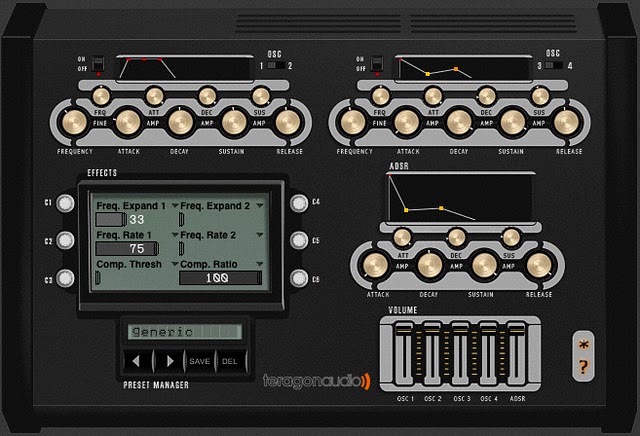
This synthesizer is completely free, fully functional, and ad-free. It’s the ultimate free iPad music instrument app.
- Hybrid Analog/FM Poly Synth (6-voice)
- Over 300+ Presets crafted by famous sound designers
- Accessibility! Voice Over for the blind & visually impaired
- Audiobus 3 & Inter-app Audio (IAA)
- AUM, BeatMaker 3, Cubasis, GarageBand, etc compatible
- Five Oscillators (2 DCO, FM, Sub, Noise)
- 2 Assignable LFOs with dozens of routing possibilities
- 100+ Alternative Scales & Tunings
- Vintage-Style 16-Step Sequencer
- Classic poly arpeggiator
- Ableton Link
- MIDI in (Control with a MIDI Keyboard or DAW)
- Touchable ADSR Envelopes for Amp & Filter
- FM Oscillator w/ Mod
- Dedicated Sine/Square -12/24 Sub Osc
- 4-Pole Vintage Low-Pass Filter
- High-Pass/Band Pass Filters
- Mono portamento & legato
- Beautiful Sean Costello Reverb
- Multi-tap (ping-pong) delay
- TouchPads
- Preset Import/Export & More…
- MIDI Learn on all knobs
- MIDI Bank (MSB)/Patch Change & Sustain Pedal support
- Compact app size (under 50mb)

Soundsync ~ Cross-platform Virtual Cables
Soundsync is a web and desktop app to manage every audio source and every audio output in your home from a single interface. Link any audio source to multiple speakers connected to any devices on your home network. Soundsync will keep the music synchronized between all of them.
Features:
- 🆓 Free to use
- 🕸️ Work with any number of connected devices, audio sources, audio outputs and every link of your choosing
- 🎶 Compatible with a lot of different audio sources (Spotify Connect with a premium account, Airplay, Hardware Audio input (line in / microphone), Linux system audio ; coming soon: Windows system audio, UPnP and more)
- 🔊 Broadcast sound to any speaker connected to a computer (Windows, MacOS, Linux, RapsberryPi), a web browser (Chrome, Firefox) or a Chromecast and soon more
- 🔗 Group speakers together to synchronize them to the same audio source
- 🎛️ Control everything from a web browser
- 🔓 Not linked to any external service, works offline, no account creation
Waveform Playlist ~ Multitrack Web Editor
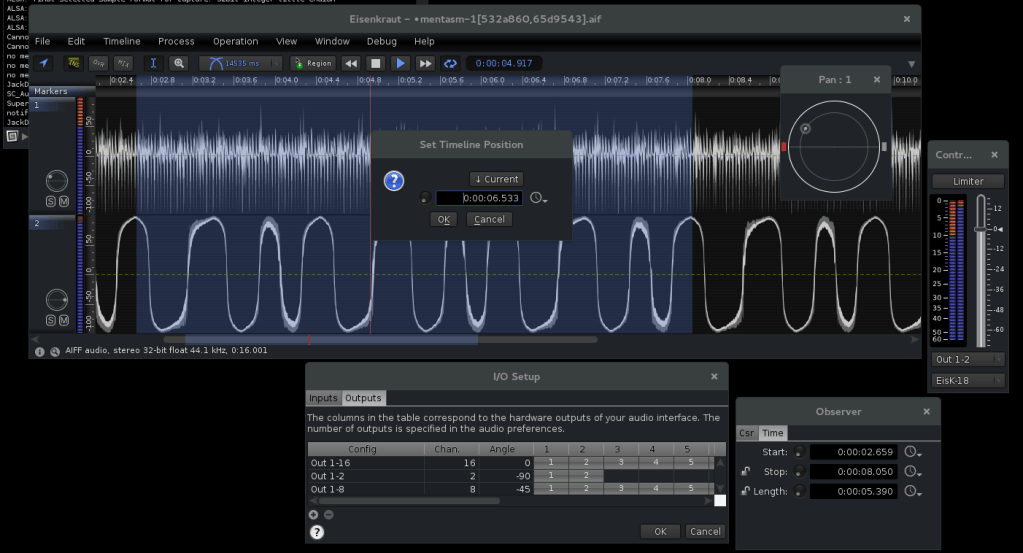
Multitrack Web Audio editor and player with canvas waveform preview. Set cues, fades and shift multiple tracks in time. Record audio tracks or provide audio annotations. Export your mix to AudioBuffer or WAV! Inspired by Audacity, this project is written in ES2015 using the Web Audio API.
naomiaro.github.io/waveform-playlist/web-audio-editor
github.com/naomiaro/waveform-playlist
Shairport Sync ~ Unix AirPlay Player
Shairport Sync is an AirPlay audio player – it plays audio streamed from iTunes, iOS, Apple TV and macOS devices and AirPlay sources such as Quicktime Player and ForkedDaapd, among others.
Audio played by a Shairport Sync-powered device stays synchronised with the source and hence with similar devices playing the same source. In this way, synchronised multi-room audio is possible for players that support it, such as iTunes and the macOS Music app.
Shairport Sync runs on Linux, FreeBSD and OpenBSD. It does not support AirPlay video or photo streaming.
github.com/mikebrady/shairport-sync
github.com/mikebrady/shairport-sync/wiki
JavaMOD ~ Java MOD Player
This Java Modplayer plays *.mod, *.xm, *.s3m, *.stm, *.wow, *.it (all with interpolation), MP3s, *.sid, *.ogg, *.flac, *.ape, WAV, MIDI, RMI, AU, AIFF. It also supports playlists like PLS, M3U and cue-sheets.
To start the player you may just double click the jar or use:
java -jar ./javamod.jaror (for just commandline)java -cp ./javamod.jar de.quippy.javamod.main.CommandLine.This player can be run as a console application, with its swing GUI.
Cog ~ Opensource Mac OSX Player
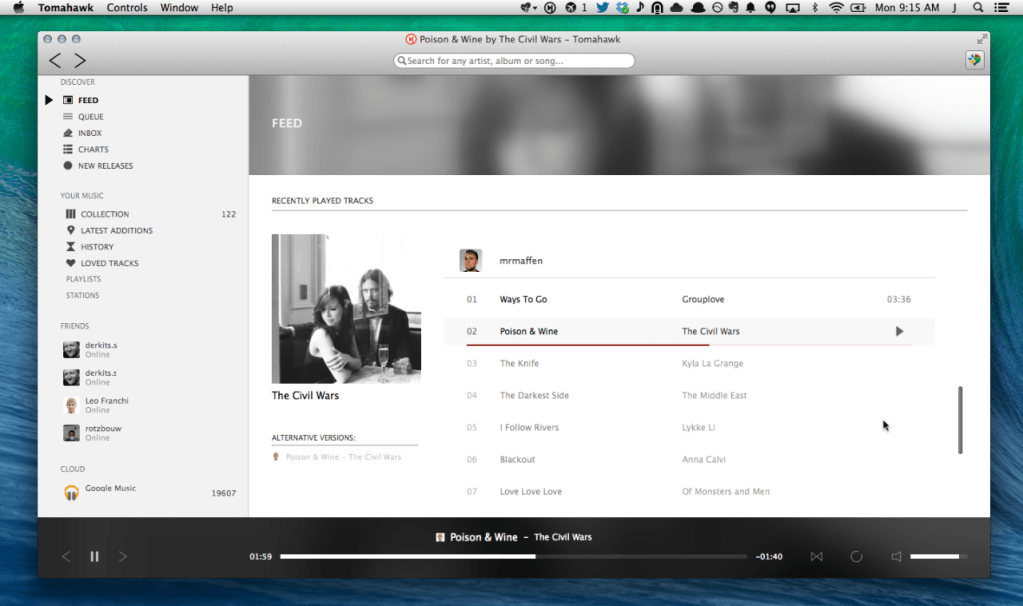
a free open source audio player for OS X
Features:

Sayonara ~ Lightweight Linux Player
Sayonara is a small, clear and fast audio player for Linux written in C++, supported by the Qt framework. It uses GStreamer as audio backend. Sayonara is open source and uses the GPLv3 license. One of Sayonara’s goals is intuitive and easy usability. Currently, it is only available for Linux and BSD. Although Sayonara can be considered as a lightweight player, it has a lot of features in order to organize even big music collections. In contrast to the heavyweight players, the main focus of Sayonara is performance, low CPU usage and low memory consumption. Sayonara is a great alternative to players like Rhythmbox, Clementine or Amarok. Those who miss Winamp for Linux should give Sayonara a try.
Managing your library: You can manage your library by artists, albums, genres or file paths. Sayonara contains a sophisticated tag editor helping you to keep your collection clean. You can hold multiple playlists simultaneously, save/rename/delete or export them to common playlist file formats. With the multi library feature you can manage multiple directories as stand-alone libraries and copy and move tracks from one to another. There are even more complex library plugins like Soundcloud or SomaFM support.
Directory view: Some people don’t have a perfect tagged library and are more interested in the directory structure of their libraries. Sayonara provides various features to access and edit your music in the directory view.
Plugins: In addition, there are some useful plugins helping to enhance your comfort while listening. Some interesting plugins are the equalizer, a speed/pitch control, a crossfader, bookmarks for tracks and a broadcasting function.
Webstreams and Podcasts: You can record all tracks streamed from the internet. Your saved tracks automatically tagged, of course. When listening to ordinary webstreams, a history of all played tracks can be displayed. If webstreams or podcasts contain some chapter information, Sayonara also uses this information in order to provide fast jumping within these tracks.

Foobar2000 ~ Classic User Interface
The Default User Interface from early foobar2000 versions is back! This component serves no particular useful purpose; it is provided for the nostalgia value only. It is missing various functionality considered to be essential in current foobar2000 series, such as persistently visible volume control. There are no plans to add any new functionality into the Classic User Interface.
Warning: product may contain Finnish profanity.
Changes since the original version:
- Modified to run side by side with the current Default UI. Please do not remove the Default UI DLL.
- Fixed the infamous seekbar repaint bug on Windows themes other than “classic”.
- Replaced popup volume slider with the latest Default UI code.
- Restored original “Preferences: Title Formatting” page from old foobar2000 versions
- Various cosmetic changes.
SoundTracker ~ Unix Sample Tracker
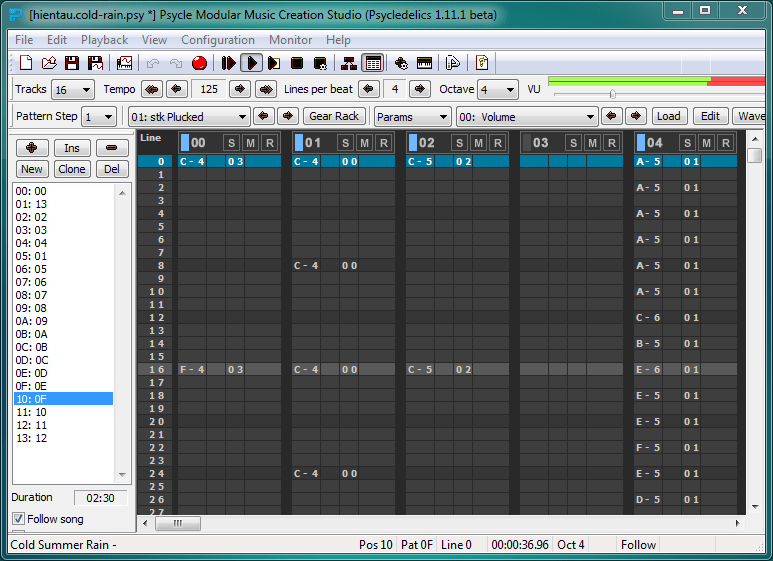
SoundTracker is a music tracking tool for Unix / X11 similar in design to the DOS program FastTracker and the Amiga legend ProTracker. Samples can be lined up on tracks and patterns which are then arranged to a song. Supported module formats are XM and MOD; the player code is the one from OpenCP. A basic sample recorder and editor is also included. SoundTracker is free (“open source”) software, licensed under the GNU GPL.
![]()
Open Cubic Player ~ Old School Audio
OPENCP is a music file player for DOS, Linux, Unix, Windows 95, ME & XP.
It’s derived from the Cubic Player 2.0 which was developed by Niklas Beisert.