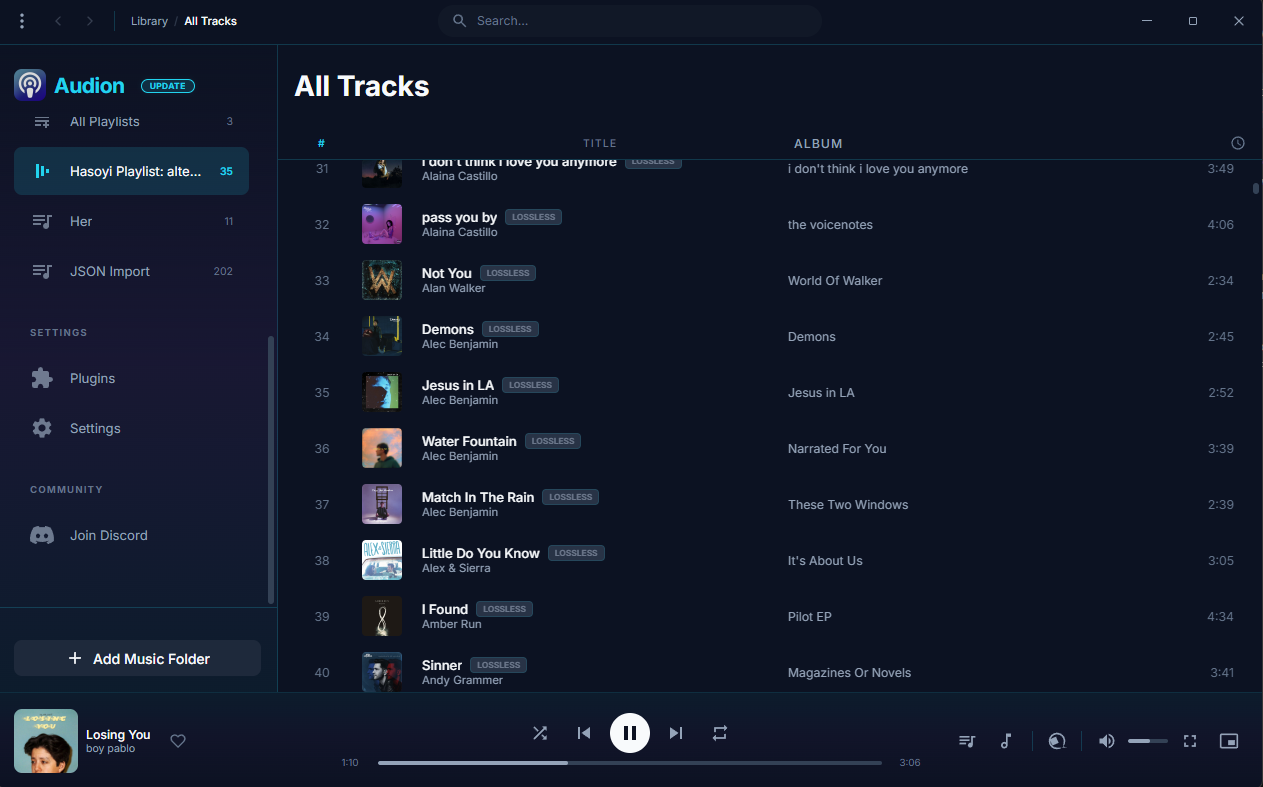
Audion is a privacy-focused music player that brings the Spotify experience to your local music library. No internet required, no tracking, just your music, beautifully organized.
Key highlights:
Synced lyrics with karaoke-style word highlighting
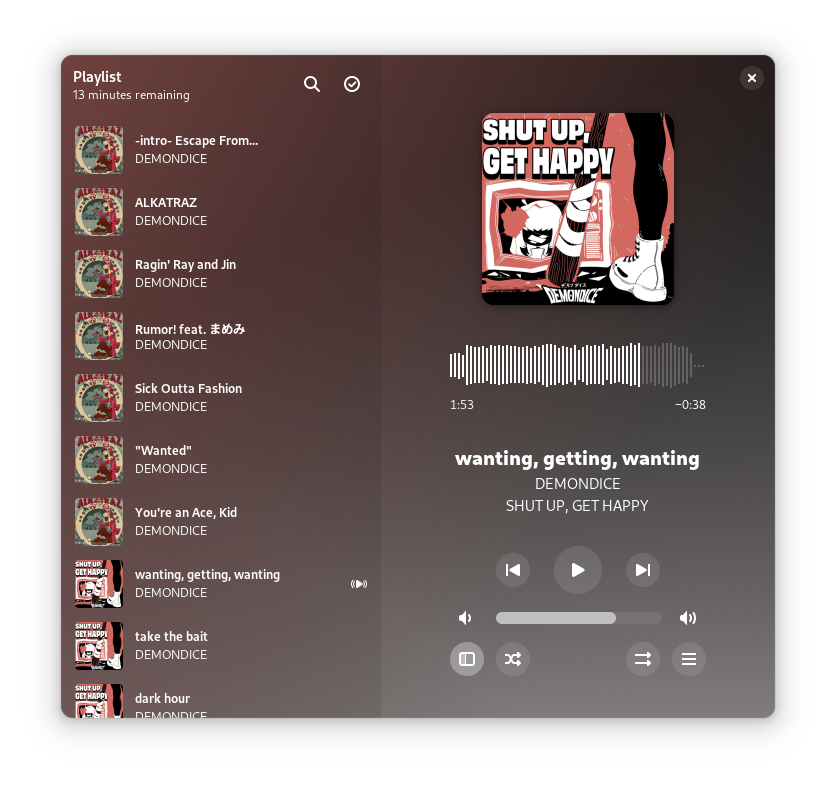
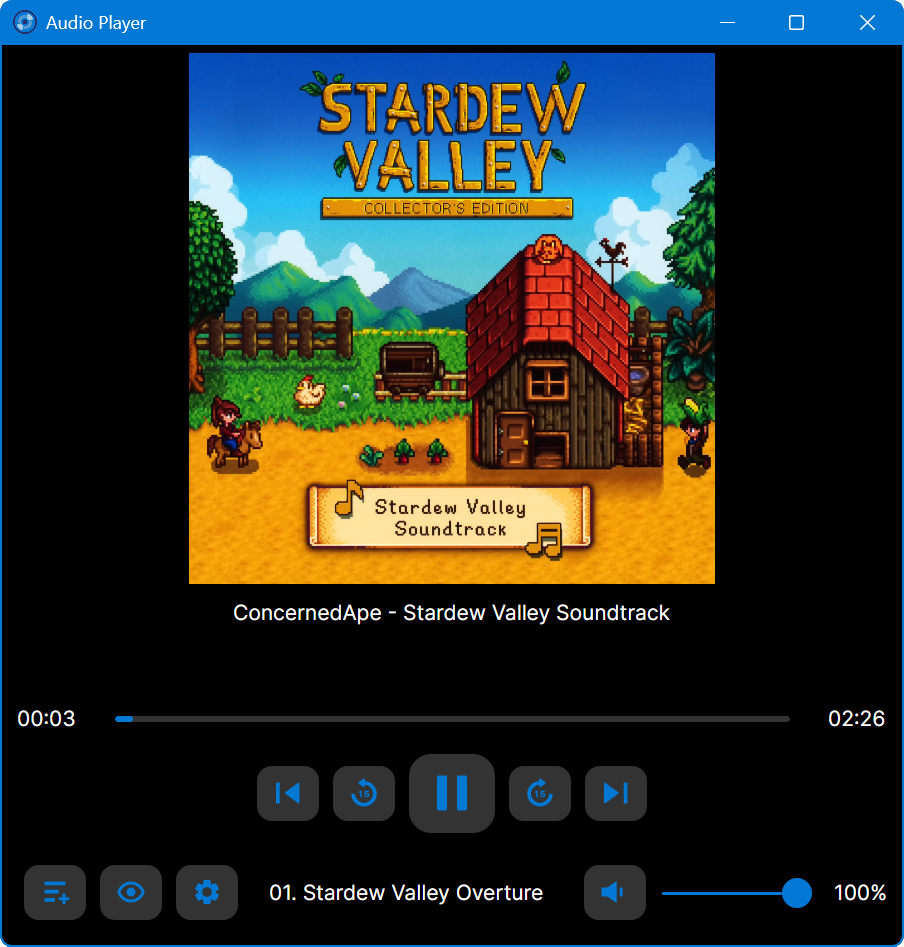
Amberol is a music player with no delusions of grandeur. If you just want to play music available on your local system then Amberol is the music player you are looking for.
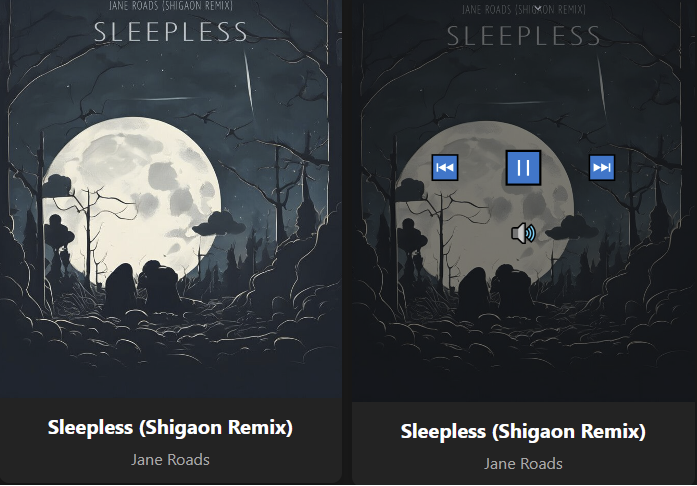
A lightweight HTML5 web music player with FLAC support that runs in a Docker container. This project provides a clean, minimalist interface for playing FLAC audio files with metadata extraction.
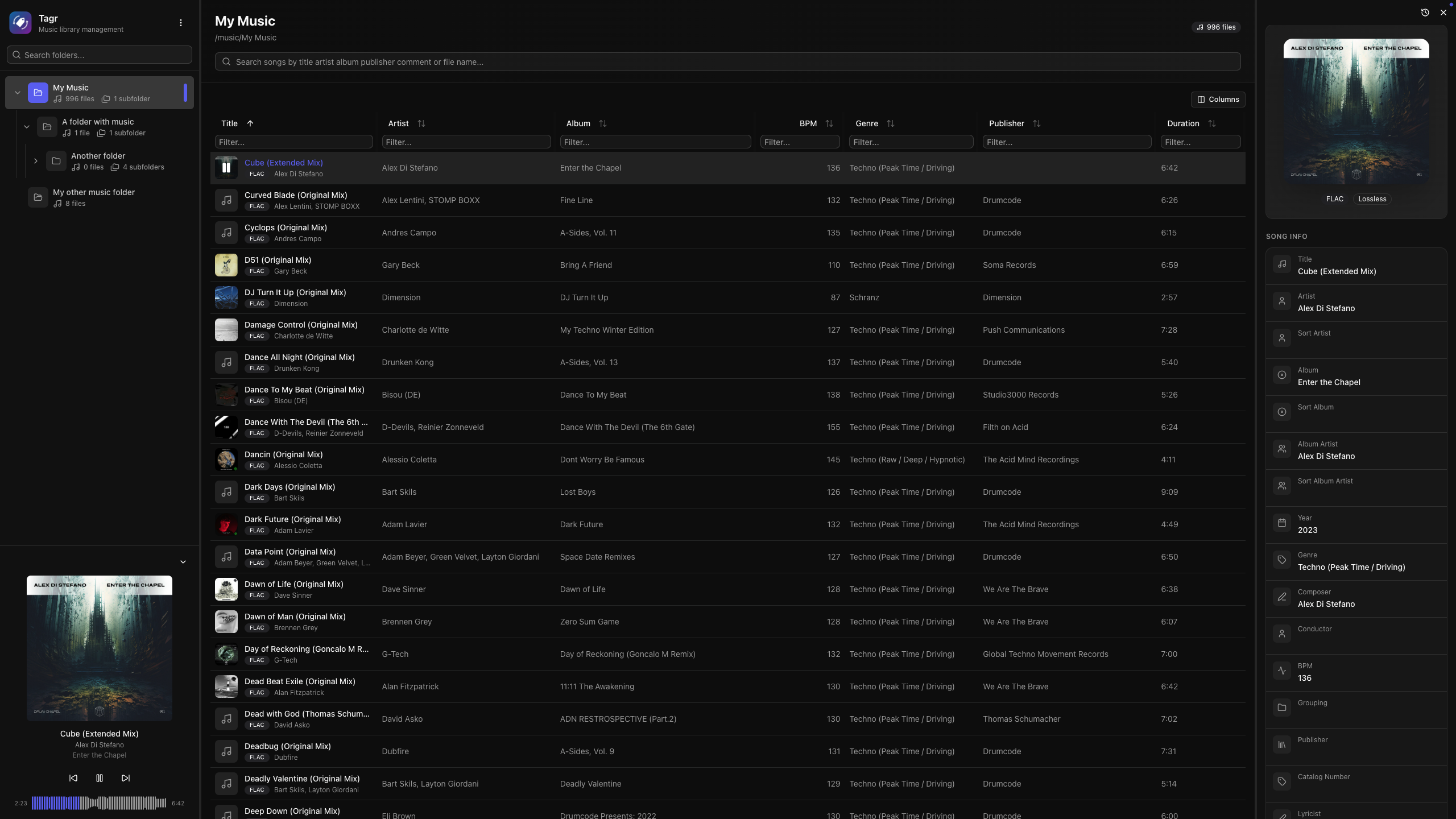
Self-hosted web app for browsing, playing, and editing music file metadata. Features a three-panel UI to navigate your library, listen to tracks, and write tag changes directly back to audio files. Built with Next.js, React, Prisma + SQLite, and node-taglib-sharp.
Most metadata editors are either desktop-only, command-line tools, or bloated apps with steep learning curves. If your music lives on a NAS, a server, or a headless machine, editing tags means SSH, mounting drives, or syncing files back and forth.
Tagr takes a different approach:
Run it anywhere — Docker, bare metal, your NAS. If it runs Node.js, it runs Tagr.
Edit from any browser — No installs, no plugins. Just open a tab.
Do one thing well — Browse your library, edit tags, save. That’s it.
Features:
Metadata Editing
Edit 40+ metadata fields inline — title, artist, album, year, genre, composer, BPM, lyrics, and more
Album art management — view, replace, and upload cover images directly
Star ratings (1–5) with a visual widget
Support for track/disc numbering, sort fields, catalog numbers, barcodes, and extended tags
Read-only display of audio properties (codec, bitrate, sample rate, channels, bits per sample)
Music Player
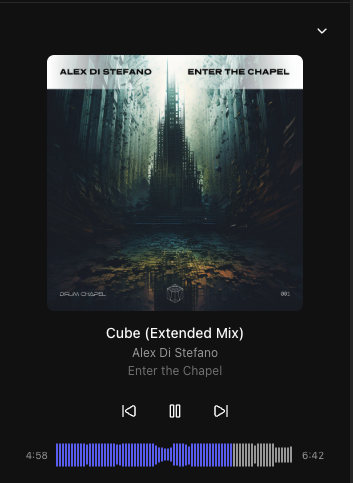
Built-in audio player with interactive waveform visualization (WaveSurfer.js)
Play/pause, previous/next track navigation
Click-to-seek on the waveform
Auto-advance to next song
Collapsible sidebar player with album art, title, and artist display
Library Browsing
Three-panel layout — folder tree, song list, and detail editor side by side
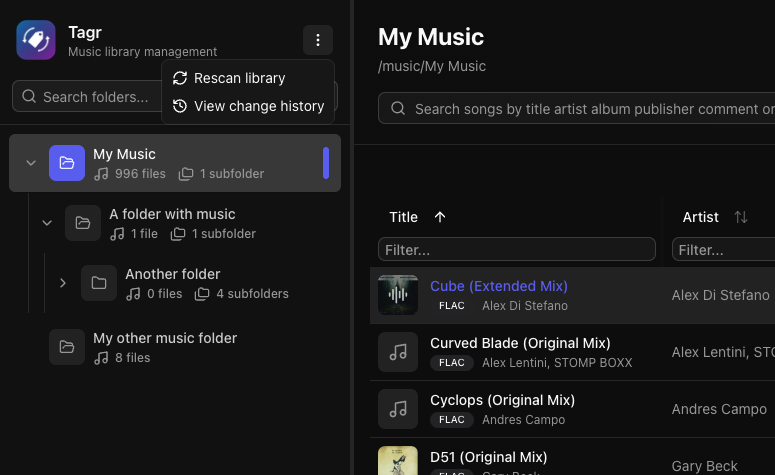
Folder tree with hierarchical navigation and real-time search
Sorting on any column — title, artist, album, year, duration, bitrate, date added, and dozens more
Advanced filtering — text, numeric ranges, date ranges, and boolean filters across all fields
Customizable columns — show/hide any of 40+ columns to match your workflow
Virtual scrolling and infinite pagination for large libraries
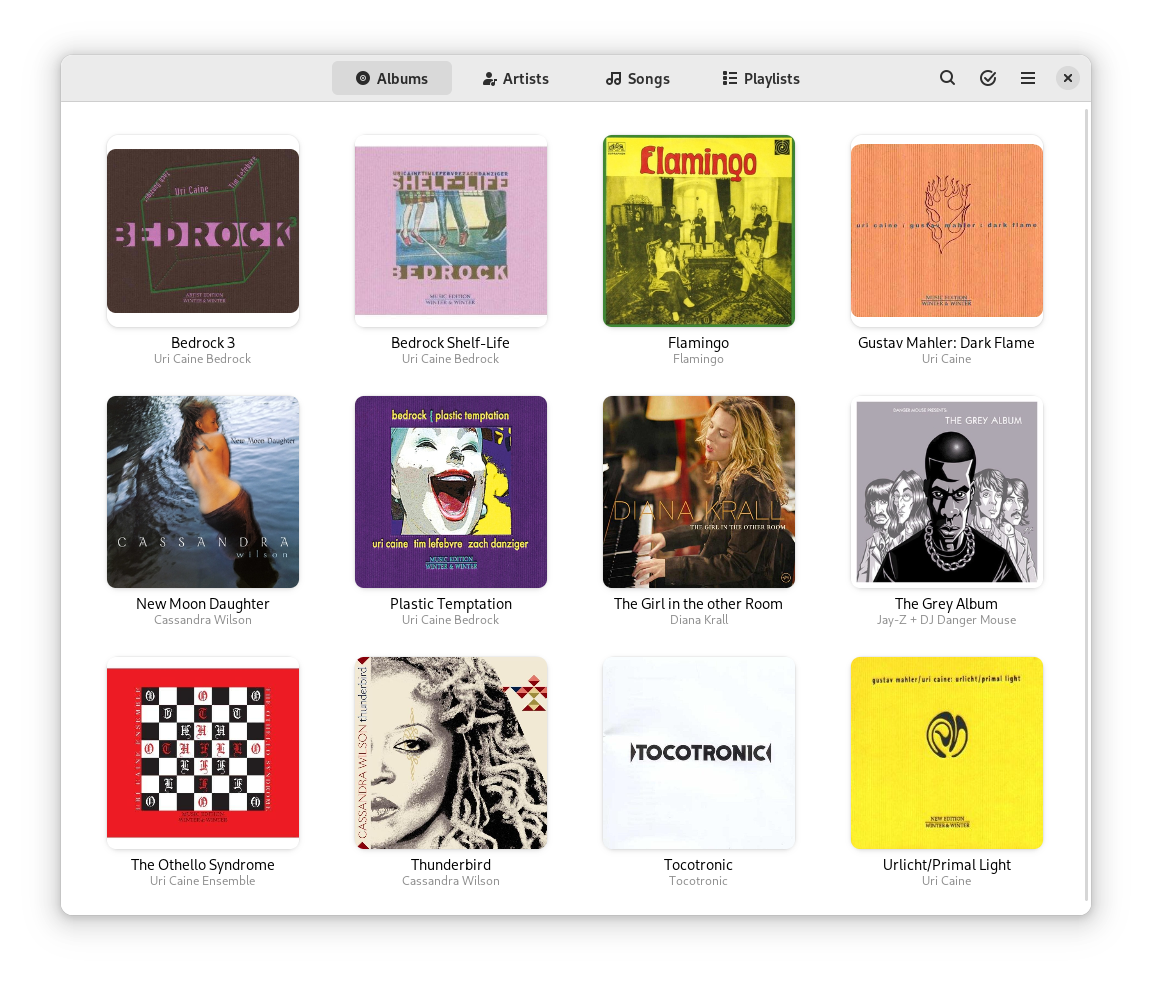
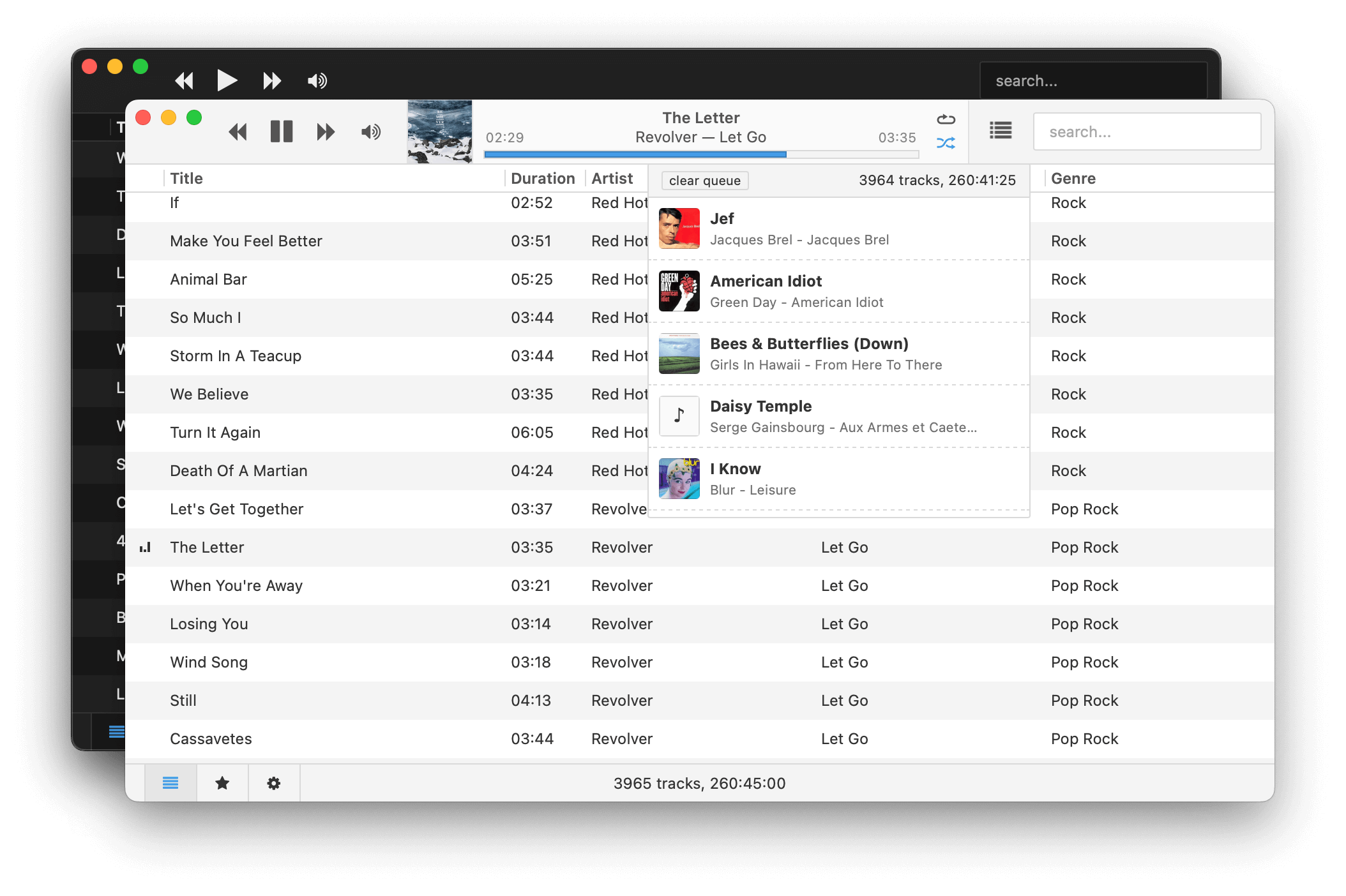
Museeks aims to be a simple and easy-to-use music player with a clean UI. You will not find tons of features, as its goal is not to compete with more complete and more famous music players.
Features:
💻 Cross-platform music player (Linux, macOS, and Windows)
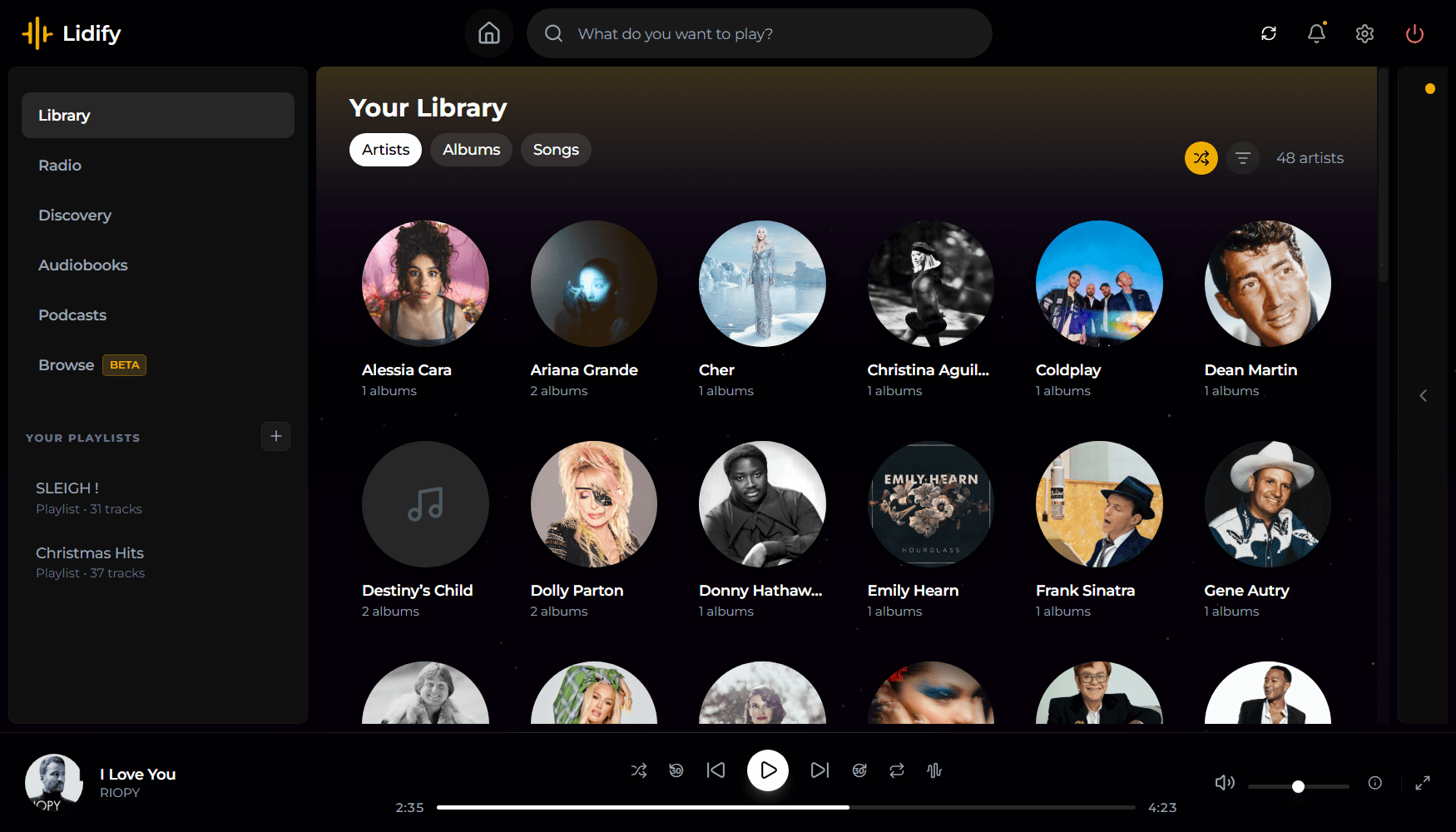
Lidify is built for music lovers who want the convenience of streaming services without sacrificing ownership of their library. Point it at your music collection, and Lidify handles the rest: artist discovery, personalized playlists, podcast subscriptions, and seamless integration with tools you already use like Lidarr and Audiobookshelf.
Stream your library – FLAC, MP3, AAC, OGG, and other common formats work out of the box
Automatic cataloging – Lidify scans your library and enriches it with metadata from MusicBrainz and Last.fm
Audio transcoding – Stream at original quality or transcode on-the-fly (320kbps, 192kbps, or 128kbps)
Ultra-wide support – Library grid scales up to 8 columns on large displays
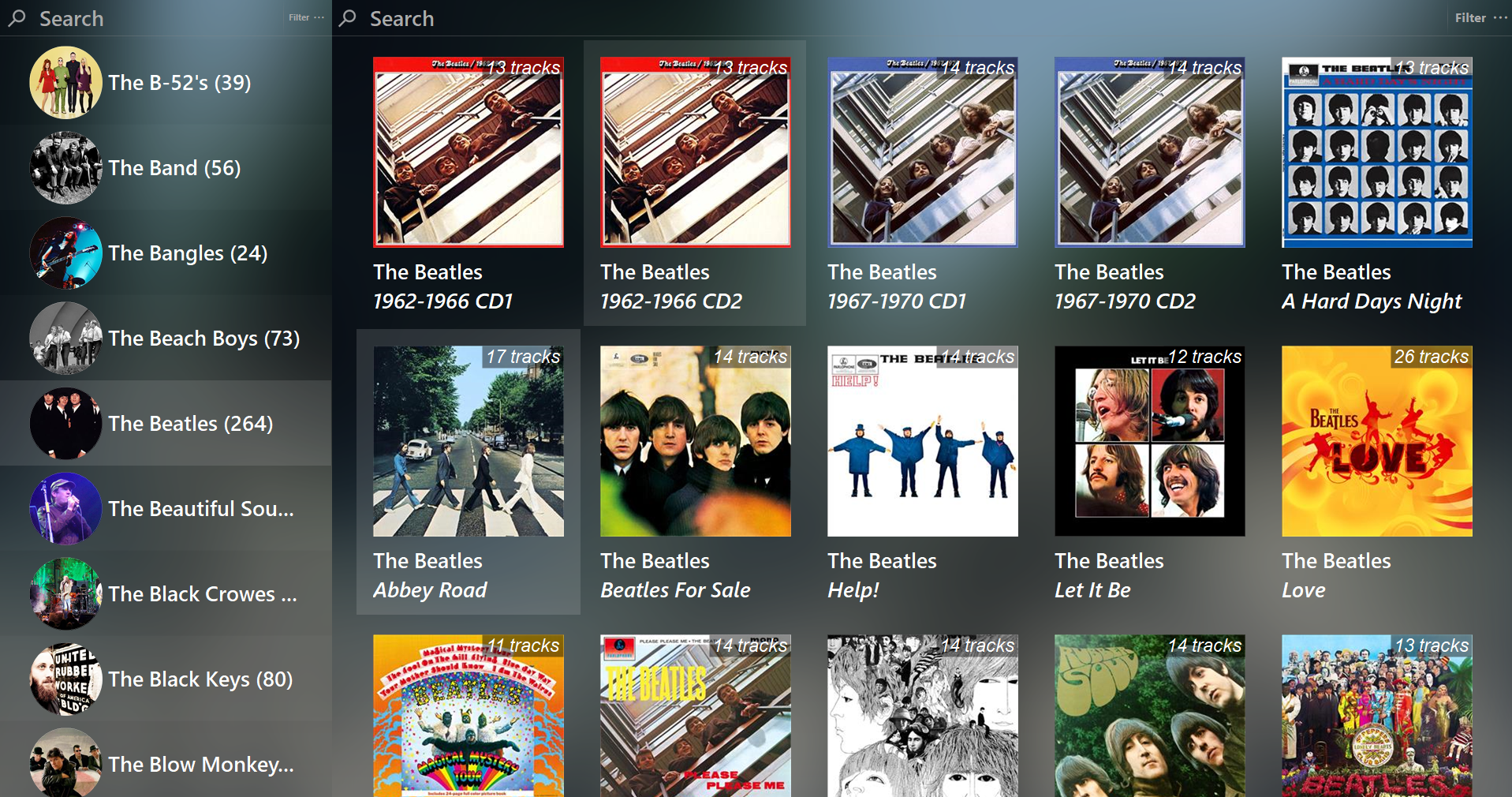
Feature rich library viewer and browser for foobar2000 and Spider Monkey Panel. Improved version of the original Library Tree, which tons of new features, performance optimizations and fixes.
caudec is a command-line utility that transcodes (converts) audio files from one format (codec) to another, among other things.
It leverages multi-core CPUs and runs multiple processes concurrently (one per file and per codec, and more than one thread per codec when it supports it). The objective is to hog the CPU as much and as long as possible. One strategy is to sort input files by size, so that the largest files potentially get more threads towards the end of the job.
Supported output formats / codecs: all of the above, as well as LossyWAV / LossyFLAC, MP3, AAC (.m4a), Ogg Vorbis, Opus.
Supported platforms: macOS, Linux.
Transcoding to several different codecs at once is possible. In that case, decoding of input files is done only once.
Metadata is preserved (as much as possible) from one codec to another.
Artwork can be embedded into each file, and / or copied to the output directory. It can be done selectively (e.g. embed and / or copy one image for lossless files, and another image for lossy files).
Audio can be resampled (e.g. 48kHz to 44.1kHz) and downmixed (e.g. 6 channels to stereo). A profile can be provided to set a maximum value for the number of channels, bit depth and sampling rate. When a profile is provided, the source will only be altered after decoding and before encoding, if some metric of the source is above the given profile.
Multiprocess ReplayGain scanner for FLAC, WavPack, MP3, Ogg Vorbis, Opus.
Ability to hard link lossy files to a different directory when encoding to WavPack Hybrid. The point is to have two libraries that takes the storage of just one, with a lossy collection that has its own root directory and that’s easy to drag and drop to a device such as a smartphone or a Digital Audio Player (DAP).
Ability to touch files and album directories using metadata to reflect the music’s release date and duration (see example below).













 The Audio File