One of the reasons for Foobar2000’s versatility is extensibility. Its capabilities can be greatly extended by adding components.
For example, it’s good to keep track of information right from the start. An important first addition is playback statistics which are generated and maintained by foo_playcount.fb2k-component. Also consider installing foo_enhanced_playcount.
To add Playback Statistics to foobar2000, follow these steps:
Click the “Download” button to save a local copy of playcount.fb2k-component.
Install The Component:
Go to File > Preferences, or press Ctrl + P.
In Preferences, go to Installed components on the left-hand side.
Click the Install button at the bottom of the section.
Navigate to and select the foo_playcount.fb2k-component file, then click Open and then Apply.
After installation is complete, foobar2000 will prompt you to restart.
Verify Installation:
Once foobar2000 restarts, you should check File > Preferences > Components to confirm the component is now installed and active.
It’s also possible to install a Foobar2000 component by either dragging and then dropping a component on the component pane or double clicking a component if the file association is working.
The Get Updates button will download and update all the installed components but not Fobar2000 itself, that must be done via the Help Menu. It’s good to update the components occasionally.
The Copy Report button copies a list of installed components to the clipboard.
If the component has a visual element, you’ll also need to add the component to the DUI (Default User Interface) now. Toggle View\Layout\Enable Layout Editing Mode and then add a new panel or tab. Right click the new panel or tab area and select “Add New UI Element …“, then select the new component from the list. You may need to adjust borders to fit, then Exit layout mode.
The Playback Statistics Component keeps track of the following data:
Time/date first played
Time/date last played
Playback count
Time/date added to the Media Library
Rating
The Playback Statistics Component also allows playback statistics to be backed up or easily transferred to other Foobar2000 instances.
‘You can export playback statistics to an XML file and import them later, through Library => Playback Statistics menu commands, or through context menu on specific tracks. This can be used to easily transfer playback statistics between different foobar2000 installations or profiles.’ ~ XML Backup Functionality
foobar2000 version 1.6 required for compatibility with this component
Enable high resolution audio for MediaTek devices up to 32-bit/192kHz (if device supports). This module only changes the configuration on “audio_policy” because most Android devices limit their capabilities to 16-bit/48kHz only, the rest depends on whether the device used supports Hi-Res Audio™ or not.
*applies to internal Speakers & Wired (not for Bluetooth/USB devices).
Lyrion Music Server (formerly Logitech Media Server) is open-source server software which controls a wide range of Squeezebox audio players. Lyrion can stream your local music collection, internet radio stations, and content from many streaming services
For most users the latest version of Foobar2000 32-bit is adequate. Users with very large music libraries may need to install the 64-bit version. The latest Foobar2000 installers are available on the official downloads page: www.foobar2000.org/download
After downloading, installing Foobar2000 and starting Foobar2000, you will see the main Default User Interface, commonly referred to as the DUI.
The first step is to populate Foobar2000’s Media Library.
Select Preferences > Media Library > Add...
and navigate to your Music folder. Once Foobar2000 has scanned all the subfolders and files, it will continue to monitor for any additions, deletions or revisions
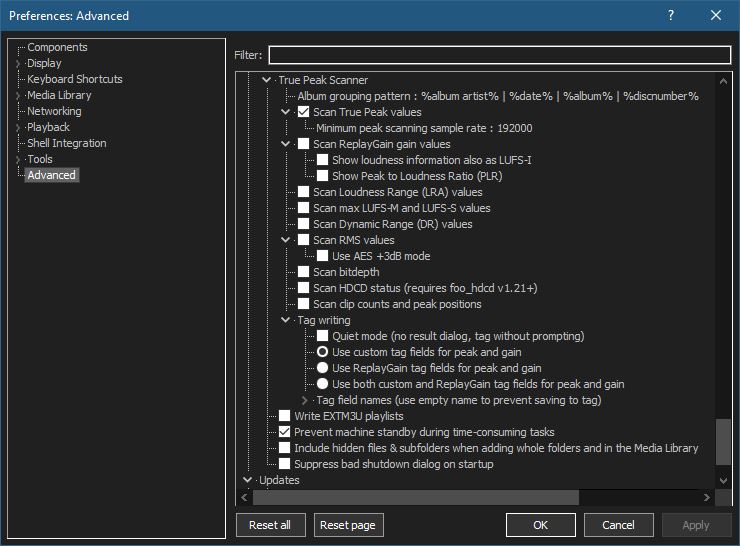
Change Processing to ‘apply gain and prevent clipping according to peak‘
Adjust the ‘Without RG info‘ slider to -8.0 dB
The last initial step is to set your own individual freedb address.
At this point you should see your music and it should play without issue.
This covers the very basics. The next steps will be to add additional components, more configuration and how to use Foobar2000 to accomplish day to day tasks.
Brasero is a GNOME application to burn CD/DVD, designed to be as simple as possible. It has some unique features to enable users to create their discs easily and quickly.