Tonbandfetzen is a collection of command-line tools that allow you to compose music based on audio fragments generated from plain text input. It contains:
tz mel– generate sound fragments from plain texttz guitar– read guitar tablaturetz stick– concatenate audio datatz stack– superimpose audio datatz stretch– rescale audio datatz repeat– loop audio datatz trim– strip leading and trailing silencetz mono– unzip audio channelstz harmonics– show spectra of wave samplestz inspect– show information on audio filetz riff2aiff– convert .wav(e) into .aif(f) filestz aiff2riff– convert .aif(f) into .wav(e) filestz tag– add ID3v2 metadata to .wav(e) filestz play– generate and play sound fragments
Tag Archives: concatenation
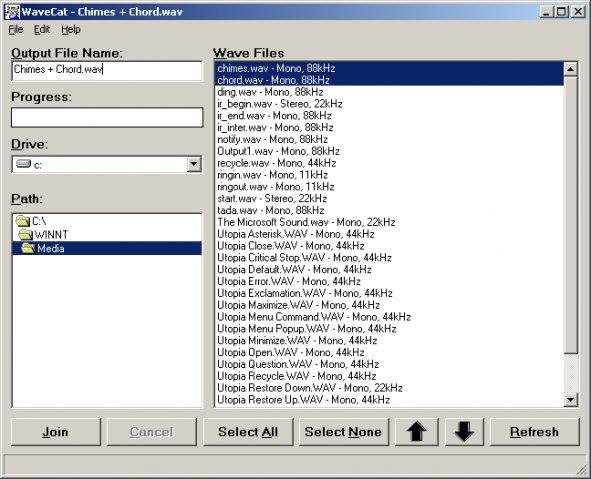
WaveCat ~ Combines Multiple WAV Files
Joins one or more WAV files together. If you rip a five CD book on tape, you’ll have a cluttered mess of about sixty audio files. WaveCat can turn your sixty files into one convenient large wav file. Suggestion: CDex –> WaveCat –> WinLame –> Single MP3 file.
Feature
sourceforge.net/projects/wavecat
- Concatenates multiple Wav files into one large file.

musiCutter ~ mp3 Splitter
musiCutter is mp3 and ogg vorbis joiner / cutter (without need to decode and reencode)
Features:
- supported formats: all MPEG audio versions and all layers (except freeformat mp3 files)
- OGG Vorbis
- works correctly with VBR mp3 files
- can produce frame statistics for mp3 file
- can handle practically unlimited file size
- cut points can be imported from:
- CUE sheet
- XMCD file
- plain text file

MergeMP3 ~ Combine mp3s For Free
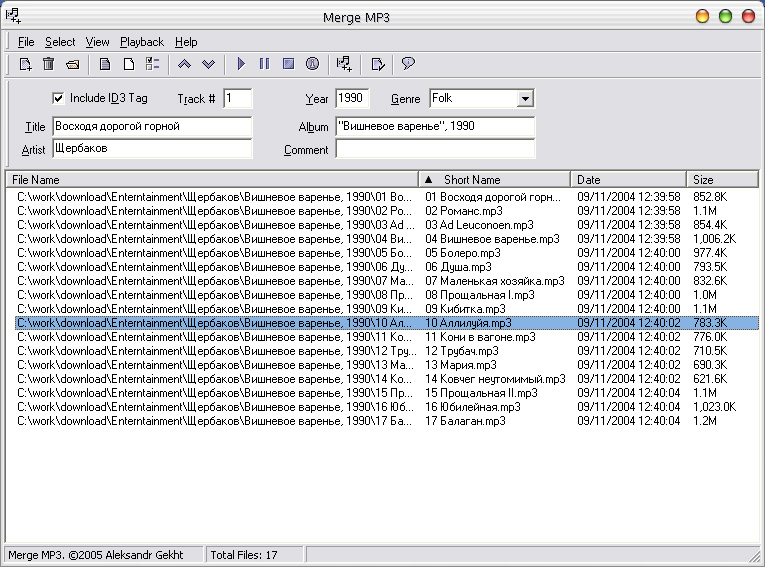
It is often necessary to merge multiple sound files into one recording. This need may arise for various reasons: merge ripped CD tracks into one, combine multiple chapters of an audiobook, etc. There are many great programs to achieve this, but very few of them are actually free. I’ve discovered that while all of these programs perform the task well, they also contain lots of other features, making them too complicated for the tasks. This is why when I needed the plain vanilla merging utility, I could not find one that was free – and decided to write one myself. The added benefit of writing one myself, of course, is that it has exactly the features I need – and none that I don’t. When it was done – I decided to give it away for free – to alleviate some of the pains I had.
Features:
- Merge as many files as you like – no limitations by size, length, or number.
- Sort files to be merged by filename (with or without directory), date/time or size.
- Optionally write ID3v1 and ID3v2 tags into the merged MP3 file.
- Optionally write VBR frame into the merged file – useful when merging files with different bitrates.
- View detailed information about MP3 files to be merged, including MPEG header information and ID3v1 and ID3v2 information.
- Choose to use ID3 tag from any of the files to be merged to write into the target file.
- Display an image embedded into the MP3 files.
- Play MP3 files from the list to be merged.
- No complicated installation – simply unzip the program and run from any directory.
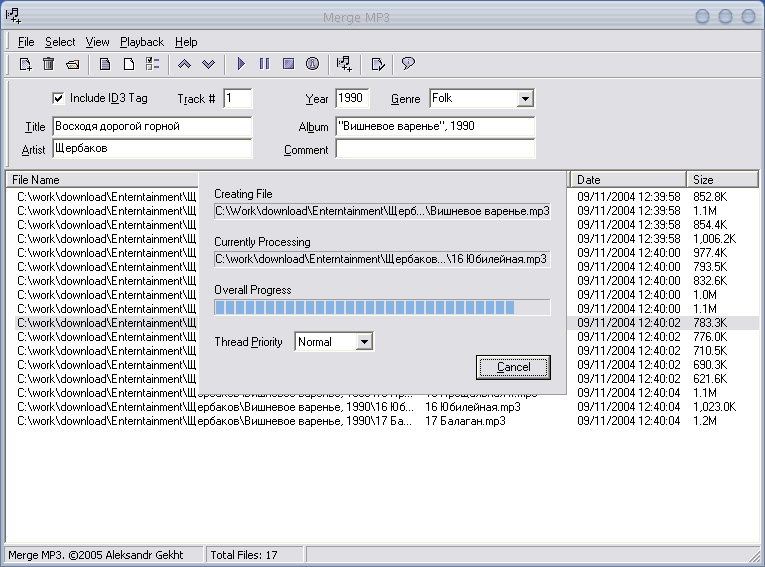
- Very intuitive interface.
- Very fast merge speed.
- It’s absolutely FREE!