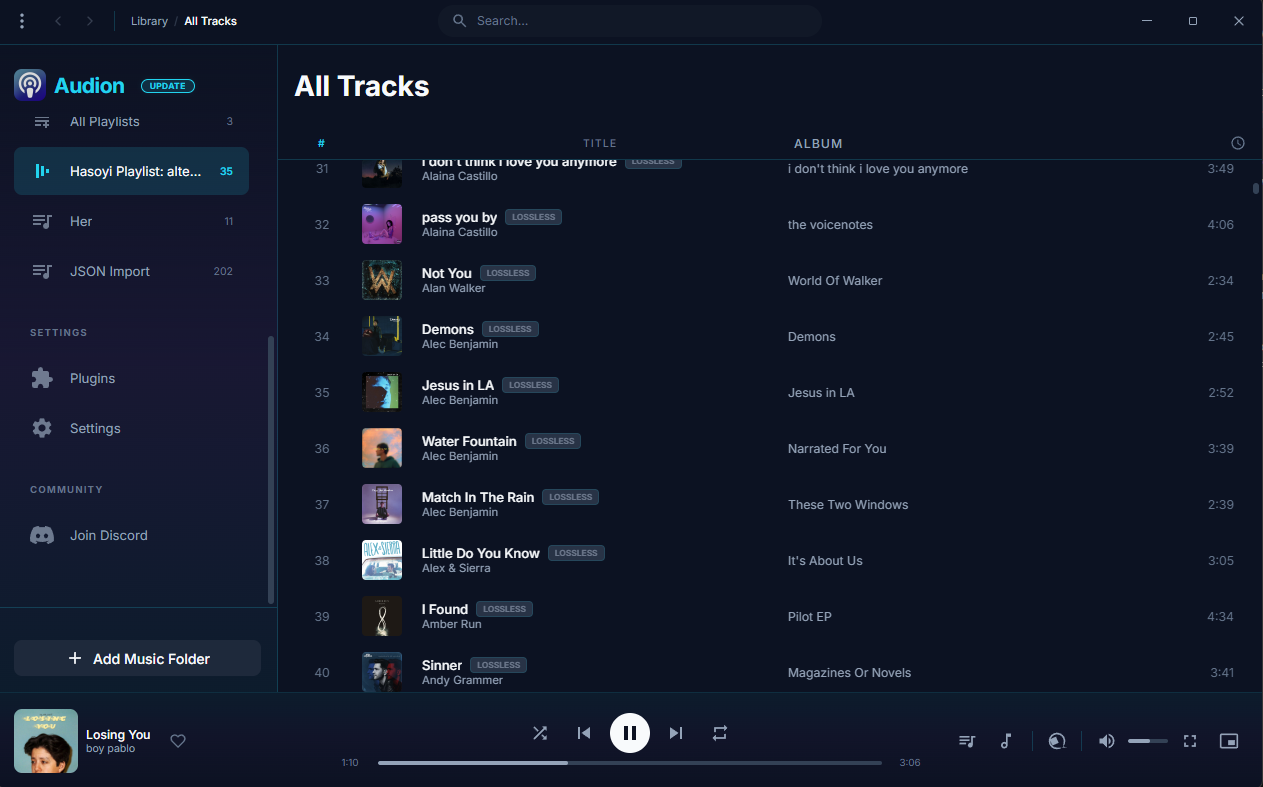
Audion is a privacy-focused music player that brings the Spotify experience to your local music library. No internet required, no tracking, just your music, beautifully organized.
Key highlights:
Synced lyrics with karaoke-style word highlighting
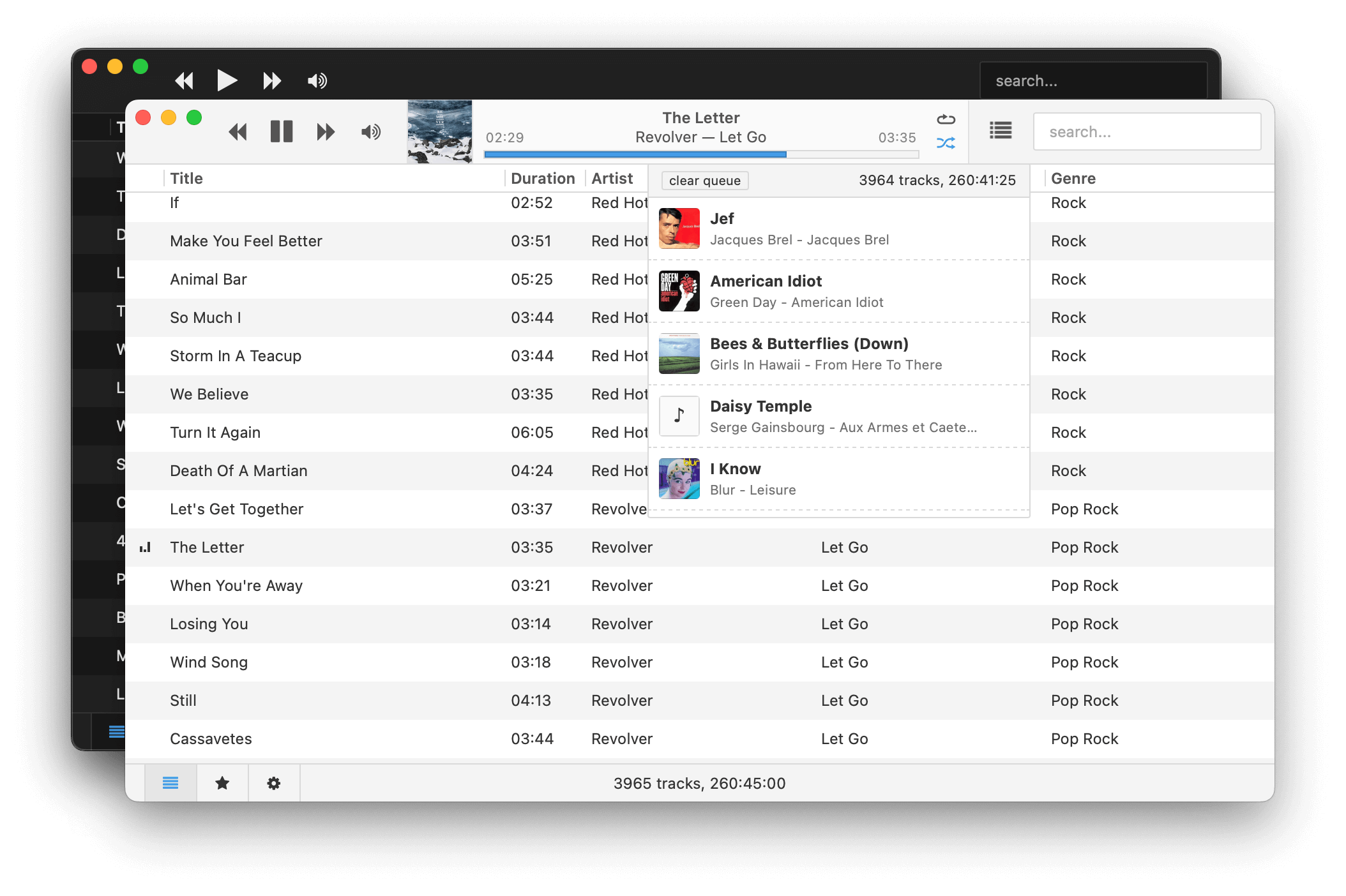
Museeks aims to be a simple and easy-to-use music player with a clean UI. You will not find tons of features, as its goal is not to compete with more complete and more famous music players.
Features:
💻 Cross-platform music player (Linux, macOS, and Windows)
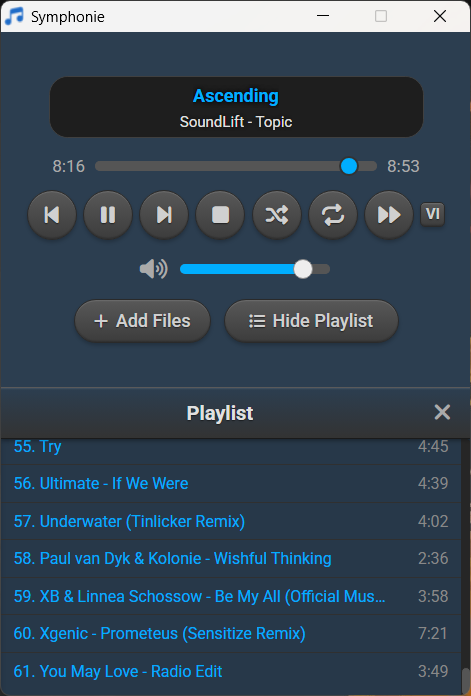
Symphonie is a sleek, lightweight desktop music player built with Electron and powered by HTML5 capabilities, offering a clean interface for enjoying your local audio library. It supports popular formats including MP3, FLAC, AAC, M4A, OGG, WAV, OPUS. Features include playlist management, intuitive playback controls, track metadata display (title/artist), and shuffle functionality for a seamless listening experience.
Features:
Supported audio formats mp3,aac,m4a,wav,ogg,flac,opus and more
Drag and drop files/folders directly onto the player or playlist
Visualizer which can be enabled and disabled
Reorder tracks within the playlist using drag and drop
Select all tracks and delete in the playlist using Ctrl+A
Seamless integration with modern web technologies without relying on third-party libraries.
Supported Platforms Windows 10/11,Debian,Ubuntu,Arch Linux,Linux Mint,Fedora
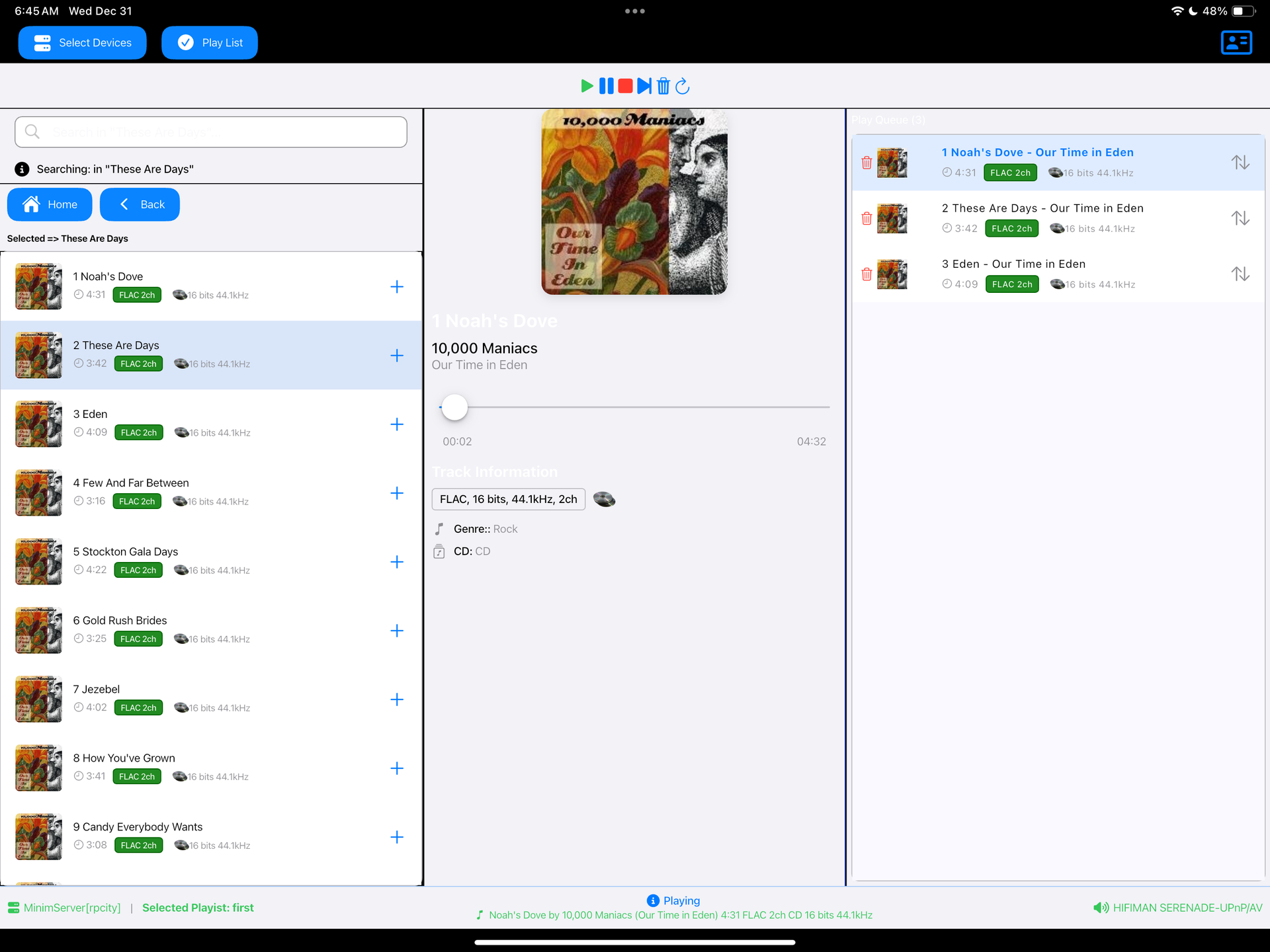
Read a DLNA Media Server to select music to play on your DLNA Renderer
Scan the network for your Media Server (“Server”) and Renderer (“Renderer”) devices, select one of each and then from the main screen select the music you want to play, drilling into Albums, Artists, Genres (all defined by your Media Server). Any music you want to hear is called a track and is loaded onto the play queue. Then select Play button to listen to the track listed at the top of the queue. You can also create playlists and store your favorite tracks for playback.
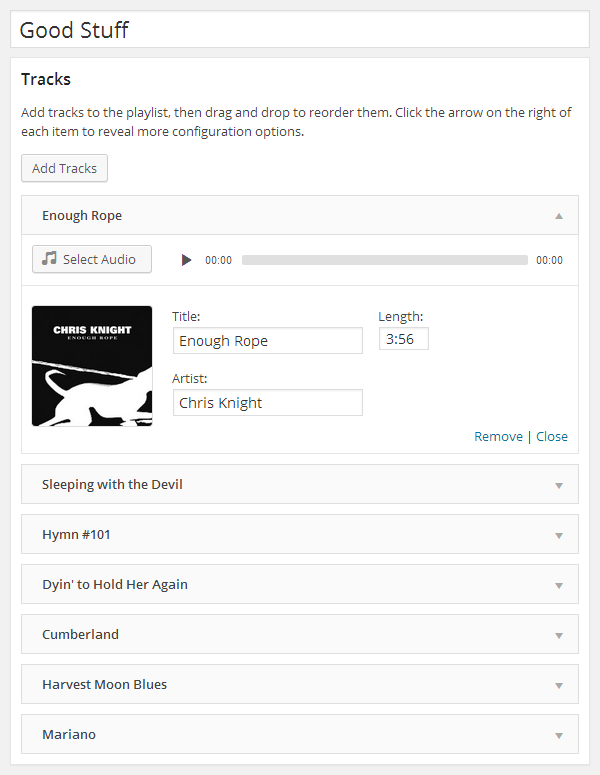
Cue makes it easy to create and manage beautiful, fully responsive audio playlists. Primarily built with music in mind, Cue can also be used for podcasts, sermons or to showcase voice over samples.
There’s no need to fiddle with XML, JSON, or FTP. Just upload audio files with the familiar WordPress Media Manager, then insert them into a playlist with the click of a button. Cue fetches metadata from uploaded files to automatically complete the title, artist, and length for each track.
It works on desktop, tablets, and other mobile devices.
Features:
Create unlimited playlists.
Embed a player in any post, page, or sidebar using a shortcode or widget.
Reorder tracks with a simple drag and drop interface.
Seamlessly integrates with WordPress media manager to select audio and images.
Automatically fetches title, artist, and length from the metadata if it’s available.
Completely responsive to work on any device that supports your audio format.
Link to external sources like Amazon S3 or other CDNs.
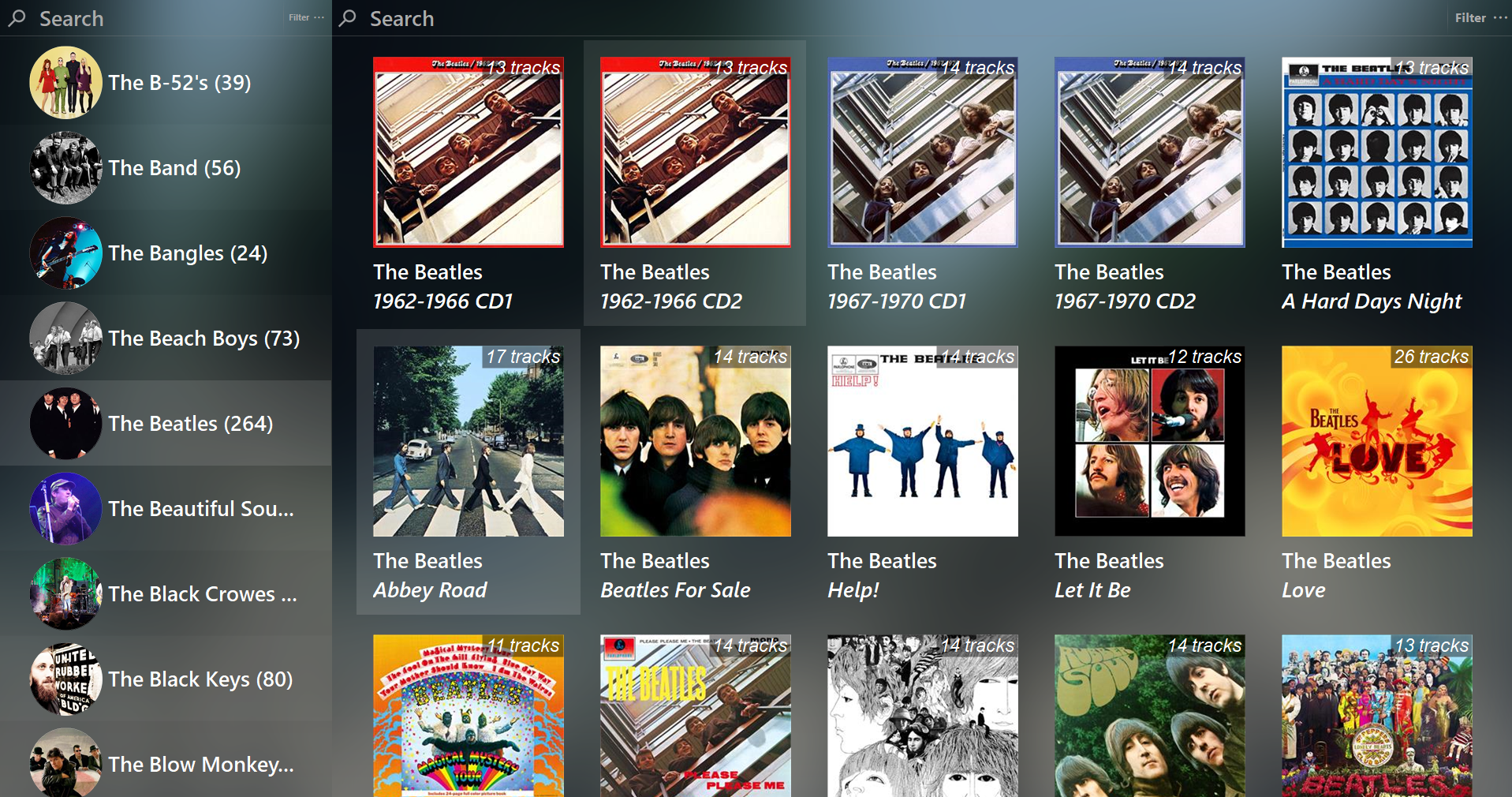
Feature rich library viewer and browser for foobar2000 and Spider Monkey Panel. Improved version of the original Library Tree, which tons of new features, performance optimizations and fixes.
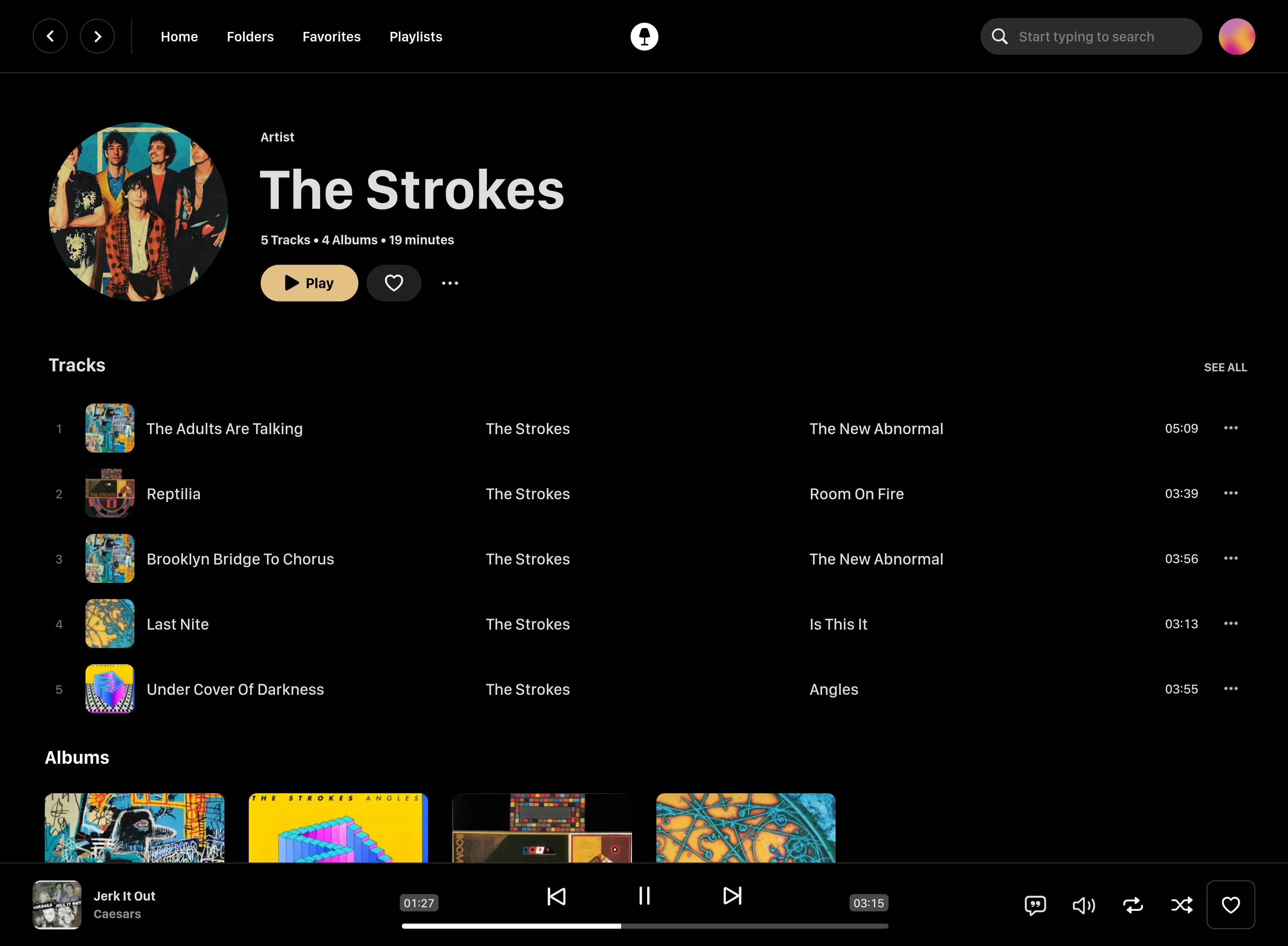
Swing Music is a fast and beautiful, self-hosted music player for your local audio files. Like a cooler Spotify … but bring your own music. Just run the app and enjoy your music library in a web browser.
Features:
Daily Mixes – curated everyday based on your listening activity
Metadata normalization – a clean and consistent library
Album versioning – normalized albums and association with version labels (eg. Deluxe, Remaster, etc)
Related artist and albums
Folder view – Browse your music library by folders
Playlist management
Beautiful browser based UI
Silence detection – Combine cross-fade with silence detection to create a seamless listening experience
Collections – Group albums and artists based on your preferences
Statistics – Get insights into your listening activity
Lyrics view
Android client
Last.fm scrobbling
Multi-user support
Cross-platform – Windows, Linux, MacOS (coming soon), arm64, x86
Multi-format audio player with MIDI, minigames, playlists & many visualizations
Lightweight GTK3 audio player supporting MIDI, WAV, MP3, OGG, FLAC, AIFF, and Opus formats. Features OPL3 FM synthesis for authentic MIDI playback, drag-and-drop playlist queue, real-time spectrum visualization, 10-band equalizer, and M3U playlist support. Built with SDL2 audio backend for cross-platform compatibility across Linux and Windows. Includes intuitive controls with keyboard shortcuts, 5-second seek buttons, and efficient format conversion. Perfect for musicians and audio enthusiasts needing reliable playback of both modern and legacy audio formats. Multi-threaded architecture ensures smooth performance. MIT License.
Bloomee🌸 is my Flutter project, An Open-Source Music app designed to bring you Ad-free tunes from various sources. Dive into a world of limitless music from platforms like YouTube and Jio Savan, with more sources blooming soon! 🌼🎵
Why Bloomee? 🌟 Ad-Free Experience: Say goodbye to interruptions and enjoy uninterrupted musical bliss.
🌍 Multi-Source Player: Access your favorite tracks from diverse platforms, with more sources continually joining our melody garden.
🚀 Flutter-Powered Learning: Bloomee is not just about music; it’s about learning and growing with Flutter and BLoC architecture. Explore the intersection of beautiful design and smooth functionality while mastering the art of app development.
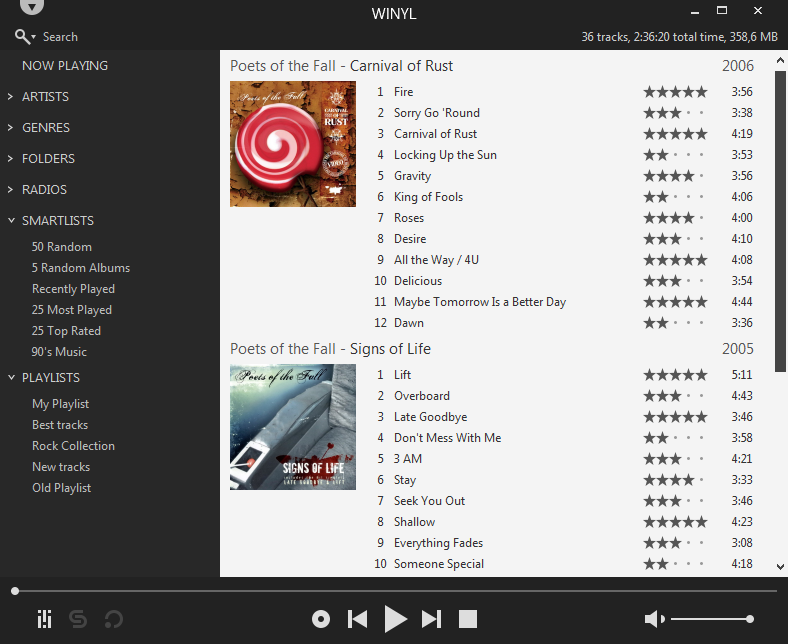
Winyl is a free digital audio player and music library application for organizing and playing audio on Windows.
Winyl offers great new ways to organize and enjoy all your music. Listen to music and radio, rate your favorite tracks, create playlists, browse song lyrics, tag music, all of this is very simple in Winyl.
Winyl uses the least system resources, it starts and working very fast. It’s the best choice for a laptop or netbook.
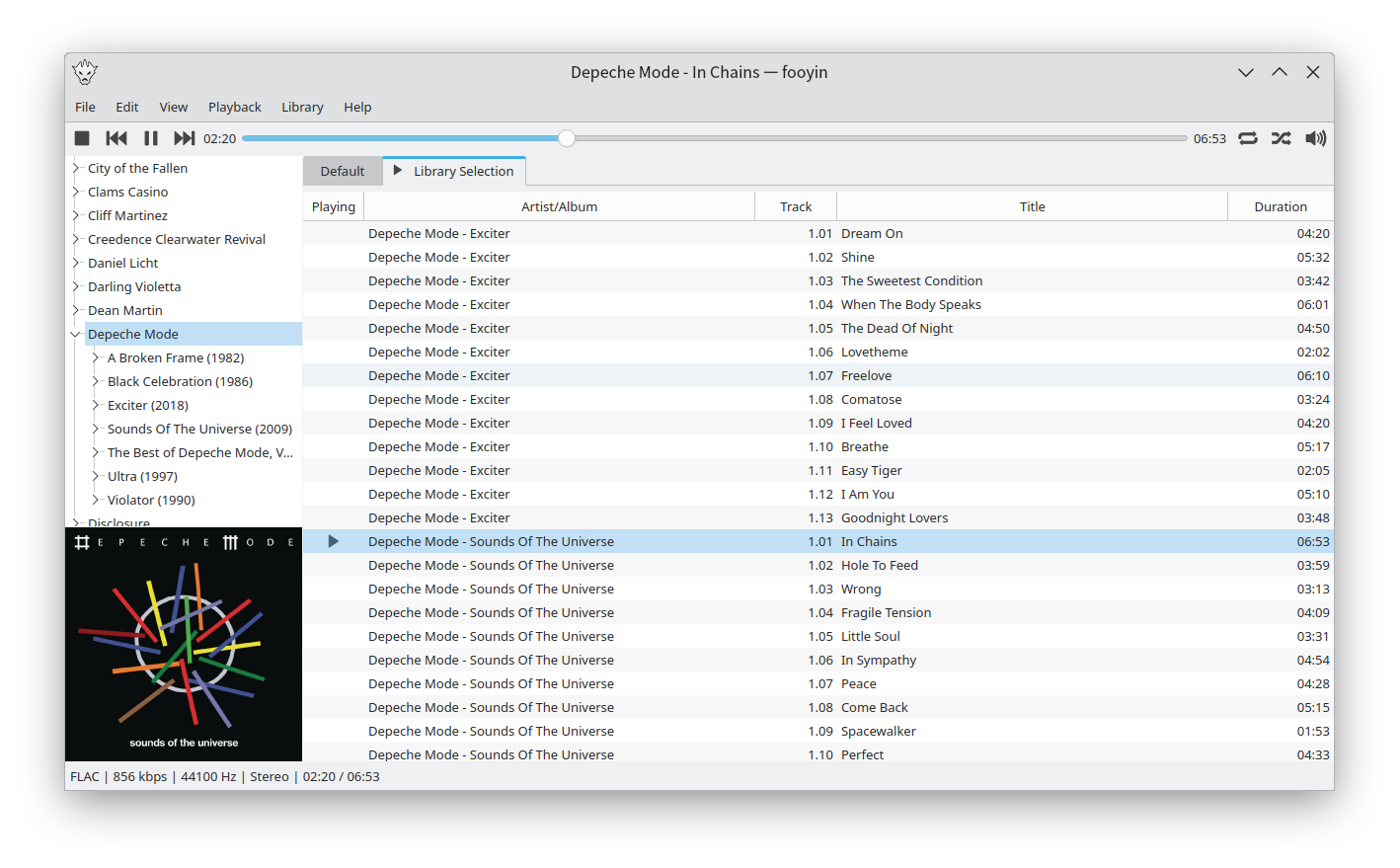
Fooyin is a customisable music player for Linux. Fooyin features a layout editing mode in which the entire user interface can be customised, starting from a blank state or a default layout. FooScript takes this further by extending the customisation to individual widgets themselves.











 The Audio File