Cynthia ~ Multitrack MIDI Player


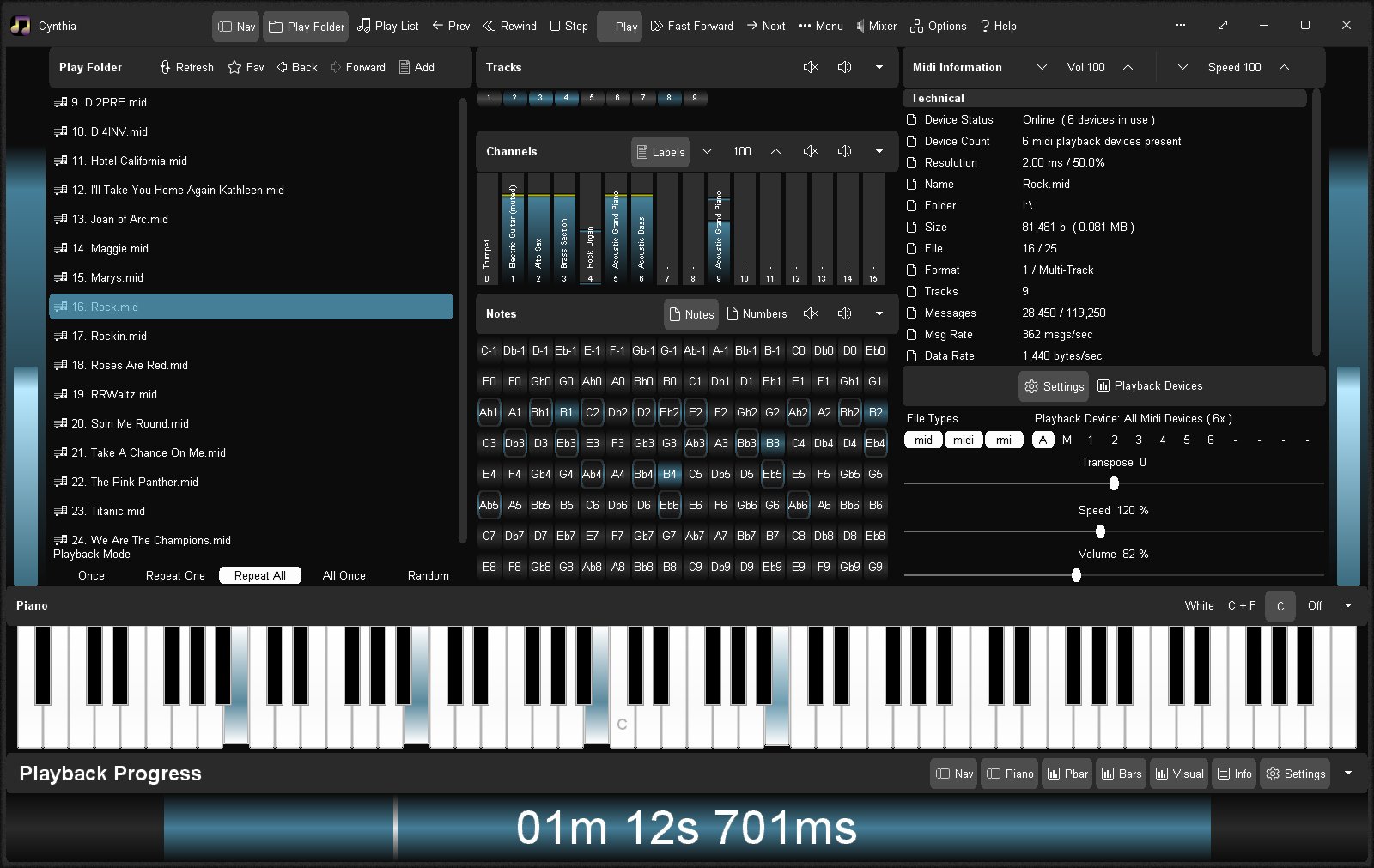
Reliably play midi music files from a folder or “.m3u” playlist. Adjust playback speed, volume and output device on the fly during playback. A large playback progress bar makes jumping forward and backward in time a breeze with just a single click or tap. Supports “.mid”, “.midi” and “.rmi” files in format 0 (single track) and format 1 (multi-track). Comes complete with 24 sample midis ready to play.

Features:

  • Dual play systems – Play Folder and Play List
  • Comes with 24 built-in sample midis on a virtual disk
  • Elapsed, Remaining and Total time readouts
  • Native “.m3u” playlist support (copy, paste, open, save, build)
  • Drag and drop midi files to play / add to playlist
  • Play Modes: Once, Repeat One, Repeat All, All Once, Random
  • Play Speed: 10% to 1,000% (1/10th to 10x)
  • Intro Mode: Play first 2s, 5s, 10s or 30s of midi
  • Rewind / Fast Forward by: 1s, 2s, 5s, 10s or 30s
  • Play on Start option – playback commences on app start
  • Always on Midi option – maintain connection to midi device for instant playback
  • Auto Fade In – eliminate loud or abrupt notes during rewind, fast forward or reposition operations
  • Playback Progress bar – click to reposition/jump backward or forward in time
  • Volume control with volume boost (up to 200%)
  • Play “.mid”, “.midi” and “.rmi” midi files in 0 and 1 formats
  • Custom built midi playback subsystem for high playback stability
  • Scrolling lyrics viewer
  • Detailed midi information panel
  • Tracks Panel: Realtime track data indicators with mute all, unmute all, and mute individual track options
  • Channels Panel: Realtime channel output volume indicators with peak level hold and variable hold time, unmute all, mute all, and mute individual channel options
  • Notes Panel: 128 realtime note usage indicators with variable hold time, 8-12 notes per line display, labels as letters or numbers, unmute all, mute all, and mute individual note options
  • Piano Panel: View realtime piano keystrokes on a 128, 88, 76, 61, 54, 49 or 37 key keyboard with animated and lit keystrokes
  • Piano: Mark middle C key, C + F keys, or all white keys
  • Transpose option: Shift all notes up or down music scale
  • Use an Xbox Controller to control Cynthia’s main functions – playback speed and volume, song position, display panels, song file navigation, jump to start of song, toggle fullscreen mode, etc
  • Large list capacity for handling thousands of midi files
  • Switch between up to 10 midi playback devices
  • Simple and easy to use
  • Options Window – Easily change app color, font and settings
  • Portable

sourceforge.net/projects/cynthia1
www.blaizenterprises.com/cynthia

AudioPlayer ~ CD Image Player


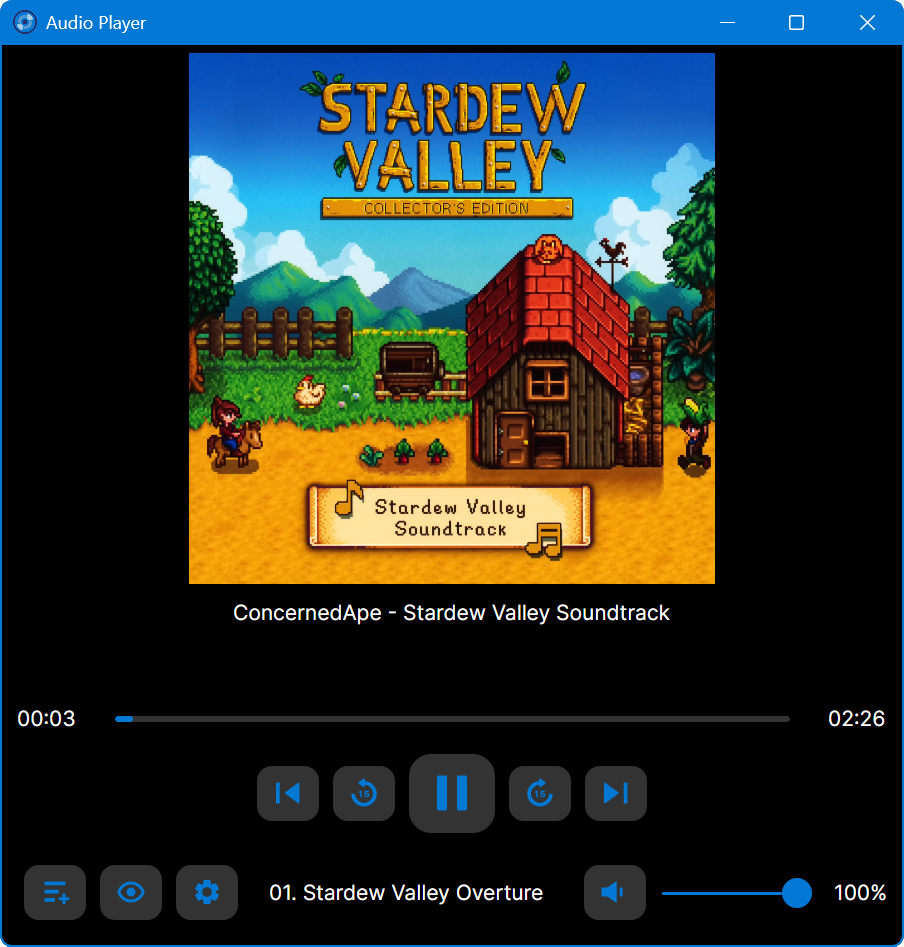
This is an audio player for Windows, Linux and MacOS.

It is designed to play audio CDs dumped to raw bin/cue files.

The bin/cue files can be loaded from a folder on disk, or from a zip archive.

This player provides a convenient way of listening to dumps in that format without any additional step(s):

  • No need to mount the cue file as a virtual drive.
  • No need to extract the cue/bin files from zip files.
  • No need to convert the data to wav/flac/ogg/mp3.

This is currently NOT supported:

  • Playing from archives in 7z and rar formats.
  • Playing music from other formats such as wav, mp3, flac, ogg, etc. Just use a regular music player for that.

Album and track metadata is loaded from the CDTEXT information when present in cue file.

Additional metadata is optionally retrieved from CueToolsDB, including album art.

Lyrics are optionally retrieved from LRCLIB. Using a local LRCLIB sqlite3 database is also supported.

AudioPlayer Interface

github.com/huguesv/AudioPlayer

Swing Music ~ Self-hosted Music Player


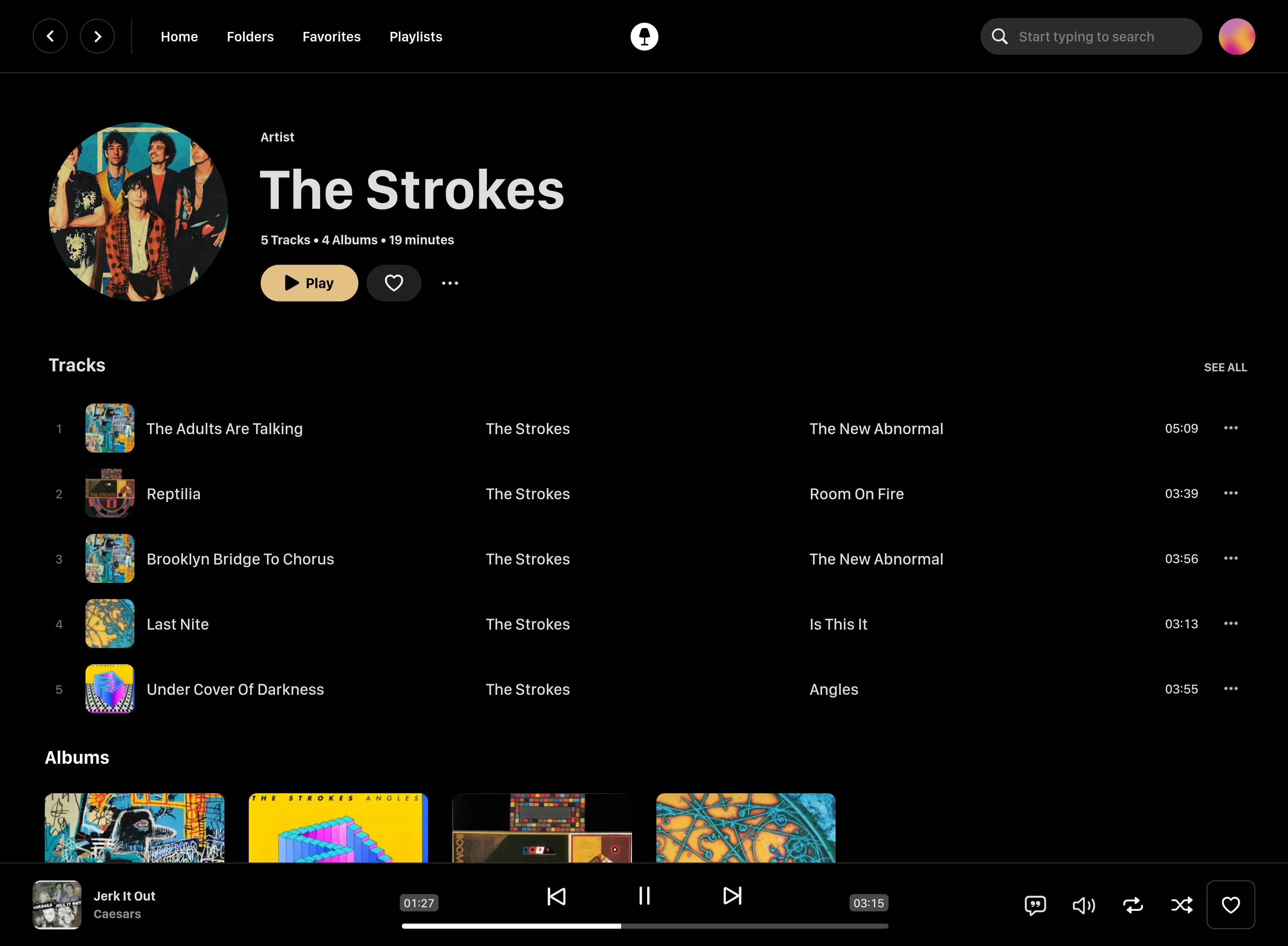
Swing Music is a fast and beautiful, self-hosted music player for your local audio files. Like a cooler Spotify … but bring your own music. Just run the app and enjoy your music library in a web browser.

Features:

  • Daily Mixes – curated everyday based on your listening activity
  • Metadata normalization – a clean and consistent library
  • Album versioning – normalized albums and association with version labels (eg. Deluxe, Remaster, etc)
  • Related artist and albums
  • Folder view – Browse your music library by folders
  • Playlist management
  • Beautiful browser based UI
  • Silence detection – Combine cross-fade with silence detection to create a seamless listening experience
  • Collections – Group albums and artists based on your preferences
  • Statistics – Get insights into your listening activity
  • Lyrics view
  • Android client
  • Last.fm scrobbling
  • Multi-user support
  • Cross-platform – Windows, Linux, MacOS (coming soon), arm64, x86
  • Blazingly fast
  • Pure awesomeness

github.com/swingmx/swingmusic
github.com/swingmx/android
github.com/swingmx/webclient
sourceforge.net/projects/swing-music.mirror

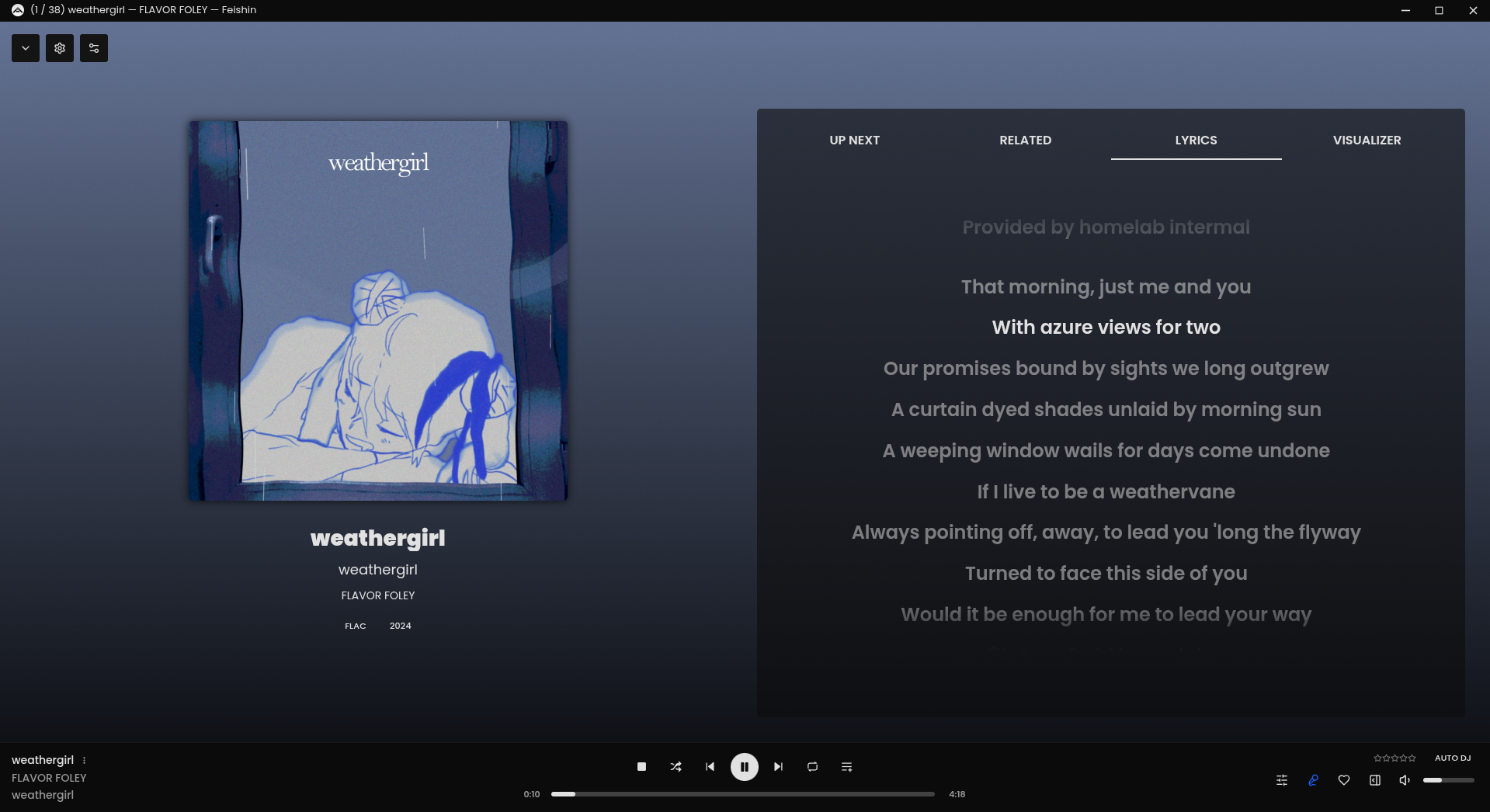
Feishin ~ Self-hosted Music Player


Rewrite of Sonixd.

Features:

  •  MPV player backend
  •  Web player backend
  •  Modern UI
  •  Scrobble playback to your server
  •  Smart playlist editor (Navidrome)
  •  Synchronized and unsynchronized lyrics support

github.com/jeffvli/feishin

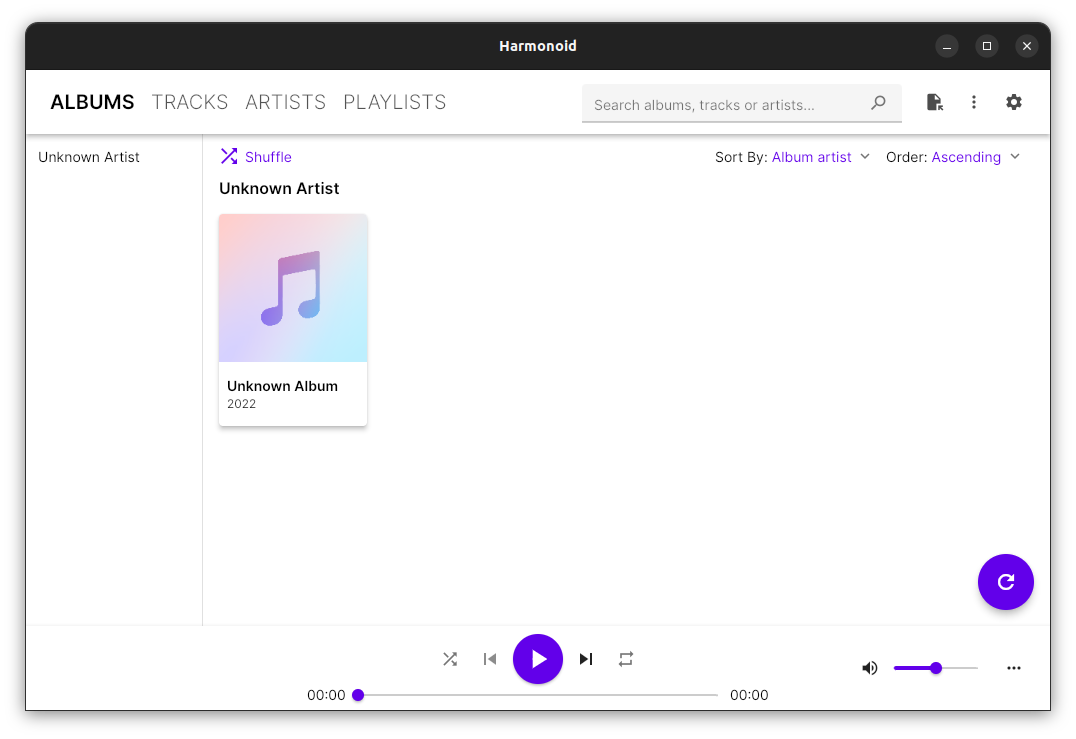
Harmonoid ~ Play & Manage Music Library


Plays & manages your music library. Looks beautiful & juicy.

Features:

  • Fluid animations & beautiful design, everywhere you navigate
  • It’ll find lyrics or give your own .LRC files
  • Closely paired to work together. Windows & Linux
  • Experience the consistent Material Design
  • Music library management based on metadata tags
  • Capable of indexing 30+ files/second & saves cache for future app start-ups
  • Very strictly follows Material Design guidelines for UI & animations
  • Taskbar & System Media Transport Controls for Windows
  • Small installer (≈ 35 MB) & low RAM usage (≈ 150 MB)
  • Discord RPC integration with album art support & “Find”/”Listen” buttons

harmonoid.com
github.com/harmonoid
sourceforge.net/projects/harmonoid.mirror
itsfoss.com/harmonoid

Foobar2000 ~ Installing A Lyrics Display Panel


Installing and Configuring OpenLyrics (foo_openlyrics) in foobar2000

OpenLyrics (foo_openlyrics) is the most actively maintained lyrics display component for foobar2000. It provides an integrated lyrics panel, automatic lyrics downloading, local storage, and optional editing support. This guide walks through installation, panel setup, and recommended configuration options.


Step 1: Download OpenLyrics

  1. Visit the official OpenLyrics component page:
    www.foobar2000.org/components/view/foo_openlyrics
  2. Download the latest .fb2k-component file.

Step 2: Install the Component

  1. Open foobar2000.
  2. Go to File → Preferences → Components.
  3. Click Install….
  4. Select the downloaded foo_openlyrics.fb2k-component file.
  5. Click Apply.
  6. Restart foobar2000 when prompted.

After restarting, OpenLyrics will be available as both a lyrics provider and a UI panel.


Step 3: Add the OpenLyrics Panel to the Layout

Default UI

  1. Go to View → Layout → Enable Layout Editing Mode.
  2. Right-click inside the layout where you want the lyrics panel.
  3. Choose Add New UI Element → Visualisations → OpenLyrics.
  4. Resize and position the panel as desired.
  5. Disable layout editing mode when finished.

Columns UI

  1. Go to Preferences → Display → Columns UI → Layout.
  2. Insert a new panel where desired.
  3. Select OpenLyrics from the panel list.
  4. Apply changes.

Step 4: Basic Playback Test

  1. Play a track with standard artist and title metadata.
  2. OpenLyrics will attempt to fetch lyrics automatically.
  3. If lyrics are found, they will display in the panel.
  4. If nothing appears immediately, allow a few seconds or manually trigger a search (see below).

Step 5: Configure Lyrics Sources

  1. Go to File → Preferences → Tools → OpenLyrics.
  2. Open the Sources section.
  3. Enable or disable lyrics providers as desired.
  4. Adjust source priority if available.

Notes:

  • Online lyrics availability depends on track metadata accuracy.
  • Some sources may return timed lyrics; others return plain text.
  • Source reliability can change over time, which is why OpenLyrics allows multiple providers.

Step 6: Configure Lyrics Saving and Storage

  1. In Preferences → Tools → OpenLyrics, locate the Saving or Storage options.
  2. Enable automatic saving of lyrics if you want lyrics cached locally.
  3. Choose a storage method:
    • External .lrc or .txt files
    • Embedded lyrics tags (if supported by your workflow)
  4. Define a lyrics file naming and folder structure if saving externally.

Recommended:

  • Saving lyrics externally allows reuse across systems and avoids repeated downloads.
  • Keeping lyrics alongside audio files simplifies backup and portability.

Step 7: Display and Behavior Settings

Within Preferences → Tools → OpenLyrics, review the display options:

  • Automatic scrolling
  • Alignment and text behavior
  • Timed lyrics synchronization behavior
  • Fallback handling when timed lyrics are unavailable

These settings affect how lyrics are rendered in the panel but do not affect stored data.


Step 8: Manual Search and Editing

If lyrics are not found automatically:

  1. Right-click inside the OpenLyrics panel.
  2. Choose Search lyrics or Edit lyrics (wording may vary by version).
  3. Manually paste or edit lyrics as needed.
  4. Save the lyrics so they persist for future playback.

OpenLyrics includes a built-in editor, allowing corrections or manual entry without external tools.


Step 9: Metadata Best Practices

For best results with OpenLyrics:

  • Ensure %artist% and %title% tags are accurate.
  • Avoid extra text such as “(Remastered)” or “feat.” in titles unless required.
  • Album artist tags can improve search accuracy for compilations.

Clean metadata significantly improves lyrics retrieval success.


Step 10: Troubleshooting

If lyrics do not appear:

  • Verify OpenLyrics is enabled under Preferences → Components.
  • Confirm the panel is visible and active.
  • Check that playback is active (lyrics are not fetched for stopped tracks).
  • Try manual search from the panel context menu.
  • Review source availability in the OpenLyrics preferences.

Summary

OpenLyrics is currently the most complete and actively maintained lyrics solution for foobar2000. Once installed and configured, it provides automatic lyrics retrieval, reliable local storage, and flexible display options suitable for both minimal and advanced layouts.

For new foobar2000 installations or users modernizing older setups, OpenLyrics is the recommended lyrics display component.

MonsterMusic ~ Android Music Player


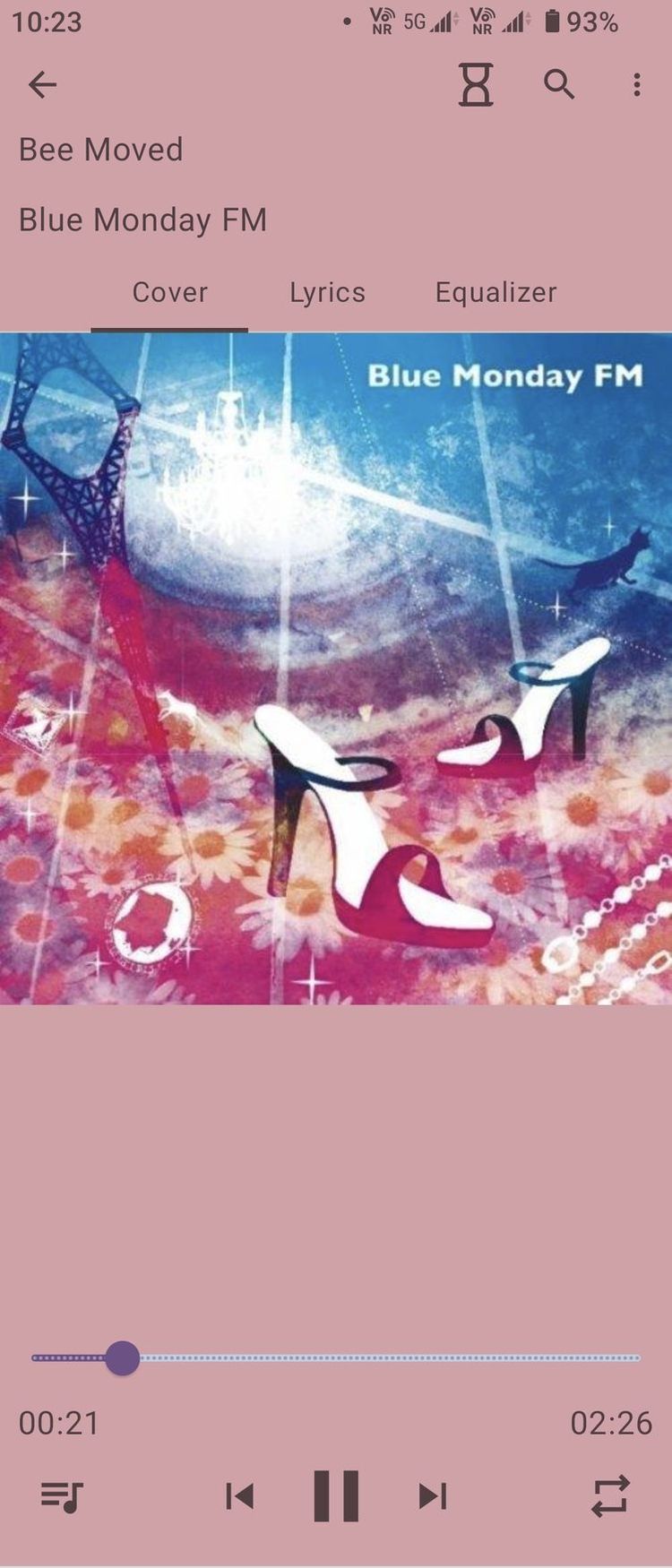
This is a local music player on the Android platform

[MonsterMusic] is open source, free. Enjoy all the features without any cost!

  • 🔊 Advanced Equalizer: Customize your sound experience with our built-in equalizer. Fine-tune the audio to match your preferences and immerse yourself in crystal-clear, high-quality sound.
  • 🌈 Multiple Themes: Personalize your music player with a variety of themes. Switch effortlessly between themes to match your mood or style. Your music, your way!
  • 📜 Lyrics Support: Dive deeper into the lyrics of your favorite songs. [MonsterMusic] supports lyrics display, you can import text or lyrics files. Click the lyrics word, you can find a feature.
  • 🔒 Privacy First: Rest easy knowing that your privacy is our top priority. No unnecessary permissions, just pure music enjoyment.

More features are waiting for your discovery.

github.com/ZTFtrue/MonsterMusic
sourceforge.net/projects/monstermusic.mirror

BloomeeTunes ~ Opensource Ad Free & Multisource Music Player


Bloomee🌸 is my Flutter project, An Open-Source Music app designed to bring you Ad-free tunes from various sources. Dive into a world of limitless music from platforms like YouTube and Jio Savan, with more sources blooming soon! 🌼🎵

Why Bloomee?
🌟 Ad-Free Experience: Say goodbye to interruptions and enjoy uninterrupted musical bliss.

🌍 Multi-Source Player: Access your favorite tracks from diverse platforms, with more sources continually joining our melody garden.

🚀 Flutter-Powered Learning: Bloomee is not just about music; it’s about learning and growing with Flutter and BLoC architecture. Explore the intersection of beautiful design and smooth functionality while mastering the art of app development.

Features:

  • 🎵 Offline Music Experience
  • 🚫 Ad-Free Music
  • 📉 Minimal Data Usage
  • 🎤 Time Synced Lyrics
  • 💾 Space Efficient
  • 🏃 Lightweight App
  • 🎧 Personalized Playlist Creation and Sharing
  • 🔓 Open Source
  • ⏲️ Sleep Timer
  • 🌐 Daily Updated Global Charts
  • 🖥️ Support for Windows

sourceforge.net/projects/bloomee
github.com/HemantKArya/BloomeeTunes

AudDMusic ~ Song Recognition Browser Extension


Recognize any music from any website in your browser. Install the AudD extension and click on its icon to identify the song playing on the current tab.

The AudD extension:

  • Recognizes the music playing in your browser
  • Finds music in the AudD database with more than 80 million songs using its music recognition technology
  • Shows lyrics for identified songs
  • Shows links to listen to the songs on Apple Music, Spotify, Deezer, YouTube Music
  • Displays the exact moment in the recognized song when the sound from the browser is played

audd.cc/chrome
github.com/AudDMusic/chrome-extension
github.com/AudDMusic/firefox-extension
audd.io

BassBoom ~ Music App & Library


BassBoom is a music player made with C# using the fast mpg123 library as the native backend that handles the music playback and song information, including the playback device information.

This library is a viable library aimed for cross-platform music playing because we’ve selected mpg123 as the MP3 backend library for its ease of use and for its fast music playback. This library is frictionless as it aims for stability and cross-platform compatibility.

In addition to your regular music files, BassBoom also supports online MPEG radio stations that you can use to play your own favorite radio stations, as long as they don’t use AAC or any other codec that BassBoom doesn’t support.

github.com/Aptivi/BassBoom

Instant Lyrics ~ Linux Lyrics App


Instantly fetches the lyrics of the currently playing Spotify song, or any song, and displays it in a window.

A Linux application with a very convenient GUI. Built with Python Gtk+3 (gi).

github.com/bhrigu123/Instant-Lyrics

Spotube ~ Open Source Spotify Client


An open source, cross-platform Spotify client compatible across multiple platforms utilizing Spotify’s data API and YouTube, Piped.video or JioSaavn as an audio source, eliminating the need for Spotify Premium.

  • 🚫 No ads, thanks to the use of public & free Spotify and YT Music APIs¹
  • ⬇️ Freely downloadable tracks
  • 🖥️ 📱 Cross-platform support
  • 🪶 Small size & less data usage
  • 🕵️ Anonymous/guest login
  • 🕒 Time synced lyrics
  • ✋ No telemetry, diagnostics or user data collection
  • 🚀 Native performance
  • 📖 Open source/libre software
  • 🔉 Playback control is done locally, not on the server

spotube.krtirtho.dev
github.com/KRTirtho/spotube