
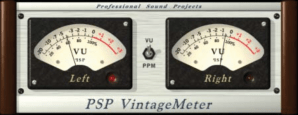
Adding an analog VU meter to the Foobar2000 2.x Default User Interface
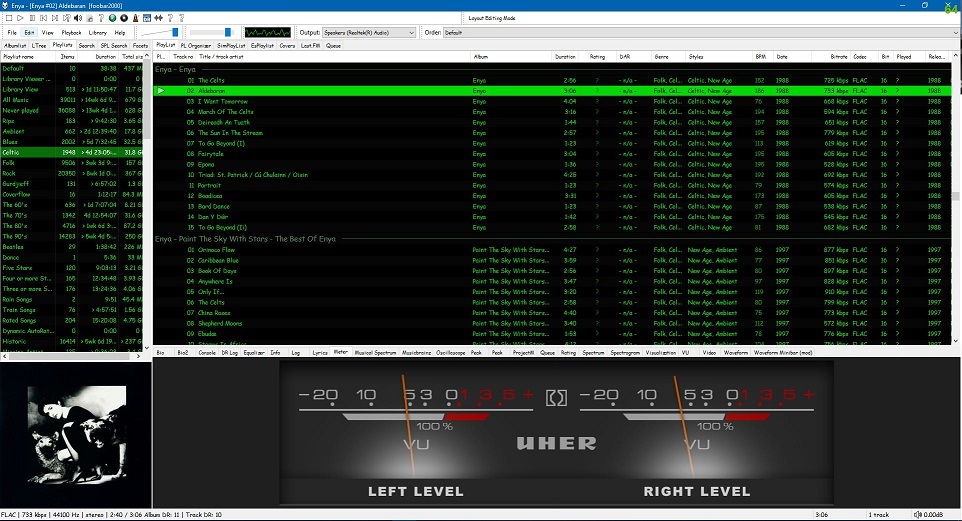
Required component: foo_vis_vumeter
Directions:
- Download foo_vis_vumeter
- Click on foo_vis_vumeter which should install the component
- Click
Applyand thenOkto restart Foobar - Copy some .bin skin files to the …\AppData\Roaming\foobar2000-v2\vumeter folder (Shift+File>Browse configuration folder)
- Select
View > Layout > Enable layout editing mode - Right click the tab area in a panel and select
Add New Tab - Right click the new tab and rename it “Analog VU Meter” or whatever
- Right click the new tab display area and select
Add New UI Element - Select ‘
Analog VU Meter(DirectX 12)’ from the list (Playback Visualization) - Disable layout editing mode
Parameters:
Right mouse click on the meter display:
- submenus – Layout / Mode / Levels / Decay / Tuning / Options
- Fullscreen
- Skin Selection
Mouse wheel (hover over meters)
- Adjusts current Tuning selection










 The Audio File