Flacopyus is a CLI tool that mirrors your lossless FLAC library to a portable Opus collection. It performs rsync-like batch mirroring with incremental encoding/copying to save time. It preserves metadata and is idempotent, so repeated runs safely keep the destination in sync.
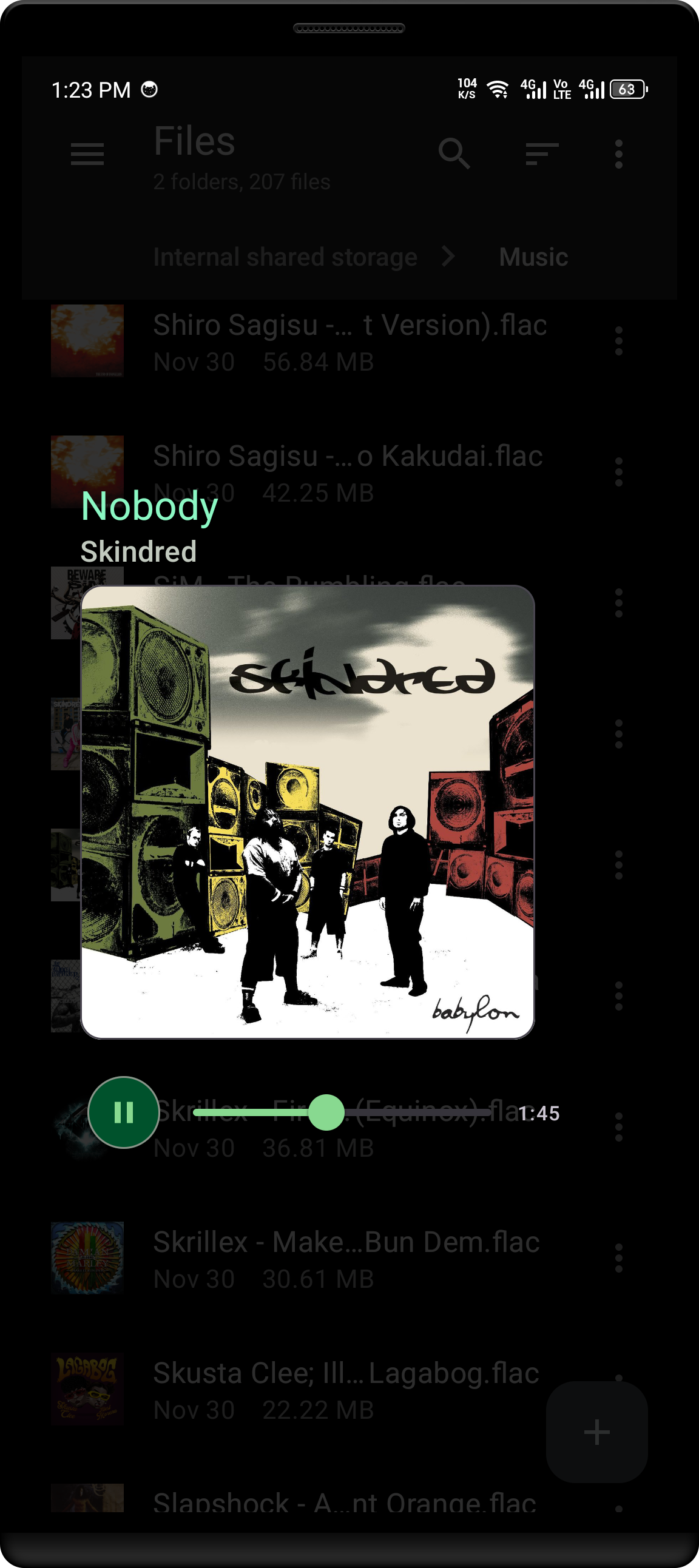
A music player, made simple yet customizable for Android.
Music is designed to integrate seamlessly with other apps and system functions through intent filters, enabling users to play audio files directly from various external sources.
It aims to provide a responsive and user-friendly experience while leveraging Android’s powerful intent-filters.
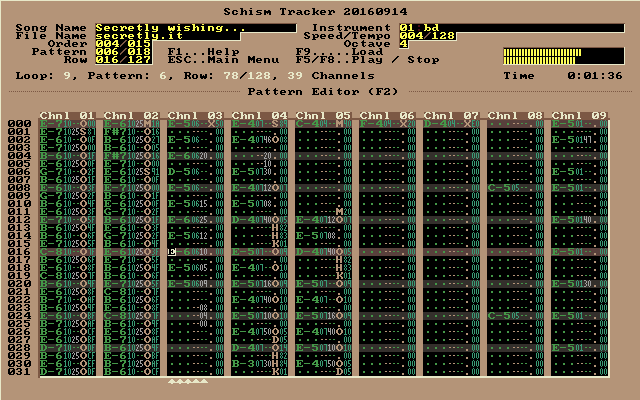
Schism Tracker is a free and open-source reimplementation of Impulse Tracker, a program used to create high quality music without the requirements of specialized, expensive equipment, and with a unique “finger feel” that is difficult to replicate in part. The player is based on a highly modified version of the ModPlug engine, with a number of bugfixes and changes to improve IT playback.
Where Impulse Tracker was limited to i386-based systems running MS-DOS, Schism Tracker runs on almost any platform that SDL supports, and has been successfully built for Windows, Mac OS X, Linux, FreeBSD, OpenBSD, AmigaOS, BeOS, and even Wii. Schism will most likely build on any architecture supported by GCC4 (e.g. alpha, m68k, arm, etc.) but it will probably not be as well-optimized on many systems.
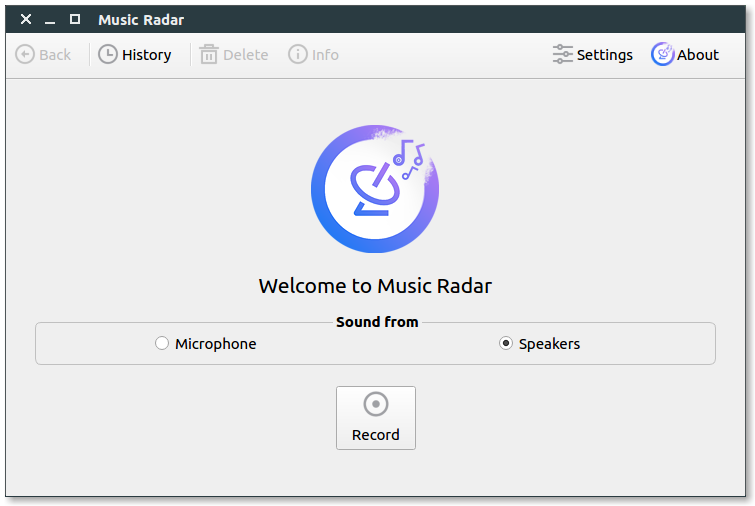
rtspeccy is a real time spectrum analyzer. Plug in your microphone and speak, rtspeccy shall visualize your words.
Main features:
Keep it simple. “It” refers to the code. No complex configuration file, simply a config.h.
Displays the spectrogram using OpenGL.
Split screen: Show history as well as current spectrum. Freeze, zooming and panning.
Overtone guidelines: Click and hold the left mouse button to show guidelines which indicate where over- and undertones of the current frequency are located.
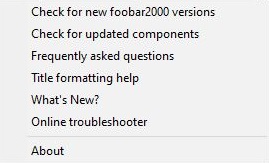
foo_whatsnew monitors your foobar2000 installation for any new additions or changes and records them. After installing foo_whatsnew, there will be a What's New? menu option on the Help menu which opens a panel displaying a list of recent changes. There’s now support for 64 bit installs and dark mode.
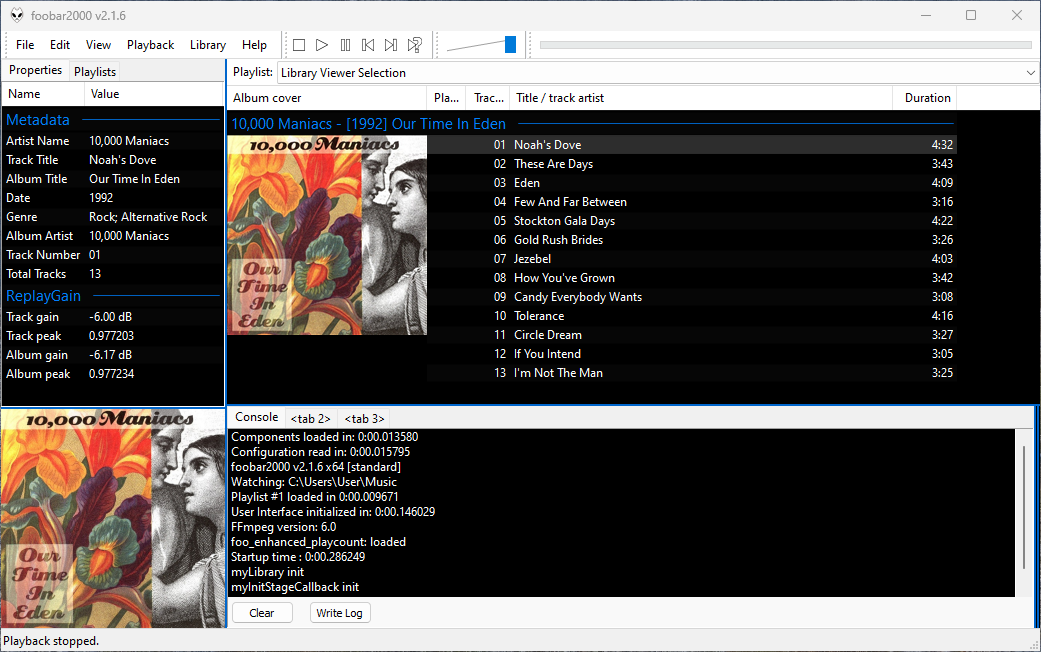
foobar has a diagnostic console that displays confirmations, events and error messages. The console can be accessed via the View > Console submenu or a panel or tab can be assigned to it.
Steps to add a Console Display panel or tab
Create a new area with a splitter or add a new Tab and select it.
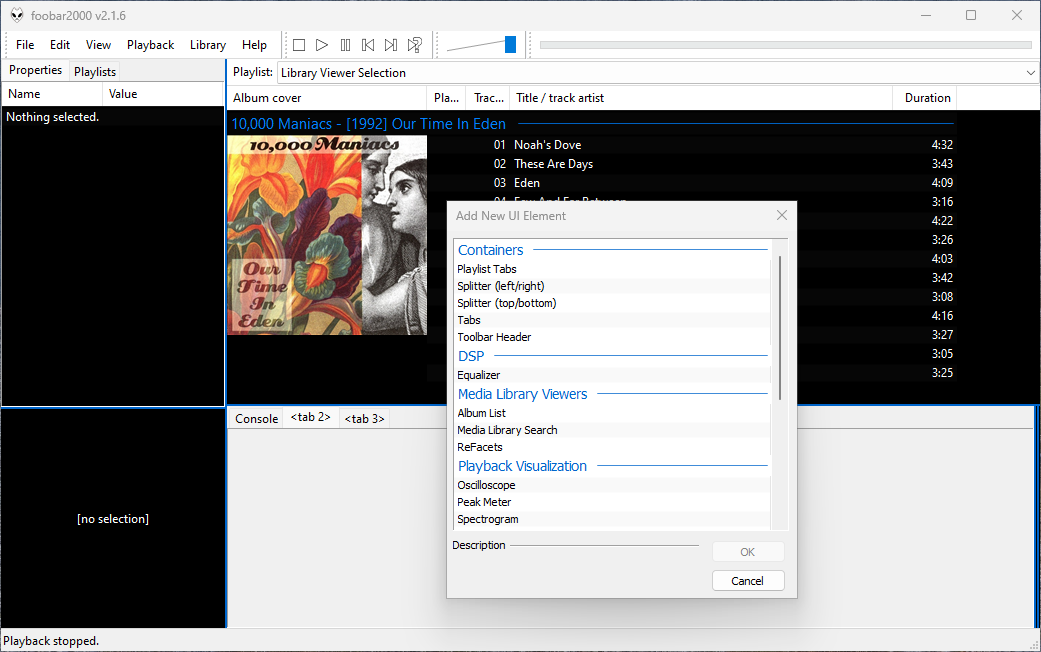
Right-click the blank area or new tab area and choose Add New UI Element.
Navigate down to the Utility section and select Console and click Ok.
For tabs, right-click the tab header and choose Rename Tab. Provide a descriptive name like “Console” or “Diagnostics”.
Toggle Layout Editing Mode off.
The console display can be toggled to read from the left or the right sides.
Note for Columns User Interface (CUI) Users
If you are using the Columns User Interface (CUI), you will need the foo_ui_console component:
Tabs are a row of individual containers selectable by a tab at the top of the parent container. Tabs are used to display a number of different panels in the same area.
Adding and Customizing Tabs in Foobar2000 DUI
Open the View menu in the top menu bar.
Select Layout > Enable Layout Editing Mode.
Add a Splitter if necessary
Right-click the area where you want to insert tabs.
Select Add New UI Element from the context menu.
Choose Tabs from the list of available elements and click ok.
Right-click the newly created top tab row and select Add Tab to create a new tab or name the tabs.
Add Content to Tabs:
Inside each tab, right-click and select Add New UI Element to insert components such as the Console, Equalizer, or Visualizations, etc.
Finalize Your Layout:
After configuring the tabs and naming them, return to the View menu and deselect Enable Layout Editing Mode.
Tip: The mouse wheel switches tabs when hovering over the tab row.











 , Mac OSX
  and Windows