
With these tools one can get information about (via mkvinfo) Matroska files, extract tracks/data from (via mkvextract) Matroska files and create (via mkvmerge) Matroska files from other media files. Matroska is a new multimedia file format aiming to become THE new container format for the future. You can find more information about it and its underlying technology, the Extensible Binary Meta Language (EBML), at www.matroska.org
Category Archives: Windows

eac3to ~ Audio Conversion Tool
eac3to is able to convert E-AC3, TrueHD, PCM and DTS-HD audio tracks to AC3, DTS or FLAC. Converts E-AC3, TrueHD, PCM, DTS-HD and FLAC tracks to AC3 / DTS / FLAC. Removes Dialog Normalization from AC3, E-AC3, DTS and TrueHD tracks. Extracts AC3 frames from Blu-Ray AC3/TrueHD tracks. Extracts DTS core from DTS-HD tracks. Can remux the video track of a EVO / VOB source to Matroska (mkv). Command line tool but GUI (UsEac3to) also available. Requires external audio decoders.
forum.doom9.org/showthread.php?t=125966
Alternative Graphical User Interface (GUI):
References:
en.m.wikibooks.org/wiki/Eac3to
en.m.wikibooks.org/wiki/Eac3to/How_to_Use
Share this:

MSO ~ Multi-Sub Optimizer
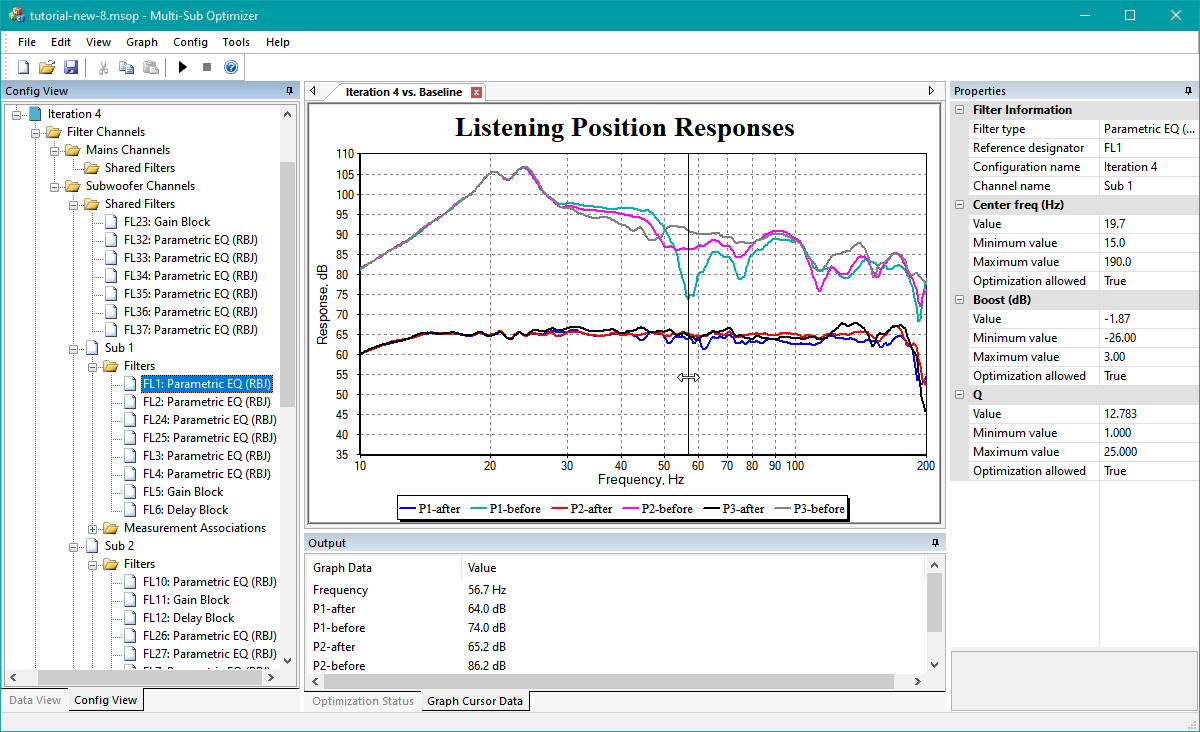
Multi-Sub Optimizer (MSO) is a free Windows-based software program for optimizing the bass response of audio and AV systems having multiple subwoofers. It minimizes the seat-to-seat frequency response variation in the bass region while simultaneously optimizing the response flatness at the main listening position. You can choose to have MSO perform this optimization on just the subs, or to include the main speakers in the optimization. In the latter case, it automates the process of integrating the subs with the main speakers, including delay / distance settings and EQ in the crossover region.
Although it’s possible to use it for identical equalization (EQ) of all subs at once, it does not depend on a global EQ approach like commercial room correction systems do. Such systems cannot reduce the seat-to-seat variation of the bass response. Instead, MSO performs optimization of EQ, gain and delay parameters individually for each subwoofer. This individual EQ optimization for each sub causes the variation of the bass response from seat to seat to be reduced, and the bass response at each listening position to be flattened.
MSO can be used to perform tasks that include:
- Optimizing subwoofer integration with main speakers through delay, gain and EQ adjustments
- Reducing seat-to-seat frequency response variation of the combined sub outputs through optimized EQ of each sub individually
- Achieving optimum subwoofer integration via individual sub delay adjustments
- Improving response flatness of the combined sub outputs at all listening positions
- Creating, specifying and achieving your desired target frequency response curve to shape the bass response to your preference
- Plotting your data in a variety of ways
- Obtaining filter parameters as text files containing biquad coefficients for import into miniDSP EQ hardware, or for manual data entry into hardware that doesn’t support filter file import.
Share this:

GBand ~ Band-Pass Filter
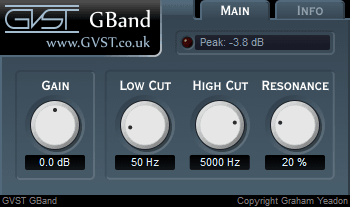
Free VST audio effect plug-in download for music production, broadcasting and general audio editing.
- Set lower and upper cut-off frequencies.
- Create filter sweeps by automating the cut-off frequencies.
- Add resonant boosts at the selected frequencies to accentuate sweeps.
Share this:

BeepComp ~ Create Chiptunes
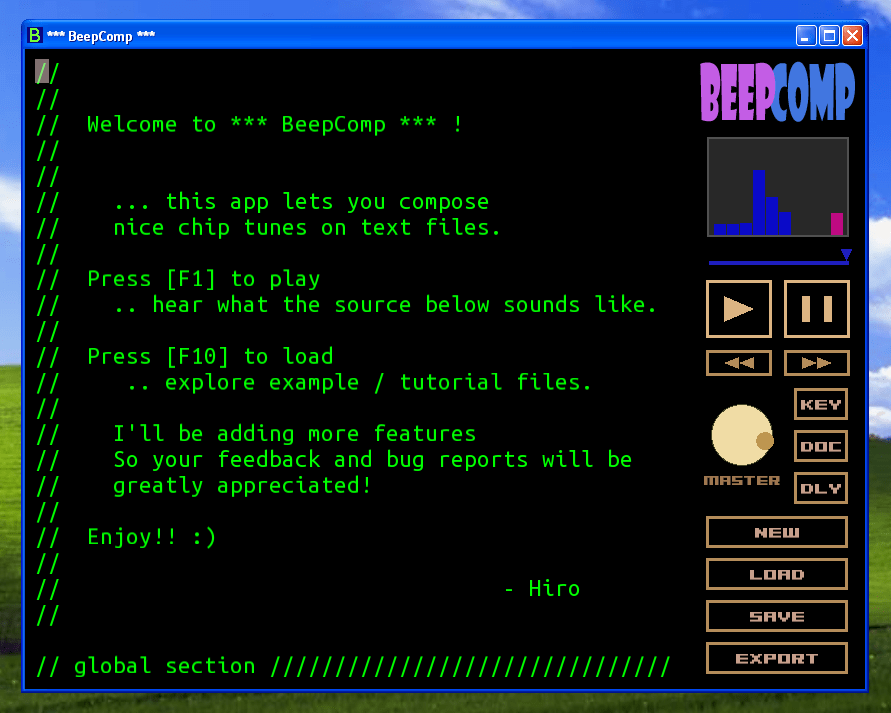
BeepComp is an app that helps you create nice chiptunes.
Write text… compose beep music!
Features:
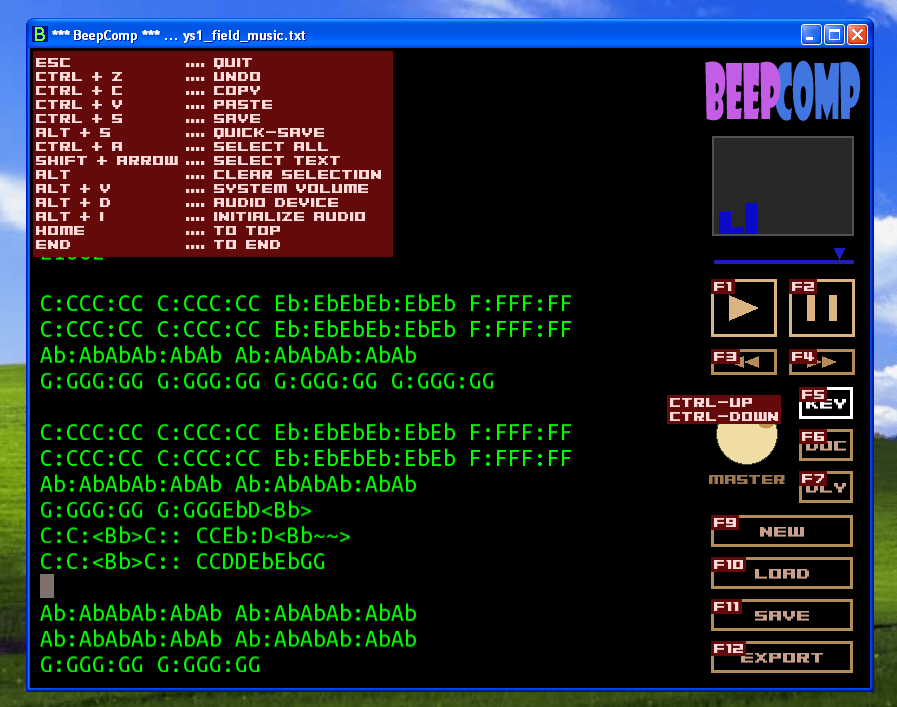
- Text editor
- Easy MML-inspired syntax
- 9 music and 1 drum channels
- Effects (delay, LFO, envelope etc.)
- Export to mp3, wav, ogg files
- Coping + pasting to/from outside text
- Waveform selection (sine, square, sawtooth, triangle etc.)
hiromorozumi.com/beepcomp
sourceforge.net/projects/beepcomp
Share this:

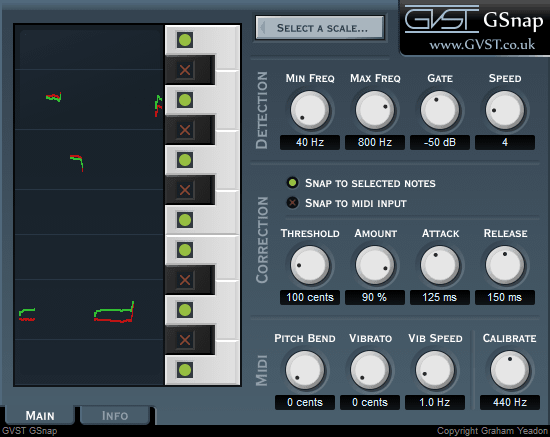
GSnap ~ Pitch Correction Auto-tune Effect
Pitch-correction auto-tune effect – free VST audio effect plug-in download for music production, broadcasting and general audio editing.
- Use with subtle settings to nudge off-key vocals back in line.
- Extreme settings can create sounds like the famous T-Pain or Cher effect.
- MIDI control mode allows you to fit a recording to a new melody.
Share this:

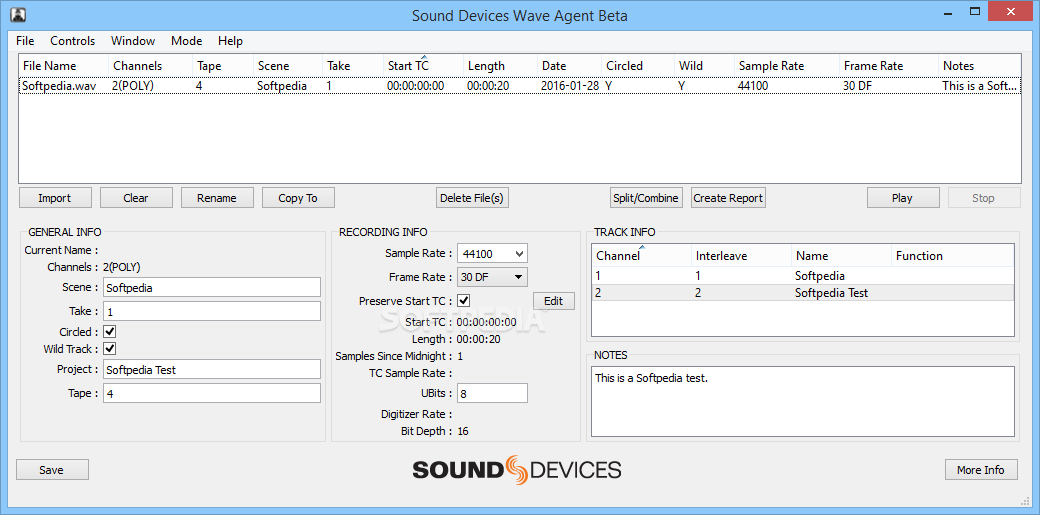
Wave Agent ~ Freeware Audio Workstation
Designed for Production Sound Mixers and Post Production Editors, Wave Agent provides a comprehensive and indispensable range of tools for preparing audio files for problem-free passage through complex production workflows. Available for Mac and Windows.
Share this:

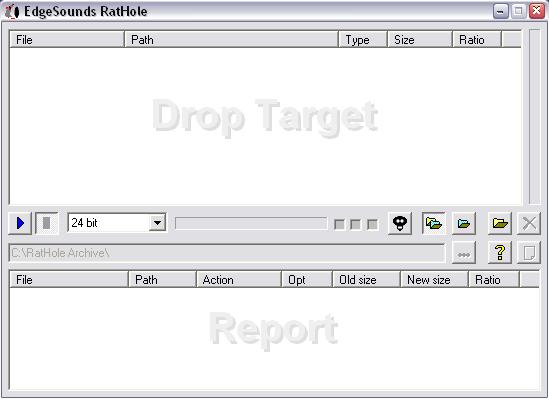
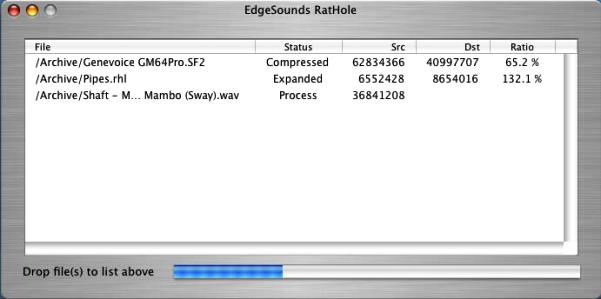
Rathole Media Archiver ~ Lossless Compression Utility
EdgeSounds’ RatHole (former GenieSys RatHole) is a free unique nondestructive universal compression utility. Its function is based on a principle of self-training neural networks. EdgeSounds RatHole was especially designed for nondestructive compression of any files containing audio data in PCM 8/16/24 bit or IEEE_FLOAT 32 bit format.
A new EdgeSounds compression algorithm makes it possible to efficiently reduce the size of packed audio data and later unpack exactly same bits, with no difference to the original data. The compression algorithm compresses audio data, considering the bit depth of the digital data contained in the audio file (8/16/24/32 bit). The algorithm is proven to be equally effective on compressing the following file types:
- Audio files WAV, AU, AIFF, SND;
- Ensoniq Paris PAS;
- Sample sound banks such as:
- AVM Apex bank file APEX
- Aureal sound bank ARL
- Creative Labs/E-mu System SoundFont banks format 1&2.x SBK, SF2;
- Downloadable sounds level 1&2 DLS;
- Ensoniq EPS Files EFE, Ensoniq Instruments family files INS, Ensoniq Disk Image GKH;
- Gravis Ultrasound /Forte Patch PAT;
- Kurzweil 2000-2600 files KRZ;
- Nemesys/Tascam GIG;
- Seer Systems Reality banks SEERBANKSET;
- Turtle Beach WaveFront Bank WFB;
- Virtual Sampler bank VSB;
- Multi-track audio data as Cakewalk/Sonar BUN, CWB;
- Impulse Tracker instrument ITI, Fast Tracker 2 instrument XI;
- any other formats containing audio data
The compression ratio of the algorithm depends on the size of audio data, the balance between the tone and noise component, bit depth and other factors, and usually varies from 36% to 78% or even more, with an average of 48-56%. The higher is the bit depth and the fidelity of audio data, the better is the compression ratio.
The RatHole can be successfully used as a common archiving utility for any other file types as well.
www.edgesounds.com/Products/Software/RatHole
www.rarewares.org/others.php#edgesounds-rathole
Share this:

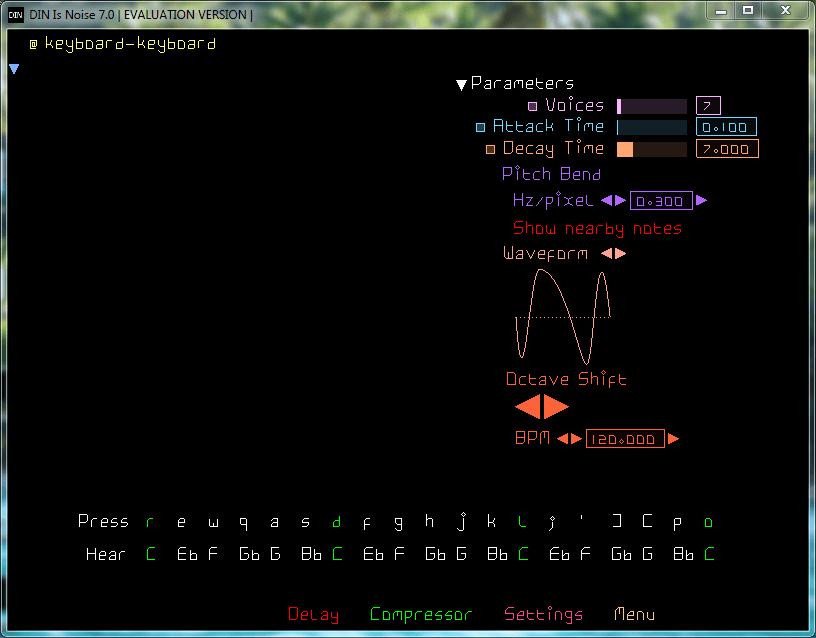
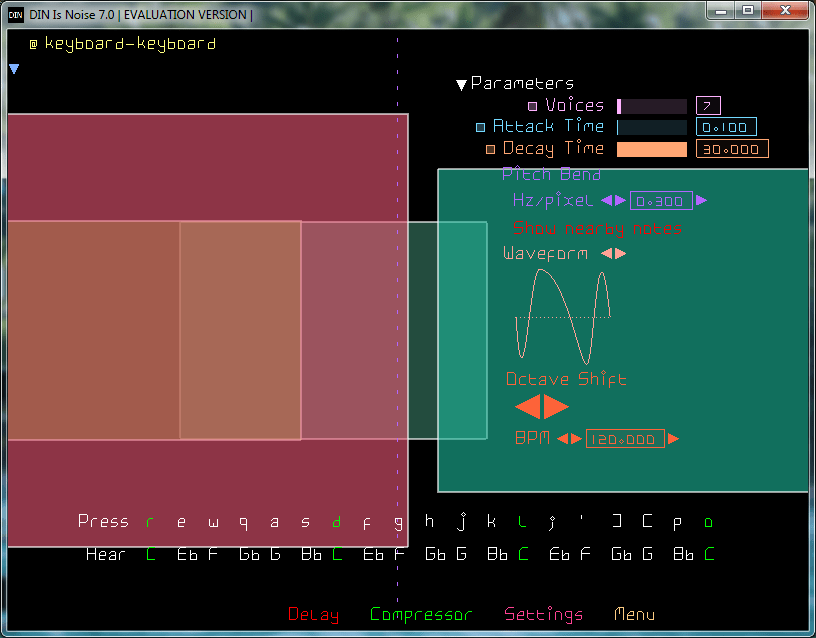
DIN Is Noise ~ Synth Of A 3rd Kind
It forgets history, To not repeat it.
It doesn’t hide analog music hardware, In digital music software.
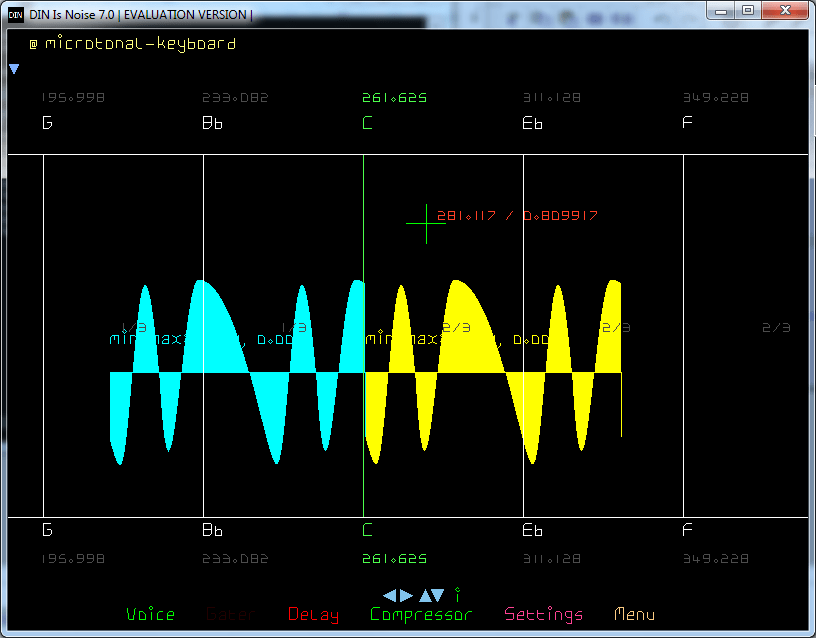
You had pulse, sine, triangle and sawtooth, And went forth and made electronic music.
Now there is just the Bezier curve. Go make your pulse, sine, triangle and sawtooths. Or this, this, this and this.
TOPLAP Nick thinks this is nothing new, His old men did it in the 60s, Punching numbers into cards. Now you edit waveforms with a GUI, And watch the sound change before your ears.
Has it got ADSR? It’s got DADSARSADS.
Filters? No because Additive not Subtractive.
Modulation? Bezier on Carrier and Modulator. Wolf that Chowning.
Notes? Yes + Infinite microtones in between.
Input? MIDI Keyboard. Computer keyboard.
Share this:

CueMaster ~ Cue Sheet Generator
This program allows you to find the CD on FreeDB.org and convert it straight into a cue sheet that can be used by musiCutter, CDRWIN or mp3cue. If FreeDB doesn’t have track data for the CD, you can try the unique MP3 scanning feature. It will automatically search through a large MP3 file to find split-points and uses them to recreate a new cue sheet. If possible, it can even extract cue sheets embedded in ID3v2 tags.
You can save the cue sheet to a .cue file or a .xmcd file. You can use musiCutter to split the mp3 file into multiple parts using the .cue file, or Brrrn to burn a CD with correct track-markers. CueMaster can also export the tracklist to a .xml, .html, .csv or .text file. And it can write the cue sheet to an ID3v2-tag inside an mp3 file’s (like mp3cue does).
But it has more: you can use it as a full-featured cue sheet editor. Create a new cue sheet from scratch by adding tracks. Cut, copy, paste, delete and move tracks and edit the titles and durations.

Share this:

AudioRanger ~ Automated Tagging & Organizer
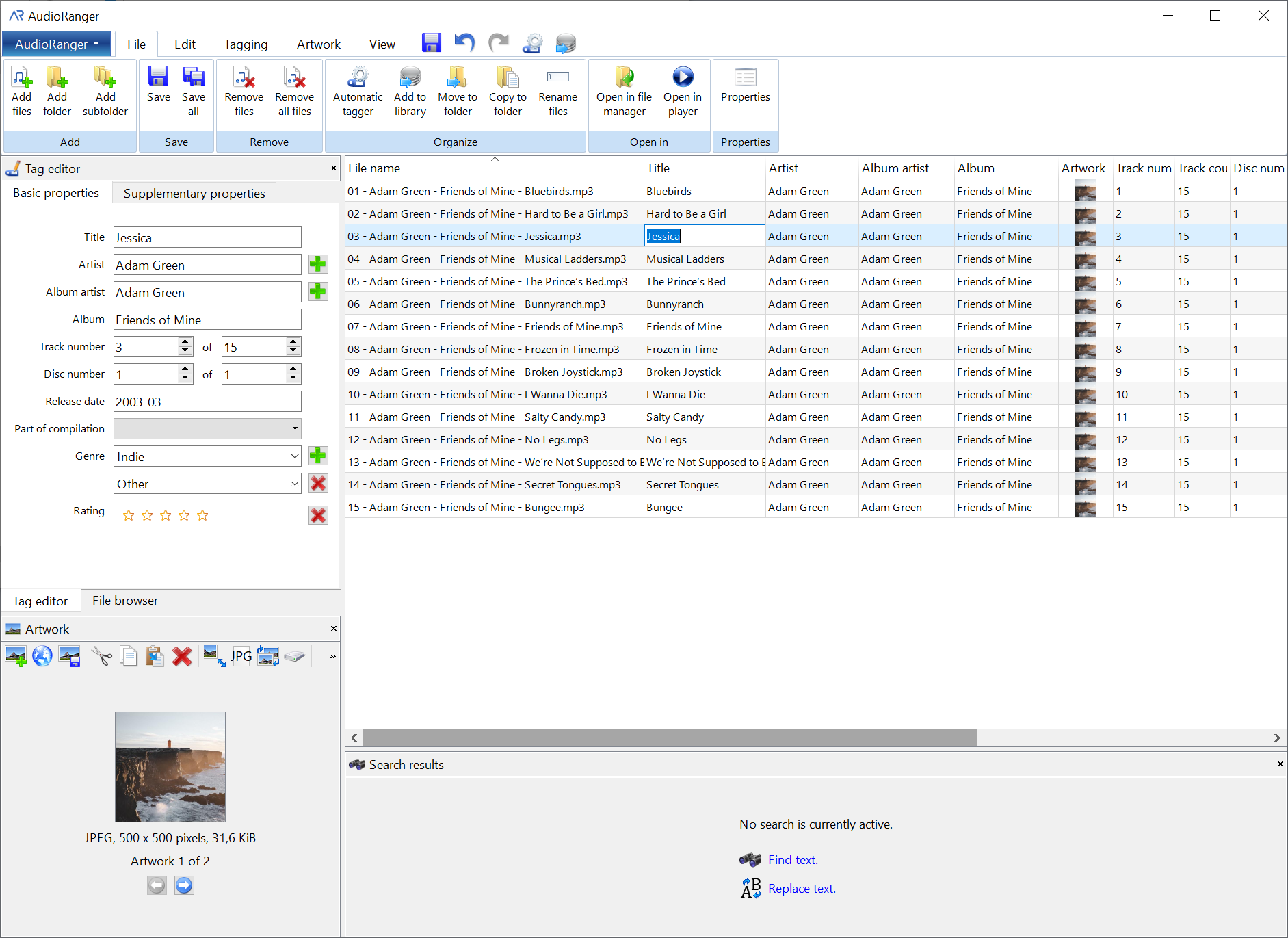
AudioRanger is a powerful and versatile music tagger designed to automatically identify and organize your digital music collection. Runs on Windows and Mac. Feature-rich free version available. (Has limits)
musicbrainz.org/doc/AudioRanger
wiki.musicbrainz.org/AudioRanger
Share this:

Hysolid ~ High Resolution Audio Player
When we developed HYSOLID, we were strongly aware that just as audio equipment is different from general industrial products, playback software is also a part of the “Audio” for which a special quality is required. By thinking that the special quality required for the playback software is “to aim a low-noise playback by reducing the load on the PC as low as possible,” we made this thought as the development concept of HYSOLID. HYSOLID has been developed by pursuing this simple concept from the design of the entire software structure to the detailed data manipulation. Please enjoy the difference of the sound by low load by all means.
Method for realizing low system load
Enabling playback by turning ON the PC -> Largely avoids the PC load generated from other software HYSOLID was designed so that you can use it by turning ON the PC in order to avoid the influence of other software as much as possible. You need not sign in to Windows unlike other general software.Since many of Windows programs in both OS and applications operate starting from the Windows sign-in, we have considered this design is particularly important for the PC audio.
Operation is made by smartphone apps -> Avoids the PC load by the user interface
HYSOLID has been enabled to operate with smartphone apps. We have reduced the PC load generated from the user interface (screen display and screen operation) on the PC like other software.
Our own linkage method -> Reduces the PC load of data communication
For the linkage between the smartphone apps and the Windows software, we have adopted the original bi-directional protocol that is designed to reduce the PC load at top priority by avoiding the general scheme or protocols such as DLNA and HTTP. Furthermore, the communication data itself has also been designed to be compact.
For the data format of the communication data, we have adopted UTF-16 for characters and little endian for numerical values so that the software on the Windows can handle them at the lowest load
Precisely implemented playback core -> Reduces the PC load of playback logic
In order to minimize the PC load of playback, the logic portion from reading sound source data from a file up to delivering it to the DAC of the driver becomes important.
We call this logic portion as “playback core,” and have implemented it particularly precisely.
When implementing the playback core, we dare to postpone the elements such as securing the readability that is emphasized in the general software development and reducing the implementation scale to prioritize to minimize the load that the playback core gives on the PC.
Cancelling the read cache by the OS -> Reduces the PC load of data read
In reading the sound source data, HYSOLID has adopted a system to directly read the memory of the playback software without using the read buffer by the OS. This produces an effect to reduce the PC load when reading the sound source data.
* The target functions will be applied to the WAV and DSD playback using a local storage

 The Audio File