Adds and fixes music metadata and adds album art.
Features:
- Fixes songs in nested directories recursively.
- Fetches metadata from Spotify
- Multiple options to format file (Options to revert file back)
- Simple binary
github.com/kalbhor/MusicRepair

Adds and fixes music metadata and adds album art.
github.com/kalbhor/MusicRepair

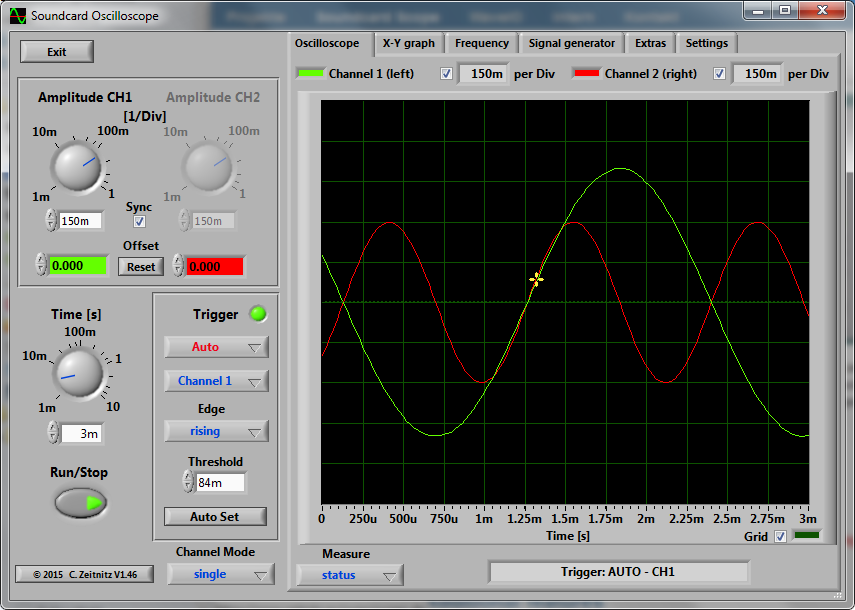
The PC based Soundcard Oscilloscope receives its data from the Soundcard with 44.1kHz and 16 Bit resolution. The data source can be selected in the Windows mixer (Microphone, Line-In or Wave). The frequency range depends on the sound card, but 20-20000Hz should be possible with all modern cards. The low frequency end is limited by the AC coupling of the line-in signal. Be aware, that most microphone inputs are only mono.
The oscilloscope contains in addition a signal generator for 2 channels for sine, square, triangular, sawtooth wave forms and different noise spectra in the frequency range from 0 to 20kHz. The signal can be defined by a mathematical formula as well. The signals are available at the speaker output of the sound card. These can be fed back to the oscillocope in order to generate Lissajous figures in the x-y mode.

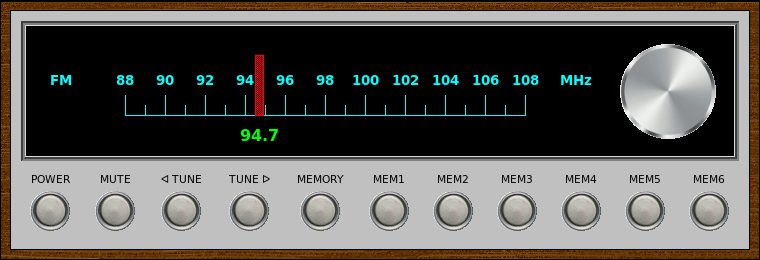
VintageRadio is a GUI front-end for the fm command-line application included with fmtools <http://benpfaff.org/fmtools>. It is written in [incr Tcl/Tk], an object-oriented extension package for Tcl/Tk. VintageRadio is not part of fmtools.
sourceforge.net/projects/vintageradio

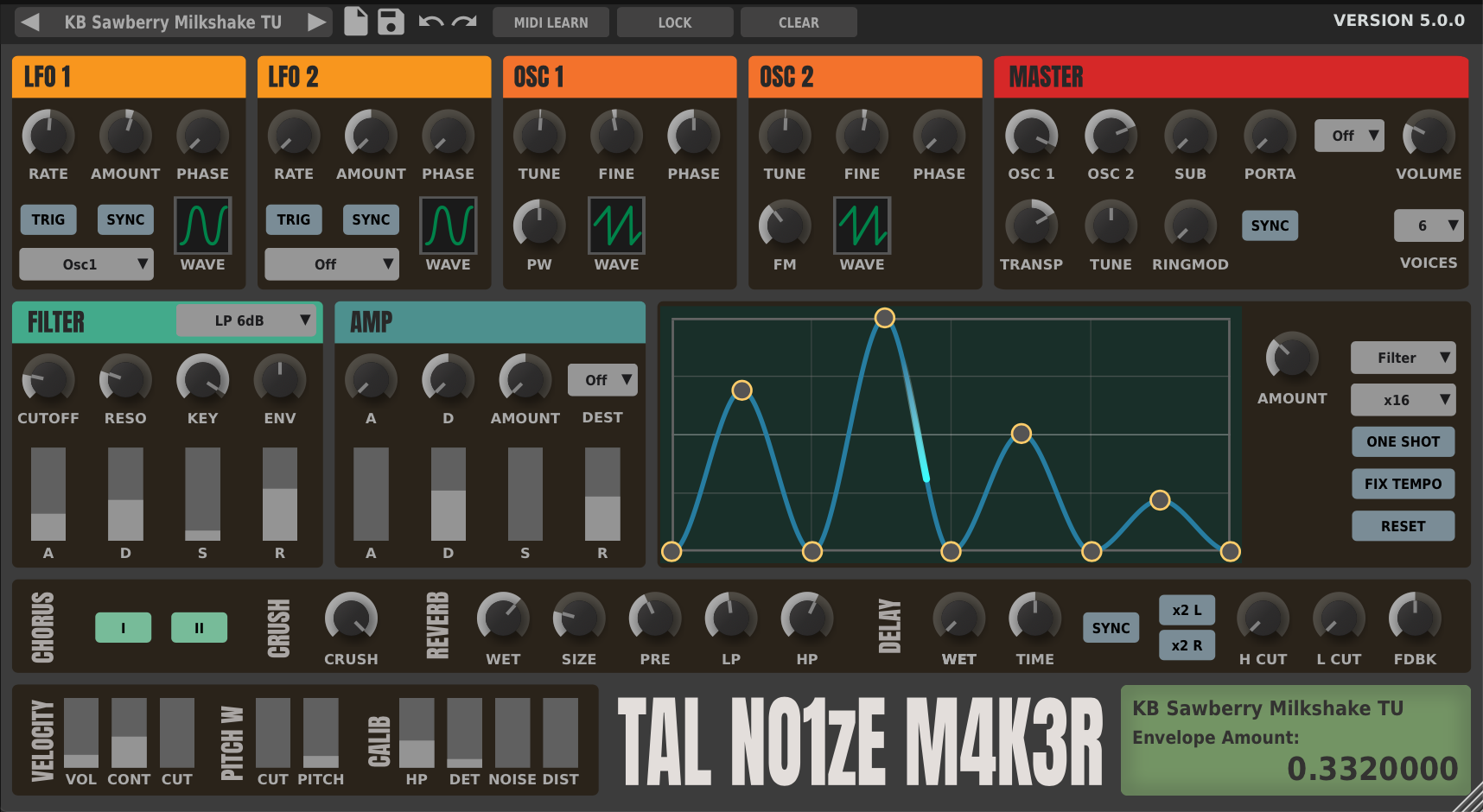
TAL-NoiseMaker is a virtual analog synthesizer with great sound and low CPU usage.
tal-software.com/products/tal-noisemaker

Charlatan is a polyphonic, subtractive virtual analog (VA) synthesizer VSTi plugin with focus on sound quality and easy usability. It comes with a flexible, yet not overwhelming feature set which encourages artists to start tweaking instead of just relying on presets. In spite of it’s simplicity, Charlatan’s architecture is flexible enough to create both classic sounds and rather experimental noises. While making no compromise about sound quality, the sound engine has been highly optimized for efficient CPU usage making Charlatan well suited as a “bread and butter” synth even in projects with a large number of plugin instances. Best of all, it’s freeware! Enjoy!


Transform an album image into a video with songs tracks.
Select your favorite artist’s albums or your own picture with songs or sounds effects and transform it into a video with audio tracks that you can upload to YouTube.
sourceforge.net/projects/free-music-album-video-creator

foo-RT – A PGGB-RT foobar2000 (Windows) component up samples or down samples your audio tracks in near real-time fashion using insanely long linear filters. We are able to do this by using hardware acceleration PGGB-RT SDK. We say ‘near real-time’ because remastering using insanely long filters require a finite time. Depending on the length of your track and the filter length (in millions of taps) you choose, the very first track will take anywhere from a few seconds to a few ten seconds to start. The subsequent tracks would play in a gap-less fashion
www.remastero.com/foo-pggb-rt-guide
www.foobar2000.org/components/view/foo_pggb_rt

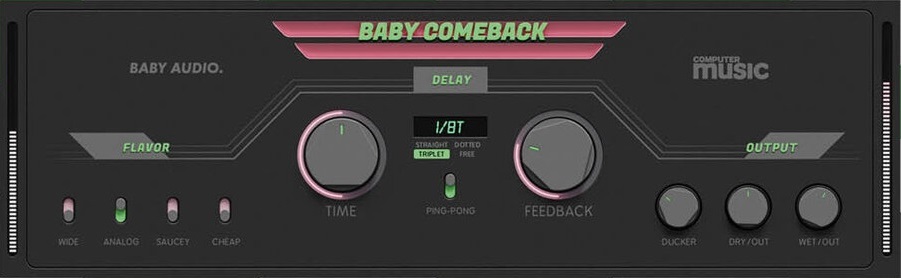
Baby Comeback is a free delay plugin developed in collaboration between BABY Audio and Computer Music Magazine. It offers a stripped-down version of our award-winning Comeback Kid delay/echo plugin.
The plugin includes an on-board ducker as well as four wet signal flavors: Wide, Analog, Saucey and Cheap.

Theater Effect Panel (EffectPanel) is small open source software used to play sounds during live performances. You can use this program for free and it can be used with a mouse, a touch panel or over a midi interface with a keyboard or a button pad.
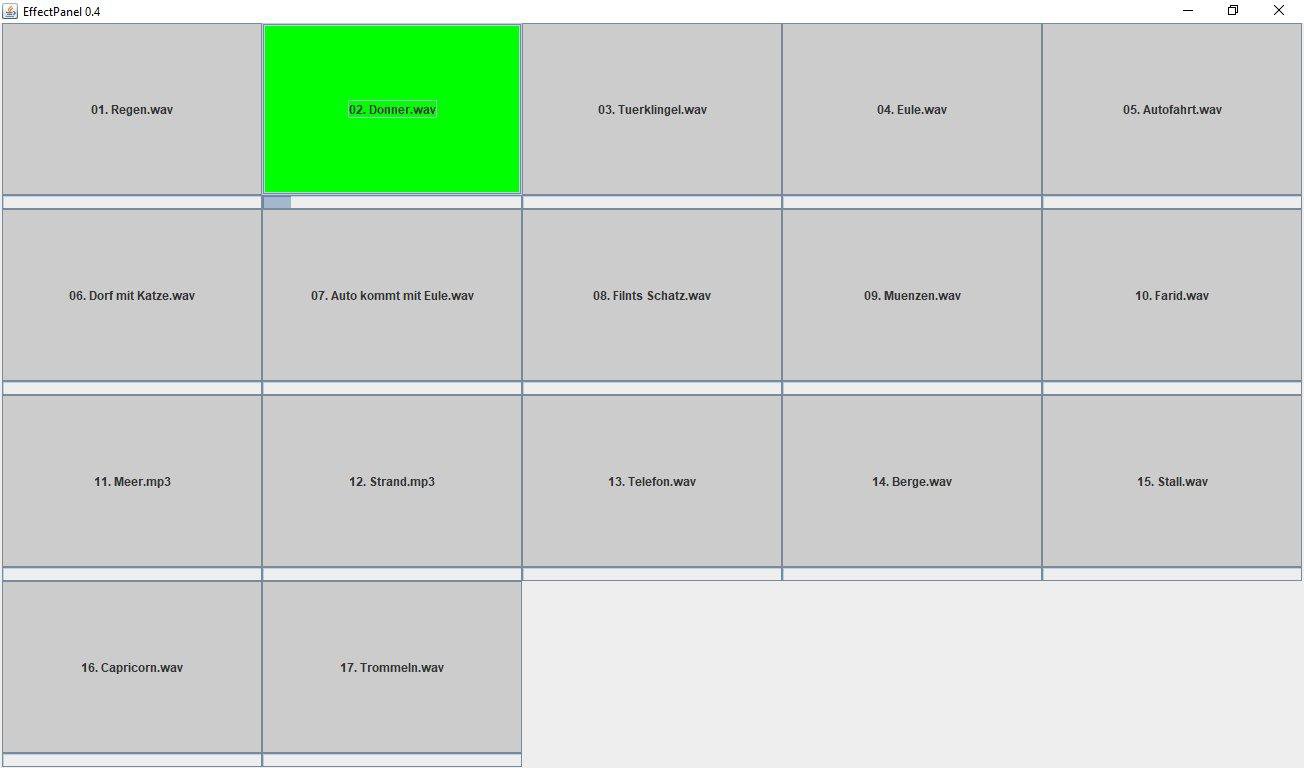
sourceforge.net/projects/effectpanel

Trivial looking metronome with natural sounds and ‘classical’ approach.
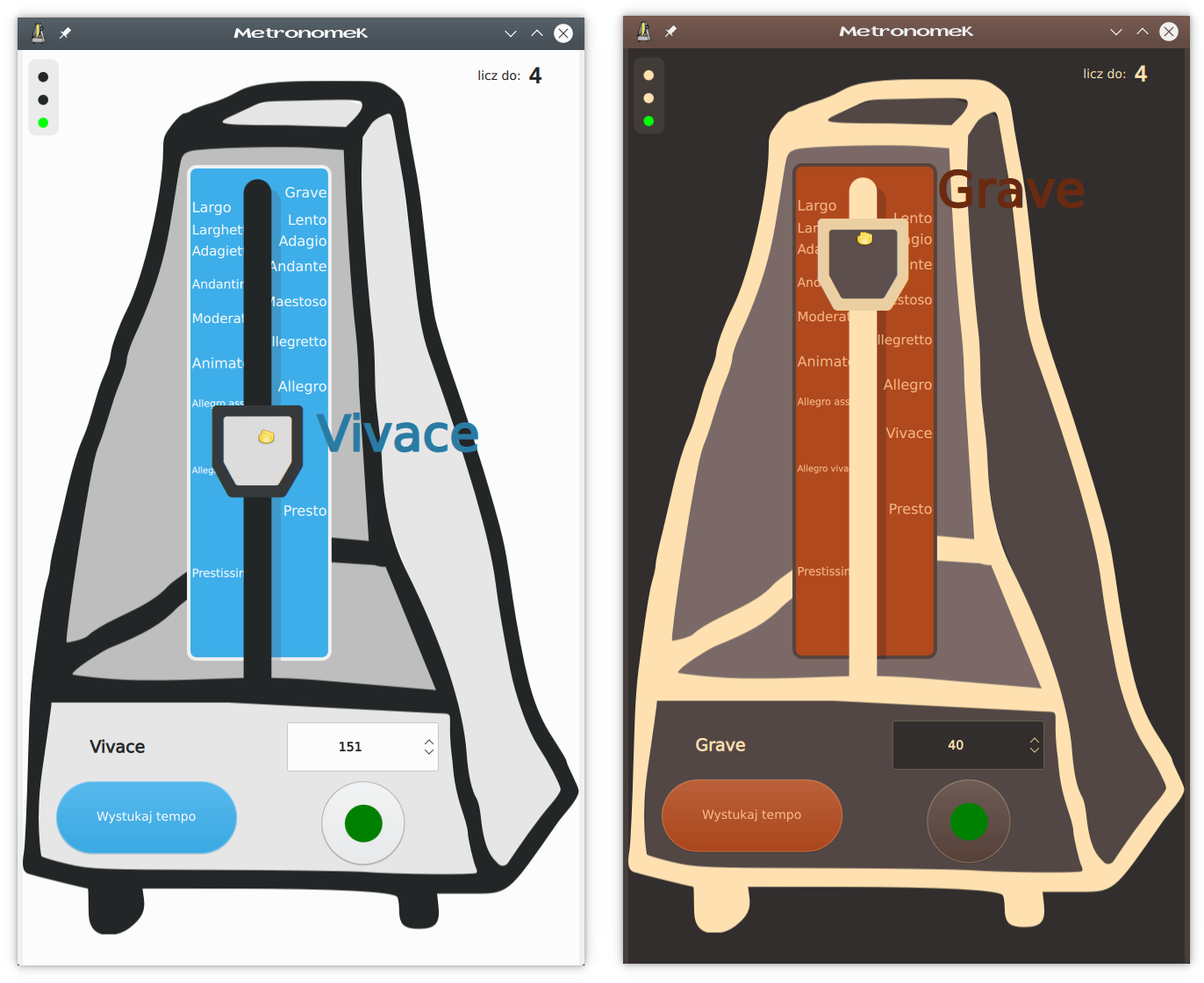
metronomek.sourceforge.io
sourceforge.net/projects/metronomek
github.com/SeeLook/metronomek
flathub.org/en/apps/net.sf.metronomek

This tool forwards audio from an Android 10 device to the computer. It does not require any root access. It works on GNU/Linux, Windows and macOS.
The purpose is to enable audio forwarding while mirroring with scrcpy. However, it can be used independently.

SpecWeb is a command line (windows console) version of the SPEC stereo to surround tool from www.surroundbyus.com. It is designed to be faster and easier to use than the full “Spec” version, and does not require Plogue Bidule.
SpecWeb also has an html5 “web” user interface, which works with chrome, Firefox, iOS, android, and windows 10 edge browsers. You can control SpecWeb from a browser on the same computer or on any computer or supported device on your local network. For instance, you could sit in your home theatre listening position and control SpecWeb with an iPad.
It’s a great way to get started in making your own up mixes as all you have to do is drag and drop a lossless stereo file onto the SpecWeb icon and you get a 5.1 multichannel file in seconds.
While not all of the “knobs” from the full “Spec” version have been included, the most important ones are here and you can adjust them while you listen to the song, just as you can in the full version, then “record” the results.


