This application can be used to find artifacts in audio files generated by signal processors. It analyses the signal variance across the audio duration, then generates a graph of the results.
The following types of audio can analysed: * Music * Sine Tones * Noise (White, Pink, etc)
If the audio recording is split across multiple files, they can be loaded into this application collectively and will be treated as a single stream. Multiple batches can also be loaded, in order to process multiple recordings in one continuous operation. The scanners can only process audio files up to 2.5GB, but the file splitter function can be used to break up large files into smaller ones.
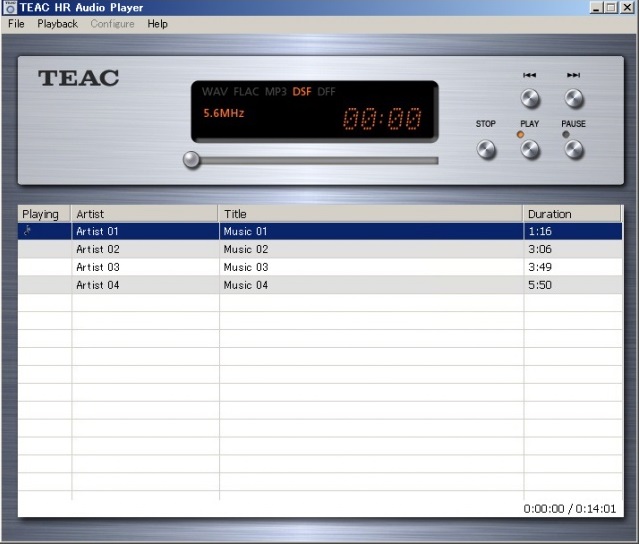
“TEAC HR Audio Player” is a high-quality music player freeware for Windows and Mac, with high-resolution audio data processing capabilities. Possibility to enjoy a high quality of high-resolution sound reproduction, including the DSD even without complicated settings.
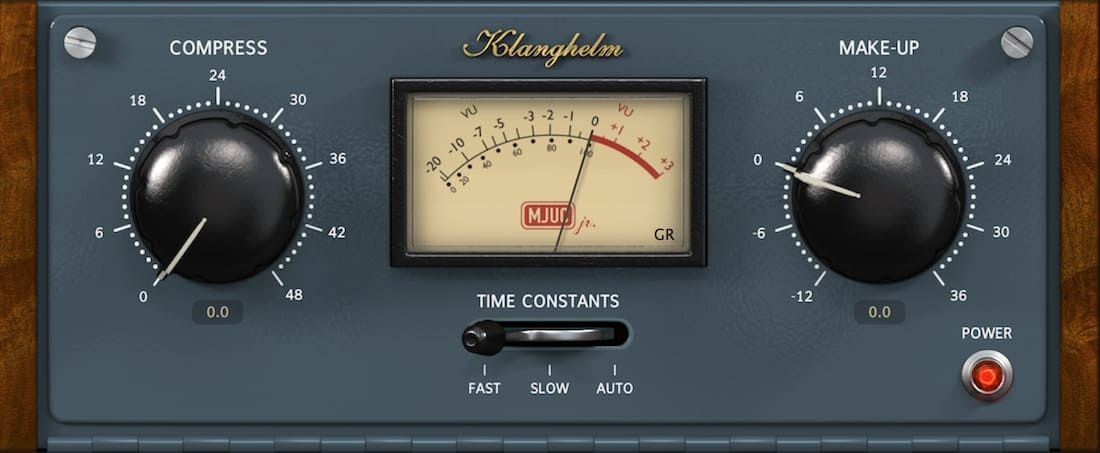
MJUC jr. is the little brother of the colorful MJUC.
It’s a variable-mu design with lots of vibe, capable of smooth leveling but also heavy pumping effects. With its two gain stages and interstage transformer simulation it offers a very deep and lively soundstage.
The three-position timing switch not only controls the attack and release times of the unit, but also the slew rate of the transformers and the timing of the other parts of the circuitry, that are directly influencing the generated harmonics (saturation).
Marvel GEQ is a free linear-phase 16-band graphic equalizer AudioUnit, AAX, and VST plugin with multi-channel operation support (supporting up to 8 input/output channels, audio host application-dependent) for professional music production applications. Marvel GEQ offers extensive internal channel routing capabilities, and supports mid/side channel processing.
SMPlayer is a free media player for Windows and Linux with built-in codecs that can play virtually all video and audio formats. It doesn’t need any external codecs. Just install SMPlayer and you’ll be able to play all formats without the hassle to find and install codec packs.
One of the most interesting features of SMPlayer: it remembers the settings of all files you play. So you start to watch a movie but you have to leave… don’t worry, when you open that movie again it will be resumed at the same point you left it, and with the same settings: audio track, subtitles, volume…
SMPlayer is a graphical user interface (GUI) for the award-winning MPlayer, which is capable of playing almost all known video and audio formats. But apart from providing access for the most common and useful options of MPlayer, SMPlayer adds other interesting features like the possibility to play Youtube videos or download subtitles.
Navidrome is a piece of software that allows you to listen to your own digital music in the same way you would with services like Spotify, Apple Music and others. It also allows you to easily share your music and playlists with your friends and family
How it works?
After a simple installation, Navidrome indexes all digital music stored in your hard drive and makes it available through a nice web player and also by using any Subsonic-API compatible mobile client. Your music becomes searchable and you can create playlists, rate and “favourite” your loved tracks, albums and artists
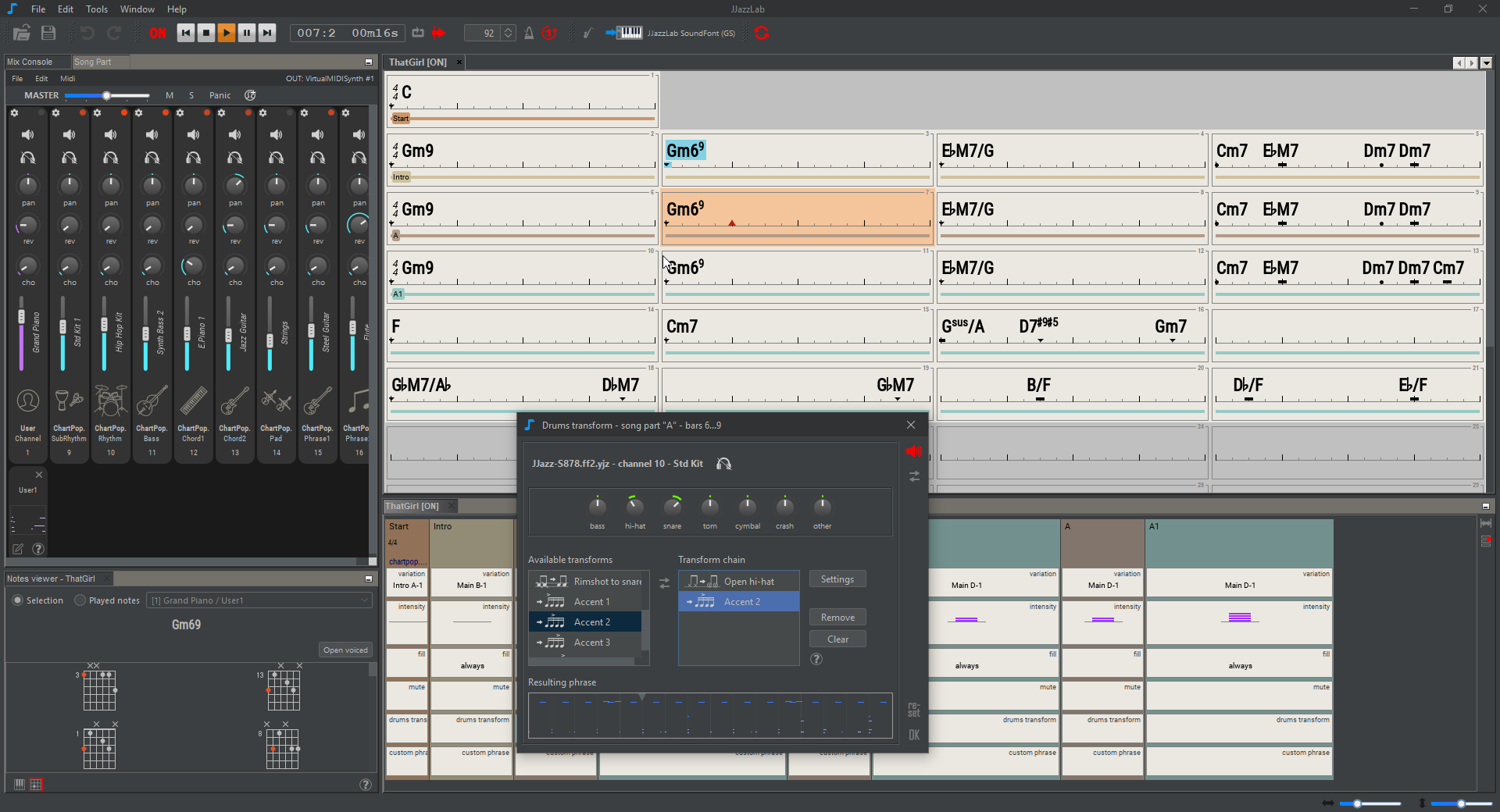
JJazzLab is a Midi-based application dedicated to backing tracks generation. You type in chord symbols, select a rhythm (style), then the application generates a complete backing track with drums, bass, guitar, piano, strings, etc.
The objective is to generate intelligent and interesting backing tracks, i.e tracks which are:
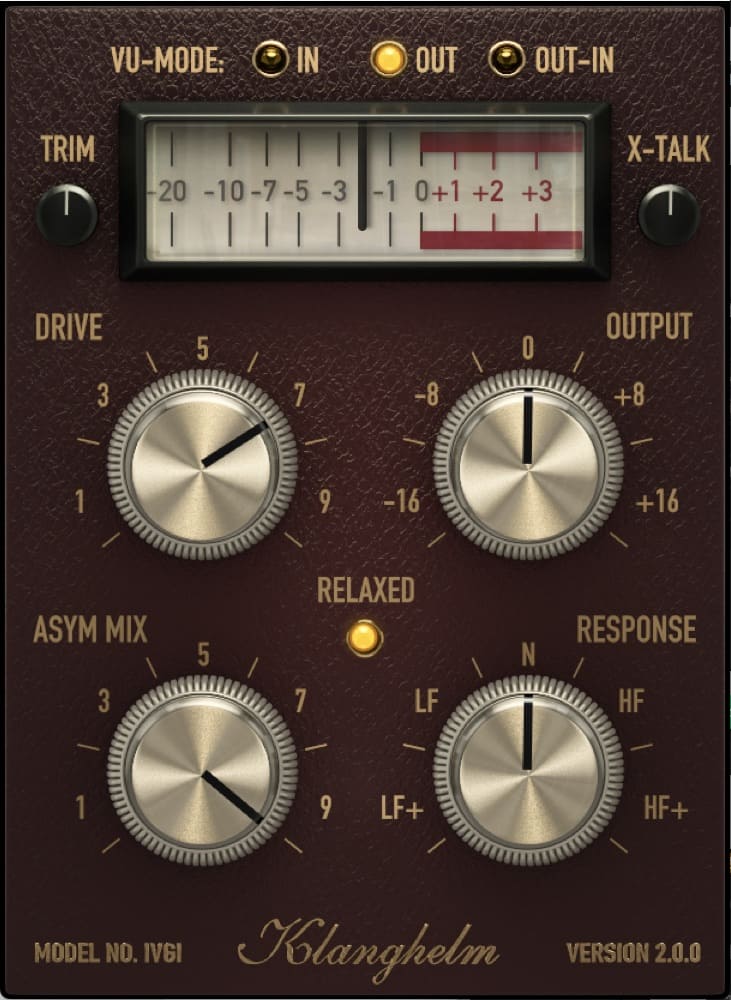
IVGI can deliver very soft and subtle saturation, that feels at home on the master buss. It is equally capable of very dense and dirty distortion effects to spice up single tracks.
IVGI reacts dynamically to the input signal. Even the modeled fluctuations react dynamically and also change depending on the drive setting, so that it doesn’t get in the way of the SOUND. Stereo tracks benefit from it’s modeled crosstalk behavior.
IVGI features a Controlled Randomness, which determines the internal drift and variance inside the unit. It contributes to the liveliness and realness of IVGI’s saturation character. To achieve this, all internal processes are modulated to some extent.
IVGI gives you a sensible amount of controls to manipulate the character of the saturation itself. It offers a unique ASYM MIX knob to alter the symmetry of the signal without affecting the harmonic content much.
IVGI also lets you alter the frequency dependency of the saturation with the RESPONSE control.
Full support on macOS, Windows, Linux, Google Colab, and Ubuntu Dockerfile
DawDreamer’s foundation is JUCE, with a user-friendly Python interface thanks to pybind11. DawDreamer evolved from an earlier VSTi audio “renderer”, RenderMan.