Similarity ~ Refines Music Collections


As an active music fan you surely know how difficult it sometimes may be to keep your music collection ordered. The more sound files you have, the more time and effort it takes to clean out duplicates, low-quality files and purify the entire collection of any musical garbage it contains. That’s where Similarity comes in handy!

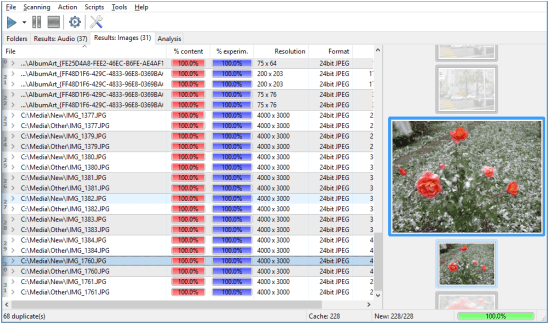
Similarity rapidly scans your music collection and shows all duplicate music files you may have. The comparison, powered by “acoustic fingerprint” technology, considers the actual contents of files, not just tags or filenames, and thus ensures the extreme accuracy of similarity estimation. Moreover, the comparison isn’t audio file format dependent; the application supports almost every file format in full.

Alongside eliminating musical doubles, Similarity also provides advanced quality control functions. Really, who wants a collection full of low-bitrate music, badly remastered compositions and songs full of noise? Similarity analyzes files and calculates a quality score basing on various technical parameters of that recording, such as: bitrate, frequency, amplitude cut value, amplitude average value, amplitude maximum and many others. The program automatically detects all common problems with audio files and assigns a corresponding quality mark to each file. A quick sort – and you’ve got files with the highest quality at the top and files you can delete without doubts at the bottom.
Similarity

www.similarityapp.com

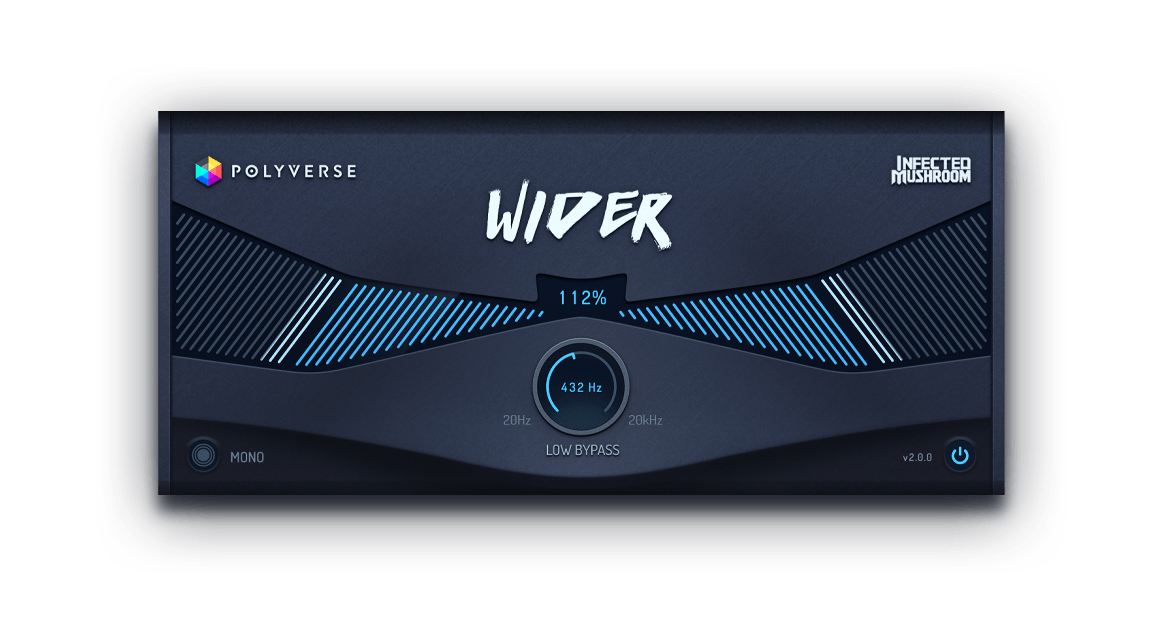
Wider ~ Powerful Stereo Expansion


Pseudo stereo without phase issues. Wider takes the massively popular stereo section from its sibling, Manipulator, and creates the illusion of an expanded stereo image of a mono signal to an awe-inspiring amount of width. However, Wider is a unique stereo plugin in the sense that it is completely “mono-compatible”, meaning that any signal that has been extended will always remain in phase with itself, even if summed to mono.

polyversemusic.com/products/wider

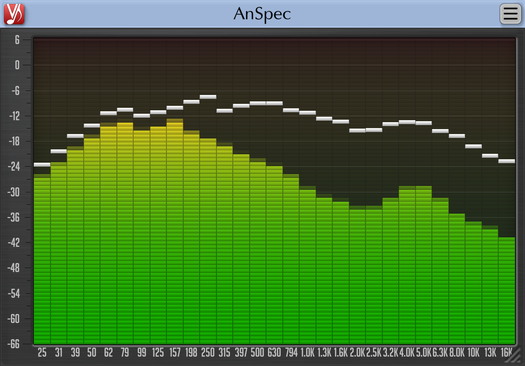
AnSpec ~ Analog-style Spectrum Analyzer


AnSpec is an analog-style one/third-octave spectrum analyzer AAX, AudioUnit and VST plugin for professional sound and music production applications. It was designed to be a handy visual feedback tool for those who like visual smoothness and easiness of use of analog analyzers. AnSpec also provides peak level indication.

While there are no adjustable parameters available in this plugin, you can still change level meter ballistics and resize plugin’s window.

Features:

  • 1/3 octave analog-style spectrum analyzer
  • Peak level indication
  • User interface window resizing
  • Stereo and mono analysis
  • All sample rates support
  • Zero processing latency
  • User interface color schemes
  • Resizable user interface
  • Retina and High DPI support
anspec

www.voxengo.com/product/anspec

References:

en.wikipedia.org/wiki/Spectrum_analyzer

Multidumper ~ Separate VGM Tracks


A command line program to split VGM tracks automatically into wav files.

hydrogenaud.io/index.php?topic=113399.0

Spleeter ~ Source Separation Library


Spleeter is the Deezer source separation library with pretrained models written in Python and uses Tensorflow. It makes it easy to train source separation model (assuming you have a dataset of isolated sources), and provides already trained state of the art model for performing various flavour of separation:

  • Vocals (singing voice) / accompaniment separation (2 stems)
  • Vocals / drums / bass / other separation (4 stems)
  • Vocals / drums / bass / piano / other separation (5 stems)

2 stems and 4 stems models have state of the art performances on the musdb dataset. Spleeter is also very fast as it can perform separation of audio files to 4 stems 100x faster than real-time when run on a GPU.

We designed Spleeter so you can use it straight from command line as well as directly in your own development pipeline as a Python library. It can be installed with Conda, with pip or be used with Docker.

github.com/deezer/spleeter

AutoEQ ~ Automatic Headphone Equalization


AutoEQ is a project for equalizing headphone frequency responses automatically and it achieves this by parsing frequency response measurements and producing a equalization settings which correct the headphone to a neutral sound. This project currently has almost 2000 headphones covered in the results folder. See Usage for instructions how to use the results with different equalizer softwares and Results section for details about parameters and how the results were obtained.

AutoEQ is not just a collection of automatically produced headphone equalization settings but also a tool for equalizing headphones for yourself. frequency_response.py provides methods for reading data, equalizing it to a given target response and saving the results for usage with EqualizerAPO. It’s possible to use different compensation (target) curves, apply tilt for making the headphones brighter/darker and adding a bass boost. It’s even possible to make one headphone sound (roughly) like another headphone.

Third major contribution of this project is the measurement data and compensation curves all in a numerical format except for Crinacle’s raw data. Everything is stored as CSV files so they are easy to process with any programming language or even Microsoft Excel.

github.com/jaakkopasanen/AutoEq

VocalZap ~ Remove Vocals From Songs


With this free iPhone app and effect plug-in for PC and Mac you can easily remove vocals from songs! Vocalzap is a free iPhone™ / iPod™ app, and VST plugin, that can effortlessly remove the vocals from any song. If you want to sing along, click the “Lyrics” button. Toggle between the original singer or no vocals with the click of a button.

Features:

  • Remove vocals from most songs
  • Look up lyrics to most songs (iPhone only)
  • Toggle between vocals and no vocals to compare
  • Use it for Karaoke parties with your own tunes!

www.vocalzap.com

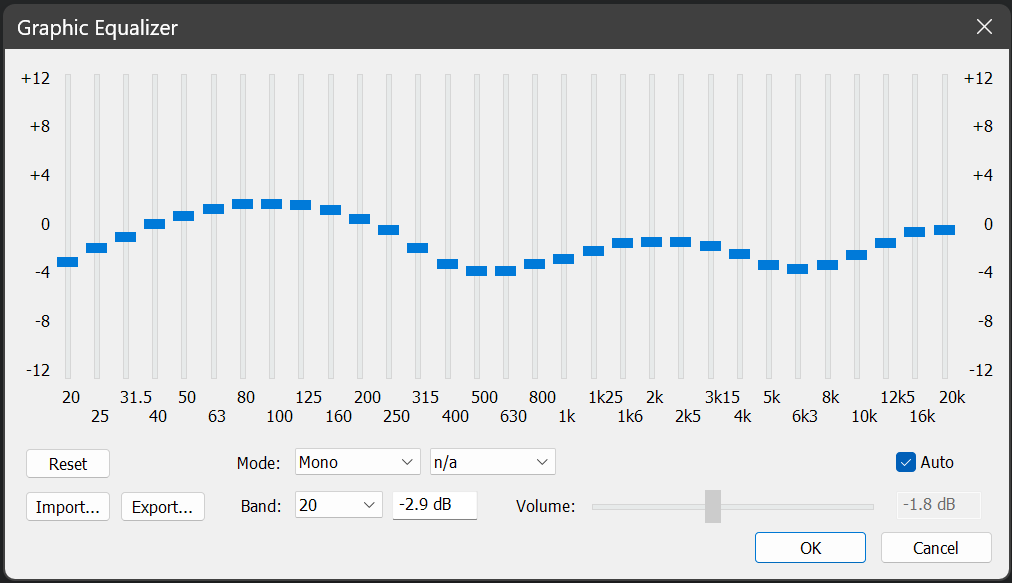
foo_dsp_xgeq ~ Advanced Foobar2000 Equalization


Foobar DSP based graphic equalizer.

Features:

  • 31 bands (1/3rd octave width)
  • boost / cut range of +-12 dB in 0.1 dB steps
  • master gain (can be set manually or automatically => prevents clipping for the most part)
  • minimum phase (=> no pre-echo)
  • approximates a smooth frequency response (=> no ‘steps’ between the bands)
  • import / export presets
  • mono and stereo mode

www.foobar2000.org/components/view/foo_dsp_xgeq

EQ preset generation ~ github.com/jaakkopasanen/AutoEq

foo_dsp_vstwrap ~ Foobar2000 VST Wrapper


This is a Foobar2000 player wrapper plugin, which allows using VST plugins within the player. This component is depreciated and was developed for 0.9x versions of Foobar2000

www.yohng.com/software/foobarvst

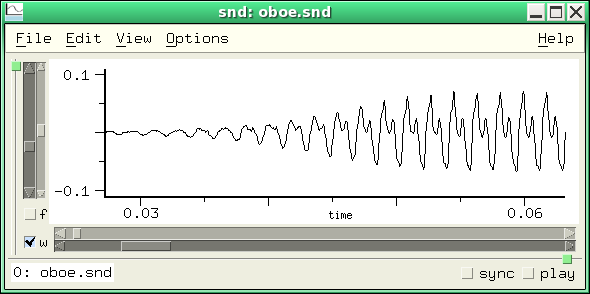
Snd ~ Unix Sound Editor


Snd is a sound editor modelled loosely after Emacs. It can be customized and extended using either s7 (included in the Snd sources), Ruby, or Forth. Snd is free; the code is available via anonymous FTP as Snd tarball.

Snd

ccrma.stanford.edu/software/snd/
ccrma.stanford.edu/software/snd/snd/snd
sourceforge.net/projects/snd

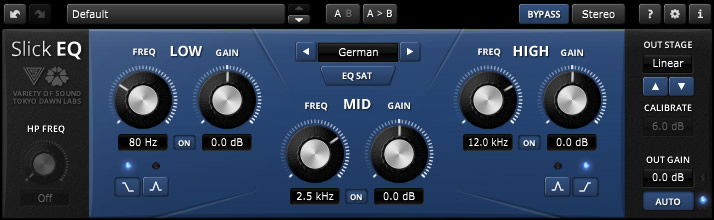
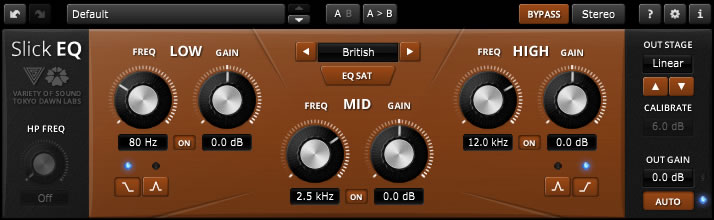
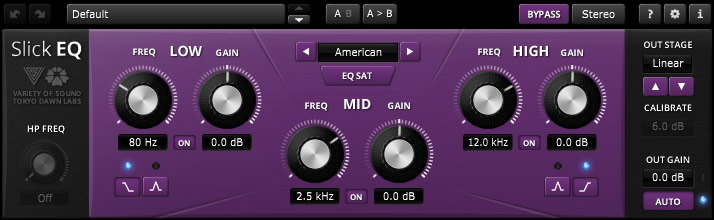
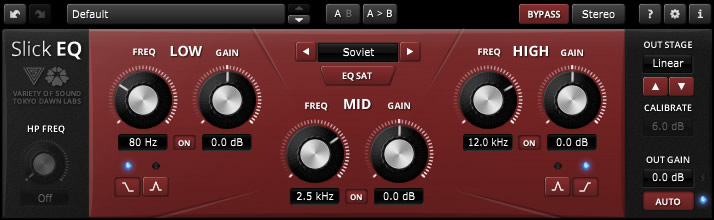
TDR VOS SlickEQ ~ Equalizer Plugin


TDR VOS SlickEQ is a mixing / mastering equalizer designed for ease of use, musical flexibility and impeccable sound.

Three (and a half) filter-bands arranged in a classic Low/Mid/High semi-parametric layout offer fast and intuitive access to four distinct EQ modes, each representing a set of distinct EQ curves and behaviors. An elaborate auto gain option automatically compensates for changes of perceived loudness during EQ operation. Optionally, SlickEQ allows to exclusively process either the stereo sum or stereo difference (i.e. “stereo width”) without additional sum/difference encoding.

In order to warm up the material with additional harmonic content, SlickEQ offers a switchable EQ non-linearity and an output stage with 4 different saturation models. These options are meant to offer subtle and interesting textures, rather than obvious distortion. The effect is made to add the typical “mojo” often associated with classy audio gear.

An advanced 64bit multirate processing structure practically eliminates typical problems of digital EQ implementations such as frequency warping, quantization distortion and aliasing.

Beside the primary controls, the plug-in comes with an array of additional helpers: Advanced preset management, undo/redo, quick A/B comparison, copy & paste, an online help, editable labels, mouse-wheel support and much more.

Key specs and features:

  • Intuitive, yet flexible semi parametric EQ layout
  • Modern user interface with outstanding usability and ergonomics
  • Carefully designed 64bit “delta” multi-rate structure
  • Three EQ bands with additional 18dB/Oct high-pass filter
  • Four distinct EQ models: “American”, “British”, “German” and “Soviet” with optional non-linearity
  • Five output stages: “Linear”, “Silky”, “Mellow”, “Deep” and “Toasted”
  • Advanced saturation algorithms by VoS (“Stateful saturation”)
  • Highly effective and musically pleasing loudness compensated auto gain control
  • Stereo and sum/difference processing options
  • Toolbar with undo/redo, A/B, advanced preset management and more

www.tokyodawn.net/tdr-vos-slickeq

Ample Guitar M Lite ~ Taylor 956 CE VST


Ample Guitar Twelve III aims to bring a Taylor 956 CE 12-string guitar sound to your studio.

Ample Guitar VST

www.amplesound.net
www.amplesound.net/en/download