foo_truepeak is a ITU-R BS.1770-5 compliant True Peak scanner. It can also scan ReplayGain, Loudness Range (LRA), Dynamic Range (DR), show the amount of clipping samples and report the position of highest peak.
For users primarily concerned with playback quality and simplicity, foo_truepeak can replace foobar2000’s ReplayGain and DR scanners. It uses modern loudness standards, detects true peaks and can write all relevant tags in a single pass. While its ReplayGain and DR values may not exactly match legacy scanners, they are more appropriate for real-world playback on modern systems.
In foobar2000, open File → Preferences → Components.
Click Install…, select the foo_truepeak.fb2k-component file.
Restart foobar2000 when prompted.
2. Disabling legacy scanners (optional but recommended)
To avoid confusion or duplicate workflows:
Don’t try removing the ReplayGain scanner as it’s built in.
You can uninstall foo_dr_meter and or foo_dynamic_meter.
This keeps foo_truepeak as your single analysis tool.
3. Open foo_truepeak preferences
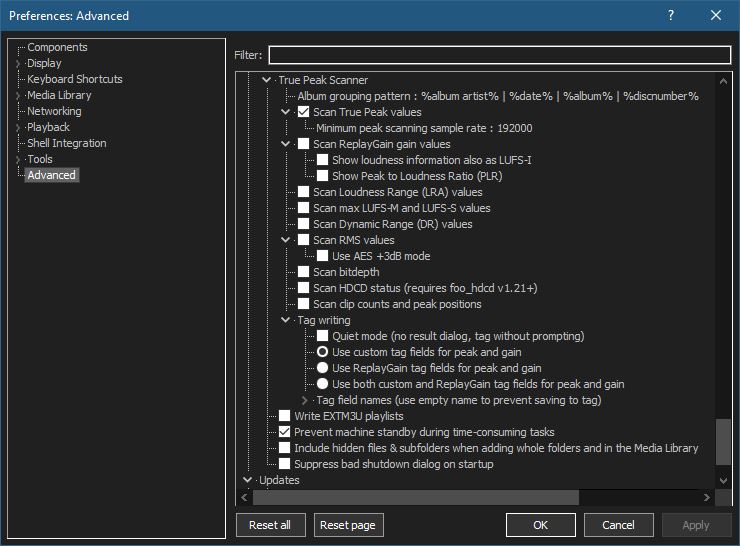
Go to File → Preferences → Advanced →Tools → True Peak Scanner
4. Ensure the following is enabled
✔ Scan True Peak Values
True peak scanning accounts for inter-sample peaks created during digital-to-analog conversion, ensuring that peak levels reflect what a real DAC actually outputs, not just what is stored in the file.
5. Enable ReplayGain scanning
✔ Scan ReplayGain values
Notes:
Gains are derived from EBU R128 loudness, but written as ReplayGain tags.
Peaks are true peaks, not simple sample peaks.
Playback normalization works normally in foobar2000.
6. Enable Dynamic Range scanning
✔ Scan Dynamic Range (DR) values
Notes:
These values are analytical, not official TT DR Meter values.
They are suitable for comparison within your library, not for DR Database submissions.
7. Choose tag writing behavior
✔ Use ReplayGain tag fields for peak and gain
8. Run a True Peak scan
Select a track, tracks or albums in a playlist.
Right-click → True Peak Scan.
You can also create custom buttons on the toolbar for Album or Track scans.
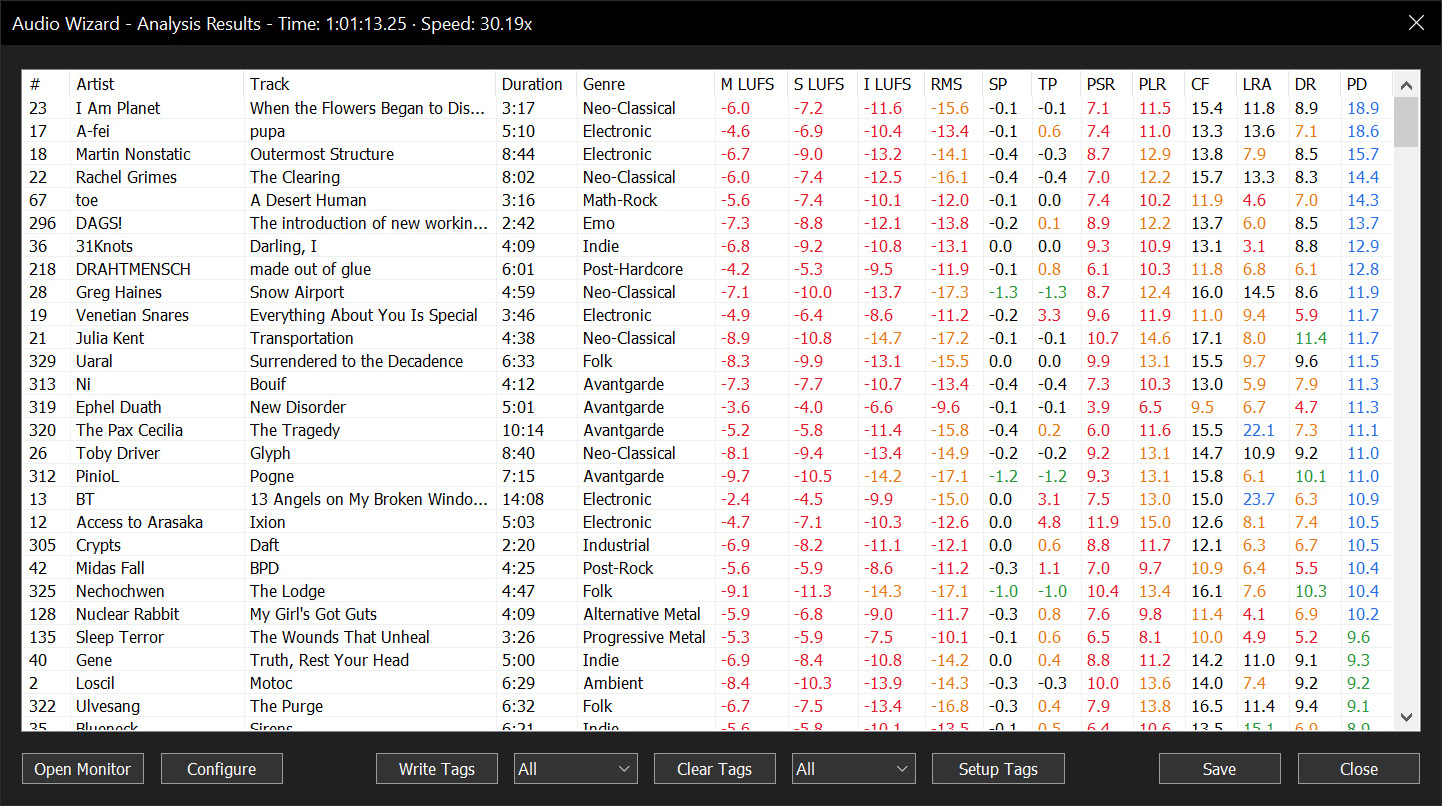
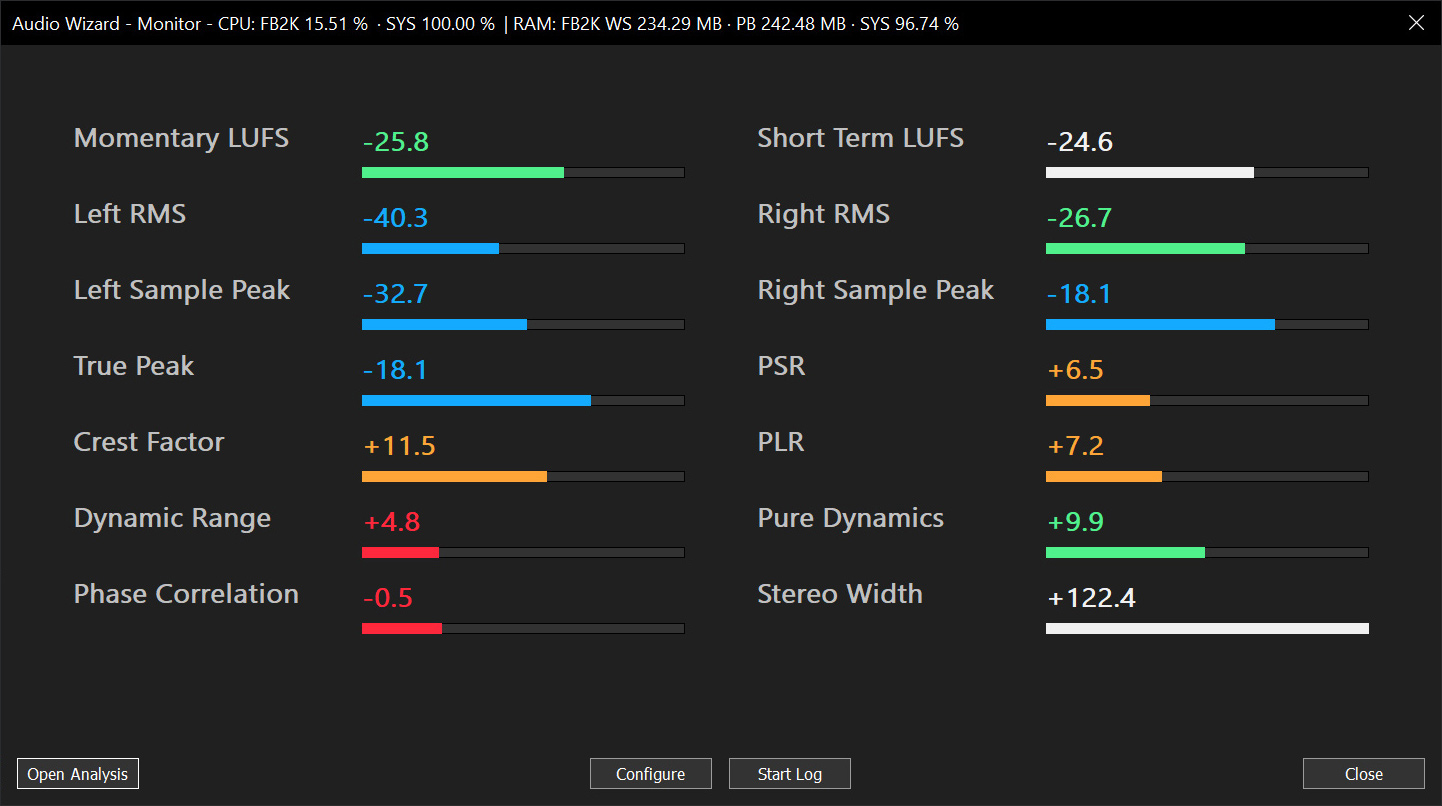
Audio Wizard (foo_audio_wizard) is a fiery chapter of The Wizardium, granting foobar2000 audiophiles and engineers tools for full-track analysis and real-time monitoring. Harness Pure Dynamics for psychoacoustic clarity.