QMidiArp ~ MIDI Arpeggiator & Phrase Generator


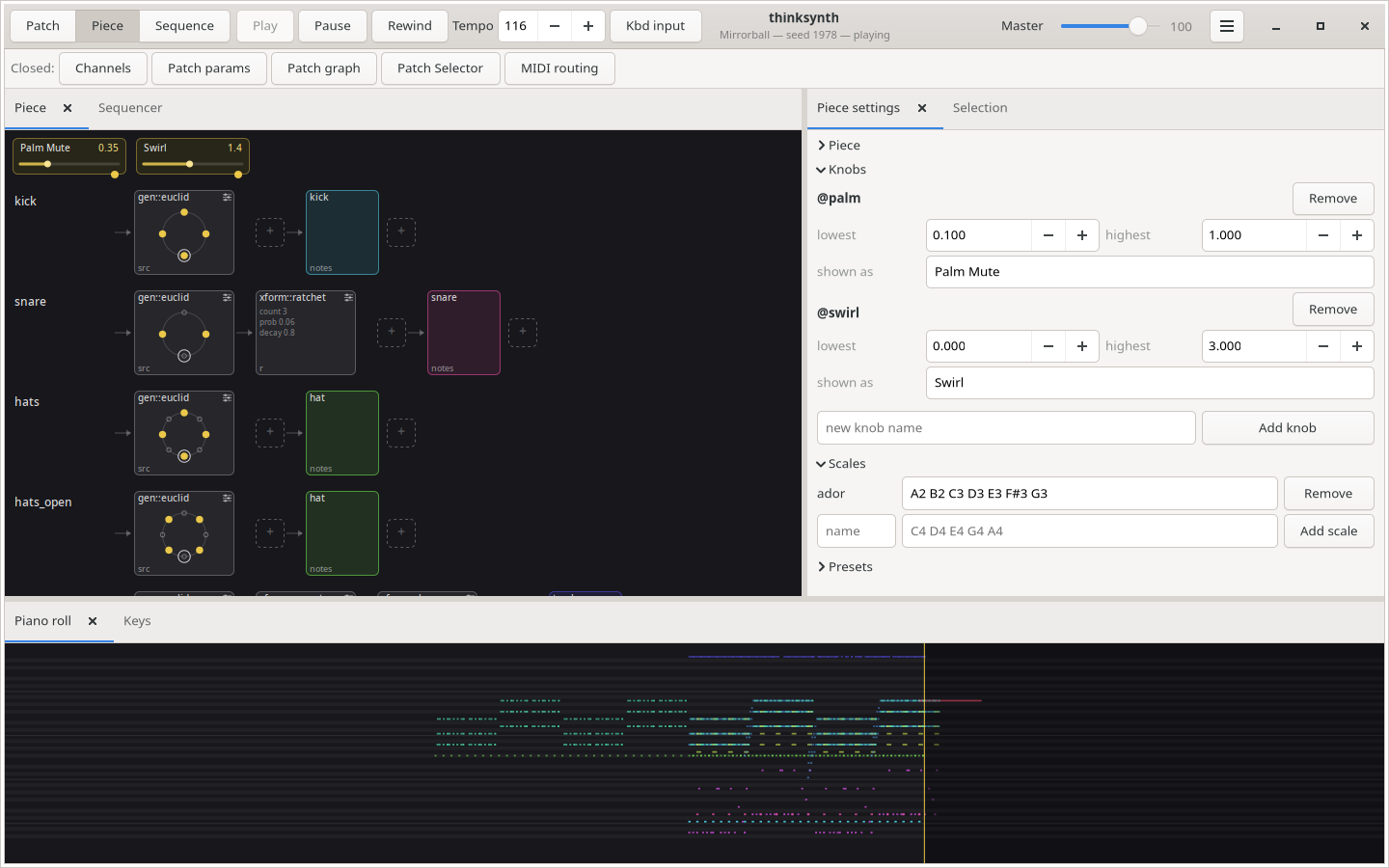
QMidiArp is a MIDI arpeggiator, phrase generator and controller LFO for ALSA and JACK. It can run multiple synchronized arpeggiators, LFOs and step sequencers. The modules are also available as LV2 plugins with Qt user interface. QMidiArp has been growing since June 2009 on top of Matthias Nagorni’s original arp idea.

Features:

  • Programmable arpeggio patterns, LFO waveforms and sequences
  • Modular setup of arpeggiators, MIDI LFOs and step sequencers
  • MIDI-controllable (MIDI-Learn)
  • Synchronization with MIDI Clock or JACK Transport possible
  • Optional triggering by keyboard or continuous play mode for all modules
  • Patterns can be stored and switched by MIDI control while running
  • JACK MIDI or ALSA MIDI backends
  • Modules available as LV2 Plugins

qmidiarp.sourceforge.net
sourceforge.net/projects/qmidiarp
github.com/emuse/qmidiarp
man.archlinux.org/man/qmidiarp.1.en
www.freshports.org/audio/qmidiarp

qmidiarp

Video:

Packages:

packages.debian.org/trixie/qmidiarp
packages.fedoraproject.org/pkgs/qmidiarp

References:

en.wikipedia.org/wiki/Synthesizer#Arpeggiators
www.linuxjournal.com/content/linux-arpeggiators-part-1
en.wikipedia.org/wiki/Advanced_Linux_Sound_Architecture
en.wikipedia.org/wiki/Low-frequency_oscillation
en.wikipedia.org/wiki/JACK_Audio_Connection_Kit

AudioGridder ~ Audio & MIDI Network Bridge


AudioGridder is a network bridge for audio and MIDI that allows for offloading the DSP processing of audio plugins to remote computers. This can come in handy when mixing complex projects or running CPU intensive instruments.

AudioGridder Server runs on a computer hosting your effect and instrument plugins. On your workstation, on which you run your DAW, you use the AudioGridder FX or instrument plugin to access your plugin library over the network. The plugin is looking for available servers on your network and once connected allows you to create insert chains or load instruments. Midi and audio data from your DAW will be streamed over the network, processed on the server and streamed back.

audiogridder.com

SDIF ~ Sound Description Interchange Format


The Sound Description Interchange Format (SDIF) is an established standard for the interchange of sound descriptions and analysis data. This project provides libraries, SDIF (in C) and Easdif (in C++), tools, and wrappers to read and write SDIF files.

sourceforge.net/projects/sdif
cnmat.berkeley.edu/library/sdif
en.wikipedia.org/wiki/SDIF
groups.google.com/g/sdif-forum

Bitfake2 ~ Audio Tool Handler & Manipulator


Bitfake was originally created to detect fake .FLAC files through spectral analysis. It has since grown into a multipurpose CLI tool for handling music more easily and efficiently.

One common problem was that getting a track’s metadata required long ffprobe commands with messy output. Converting music with ffmpeg was also repetitive. The command itself is easy to remember, but writing scripts to convert entire directories felt inefficient and slow. This project now performs metadata and conversion tasks directly through linked libraries (TagLib/libsndfile/libav*).

Features:

  • Get metadata
  • Get ReplayGain info (useful for music players)
  • Spectral analysis on 44.1 kHz .FLAC files (higher sample rates may be misrepresented, so be careful)
  • Lossy diagnosis (banding score)
  • File Conversion + VBR Support (Works for outputs like .wav.flac.ogg.mp3.aac.opus)
  • Tagging metadata (Works for single files, but not directories yet)
  • Calculating ReplayGain and applying it to files (Works for track replay gain iterating through directories, album replay gain is a bit funky?)
  • Directory Conversion (works for all previously mentioned formats!)
  • CoverArt+ (Brings along cover art among all conversions!)
  • Organizing Files by album! (Give a dir of random music, and bitfake will organize it – ty to uncognic)
  • Directory Tagging (YAY!)
  • Album folder renaming from tags (Artist – Album (Year))
  • Spectrogram generation (in .png)
  • Version info (WOW! BEST YET!)
  • MusicBrainz Syncing data.

github.com/Ray17x/bitfake2
gpo.zugaina.org/app-misc/bitfake2
repology.org/maintainer/ray%40atl.tools/feed-for-repo/gentoo_ovl_guru

Winamp ASIO ~ ASIO & SRD Resampler


Further development of the ASIO output module by otachan (2006) for the Winamp player, including:

  • problem with setting the sample rate fixed
  • gapless mode completed
  • added individual channel assignment
  • added upsampling to a non-fractional multiple of base-frequency
  • added high quality resampler: sample rate doubler for best audio playback

winamp-asio-plugin.sourceforge.io
sourceforge.net/projects/winamp-asio-plugin
forums.winamp.com/forum/winamp/winamp-technical-support/4647216-asio-output-plugin

Ear Tag ~ Edit Audio File Tags


Ear Tag is a simple audio file tag editor. It is primarily geared towards making quick edits or bulk-editing tracks in albums/EPs. Unlike other tagging programs, Ear Tag does not require the user to set up a music library folder. It can:

  • Edit tags of MP3, WAV, M4A, FLAC, OGG and WMA files
  • Modify metadata of multiple files at once
  • Rename files using information from present tags
  • Identify files using AcoustID

Network access is only used for the “Identify selected files” option.

apps.gnome.org/EarTag
gitlab.gnome.org/World/eartag

OpenVoiceOS ~ Voice AI Platform


OpenVoiceOS is a community-driven, open-source voice AI platform for creating custom voice-controlled ​interfaces across devices with NLP, a customizable UI, and a focus on privacy and security.

www.openvoiceos.org
github.com/OpenVoiceOS
github.com/OpenVoiceOS/ovos-installer

Audion ~ Community Driven Music Player


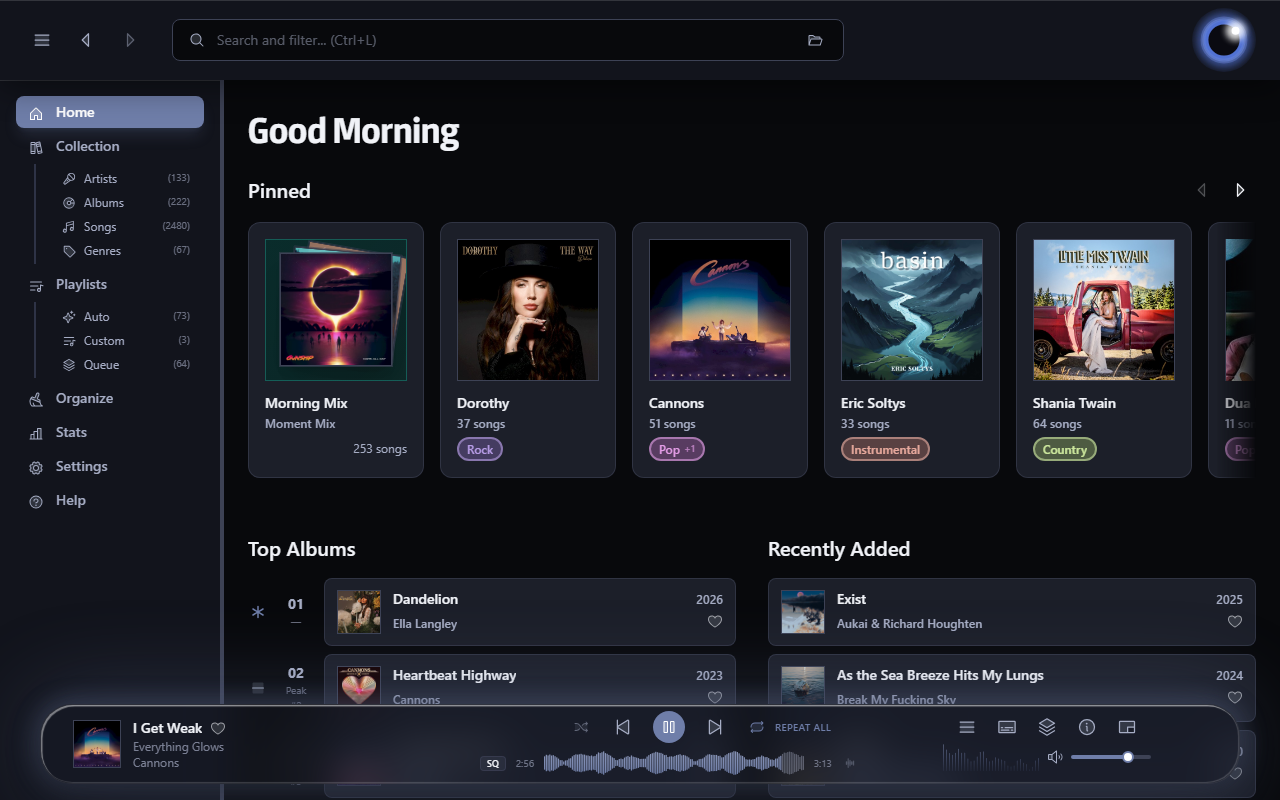
Audion is a privacy-focused music player that brings the Spotify experience to your local music library. No internet required, no tracking, just your music, beautifully organized.

Key highlights:

  • Synced lyrics with karaoke-style word highlighting
  • Extensible plugin system
  • Gorgeous, customizable interface
  • Fully offline

www.audionplayer.com
github.com/dupitydumb/Audion

Tambourine ~ Linux Music Player


A music player for your local music library.

  • Linux first
  • Local only: no internet connection will ever be established.
  • Read only: your music will be accessed only in read mode.
  • Stateless: no cache/database/whatever will be created. The metadata in your songs are the database.
  • Imperfect: there will be use-cases that are not solved by this software, and that’s fine.

github.com/MMarco94/tambourine-music-player

FlavourMTC ~ Mixbus Tone Control


FlavourMTC follows classic “passive” equalizer designs where the EQ circuits itself are not able to amplify signals but a dedicated amplifier stage takes care of it. Those EQ designs are well known for allowing very transparent frequency changes while their amplifier designs do add some icing on the cake quite often.

FlavourMTC implements this by utilizing 1st order shelving filter designs avoiding unwanted resonances and takes advantage of “zero delay” implementations for most accurate higher order filtering and w/o introducing curve warping near Nyquist frequency. The output amplifier stage of the plugin can be calibrated according specific mixing levels, provides a distinct “box tone” and glues everything together. Parts of the plugin are oversampled internally for maximum transparency and sound quality.

varietyofsound.wordpress.com/downloads

Amberol ~ Plays music and nothing else


Amberol is a music player with no delusions of grandeur. If you just want to play music available on your local system then Amberol is the music player you are looking for.

Current features:

  • adaptive UI
  • UI recoloring using the album art
  • drag and drop support to queue songs
  • shuffle and repeat
  • MPRIS integration

gitlab.gnome.org/World/amberol
apps.gnome.org/en/Amberol
flathub.org/en/apps/io.bassi.Amberol