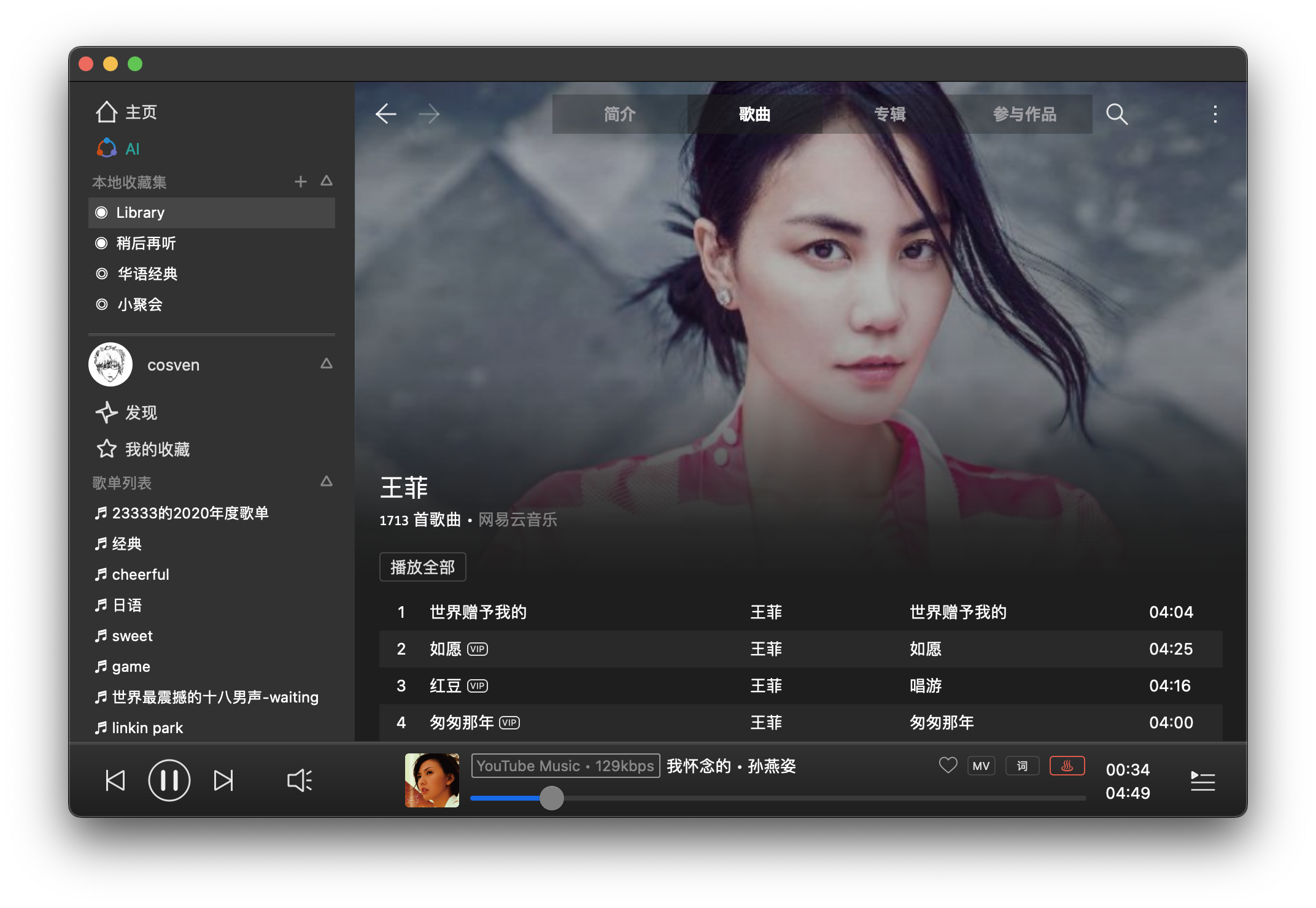
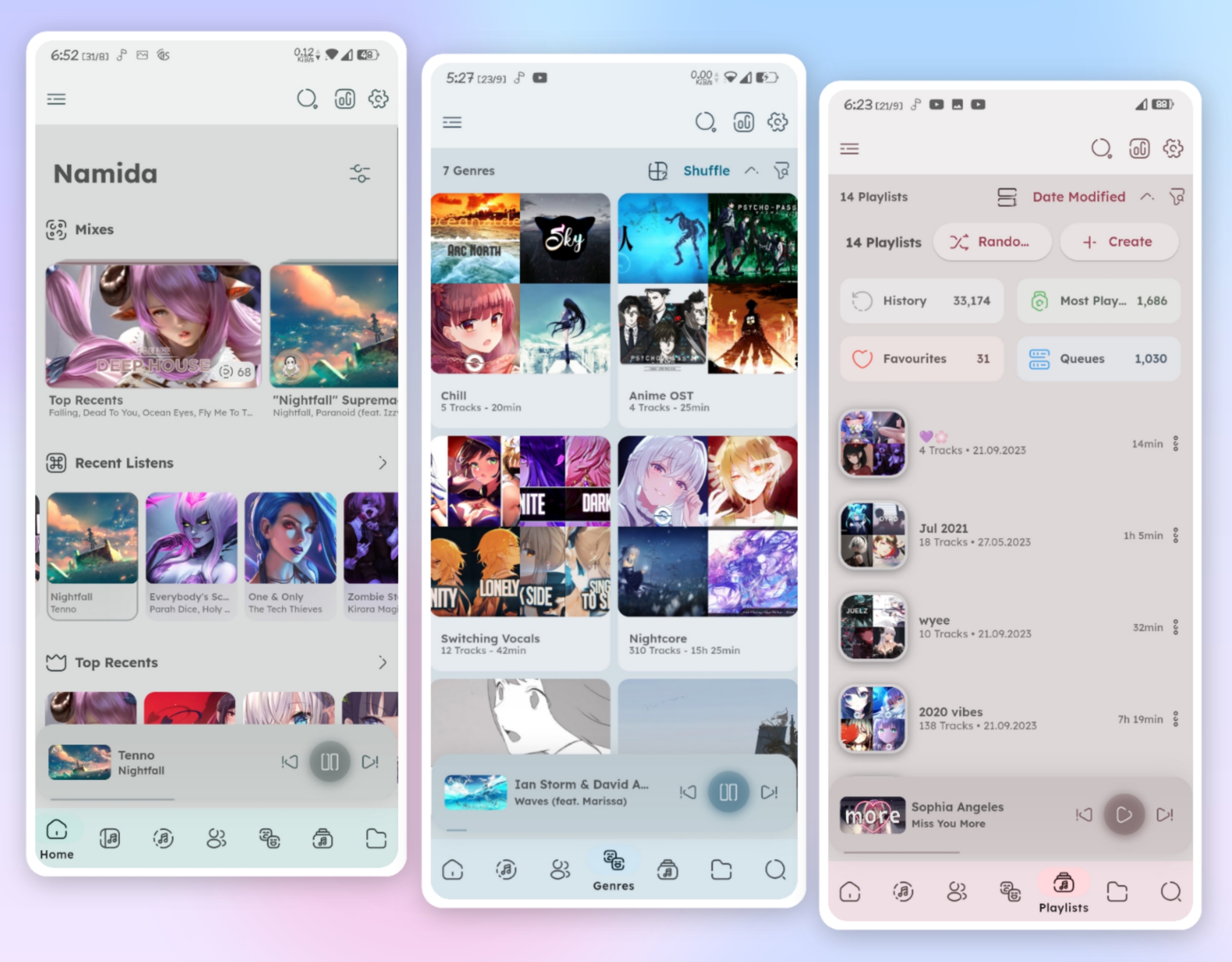
Bloomee🌸 is my Flutter project, An Open-Source Music app designed to bring you Ad-free tunes from various sources. Dive into a world of limitless music from platforms like YouTube and Jio Savan, with more sources blooming soon! 🌼🎵
Why Bloomee? 🌟 Ad-Free Experience: Say goodbye to interruptions and enjoy uninterrupted musical bliss.
🌍 Multi-Source Player: Access your favorite tracks from diverse platforms, with more sources continually joining our melody garden.
🚀 Flutter-Powered Learning: Bloomee is not just about music; it’s about learning and growing with Flutter and BLoC architecture. Explore the intersection of beautiful design and smooth functionality while mastering the art of app development.
This project focuses on transforming music tracks by applying reverb and slowing them down for YouTube uploads. With the increasing popularity of slowed and reverbed music, this tool is designed to help you create unique audio experiences.
Features:
Audio Processing: Apply reverb effects to your tracks.
Slowed Music: Slow down any song to create a relaxing vibe.
YouTube Uploads: Easily prepare your tracks for YouTube.
Integration with MoviePy: Utilize MoviePy for audio and video processing.
Customizable Pedalboard: Adjust settings to suit your audio preferences.
Recognize any music from any website in your browser. Install the AudD extension and click on its icon to identify the song playing on the current tab.
The AudD extension:
Recognizes the music playing in your browser
Finds music in the AudD database with more than 80 million songs using its music recognition technology
Shows lyrics for identified songs
Shows links to listen to the songs on Apple Music, Spotify, Deezer, YouTube Music
Displays the exact moment in the recognized song when the sound from the browser is played
An open source, cross-platform Spotify client compatible across multiple platforms utilizing Spotify’s data API and YouTube, Piped.video or JioSaavn as an audio source, eliminating the need for Spotify Premium.
🚫 No ads, thanks to the use of public & free Spotify and YT Music APIs¹
⬇️ Freely downloadable tracks
🖥️ 📱 Cross-platform support
🪶 Small size & less data usage
🕵️ Anonymous/guest login
🕒 Time synced lyrics
✋ No telemetry, diagnostics or user data collection
🚀 Native performance
📖 Open source/libre software
🔉 Playback control is done locally, not on the server
Vitomu stands for VIdeo TOMUsic converter. It allows easy conversion of online and offline videos to audio files. Just drop a URL or a local video file on the target to start the conversion. The current version supports dropping URLs of both YouTube videos and local MKV and MP4 files.
SMPlayer is a free media player for Windows and Linux with built-in codecs that can play virtually all video and audio formats. It doesn’t need any external codecs. Just install SMPlayer and you’ll be able to play all formats without the hassle to find and install codec packs.
One of the most interesting features of SMPlayer: it remembers the settings of all files you play. So you start to watch a movie but you have to leave… don’t worry, when you open that movie again it will be resumed at the same point you left it, and with the same settings: audio track, subtitles, volume…
SMPlayer is a graphical user interface (GUI) for the award-winning MPlayer, which is capable of playing almost all known video and audio formats. But apart from providing access for the most common and useful options of MPlayer, SMPlayer adds other interesting features like the possibility to play Youtube videos or download subtitles.
Download and Convert YouTube, SoundCloud & Spotify in MP3 with full tags (title, artist, genre, cover, lyrics) AllToMP3 is a desktop application to download and convert YouTube, SoundCloud, Spotify and Deezer in 256 kb/s MP3, with tags: cover, title, artist, genre, and even lyrics!. It supports YouTube playlists, Deezer, and Spotify playlists, and also integrates a search engine so you can simply specify a song name or an album and AllToMP3 will download it…
Download AllToMP3 for Windows, macOS and Linux
If you encounter any problem, try to add an exception for AllToMP3 or to deactivate it
On macOS or Windows you will need a valid certificate so the application can be signed
You need basic knowledge of programming and using Github to create a new translation
You need to know two letter country code for language