Brasero is a GNOME application to burn CD/DVD, designed to be as simple as possible. It has some unique features to enable users to create their discs easily and quickly.
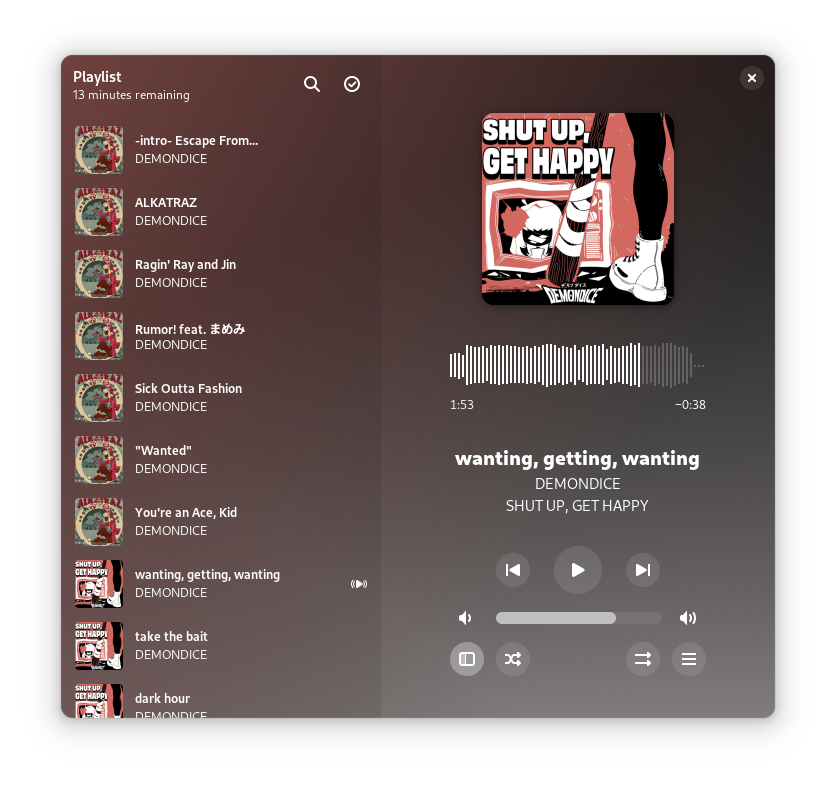
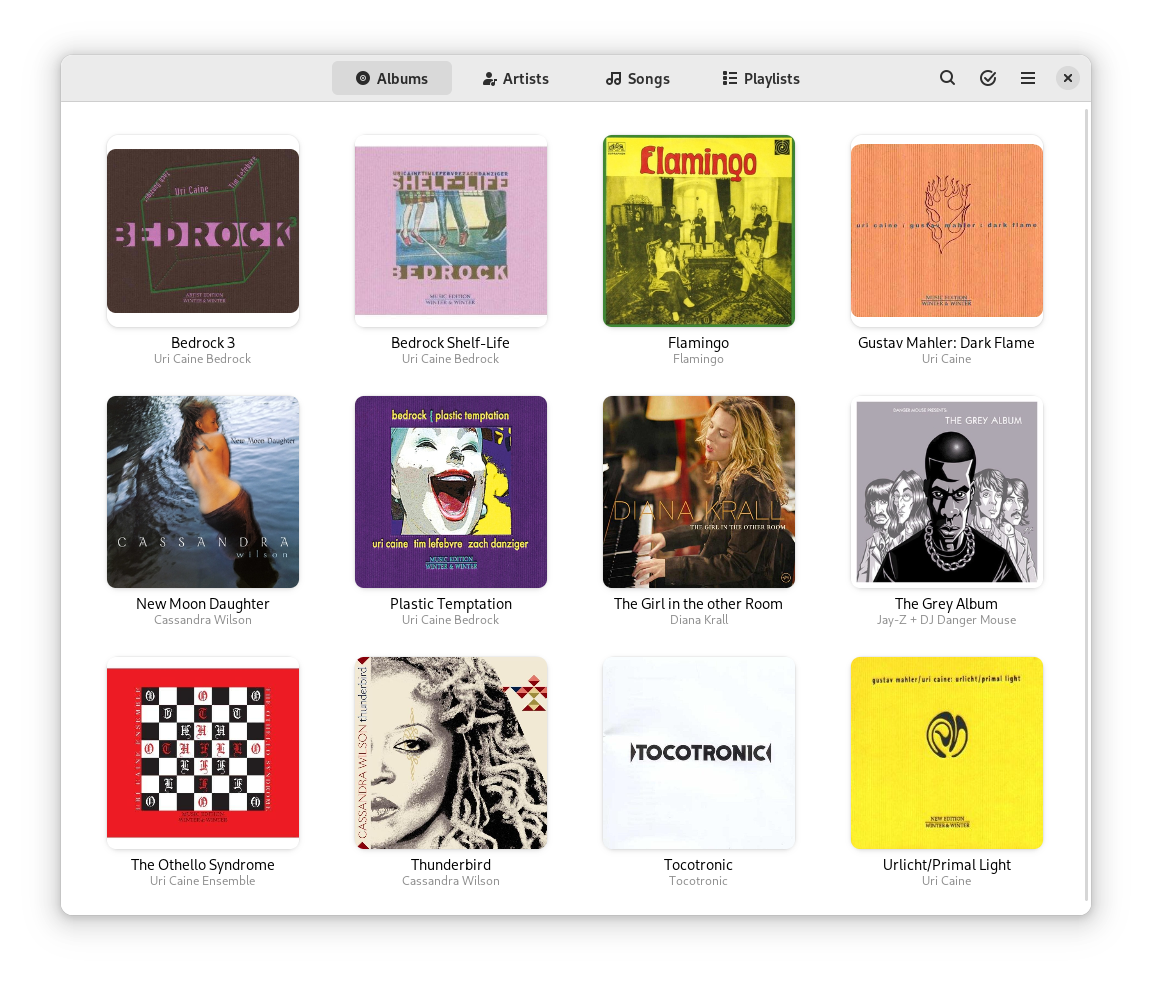
Muine is an innovative music player, featuring a simple, intuitive interface. It is designed to allow users to easily construct a playlist from albums and/or single songs. Its goal is to be simply a music player, not to become a robust music management application. This doesn’t mean Muine has no features! Some feature highlights:
Ogg/Vorbis, FLAC, AAC and MP3 music playback support
Automatic album cover fetching via MusicBrainz and Amazon
Support for embedded album images in ID3v2 tags
ReplayGain support
Support for multiple artist and performer tags per song
Plugin support
Translations into many languages
Muine is targeted at the GNOME desktop and uses GTK+ for the interface. Most of the code is written in C#, with some additions/bindings/glue in plain C. Muine was originally written by Jorn Baayen, but now maintained mostly by others.
A GTK2/GTK3 interface to MPlayer. The power of MPlayer combined with a friendly interface for your desktop; You can play all your multimedia (audio, video, CD, DVDs, and VCDs, streams etc.), organize, sort and create playlists, take screenshots while playing videos, be notified about media changes. Full DVD and MKV chapter support, when supported by Mplayer. Subtitle support with the ability to specify preferred audio and subtitle languages if the media supports it. Support for cover art retrieval from Amazon.com for audio media files with artist and/or album information contained in the file.
EasyTAG is a simple application for viewing and editing tags in audio files.It supports MP3, MP2, MP4/AAC, FLAC, Ogg Opus, Ogg Speex, Ogg Vorbis, MusePack, Monkey’s Audio, and WavPack files, and it works under Linux or Windows.
Features:
View, edit, write tags of MP3, MP2 files (ID3 tag with pictures), FLAC files (FLAC Vorbis tag), Ogg Opus files (Ogg Vorbis tag), Ogg Speex (Ogg Vorbis tag), Ogg Vorbis files (Ogg Vorbis tag), MP4/AAC (MP4/AAC tag), MusePack, Monkey’s Audio files and WavPack files (APE tag)
Can edit more tag fields: title, artist, album, disc number, year, track number, comment, composer, original artist/performer, copyright, URL, encoder name and attached picture
Auto tagging: filename and directory to automatically complete the fields (masks)
Ability to rename files and directories from the tag (using masks) or by loading a text file
Process selected files of the selected directory
Ability to browse subdirectories
Recursion for tagging, removing, renaming, saving…
Can set a field (artist, title,…) to all other files
Read and display file header information (bitrate, time,…)
Auto completion of the date if a partial one is entered
Undo and redo last changes
Ability to process fields of tag and file name (convert letters into uppercase, lowercase,…
Ability to open a directory or a file with an external program
CDDB support using Freedb.org and Gnudb.org servers (manual and automatic search)
Decibel Audio Player is a GTK+ open-source (GPL) audio player for GNU/Linux. It is very straightforward to use thanks to a clean and user-friendly interface. It is especially targeted at Gnome and follows the Gnome HIG.
Decibel Audio Player is built around a highly modular structure that lets the user disable completely the features he does not need. A disabled feature uses absolutely no memory and no processor time.
Decibel Audio Player is a real audio player and does not include features that are not meant to be part of an audio player. These features, such as tagging files or burning CDs, generally have a better support in dedicated software. If you are looking for an audio player that can make coffee, then you should stay away from Decibel and give a try to other players (e.g., Amarok, Exaile).