foo_masstagger ~ Automate Foobar2000 Tag Editing


Automates various tag editing operations.

www.foobar2000.org/components/view/foo_masstag
wiki.hydrogenaudio.org/…/Masstagger_(foo_masstag)

Usage:

Adding MOOD tags:

  1. Select tracks
  2. Right-click → Tagging → Manage Scripts
  3. Create a script:
    • Add value
    • Field: MOOD
    • Value: Calm
  4. Save as preset (Mood: Calm)

Repeat once per mood.

After that:

  1. Select tracks
  2. Right Click > Tagging > Scripts
  3. Apply mood script preset

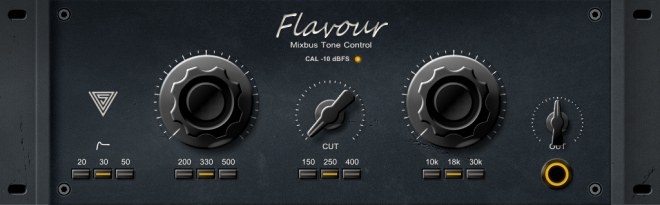
FerricTDS mkIII ~  Tape Dynamics Simulator


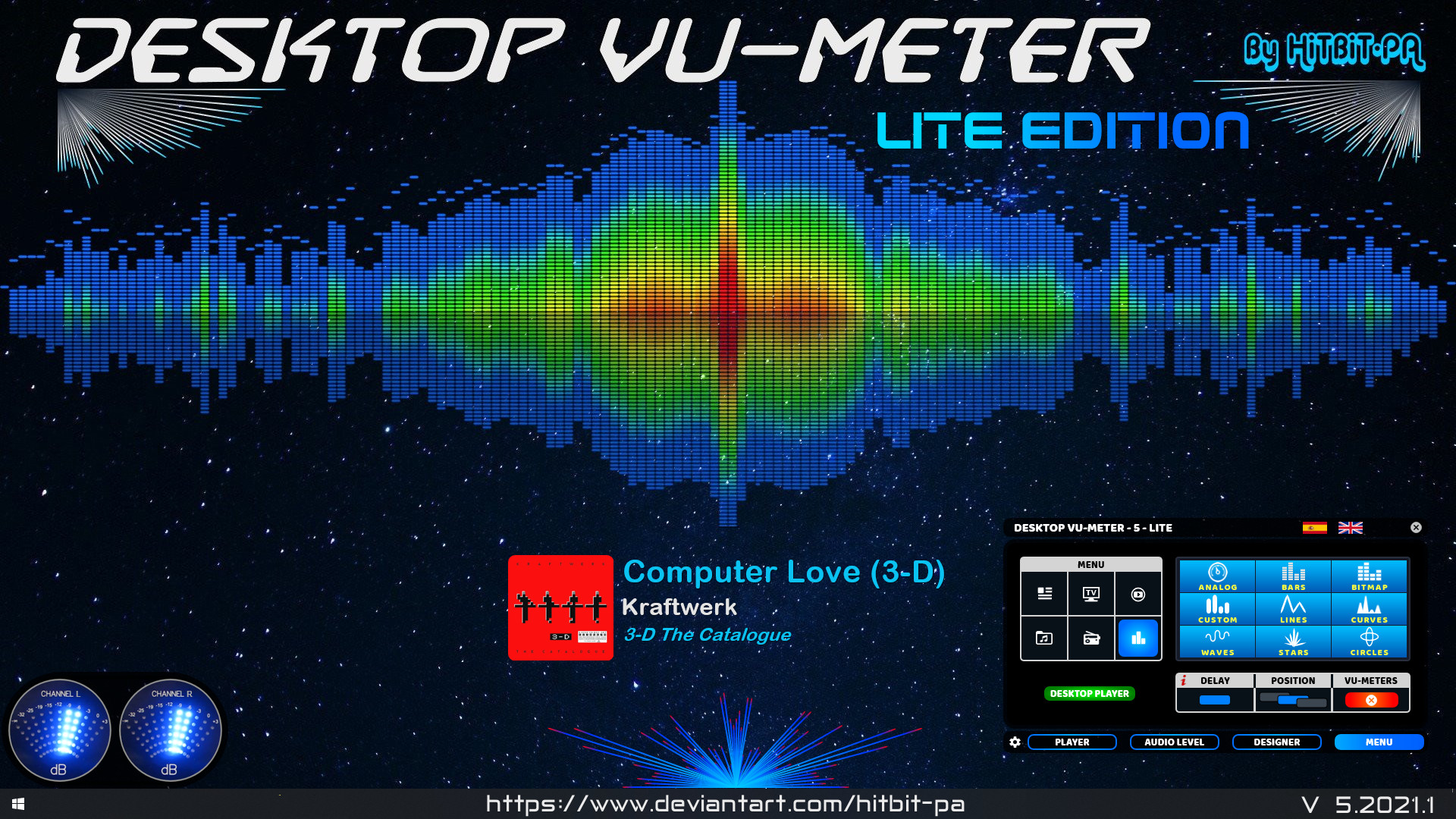
foo_vis_goom ~ What a GOOM! Visualisation


foo_vis_goom is a port for foobar2000 of the “What a GOOM!” music visualizer. It renders the library-provided pixels using OpenGL 4.6.

GOOM in an “incredible trippy visualization plugin!!”

Features:

  • Uses OpenGL 4.6 for rendering.
  • The Goom-2k4 library has been extensively cleaned up.
  • Compatible with the Default User Interface (Default UI) and the Columns User Interface (Columns UI).
  • Tested on foobar2000 v2.25.3 (x86 32-bit and x86 64-bit) and Microsoft Windows 11 (Build 26200).

www.foobar2000.org/components/view/foo_vis_goom

Cavern ~ Object-based Audio Engine & CODEC


Cavern is a fully adaptive object-based audio rendering engine and (up)mixer without limitations for home, cinema, and stage use. Audio transcoding and self-calibration libraries built on the Cavern engine are also available. This repository also features a Unity plugin and a standalone converter called Cavernize.

Cavern goes beyond fixed-channel audio systems by rendering any number of audio “objects” in three-dimensional space, tailored to the listener’s speaker arrangement or headphone output. It is also supported by a standalone conversion tool, Cavernize, which allows users to convert spatial mixes into conventional channel-based PCM formats while maintaining positional accuracy.

Key Features and Capabilities:

Object-Based Rendering
Cavern supports an unrestricted number of audio objects and output channels. This allows precise spatial placement and movement of sounds in 3D space, independent of specific channel layouts.

Codec and Container Support
The engine and its companion tools support a wide range of codecs and containers, including those commonly used for immersive audio delivery. Traditional formats such as WAV and common multimedia containers are also supported.

Calibration and Room Correction
Cavern includes tools for self-calibration and room equalization. These can flatten frequency response, compensate for acoustic irregularities, and help unify tonal characteristics across speakers.

Headphone Virtualization
Through HRTF-based processing, Cavern enables spatial rendering over stereo headphones. This simulates direction, distance, and spatial cues to reproduce the effect of multichannel speaker setups in a binaural listening environment.

Real-Time Up-Mixing
Legacy stereo or multichannel content can be up-mixed into fully rendered 3D scenes. This provides an immersive experience even when the source was not originally produced as object-based audio.

Integration with Game Engines
Cavern offers integration with Unity, enabling developers to incorporate real-time positional audio into games, simulations, and interactive media.


Use Cases

Home Cinema and Media Playback
Cavern can render object-based audio tracks for users who do not have commercial hardware processors. It allows accurate spatial playback through both speakers and headphones.

Headphone-Focused Listening
The binaural virtualization system benefits users who rely on headphones for movies, music, gaming, or general media consumption.

Game and VR Development
Developers can use Cavern inside Unity to produce dynamic, spatially accurate audio scenes in interactive applications.

Archiving and Conversion
Cavernize converts object-based audio into standard PCM or channel-based formats, preserving positional intent while enabling playback on conventional systems.

Speaker Optimization
Its calibration tools provide a software-based approach to room correction and multi-speaker alignment without requiring dedicated hardware processors.


Limitations and Considerations

  • Some supporting utilities are not fully open-source and may be distributed under separate licensing terms.
  • Spatial rendering benefits depend on input quality; poor-quality stereo sources will not yield true immersive results.
  • Speaker hardware, room acoustics, and HRTF compatibility affect the perceived accuracy of spatialization.
  • Integrating Cavern into custom software projects requires familiarity with its API and spatial-audio concepts.

Why Cavern Matters

Cavern stands out by making advanced spatial-audio technology accessible without requiring specialized hardware or proprietary processors. By combining open-source rendering, a flexible object-based architecture, codec support, calibration tools, and developer integration, it provides a versatile platform for enthusiasts, researchers, and media creators.

For users interested in experimenting with immersive audio workflows, whether for home cinema, headphone listening, archiving, or game development, Cavern offers a free, comprehensive and adaptable approach.


References:

  • VoidXH / Cavern – GitHub repository
  • Cavern documentation website
  • Cavern package listing on NuGet

cavern.sbence.hu/cavern
github.com/VoidXH/Cavern
github.com/VoidXH/HRTF
cavern.sbence.hu/cavern/doc
cavern.sbence.hu/cavern/downloads
www.nuget.org/packages/Cavern
en.wikipedia.org/wiki/Digital_room_correction#Cavern_QuickEQ

Cardinal ~ Virtual Modular Synthesizer Plugin


A fully free and self-contained modular synthesizer based on the popular VCV Rack. Available in AudioUnit/CLAP/LV2/VST2/VST3 plugin formats and as a standalone app for FreeBSD, Linux, macOS, Windows and the Web.

cardinal.kx.studio
github.com/DISTRHO/Cardinal

rt_lpc ~ Realtime Linear Predictive Coding


rt_lpc is a light-weight application that performs real-time LPC analysis and synthesis. It features the following:

  • real-time LPC analysis
  • real-time LPC synthesis
  • visualization of original, predicted, and error waveforms
  • visualization of vocal tract shape from LPC coefficients
  • adjustable LPC analysis order
  • adjustable synthesis pitch shift
  • MIDI controlled pitch (hit ‘m’)
  • lots of other choices (pitch pulse source selection, emphasis filter)
  • STFT plot
  • modular LPC library
  • available on MacOS X, Linux, and Windows under GPL
  • part of the sndtools distribution

soundlab.cs.princeton.edu/software/rt_lpc/
en.wikipedia.org/wiki/Linear_predictive_coding
github.com/lewark/lpc.lv2

THD Meter ~ Measure Total Harmonic Distortion


MathAudio THD Meter VST/AU

  • Measures Total Harmonic Distortion (THD) in sound cards, speakers and headphones.
  • Applies matched filters for maximizing the signal-to-noise ratio (SNR) in the presence of additive stochastic noise.
  • Supports microphone calibration files.
  • Supports full range of sample rates from 44.056 kHz up to 384 kHz. All sample rates are supported without resampling to avoid any possible loss in accuracy.

mathaudio.com/thd-meter

Filtron ~ Variable Filter


Filtron is a 12dB state variable filter that can smoothly transition between lowpass, bandpass, and highpass. It is capable of self-oscillation with resonance levels that can reach up to 11! Filtron also features a fat sounding internal saturation algorithm and a sizzly post overdrive with two modes to choose from: cold and hot.

  • 12db state variable filter
  • Transition smoothly between Lowpass, Bandpass, Highpass
  • Self-oscillating resonance
  • Fat Internal saturation
  • Post overdrive with Cold and Hot modes
  • Stereo Modulation via CV
  • Integrates with Gatekeeper
  • Optimized for audio rate modulation
  • State of the art zero delay filter design
  • Internally oversampled
  • 100% FREE

polyversemusic.com/products/filtron

J-Scope ~ Oscilloscope VST Plugin


J-Scope is a VST oscilloscope plugin, which can prove invaluable to anyone who develops audio software and has a need to diagnose problems or visualise waveforms.

In operation it is very similar to a real oscilloscope, and most controls will be familiar to anybody who has used a hardware ‘scope. The addition of a control for phosphor decay time allows the examination of rapidly changing waveforms as well as slowly evolving sound envelopes.

J-Scope accepts a stereo signal, and can display it in several modes:

  • Two separate traces, L and R
  • Single trace, sum of L and R
  • Single trace, difference between L and R
  • X/Y (Lissajous) plot, L vs R
  • X/Y (Lissajous) plot, Sum(L+R) vs Diff(L-R)

jaggedplanet.com/vst/jscope

Tube Preamp ~  Tube Preamp Emulation


The plugin is very unique in the sense that it gives you full control over all aspects of the modelled circuit. All values of all the capacitors, resistors etc. can be tuned by the user.

This is a free plugin. It comes in all the usual plugin formats (VST/VST3/AU/AAX), for 32 and 64 bit hosts, and for Mac Intel & Silicon.

ddmf.eu/phi-L-Audio-Tube-Preamp

foo_dr_meter ~ Foobar2000 Dynamic Range Meter


A simple Dynamic Range meter based on DR estimation formula published by https://dr.loudness-war.info/. For foobar2000 version 1.5 and newer.

foobar.hyv.fi/?view=foo_dr_meter

foo_listenbrainz ~ Submit Listens To ListenBrainz


Status: alpha.

  • [+] submits listens while online
  • [+] provides UI to configure user name and token
  • [-] no checks for online status, no exception handling
  • [-] no caching of the listens history while offline
  • [-] configurable server url
  • [-] no separate thread for network requests

    gitlab.com/ykBuilds/foo_listenbrainz

Updated ListenBrainz foobar2000 component
audio-file.org/2023/11/21/foo_listenbrainz-foobar2000-listenbrainz/
github.com/phw/foo_listenbrainz2