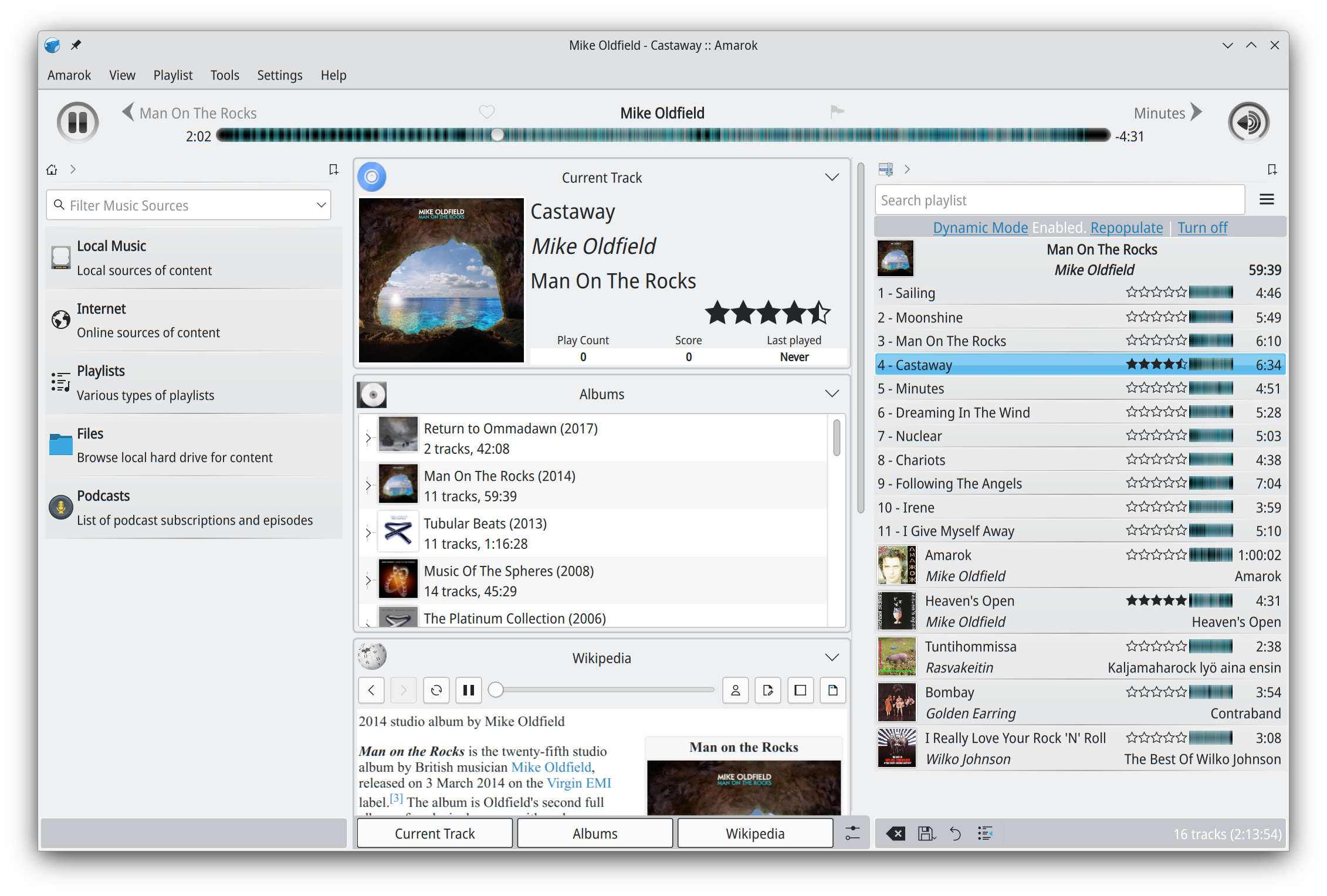
Amarok is a powerful music player, with multi-language support, for Macs, Unix/Linux and Windows. It has an intuitive interface and makes playing the music you love, and discovering new music, easier than ever before – and it looks good doing it!
Features:
Dynamic playlists matching different criteria
Collection managing with rating support
Support for basic iPod, MTP and UMS music player devices
Last.fm is a web service that maintains a history of what you’ve listened to. You’ll need a Last.fm account and a player that can scrobble. Scrobbling is uploading the artist’s name and song title of your currently playing track to Last.fm’s server. foo_audioscobbler allows Foobar to keep your Last.fm profile current.
It replaces the Last.fm client application.
It supports the current submission protocol.
It sends “now playing” notifications to your Last.fm profile.
Optionally, it can import played tracks from your iPod via the foo_dop component.
After you install foo_audioscrobbler, you’ll need to log into your Last.fm account in Foobar’s Preferences menu.
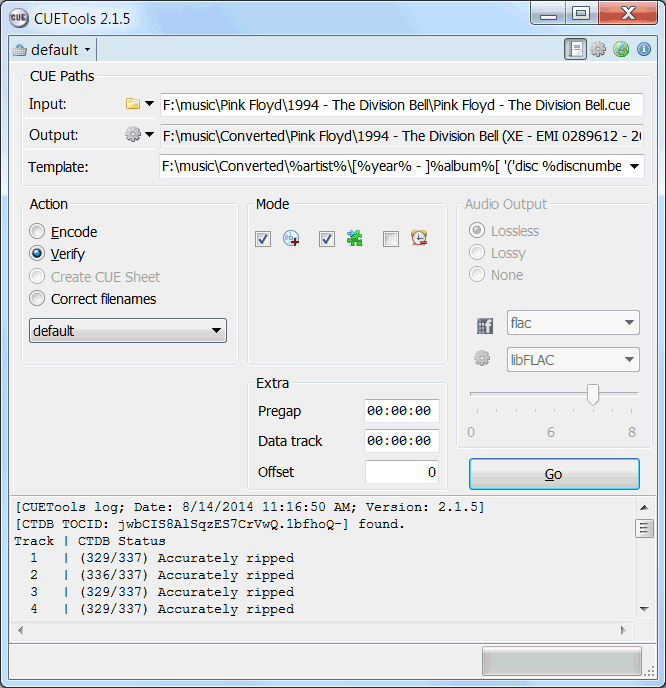
CUETools is a tool for lossless audio/CUE sheet format conversion. The goal is to make sure the entire album image is preserved accurately. A lossless disc image must be lossless not only in preserving contents of the audio tracks, but also in preserving gaps and CUE sheet contents. Many applications lose vital information upon conversion, and don’t support all possible CUE sheet styles. For example, foobar2000 loses disc pre-gap information when converting an album image, and doesn’t support gaps appended (noncompliant) CUE sheets.
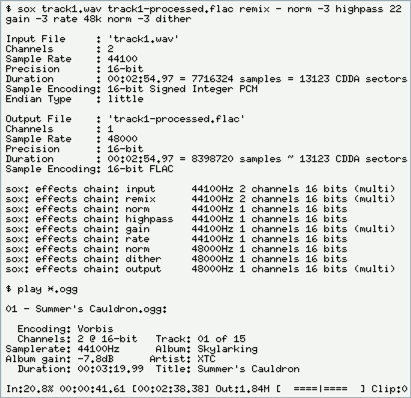
SoX is a cross-platform command line utility that can convert various formats of computer audio files into other formats. It can also apply various effects to these sound files, and, as an added bonus, SoX can play and record audio files on most platforms.
BatchEncoder is audio file conversion software. It supports most of popular audio file formats including both lossy and lossless compression. The program is very simple to use. BatchEncoder is basically a GUI front-end for command-line tools. All it does is create background processes and pass arguments to it with options set in the presets / format menu and additionally adds input and output file paths.
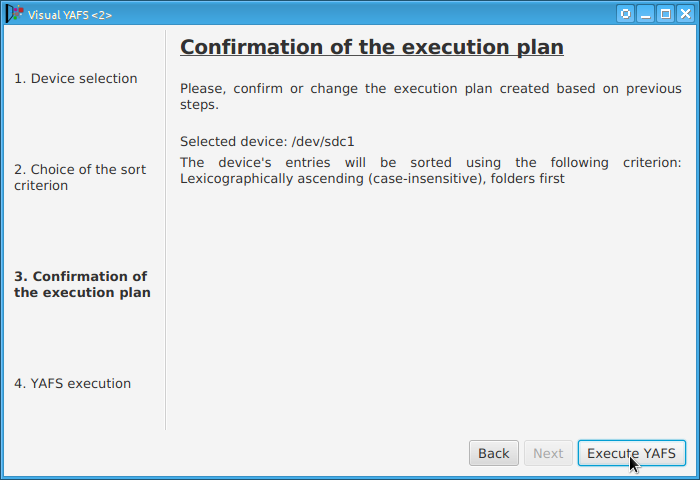
Some players display, or play files, in the order that the file was originally copied to a USB drive or stick. YAFS (Yet Another FAT Sorter) allows the order to be changed to whatever you prefer. YAFS is a multi-platform, open source, freeware, command line utility with a GUI (Graphical User Interface).
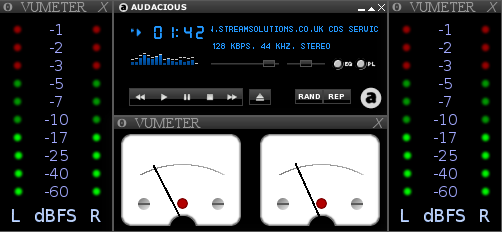
PeppyMeter is a software VU Meter written in Python. It was originally developed as the new ‘VU Meter’ screensaver for Peppy Player. With minor modifications it became a stand-alone application. PeppyMeter gets audio data from media players (e.g. mpd) via fifo and displays current volume levels in a Graphical User Interface in the form of a traditional VU Meter.
Written in Python.
Pygame library leveraged for UI purposes.
UI is available in three resolutions 800×480, 480×320 and 320×240 pixels.
The input for the program is the data from the named pipe. That signal should be provided by peppyalsa plugin.
Supplies 9 default meters out of the box.
Allows you to add your own meters.
Open-source. All source files are available on Github.
Several data sources are available for testing and tuning.
Provides four types of output: Display, Serial, I2C and PWM.
The AcousticBrainz project aims to crowd source acoustic information for all music in the world and to make it available to the public. This acoustic information describes the acoustic characteristics of music and includes low-level spectral information and information for genres, moods, keys, scales and much more. The goal of AcousticBrainz is to provide music technology researchers and open source hackers with a massive database of information about music. ~ AcousticBrainz
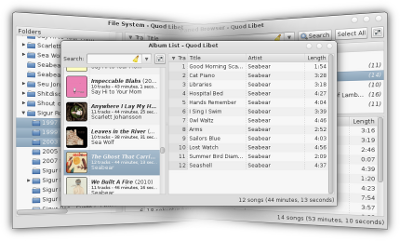
Quod Libet is a GTK+-based audio player written in Python, using the Mutagen tagging library. It’s designed around the idea that you know how to organize your music better than we do. It lets you make playlists based on regular expressions (don’t worry, regular searches work too). It lets you display and edit any tags you want in the file, for all the file formats it supports.
Unlike some, Quod Libet will scale to libraries with tens of thousands of songs. It also supports most of the features you’d expect from a modern media player: Unicode support, advanced tag editing, ReplayGain, podcasts & Internet radio, album art support and all major audio formats – see the screenshots.
Ex Falso is a program that uses the same tag editing backend as Quod Libet, but isn’t connected to an audio player. If you’re perfectly happy with your favorite player and just want something that can handle tagging, Ex Falso is for you.










 The Audio File