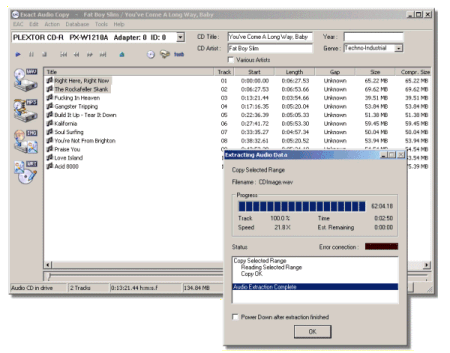
A highly recommended, configurable audio ripper & CD writer with AccurateRip support and C2 error reporting. Built in support for FLAC, mp3 and almost any audio format.
An advanced and evolved freeware audio player for Android, Mac, Windows and Wine. Foobar2000 can be extensively extended, modified and themed.
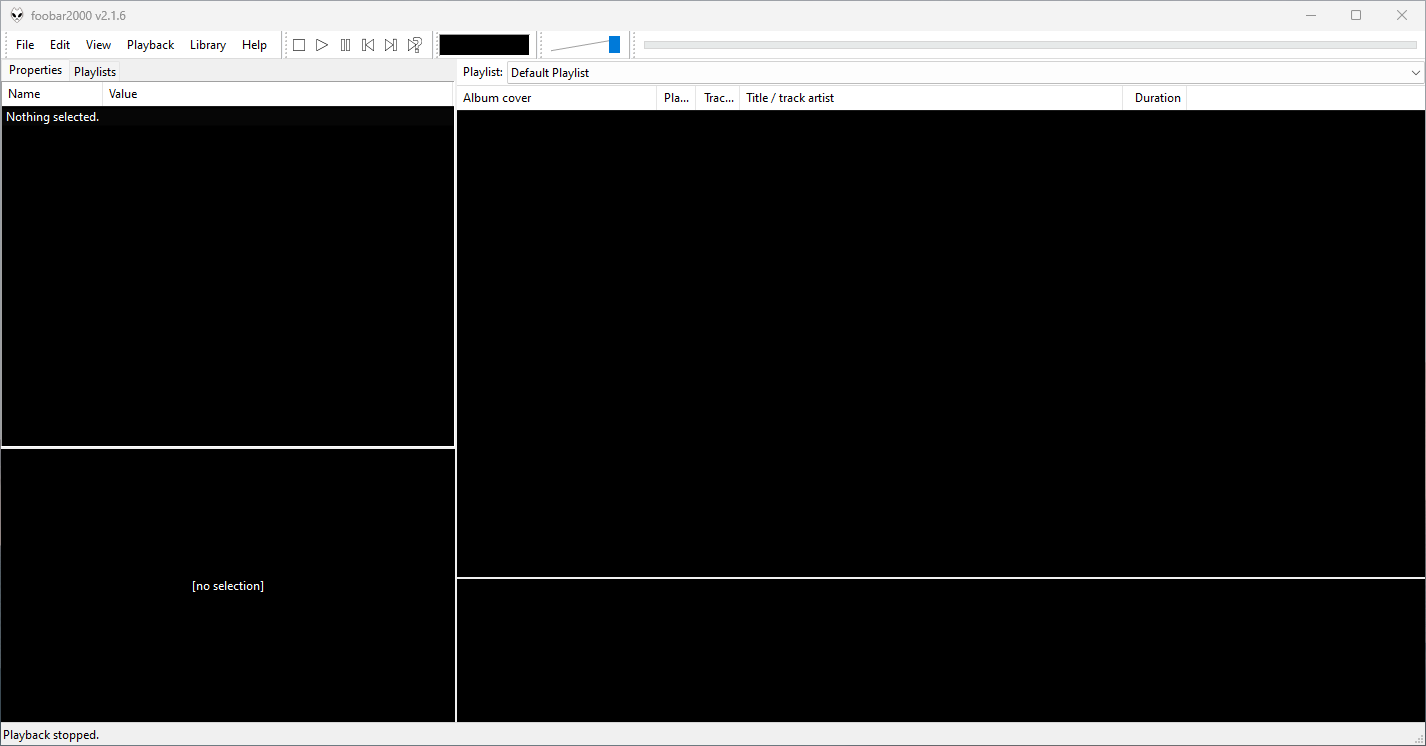
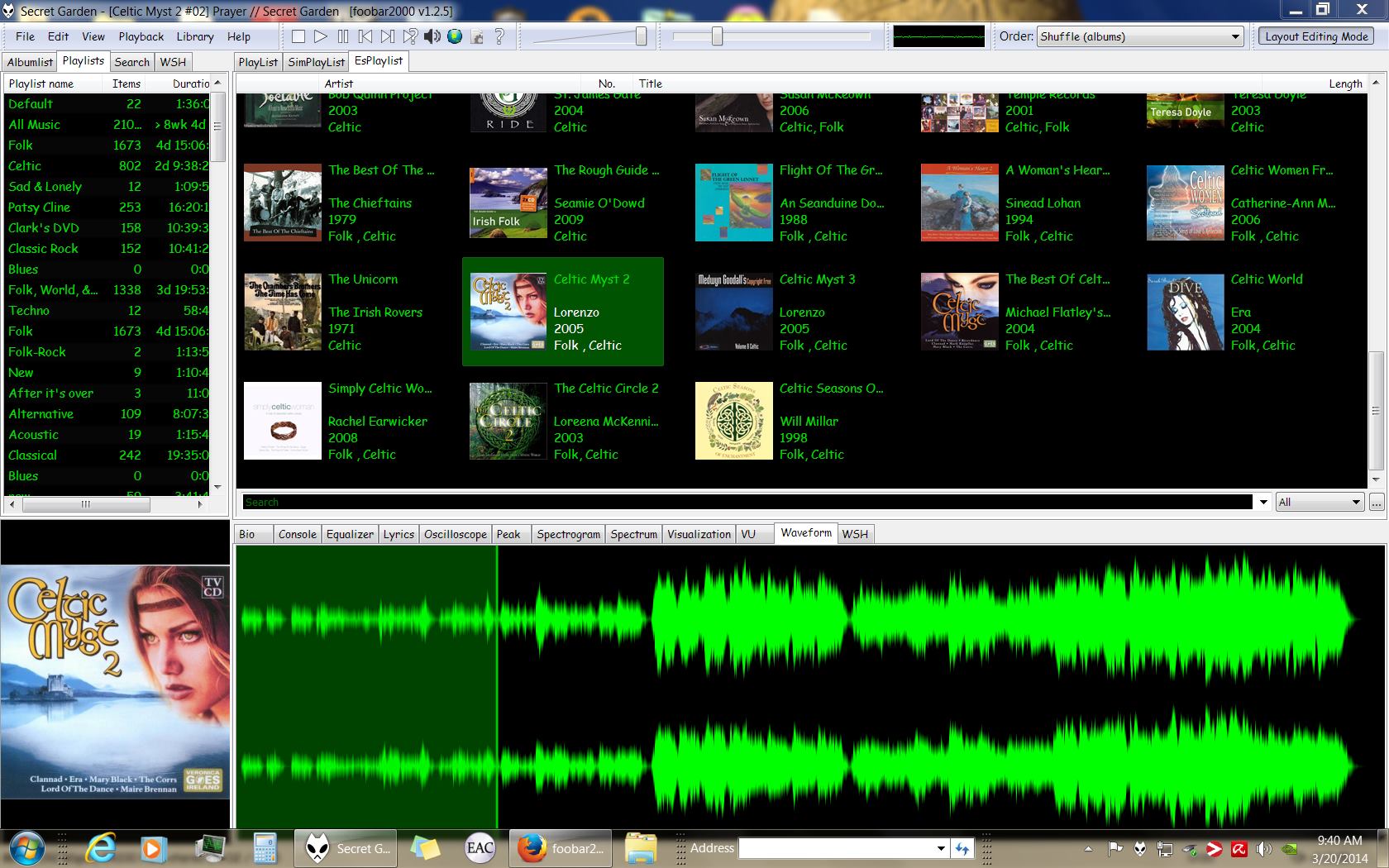
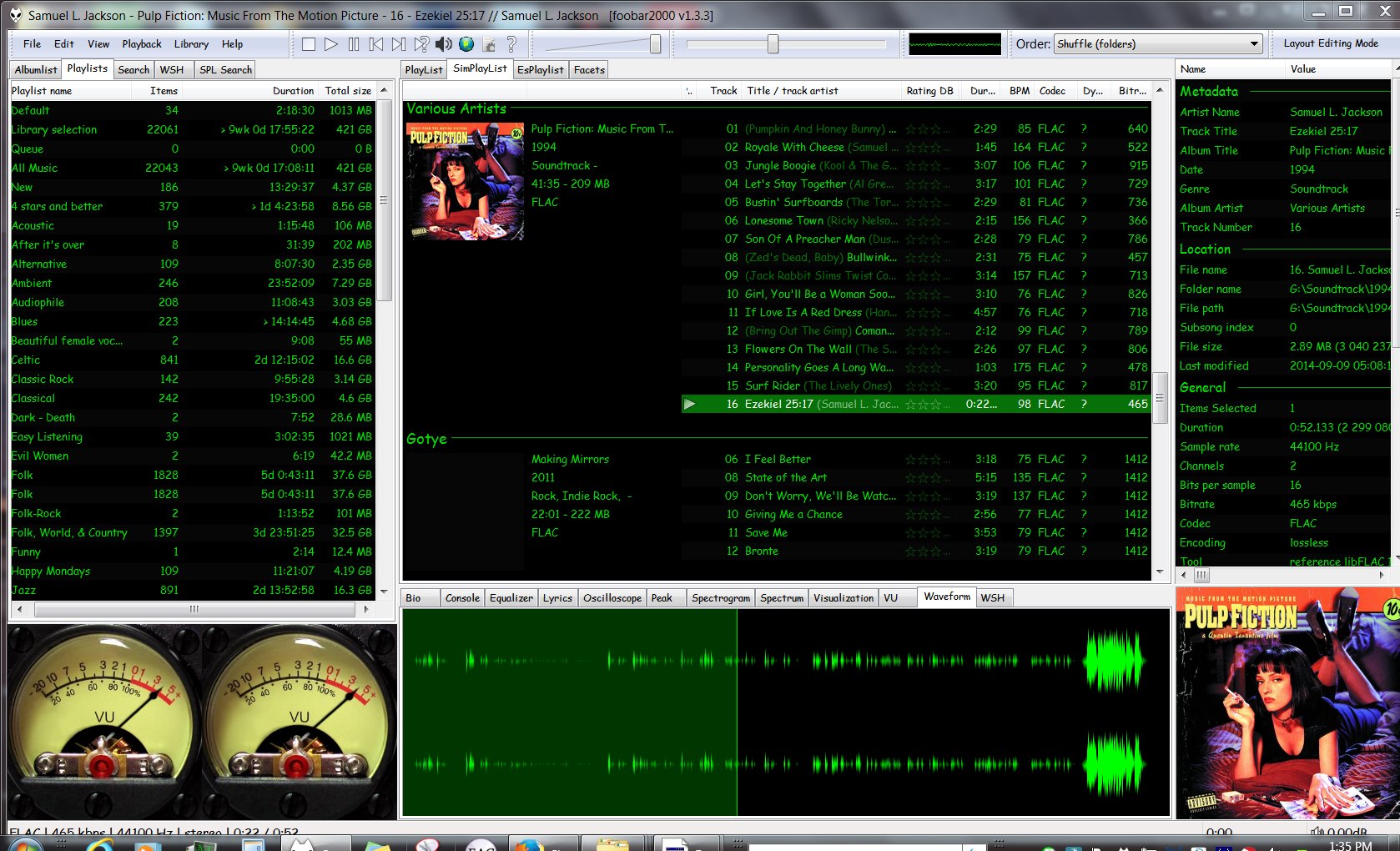
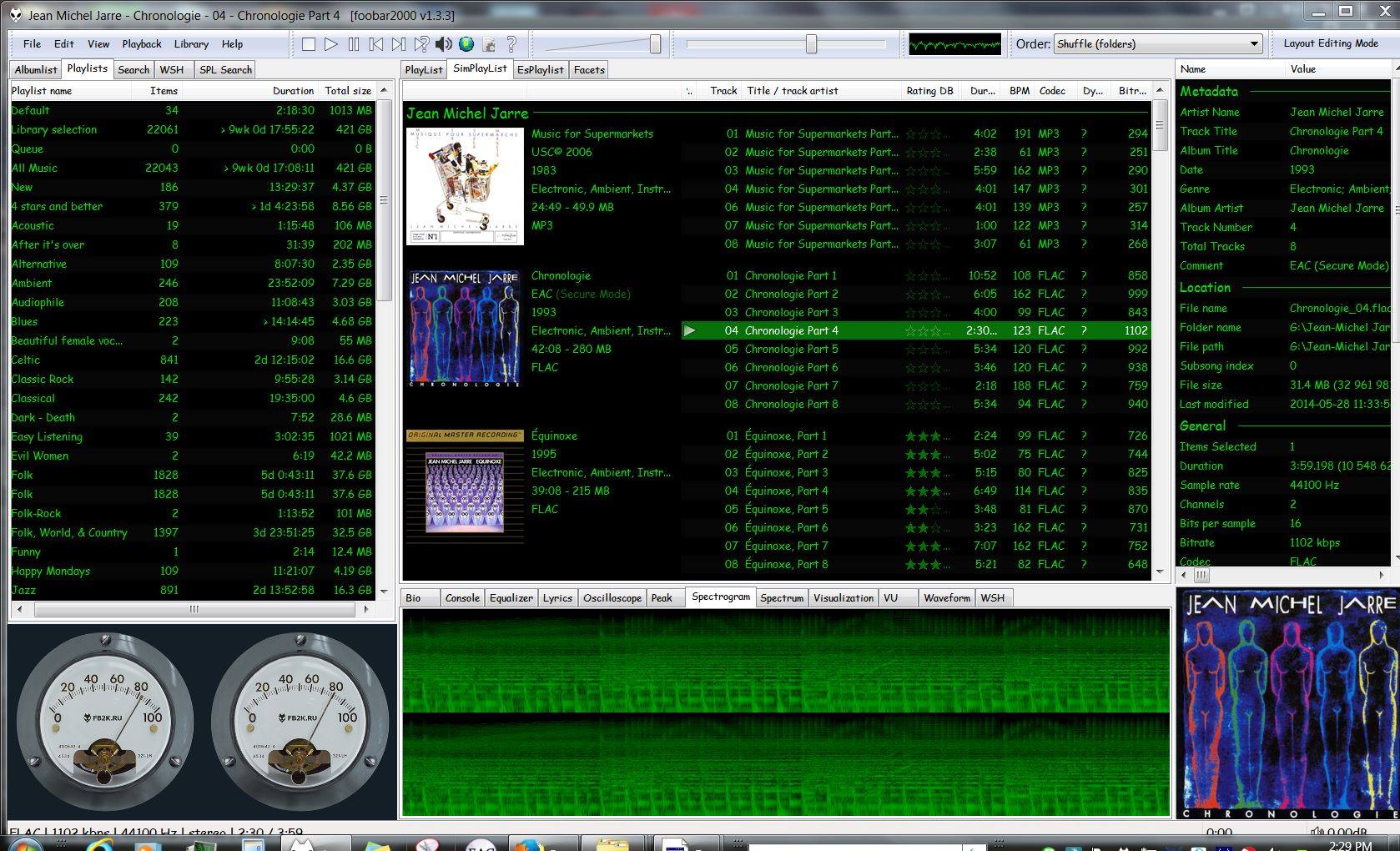
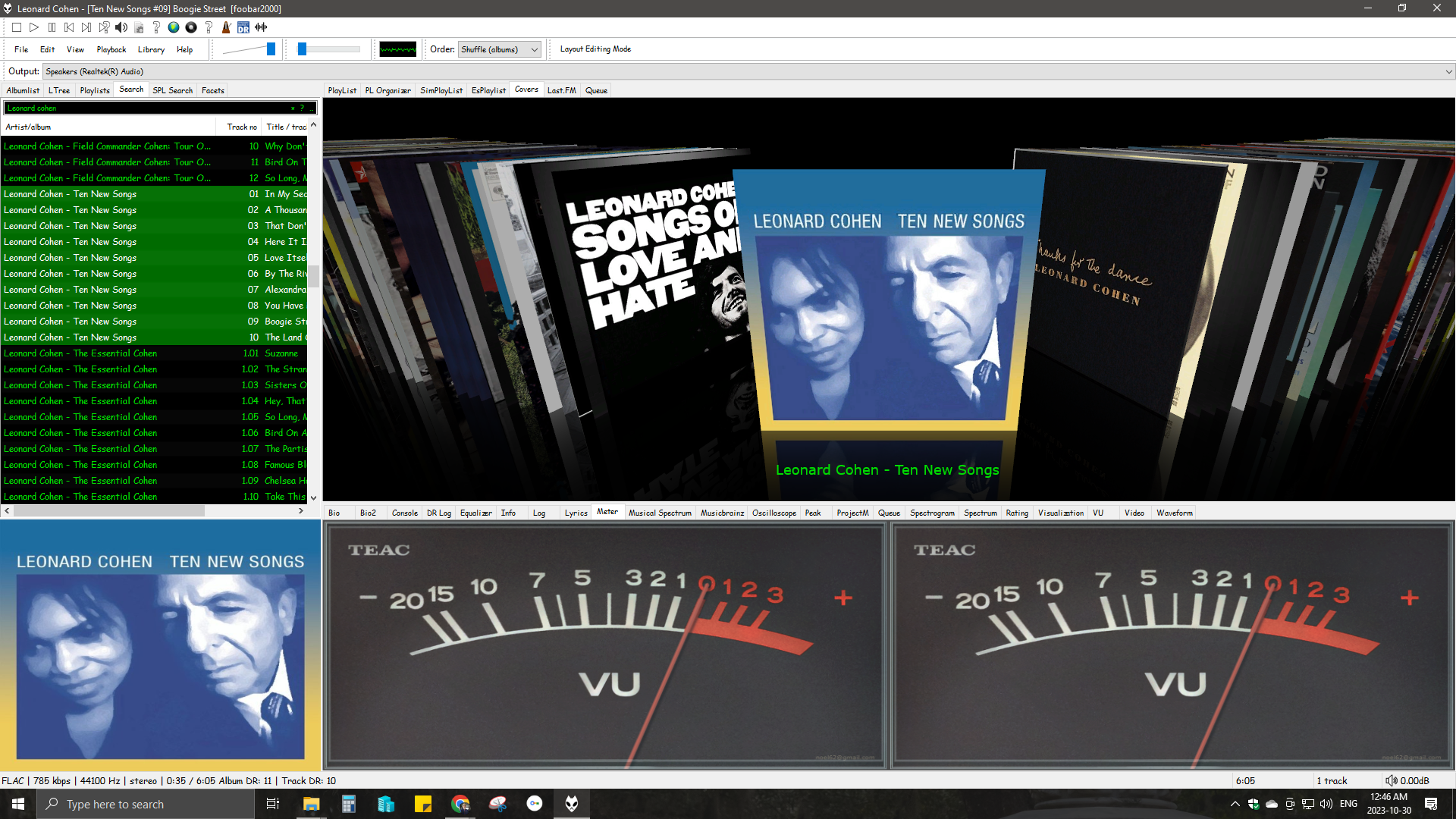
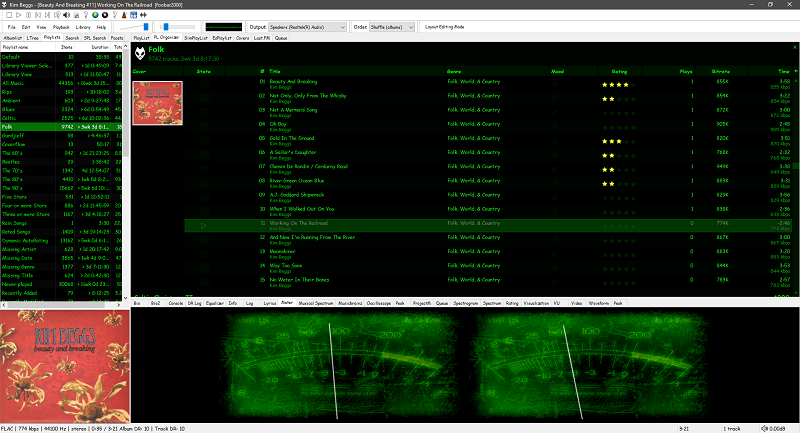
This is the basic Default User Interface or DUI. You will need to configure and extend the DUI Foobar2000 interface according to your preferences and requirements.
Foobar2000 Default User Interface
Features:
Supported audio formats: MP3, MP4, AAC, CD Audio, WMA, Vorbis, Opus, FLAC, WavPack, WAV, AIFF, Musepack, Speex, AU, SND… and more with additional components.
Open component architecture allows third-party developers to extend functionality.
Multiplatform: Android, Mac, Windows 32|64-bit and ARM (ARM64EC).
Interfaces:
Foobar2000 is not limited to the Default User Interface or DUI. There is an alternative popular interface called Columns User Interface or CUI. CUI is most often used for theming or skinning foobar2000. There is also a Classic User Interface but it is rarely used or referenced.
WMP Tag Plus is a plug-in that integrates seamlessly into Windows Media Player to provide library and tagging support for additional music formats. These formats include FLAC, Ogg Vorbis, WavPack, Monkey’s Audio (.ape), Musepack and MPEG-4. Windows Media Player 11 or higher.
MP3 Diags is a GUI-based application that allows end-users to identify issues with their MP3 files, fix some of the issues and make other changes, like adding track information. It also lets you “look inside” an MP3 file.
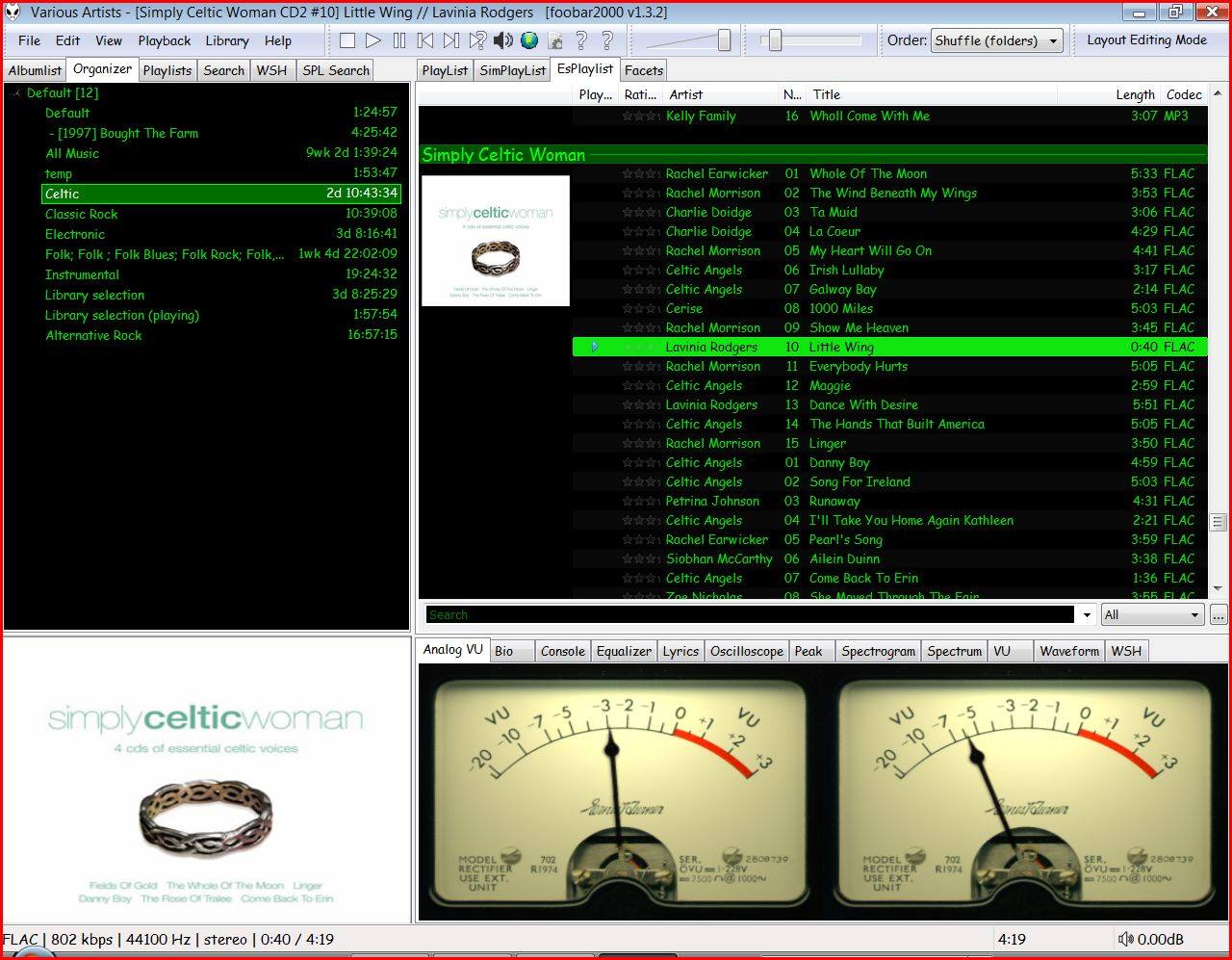
Copy any .bin skin files to the …\AppData\Roaming\foobar2000\user-components\foo_vis_vumeter folder (Shift+File>Browse configuration folder)
Select View > Layout > Enable layout editing mode
Right click the tab area in a panel and select Add New Tab
Right click the new tab and rename it “Analog VU Meter” or whatever
Right click the new display area and select Add New UI Element
Select ‘Analog VU Meter’ from the list (Playback Visualization)
Disable layout editing mode
Group Submenus:
Adding a new subfolder to the …\AppData\Roaming\foobar2000\user-components\foo_vis_vumeter folder creates a listing with that subfolder’s name in the Group submenu. ‘.bin‘ meter files in those subfolders are then accessible via the corresponding group submenu.
Parameters:
Right mouse click on the meter display:
Layout submenu / Horizontal or Vertical / Dual or Single / Mono / Lock Aspect Ratio
Select skin
Preferences > Advanced > Display > VU Meter:
VU meter sensitivity – Default left and right preamp (db): 20 and rise time(s) 0.20s
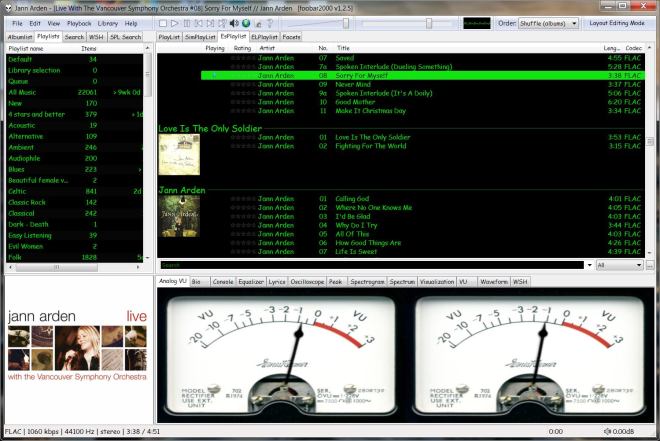
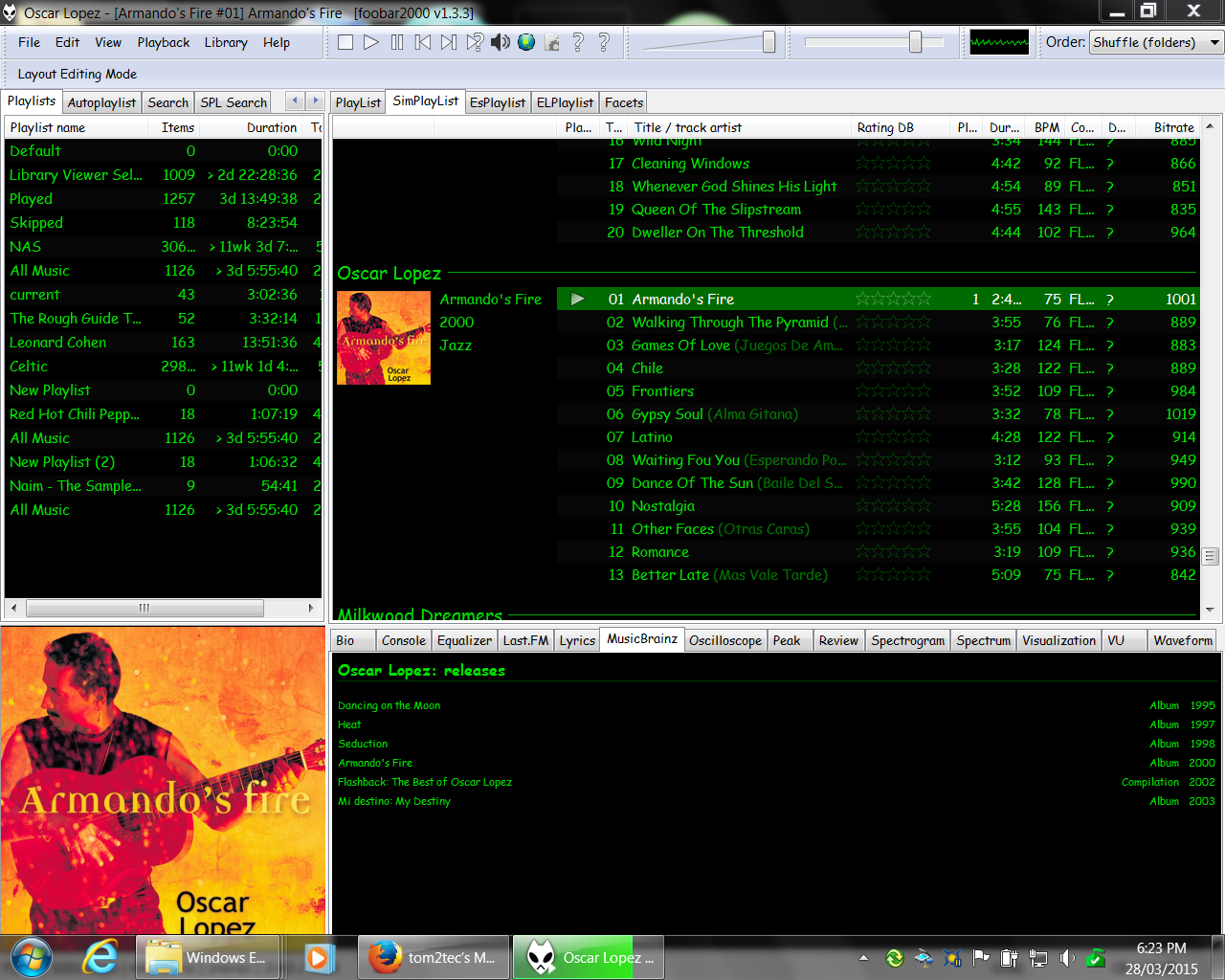
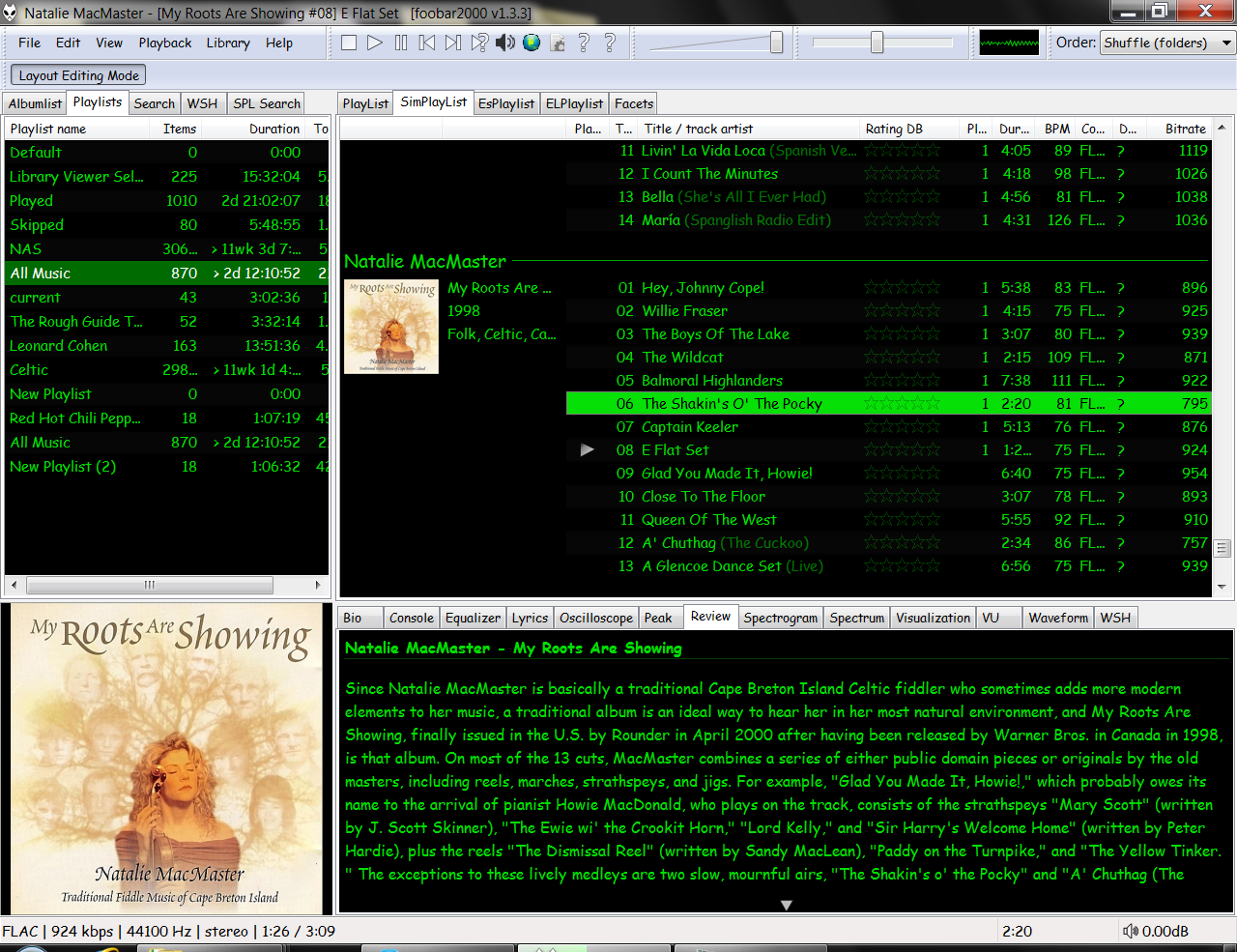
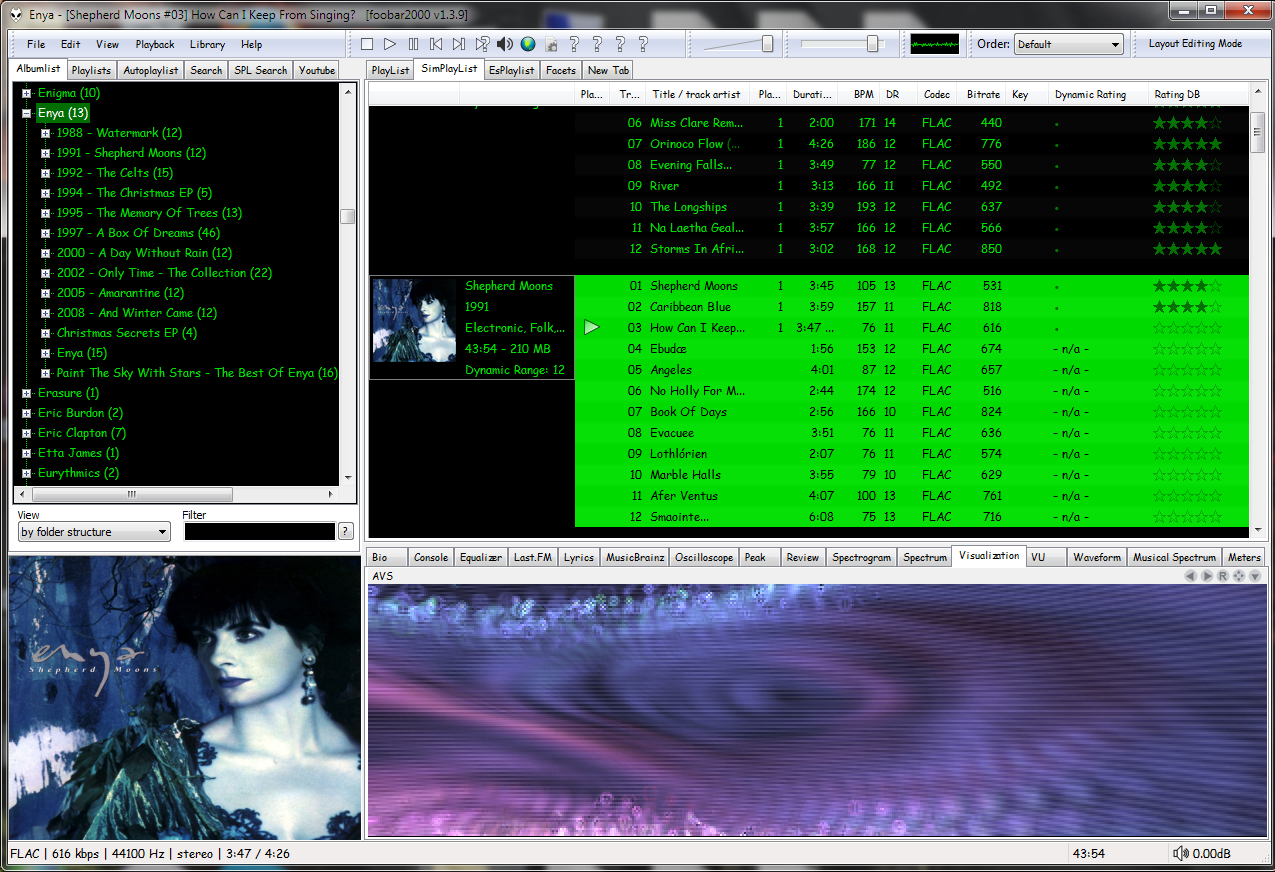
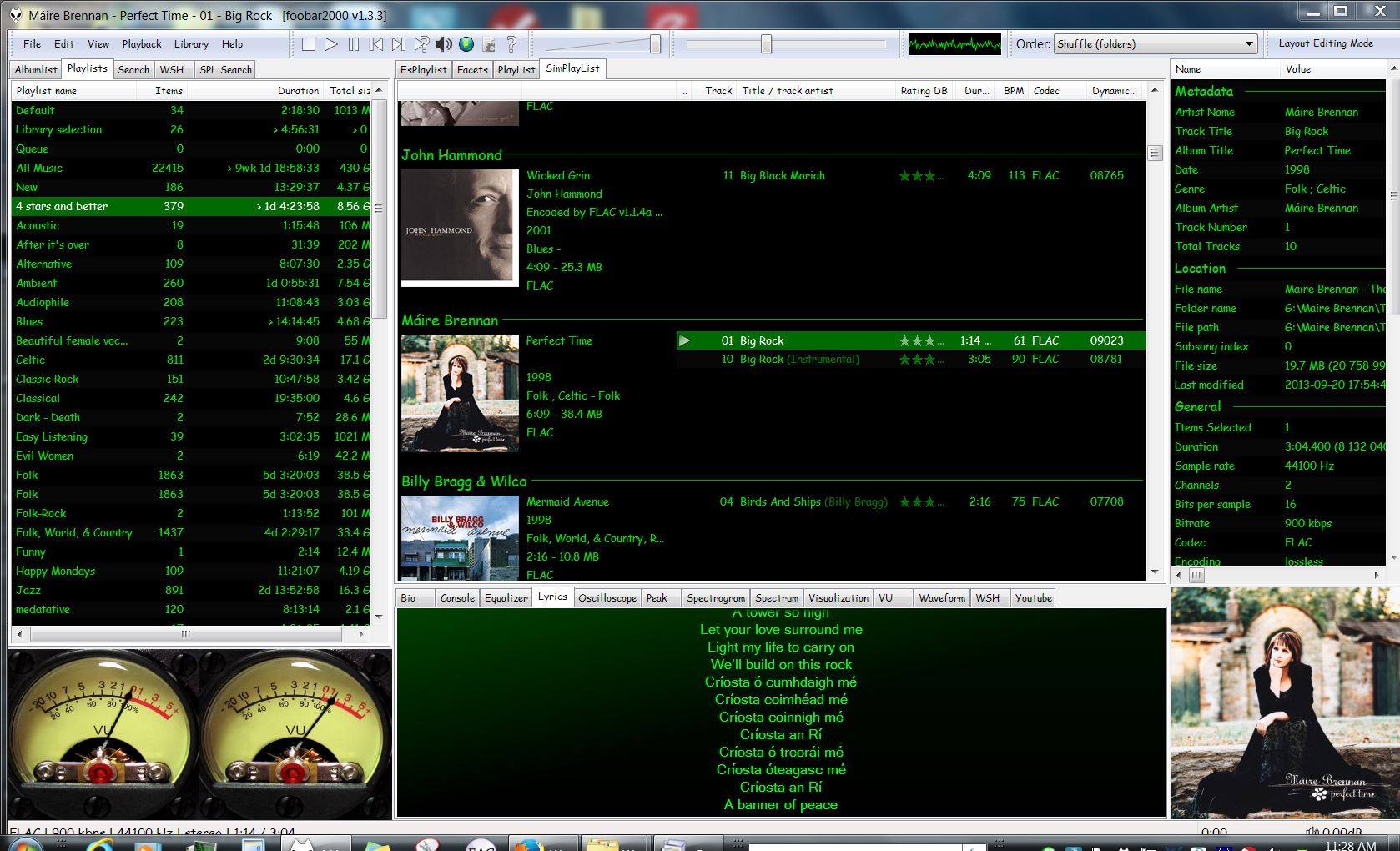
Four Panels & MusicBrainz ReleasesFour Panels – All Music ReviewFour Panels with Dynamic Range & Waveform SeektableDefault User Interface (DUI) – Four panels – Playlist Organizer (foo_plog)Four panels – EsPlaylist – Analog VU metersFour Panels – SimPlaylist – VisualizationsSix panel with lyrics and 4 star or better playlistFour Panel – Seektable WaveformSix Panel – SimPlaylist – Default analog VU metersSix panel – SpectrogramCurrent 4 Panel DUIFour Panel – Playlist Organiser Script








 The Audio File