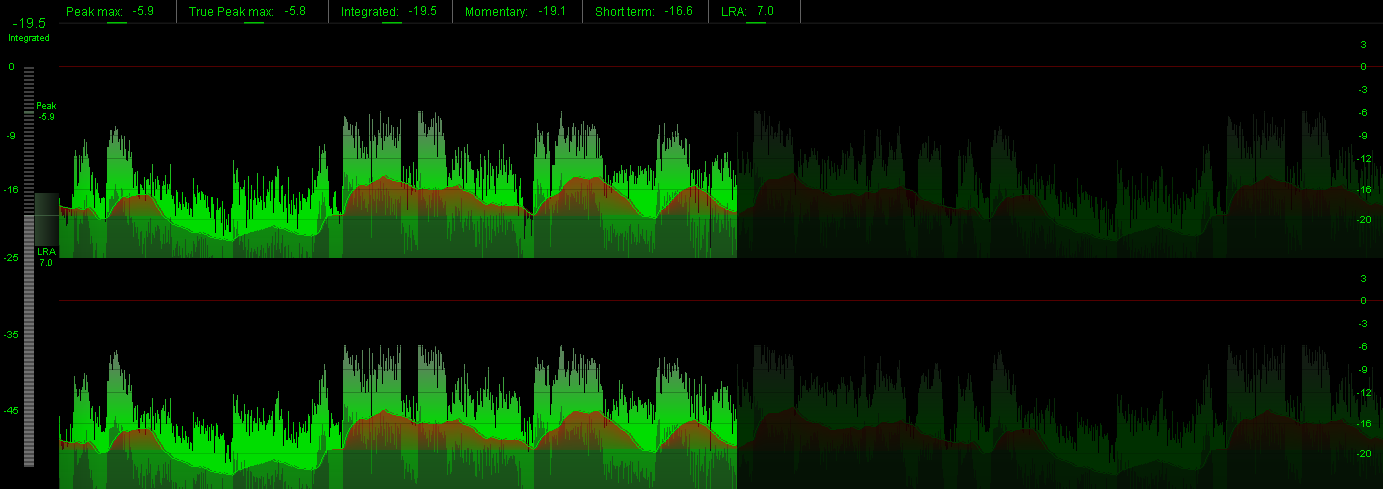
foo_truepeak is a ITU-R BS.1770-5 compliant True Peak scanner. It can also scan ReplayGain, Loudness Range (LRA), Dynamic Range (DR), show the amount of clipping samples and report the position of highest peak.
For users primarily concerned with playback quality and simplicity, foo_truepeak can replace foobar2000’s ReplayGain and DR scanners. It uses modern loudness standards, detects true peaks and can write all relevant tags in a single pass. While its ReplayGain and DR values may not exactly match legacy scanners, they are more appropriate for real-world playback on modern systems.
In foobar2000, open File → Preferences → Components.
Click Install…, select the foo_truepeak.fb2k-component file.
Restart foobar2000 when prompted.
2. Disabling legacy scanners (optional but recommended)
To avoid confusion or duplicate workflows:
Don’t try removing the ReplayGain scanner as it’s built in.
You can uninstall foo_dr_meter and or foo_dynamic_meter.
This keeps foo_truepeak as your single analysis tool.
3. Open foo_truepeak preferences
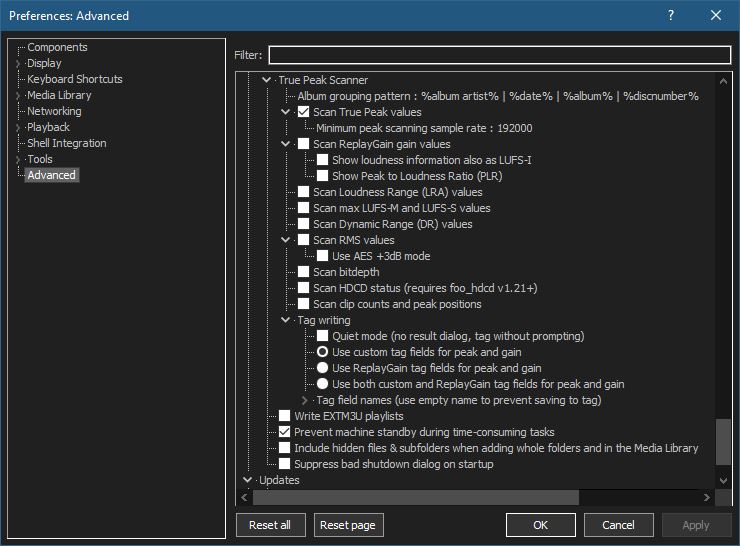
Go to File → Preferences → Advanced →Tools → True Peak Scanner
4. Ensure the following is enabled
✔ Scan True Peak Values
True peak scanning accounts for inter-sample peaks created during digital-to-analog conversion, ensuring that peak levels reflect what a real DAC actually outputs, not just what is stored in the file.
5. Enable ReplayGain scanning
✔ Scan ReplayGain values
Notes:
Gains are derived from EBU R128 loudness, but written as ReplayGain tags.
Peaks are true peaks, not simple sample peaks.
Playback normalization works normally in foobar2000.
6. Enable Dynamic Range scanning
✔ Scan Dynamic Range (DR) values
Notes:
These values are analytical, not official TT DR Meter values.
They are suitable for comparison within your library, not for DR Database submissions.
7. Choose tag writing behavior
✔ Use ReplayGain tag fields for peak and gain
8. Run a True Peak scan
Select a track, tracks or albums in a playlist.
Right-click → True Peak Scan.
You can also create custom buttons on the toolbar for Album or Track scans.
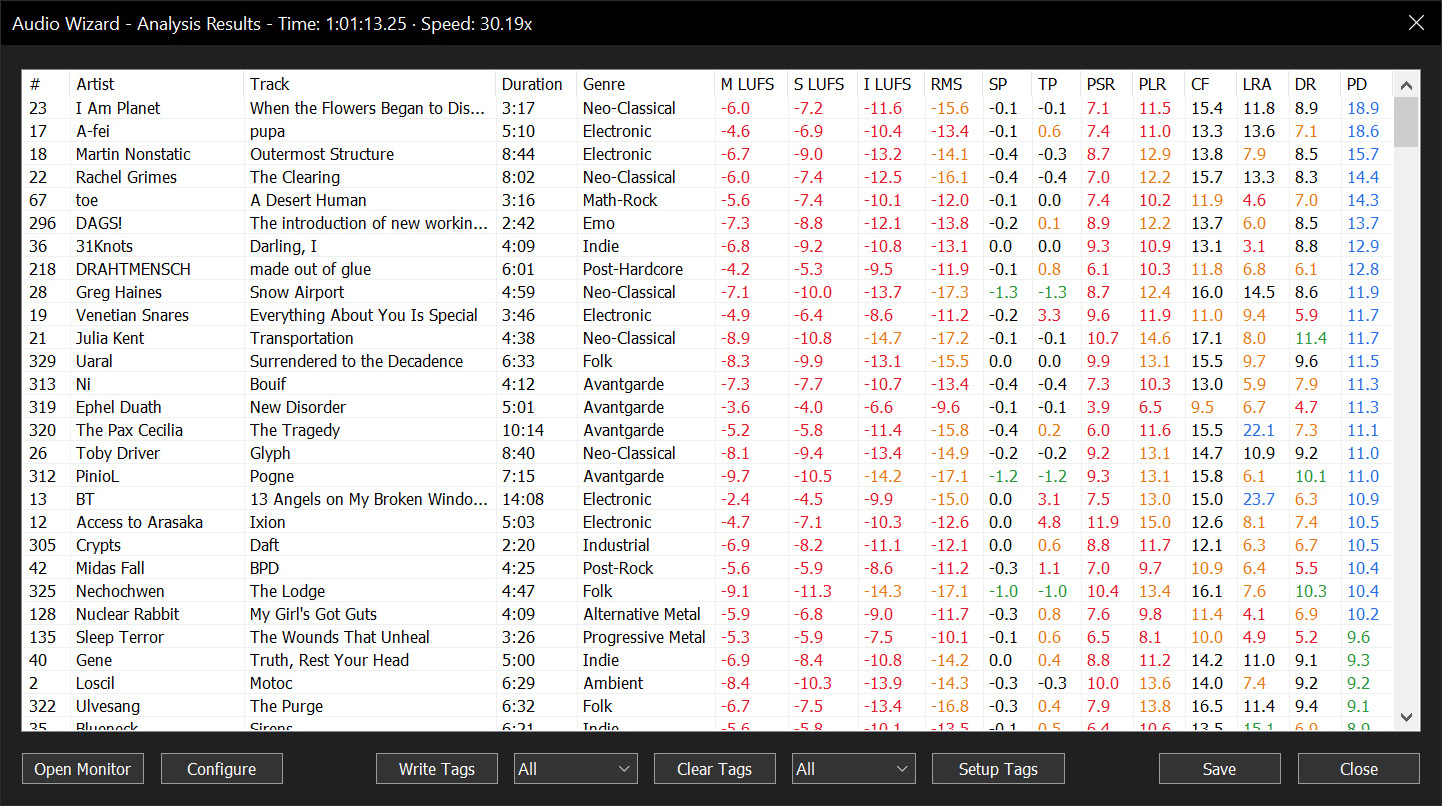
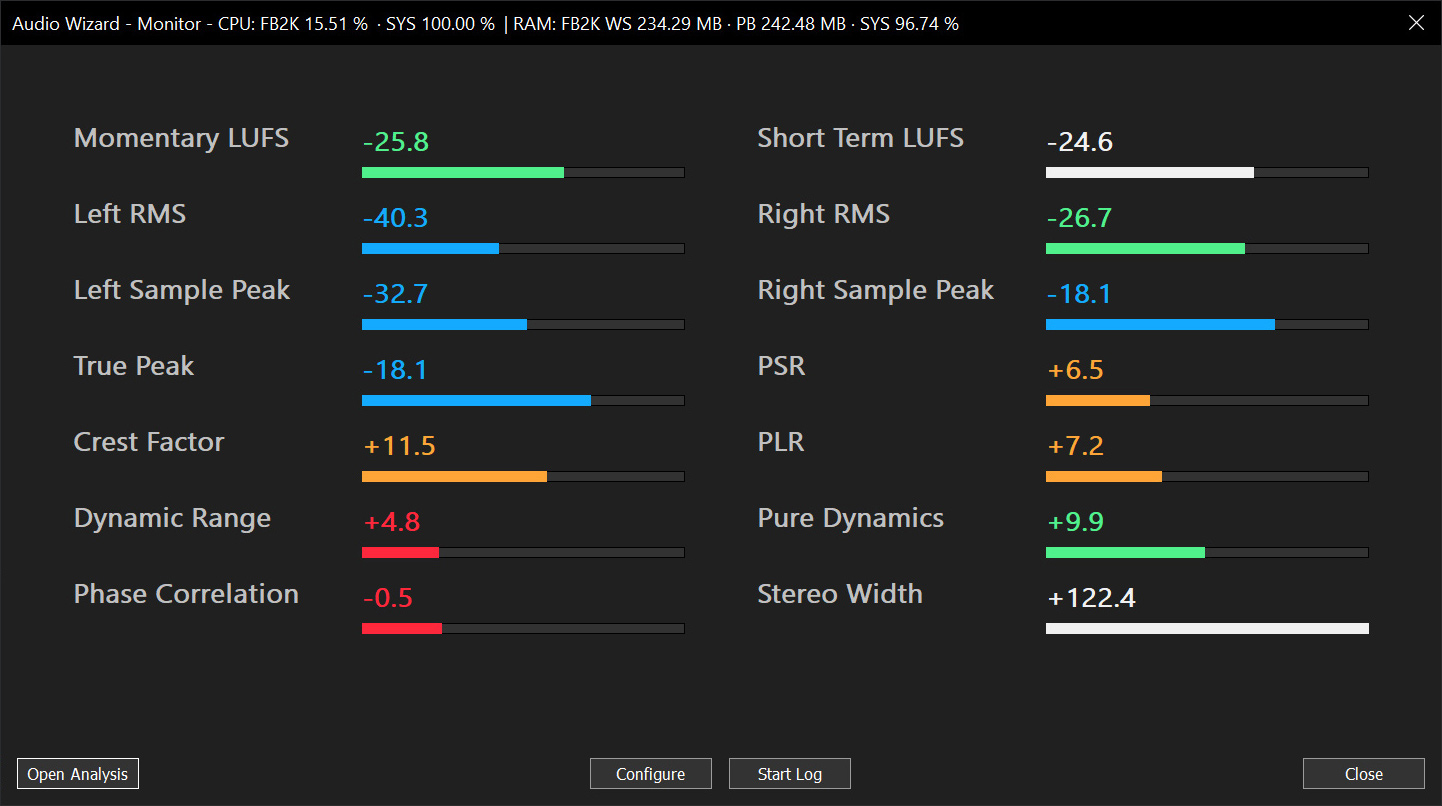
Audio Wizard (foo_audio_wizard) is a fiery chapter of The Wizardium, granting foobar2000 audiophiles and engineers tools for full-track analysis and real-time monitoring. Harness Pure Dynamics for psychoacoustic clarity.
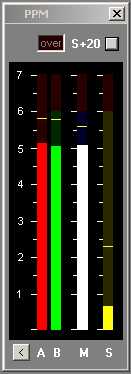
Under-reads very short peaks slightly like a traditional BBC PPM. Fallback ballistics are accurately modelled but the attack time (eg the BBC spec of 2.5dB down for a 10ms burst of 5Khz) is only approximate. Very short peaks such as 1.5ms register -4dB instead of -9dB as per spec. The fallback time from 1 to 7 is in line with BBC specifications, 2.5 to 3 seconds. You may prefer a faster fallback, especially as there are the peak markers, so the fallback time can be adjusted by means of an arbitrary value entered on the options page. A value of 2 corresponds to the BBC PPM spec. Values up to 10 speed up the decay.
Mono matrix can be set to M = (A+B) – 3dB or 6dB. Traditionally the BBC have used M3, though M6 is increasingly used. Channels can be labelled L & R or A & B. Displays Left, Right, Mono (sum) and Stereo (difference) simultaneously.
The peak markers can be set to hold the peak. Click on the window to reset.
There is also a 20dB button. This increases the gain of of the Stereo difference indication by 20dB (10 times). M, L & R are not affected.
The colour of each bar can be set to any colour from the options screen. By default all bars are green but it possible to have, for example, red and green for A and B.
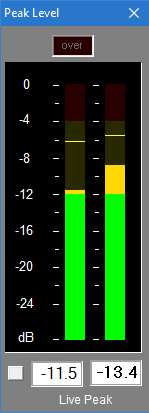
With 0.1dB resolution readout, ideal for accurate steady state measurements or for reading peaks however short.
For Windows XP, Vista, 7 or above. Requires WDM drivers, does not support ASIO.
The button to the left of the readout switches the digital readout to follow the maximum peak markers or the instantaneous ‘live’ peaks. In conjunction with the peak hold feature this enables transient peaks to be read accurately.
Zero is referenced to Full Scale Digital, although this can be modified with the calibration adjustment to provide some headroom as required.
Sample rate can be set to match recording if necessary.
Infinite peak hold setting if required, even across program restarts. Reset by double-clicking meter display.
If you need to run multiple meters monitoring more than one source there is a Multi-Channel Level Meter for up to 24 channels.
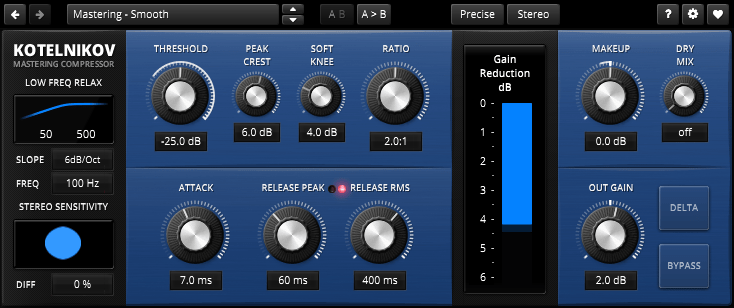
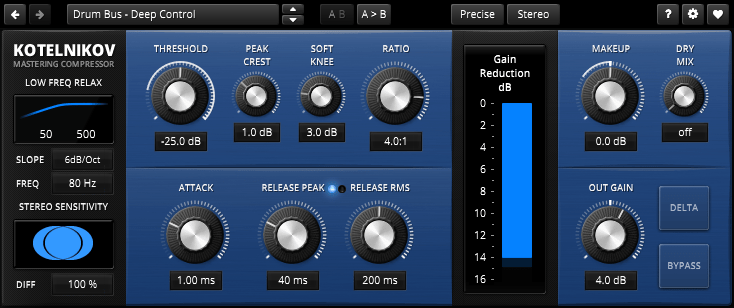
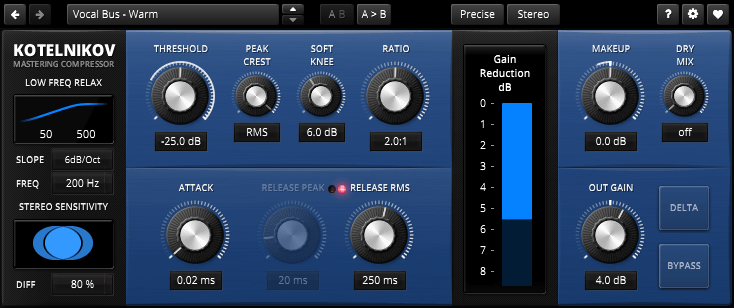
TDR Kotelnikov is a wideband dynamics processor combining high fidelity dynamic range control with deep musical flexibility. As a descendant of the venerable TDR Feedback Compressor product family, Kotelnikov has directly inherited several unique features such as a proven control scheme, individual release control for peak and RMS content, an intuitive user interface, and powerful, state of the art, high-precision algorithms.
With a sonic signature best described as “stealthy”, Kotelnikov has the ability to manipulate the dynamic range by dramatic amounts, while carefully preserving the original tone, timbre and punch of a musical signal. As such, it is perfectly suited to stereo bus compression as well as other critical applications.
The concept is “proudly digital” in the sense that it doesn’t try to emulate any previously existing device. This is the original!
Features:
64bit multi-rate processing structure for highest accuracy
“Delta” oversampled signal path (bit transparent at 0dB gain reduction)
Super fast, yet natural sounding compression
“Crest factor” based control scheme offering independent release controls for peak and RMS events
Flexible sidechain highpass filter
Advanced stereo linking options optimized for the stereo bus
Delta preview mode previews the difference between compressed and original signal
Latency compensated, click free bypass (i.e. processing never interrupted)
Accessible Peak Meter uses real-time sonification to deliver information to the user about audio levels and peaks in audio signals, and so supports core activities in audio production. Accessible Peak Meter 3 is an extended development of Accessible Peak Meter. It adds more meter modes (RMS, EBU, VU/PPM, Truepeak, Dialnorm and Dynamic Range).
Accessible Peak Meter was developed in 2014/2015 at Queen Mary University of London as part of the Design Patterns for Inclusive Collaboration research project ( depic.eecs.qmul.ac.uk ).
USAGE The plug-in comes with the following tweakable parameters:
Sonification Type: to switch between continuous mode , clipping mode and clip tone mode. “Clip tone” sonficates as soon level is above threshold .
Dry: controls the level of the input audio, namely the audio content you want to analyze;
Wet: controls the level of the sonification;
Tone: controls height of the sonification tone in clip tone mode;
Threshold: sets the threshold for the clipping mode, it has no effect on the continous mode
Decay: this only affects the continuous mode sonification. The value ranges from 1 second down to 0.05 seconds. This is the time the meter would take to decay from 0 db to -inf after an impulse. These numbers don’t give a real feeling of how the sonification will sound – it is easier to think that when set to 0.05 the sonification will stop pretty immediately when you stop the audio; whereas if the value is set to 1, it will take longer to decay. In general, though, the latter sounds cleaner and normally the audio level doesn’t go all the way down to silence, as during the decay it encounters other peaks that bring it back up. So it’s up to you to find the right trade off.
DAW sync: if set to “on”, meter reset is synced with DAW start playing. Only applicable for program loudness modes like RMS/EBU/DialNorm IL and PLR
Meter Mode: sets the meter modes. Please to note that all meter modes are calibrated to 0 dBFS, 0 dBTP, 0 LUFS, 0LKFS, 0 VUFS and 0 PPMFS
The AccessiblePeakMeter3 provides access to the parameters by exposing them to inspectors – such as ReaAccess plug-in or the Cakewalk Sonar inspector – in a clear and well formatted way.
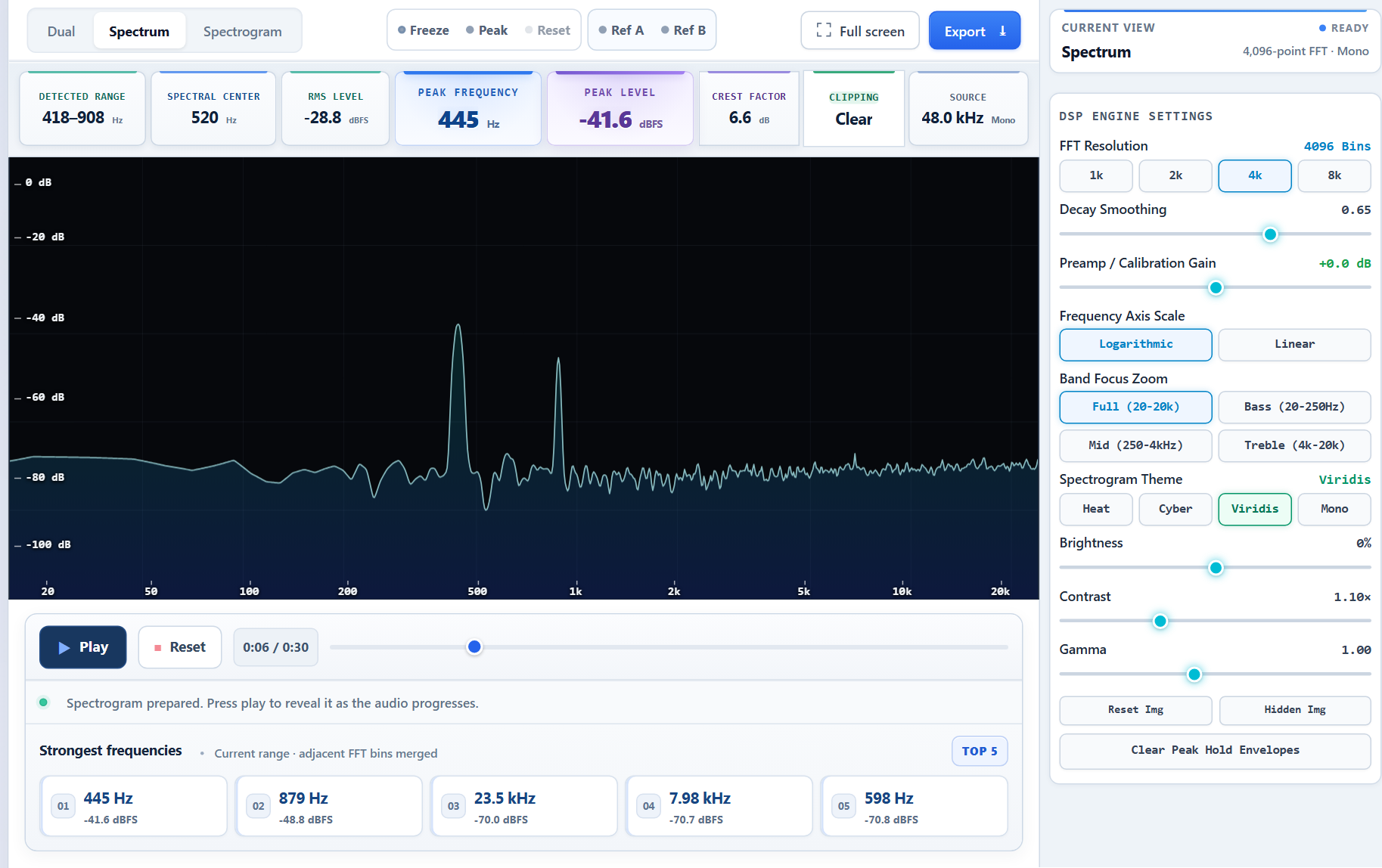
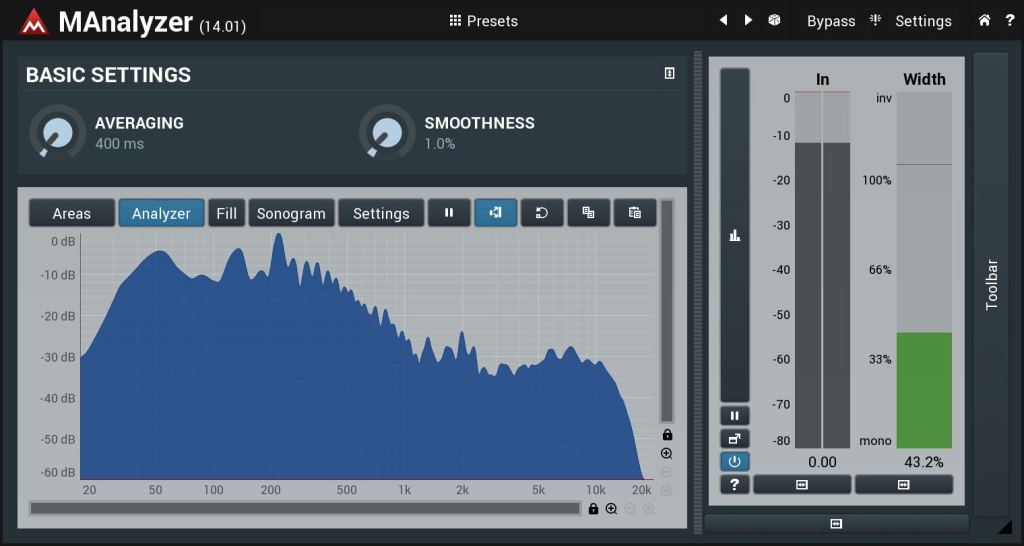
MAnalyzer is an advanced spectral analyzer and sonogram containing unique features such as smoothing, normalization, super-resolution, prefiltering and deharmonization. The included meters provide a peak meter and EBU R128 and ITU-R BS 1770-3 compliant loudness meter.