The ORIGINAL and FIRST Desktop VU-Meter for Rainmeter by HiTBiT-PA.
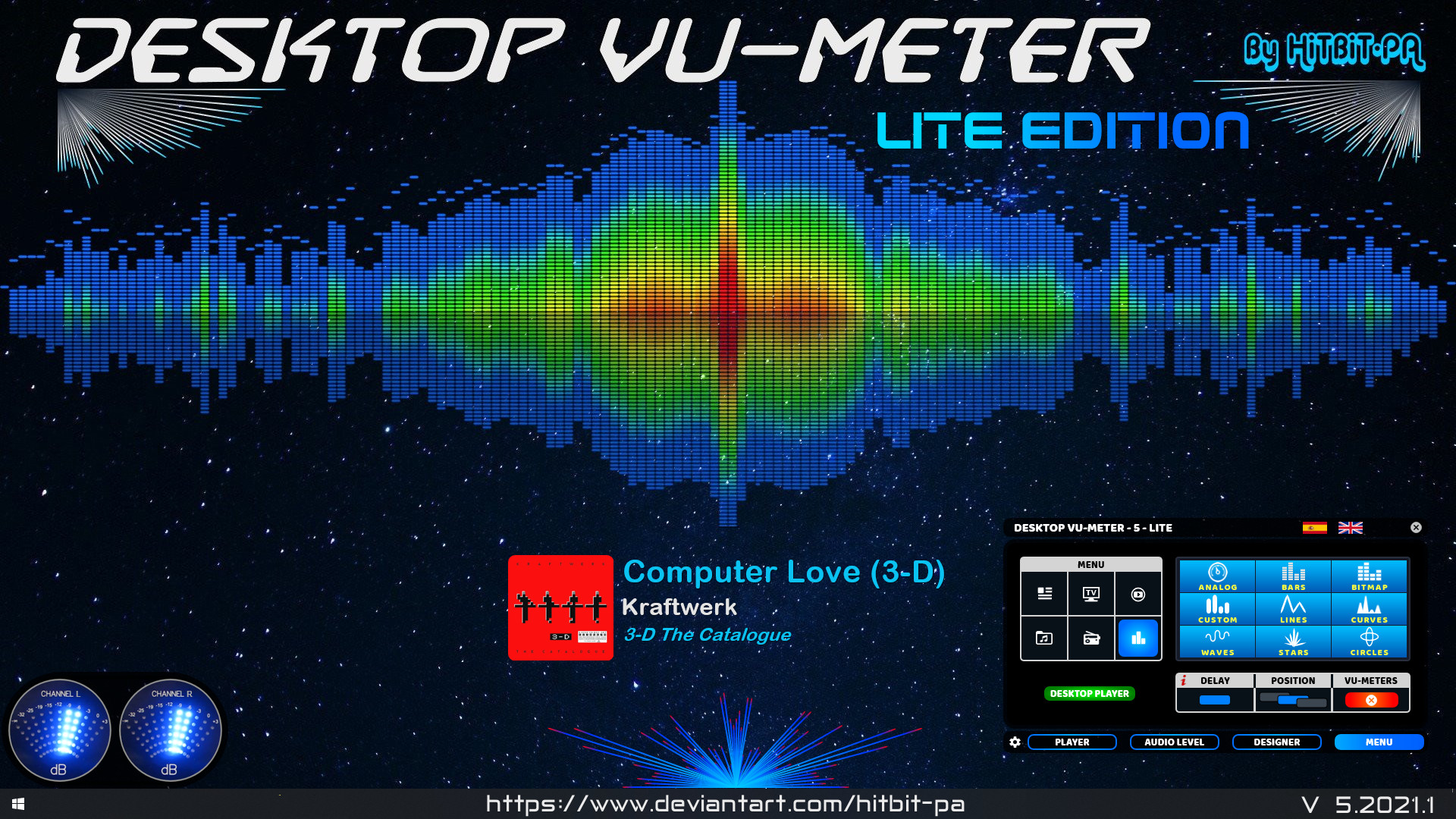
www.deviantart.com/hitbit-pa/art/Desktop-VU-Meter-LITE-edition

The ORIGINAL and FIRST Desktop VU-Meter for Rainmeter by HiTBiT-PA.
www.deviantart.com/hitbit-pa/art/Desktop-VU-Meter-LITE-edition

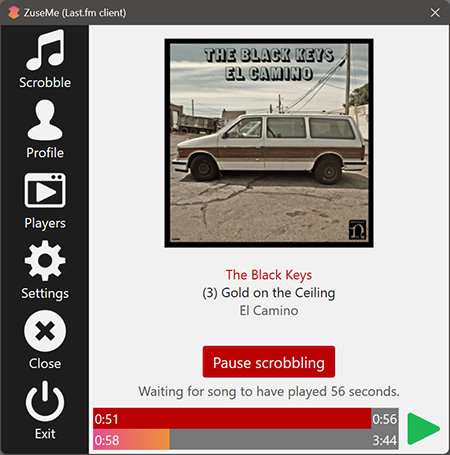
ZuseMe allows you to scrobble songs to Last.fm from players like Groove Music, Media Player (Windows 11) and more.

Windows Media Player Plus! is a free plug-in for Windows Media Player that adds various user interface and playback enhancements.
Features:
- Tag Editor Plus: an alternative for Windows Media Player’s Advanced Tag Editor (screenshot). Tag Editor Plus works on Windows Media Player 12 too, where the original Advanced Tag Editor has been removed.
- Global hotkeys, allowing you to control Windows Media Player from within any running application.
- Party Shuffle: a dynamic playlist that automatically gets filled with randomly picked songs. Of course, you can still add songs yourself, and reorder/remove songs, just like with a normal playlist. Very useful while throwing a party, as a DJ aid, or just for casual listening.
- Real ‘find as you type’ in the media library: you can simply start typing to search, without having to click on the Search field first.
- Disc number (‘set’) support in the media library: shows disc numbers in the Track number column and makes Windows Media Player use the disc numbers for sorting the tracks of an album (screenshot).
- Access the standard Explorer right-click menu of a media file directly from within Windows Media Player (screenshot).
- Restore last active playlist, media item, and playback position at Windows Media Player startup.
- Show currently playing media in Windows Media Player’s title bar (screenshot).
- Advanced playback options: Stop after current and Close after current, to automatically stop playback or close Windows Media Player when the current media has ended (screenshot).
- Let Windows Media Player play/pause when you press the space bar.
- Disable group headers in the Library Pane (screenshot).
- Enhanced and configurable replacement of the Windows Live Messenger Music plug-in (What I’m Listening To) (screenshot).
- Show currently playing media in Skype’s mood message.
- Access the properties/settings of any Windows Media Player plug-in from within the main menu (Tools – Plug-in properties), without having to go to Options first (screenshot).
- Bring back the “Find in library” right-click option of older versions of Windows Media Player to Windows Media Player 12.
- “Play next” option when right-clicking a media item in Windows Media Player 11’s library (Windows Media Player 12 already has this by default).
- Quickly re-enable all plug-ins after a Windows Media Player crash (screenshot).
Windows Media Player Plus! supports Windows Media Player 12 on all recent releases of Windows.
bmproductions.fixnum.org/wmpplus

CD-Text is an extension of the audio CD standard that allows you to store additional information on an audio CD, such as album name, album artist and track info. Many audio players like Winamp and RealPlayer can read CD-Text but Windows Media Player has never supported it. Until now, because the WMPCDText plug-in allows Windows Media Player to read CD-Text.
WMPCDText provides an option to automatically read CD-Text from unrecognized audio CDs. Alternatively, you can right-click on a CD track in Windows Media Player’s Now Playing mode while a CD is playing, and select Read CD-Text.
WMPCDText especially comes in handy when using Windows Media Player for playing home-made audio CDs. Before WMPCDText, you would have to insert all the track information of such a CD manually into Windows Media Player. Now, just make sure that the CD-Text information is burned onto the CD, play the burned CD with Windows Media Player, and WMPCDText will automatically read the track information from the CD itself and insert it into the Media Library.
bmproductions.fixnum.org/moreprogs/wmpcdtext

WMP Tag Support Extender expand support of artist, title, etc. (“metatags”) information in Windows Media Player.
It adds support of APE tag format (read & write), FLAC MetaData (read & write), OGG Vorbis Comments (read-only), and MPEG4 ‘meta’ atom (read-only).
You can then extract the information save in your files and modify it directly in Media Library.
No need to use an external program, you manage your library with just ONE tool !
It supports:
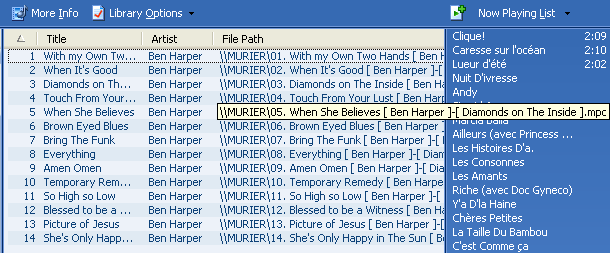

ASIOWmpPlg is a Windows Media Player plugin that plays incoming audio through a user-selectable ASIO device. The Windows Media Center application is also supported.
sourceforge.net/projects/asiowmpplg

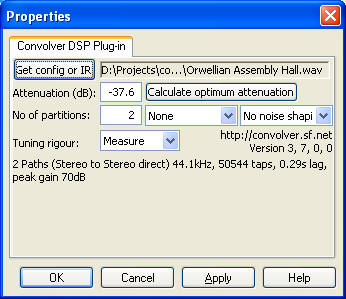
Convolver is an open source, high performance Windows application for applying finite impulse response (FIR) filters to multi-channel digital audio in the form of
- a real time DSP audio plug-in (DMO) for Windows Media Player. The install package also contains
- two DirectX / DirectShow filter versions — ConvolverWrapper or the equivalent ConvolverFilter — for Adobe Audition and real time applications such as Zoom Player Pro, TheaterTek 2.2, Windows Media Player Classic, J.River Media Center (when used with the DirectX host plug-in), or Console. See the setup walkthrough for ZoomPlayer after reading this page for further details. In many cases the DMO will also work.
- a VST plug-in version (convolverVST). Finally, there are a number of
- command line applications for testing performance, and convolving files offline, for example. convolverPipe can filter SlimServer playback.
Convolver will take a set of FIR filter files (sound files) and convolve them with sound paths mixed from the input channels, mixing the results into a set of specified output channels.
convolver.sourceforge.net
Download
Documentation

WMP Tag Plus is a plug-in that integrates seamlessly into Windows Media Player to provide library and tagging support for additional music formats. These formats include FLAC, Ogg Vorbis, WavPack, Monkey’s Audio (.ape), Musepack and MPEG-4. Windows Media Player 11 or higher.
bmproductions.fixnum.org
hydrogenaud.io/index.php?topic=80263.0

 The Audio File