A plugin to use BruteFIR software convolution engine with Slim DevicesSqueezeCenter clients for Digital Room Correction. Provides transparent automatic switching of filters for different sample rates. Filter creation can be done with DRC, Audiolense, Acourate or other DRC software.
An optional loudness correction using the digital volume control can be applied. The loudness features uses SoX loudness that is based on the ISO 226 curves.
Features:
On the fly digital room correction for LogitechMediaServer (formerly SqueezeBoxServer)
Automatic selection of filter for samplerate
Loudness correction via digial volume control using ISO 226
Resampling of filter for samplerate if none exists
Gapless playback
removal of silence in music
Application of ReplayGain with and without loss of bit depth/resolution
R128GAIN is a FFmpeg and SoX based EBU R128 compliant loudness scanner. It helps you normalizing the loudness of your audio and video files to the same level.
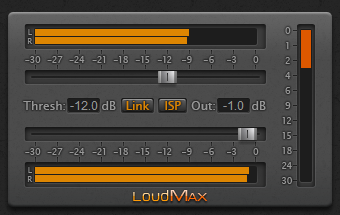
LoudMax is a Look-Ahead Brickwall Loudness Maximizer Plugin with a clean transparent sound. It is designed to retain the original character of the music as much as possible even at high compression levels.
Features:
True Peak Limiting (Further information for ISP below)
Supported Samplerates: 2kHz – 384kHz
Latency: 1.25ms (+ 6 samples with ISP)
Look-Ahead and Attack Time: 1.25ms
Release Time: Automatic – depending on the input signal
Wok Loudness simulates the loudness button on old HiFi amps, which alters the frequency response curve to correspond roughly with the equal loudness characteristic of the ear at lower volumes.
The level of high and low frequencies is increased at low listening levels, to compensate for the fact that as the volume of audio decreases, the ears lower sensitivity to extreme high and low frequencies may cause these signals to fall below threshold. As a result audio material may seem to become ‘thin’ sounding at low volumes, losing bass and treble, the ‘Loudness compensation’ button (often just labelled ‘Loudness’ or ‘Loud’) is intended to rectify this situation.
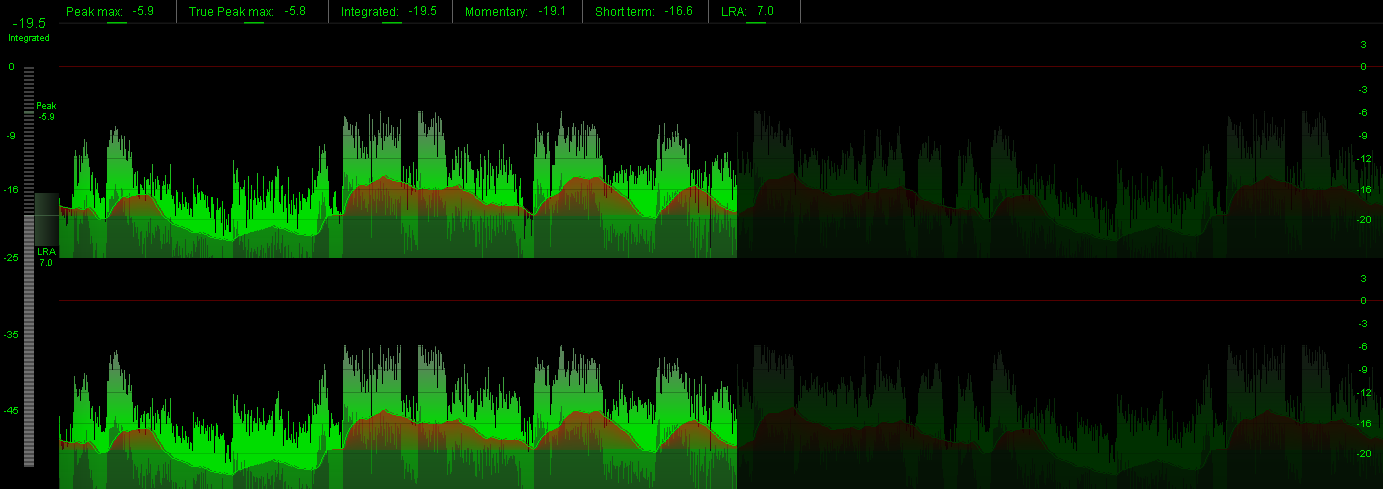
loudgain is a versatile ReplayGain 2.0 loudness normalizer, based on the EBU R128 / ITU BS.1770 standard (-18 LUFS) and supports FLAC / Ogg / MP2 / MP3 / MP4 / M4A / ALAC & Opus audio files. It uses the well-known mp3gain command line syntax but will never modify the actual audio data.
Just what you ever wanted: the best of mp3gain, ReplayGain 2.0 and Linux combined. Spread the word!
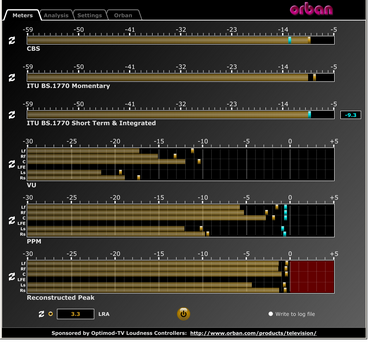
This software simultaneously displays instantaneous peaks, VU, PPM, CBS Technology Center loudness, and ITU BS.1770 loudness. All meters include peak-hold functionality that makes the peak indications of the meters easy to see.
The software accepts two-channel stereo inputs. The VU and PPM meters are split to indicate the left and right channels. The PPM meter also displays the instantaneous peak values of the L and R digital samples. ~ Hydrogen Audio











 The Audio File