lowhum ~ Deep Brown Noise For Focus


Deep brown noise for focus, for the macOS menu bar. 

Single-purpose menu bar app that generates deep brown noise locally and plays it on loop. Install it, click play, forget about it. Cumulative-sum brown noise through a Butterworth bandpass (1 to 500 Hz, 20 Hz sub-bass highpass), RMS-normalized per chunk, crossfaded at boundaries. Everything is stored in ~/.lowhum/. Playback streams through PortAudio via memory-mapped files, so the full WAV never sits in RAM. The app polls audio devices every 2 seconds and stops instantly if headphones disconnect or a Bluetooth device drops.

Menu bar controls

The menu bar icon is a template image, so macOS handles dark/light mode automatically. Further, use it for:

  • Play / Stop from the menu bar
  • Pick any connected audio device from the Output Device submenu
  • Noise color selection (brown, pink, white)
  • Auto-stops when headphones connect or disconnect

Requires macOS and Python 3.12+.

lmarkmann.github.io/lowhum
github.com/lmarkmann/lowhum

References:

en.wikipedia.org/wiki/Brownian_noise

Aceforge ~ AI Music Workstation


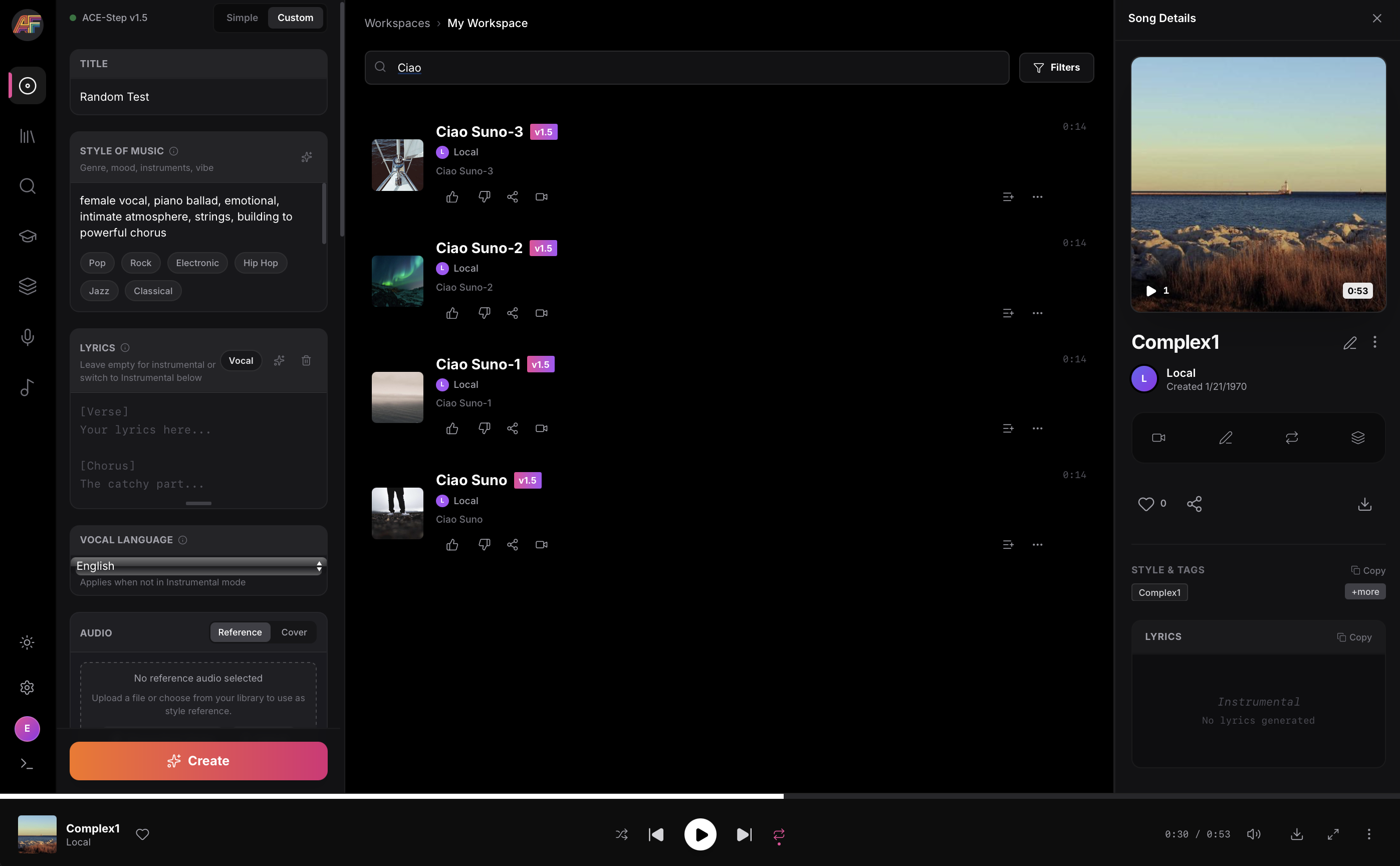
AceForge is a local-first AI music workstation for macOS Silicon powered by ACE-Step

Features:

  • .100% Local (only needs to download models once)
  • Music Generation with ACE-Step prompts
    • Use Stem separation to rebalance vocals vs instrumentals
    • Use existing Audio as reference (optional)
    • Train ACE-Step LoRAs from your own datasets
      • Mass-create _prompt.txt / _lyrics.txt files
      • Auto-tag datasets using MuFun-ACEStep (experimental)
  • Stem Splitting using Demucs for high-quality audio separation
  • Voice Cloning TTS using XTTS v2
  • MIDI Generation using basic-pitch for audio-to-MIDI transcription
  • Embedded Music Player to explore generation catalog
  • Manage and reuse prompt presets

github.com/audiohacking/AceForge

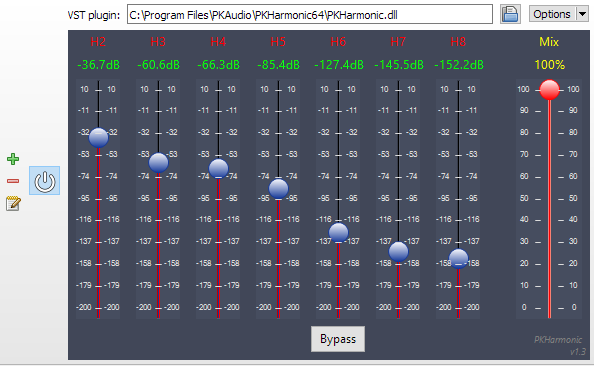
PKHarmonic VST Plugin ~ Audiophile Harmonics Generator


distortaudio.org/pkharmonic

MeasureLab ~ Audio Measurement Suite


A collection of DIY audio measurement and analysis tools, grown organically as needed. This software is compatible with standard audio devices.

PyQt6 desktop app bundling 28+ DIY modules: signal generator, spectrum/PSD analyzer, sound level & LUFS meters, loopback finder, distortion/IMD tools, network/impedance analyzers, oscilloscope, spectrogram, ultrasound modulator, transient analyzer, lock-in/FRA, inverse filter, frequency counter, recorder/player, sound quality analyzer, noise profiler, boxcar averager, goniometer, BNIM meter (ITD/ILD neural map), HRTF Player, and more.

Built for hobbyists and engineers: device routing, calibration (input/output/SPL), multi-language UI, light/dark themes.

github.com/youtube-at-vach/MeasureLab
youtube-at-vach.github.io/MeasureLab

VB Generator ~ Freeware LE Generator


Transform your PC into an LF Generator

Generate Sinus, Pulse, Noise, Sweep and more…

vincent.burel.free.fr/download/index
vb-audio.pagesperso-orange.fr/us/products/generator/generator

VirtuoZo! ~ Find Scales, Chords & Generate Music


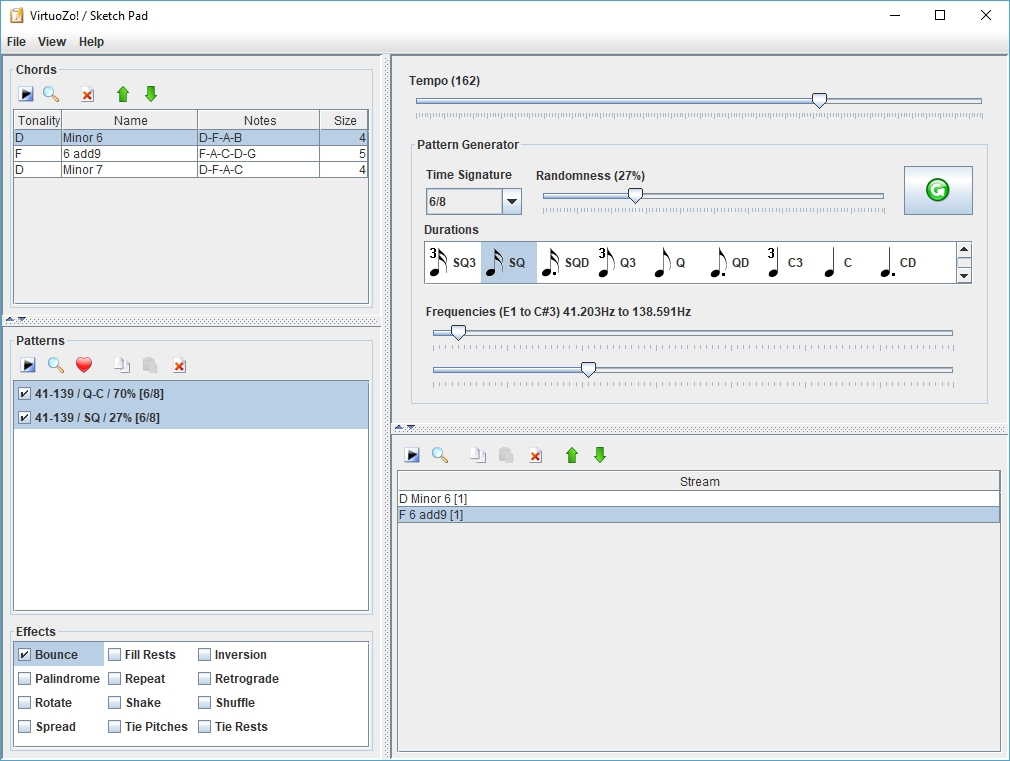
This software can be used to search scales & chords from a large and expandable database (XML). Thanks to the jmusic project (jmusic.sourceforge.io), this is also possible to generate music starting from these scales & chords and export the result to MIDI file.

Features:

  • Scales & chords finder
  • Music generator (MIDI)

sourceforge.net/projects/virtuozo

Sine Generator ~ Windows Sine & Tone Generator


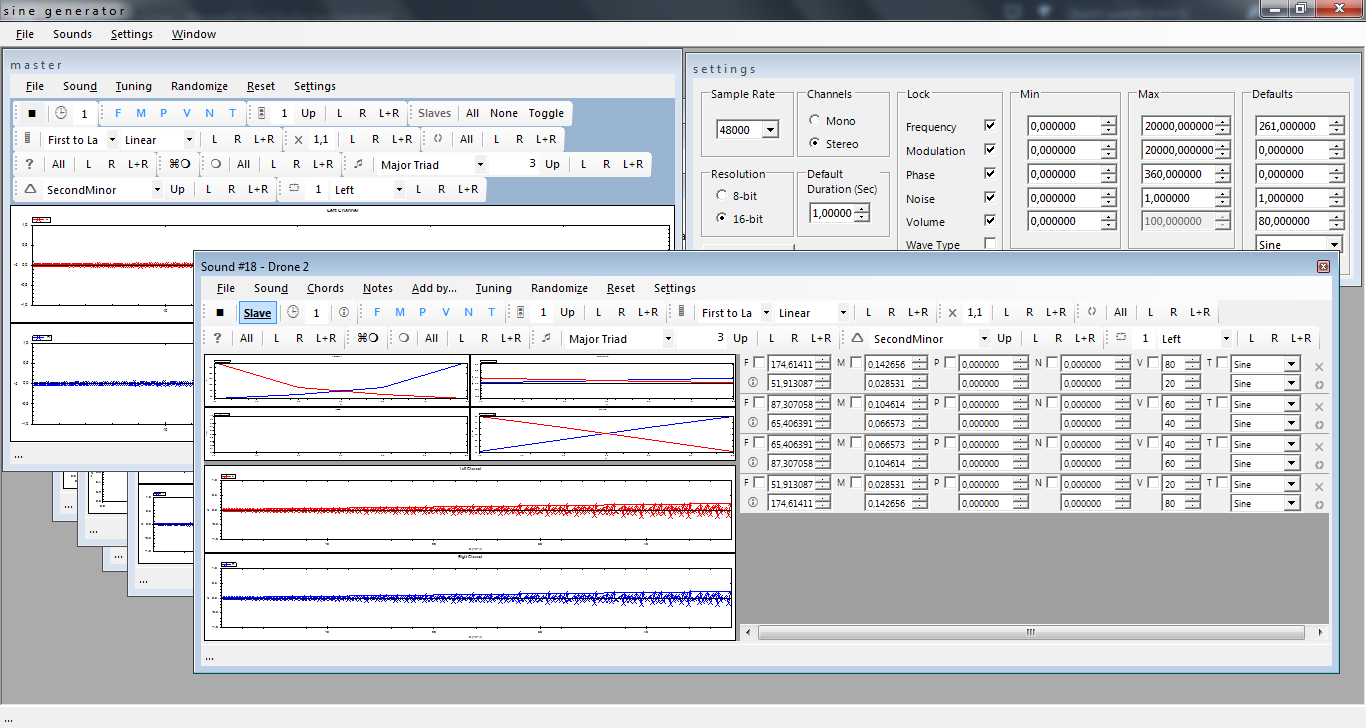
Sine generator combines individual sine or square waves into a single waveform. Parameters are frequency, frequency modulation, noise, phase, volume and wave type.

Features:

  • sine generator
  • tone generator
  • wav file output

sine_generator

sourceforge.net/projects/sinegenerator

Gnaural ~ Entrain Your Brain!


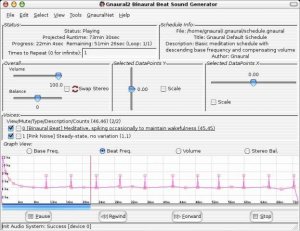
A programmable audio generator intended as an aural aid to meditation, implementing the binaural beat principle as described in Gerald Oster’s Oct. 1973 Scientific American article “Auditory Beats in the Brain.”

gnaural

sourceforge.net/projects/gnaural

Audio Frequency Signal Generator ~ Windows Tone Generator


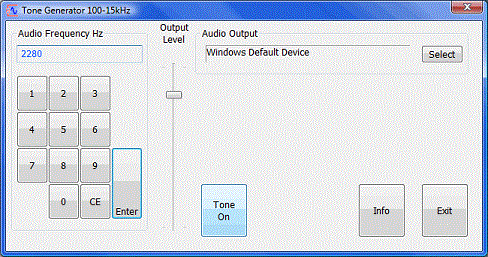
Uses your PC sound card to create audio frequencies in the range 100 to 15000 Hz.

Tone Generator

www.ringbell.co.uk/software/audio