foo_input_usf ~ Foobar Plays Nintendo 64


foo_input_usf is an input plugin for Foobar2000.

USF is a format which allows emulation of the sound of an Nintendo 64, which would allow (almost) perfect replication of the music in games. USFs are then played through a player, with a suitable plugin, which allows it to be played.

https://www.foobar2000.org/components/view/foo_input_usf

foo_jesus ~ Saves Foobar2000 Configurations


One of the first Foobar components to consider installing is foo_jesus. This component automatically saves your current configuration and creates backup copies on a regular basis. If you have a problem, or a regret, you can easily restore Foobar to an earlier state.

Adds submenu: File>Preferences>Advanced>Autosave & Autobackup
Backs up to: \Users\username\AppData\Roaming\foobar2000\autobackup

www.foobar2000.org/components/view/foo_jesus
Discussion ~ Hydrogen Audio

Superseded by github.com/regorxxx/AutoBackup-SMP

AccurateRip ~ Accurate Digital Audio Extraction


AccurateRip™ furthers audio CD ripping by verifying ripped tracks against an Internet database, making sure they are error free.

www.accuraterip.com

Software supported:

Resources:

de.wikipedia.org/wiki/AccurateRip

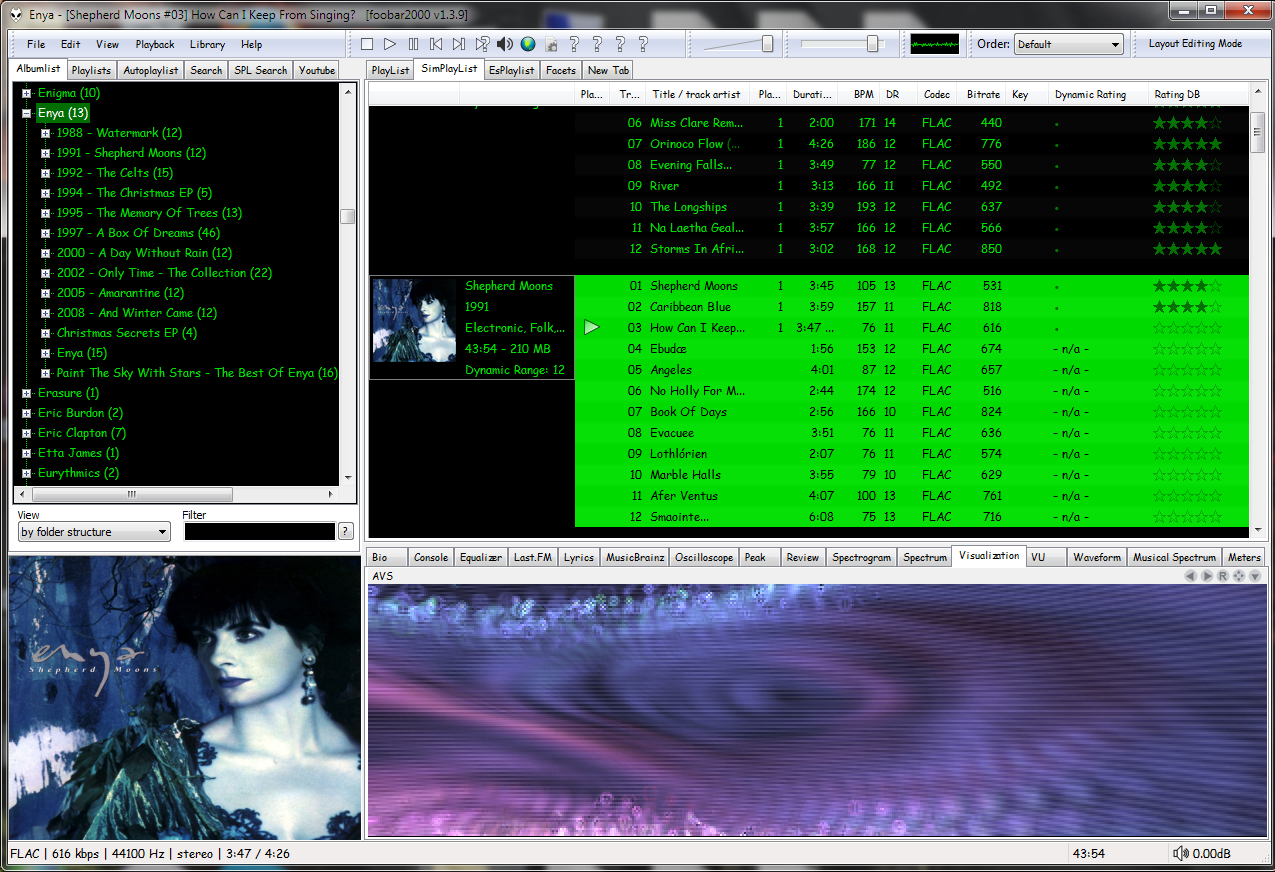
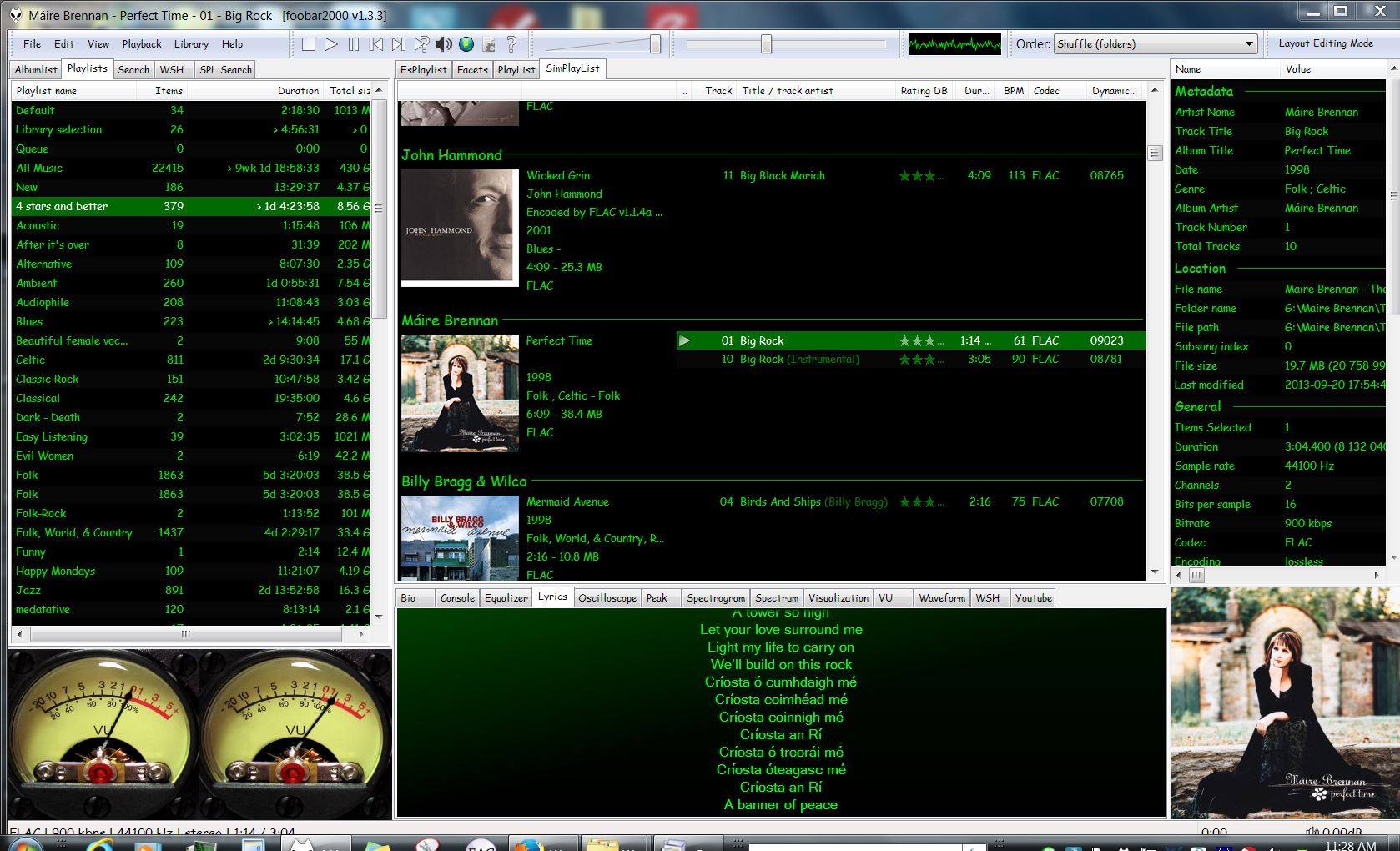
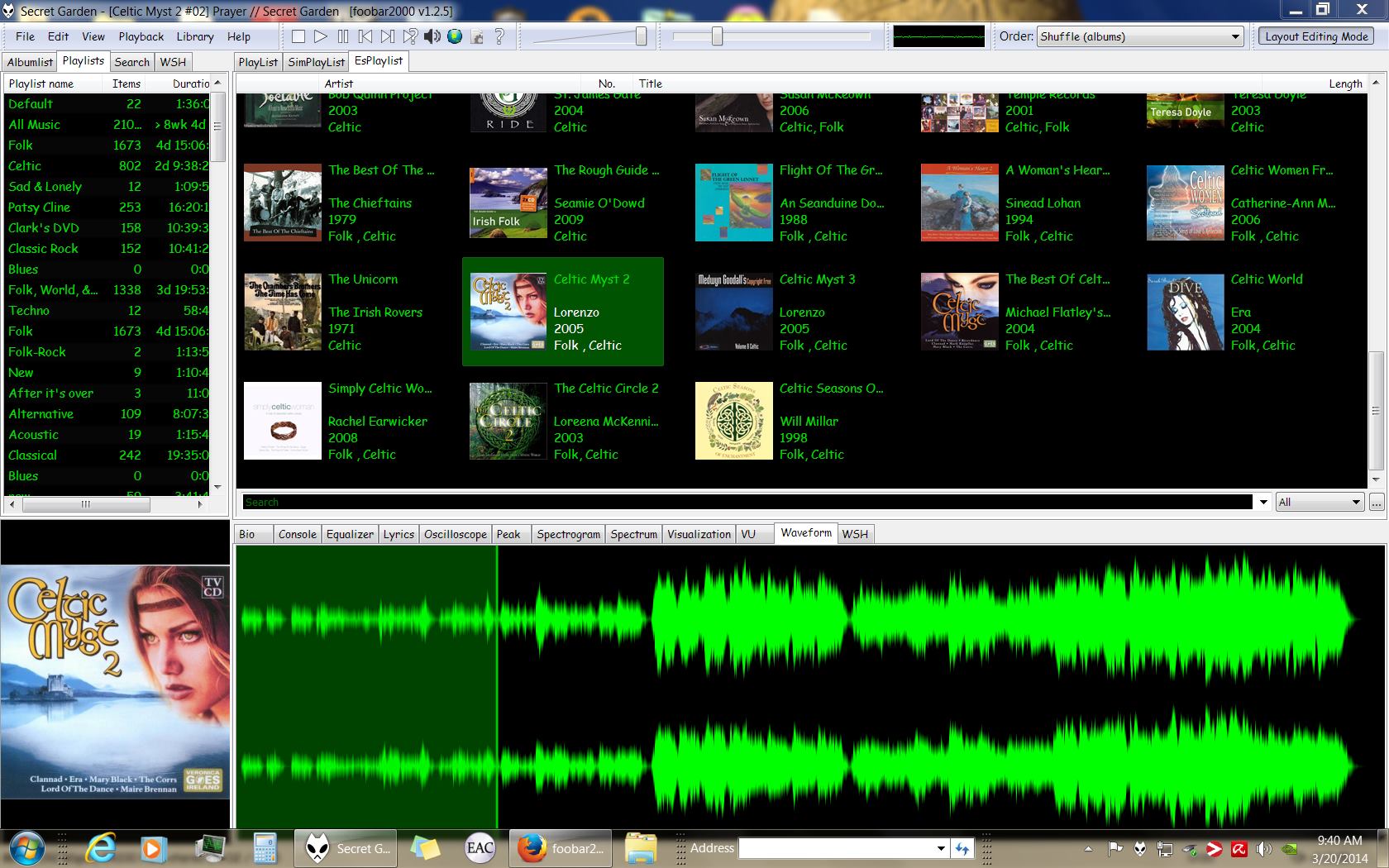
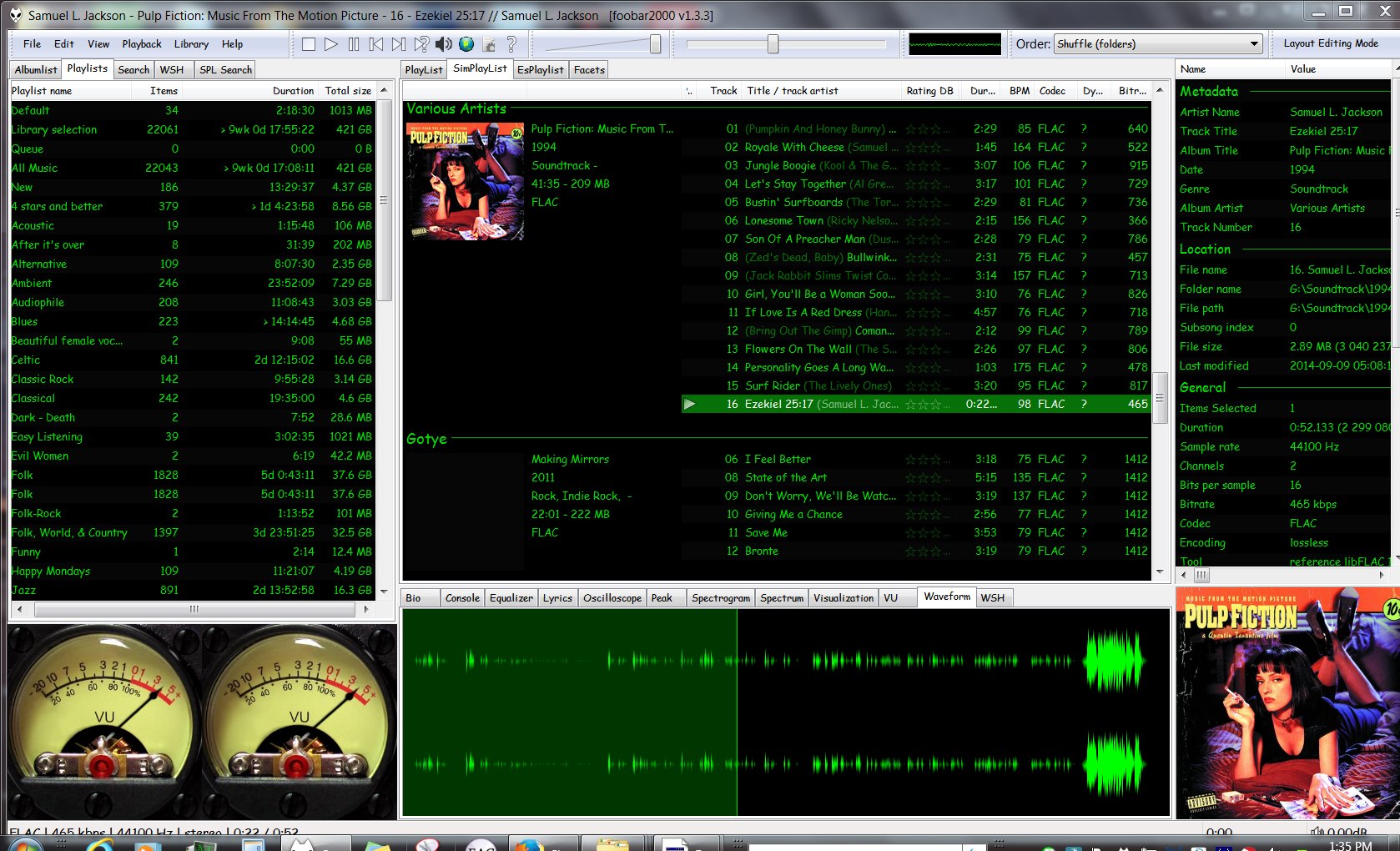
Foobar2000 ~ Extensible Audio Interface & Player


An advanced and evolved freeware audio player for Android, Mac, Windows and Wine. Foobar2000 can be extensively extended, modified and themed.

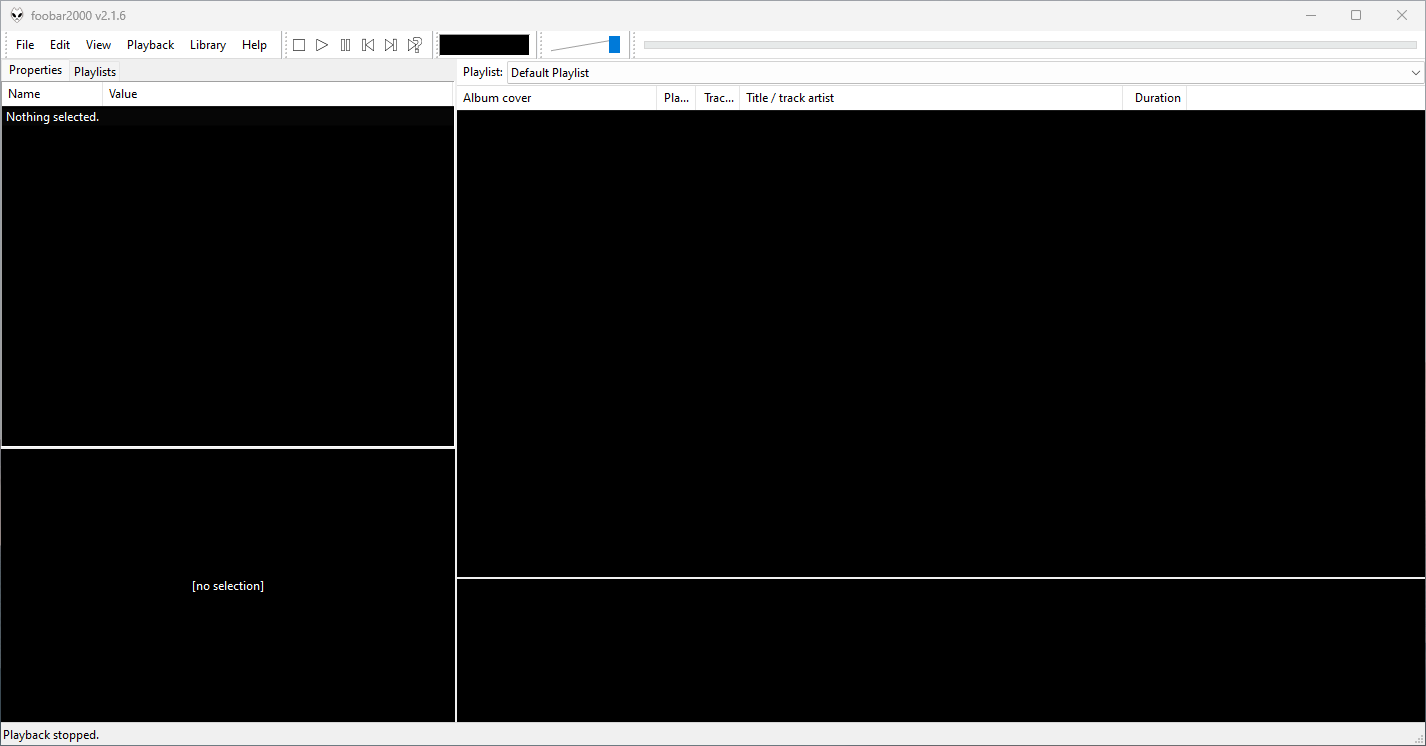
This is the basic Default User Interface or DUI. You will need to configure and extend the DUI Foobar2000 interface according to your preferences and requirements.

Foobar2000 v2.16 Default User Interface
Foobar2000 Default User Interface

Features:

  • Supported audio formats: MP3, MP4, AAC, CD Audio, WMA, Vorbis, Opus, FLAC, WavPack, WAV, AIFF, Musepack, Speex, AU, SND… and more with additional components.
  • Gapless playback.
  • Easily customizable user interface.
  • Advanced tagging capabilities.
  • Support for ripping Audio CDs as well as transcoding all supported audio formats using the Converter component.
  • Full ReplayGain support.
  • Customizable keyboard shortcuts.
  • Open component architecture allows third-party developers to extend functionality.
  • Multiplatform: Android, Mac, Windows 32|64-bit and ARM (ARM64EC).

Interfaces:

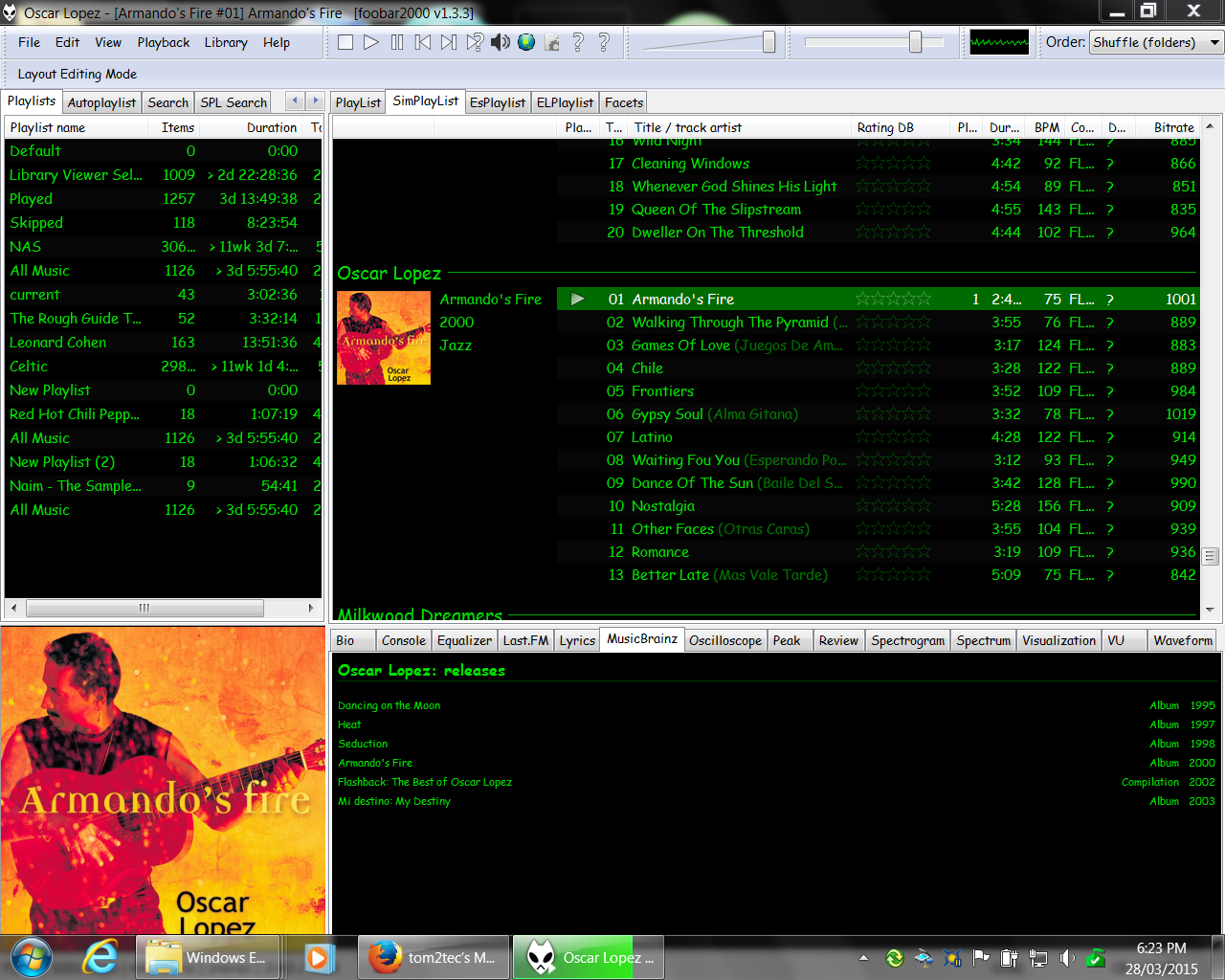
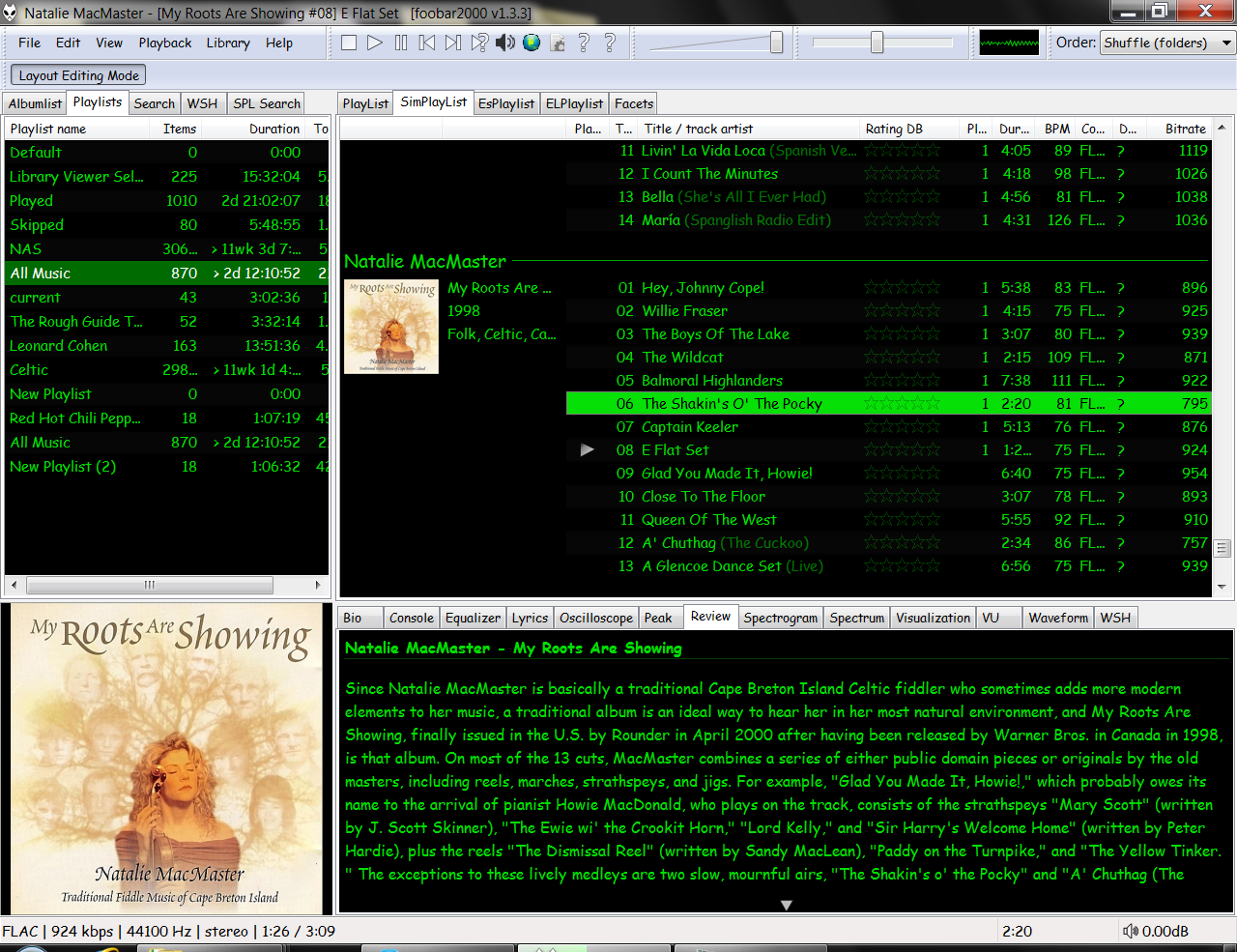
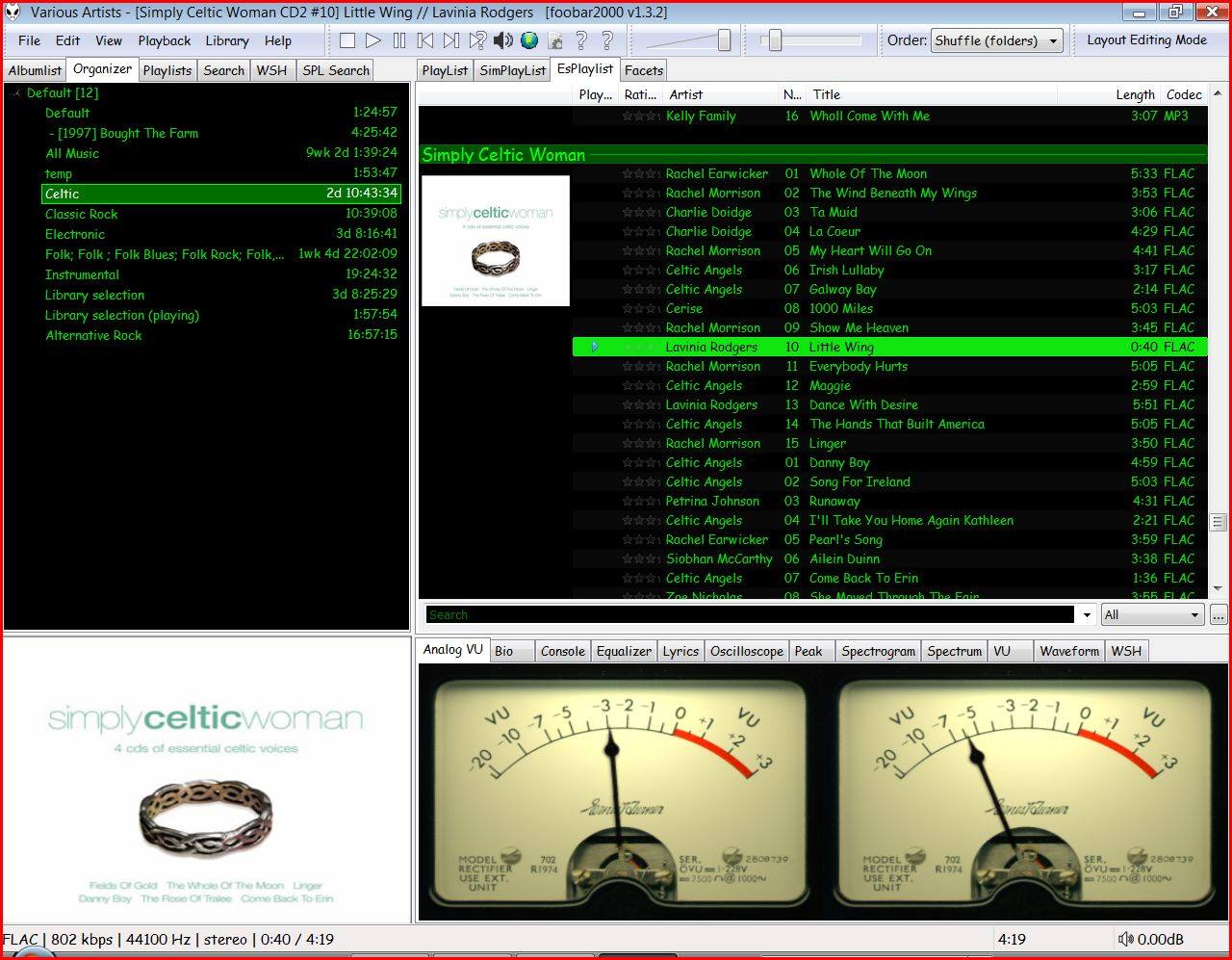
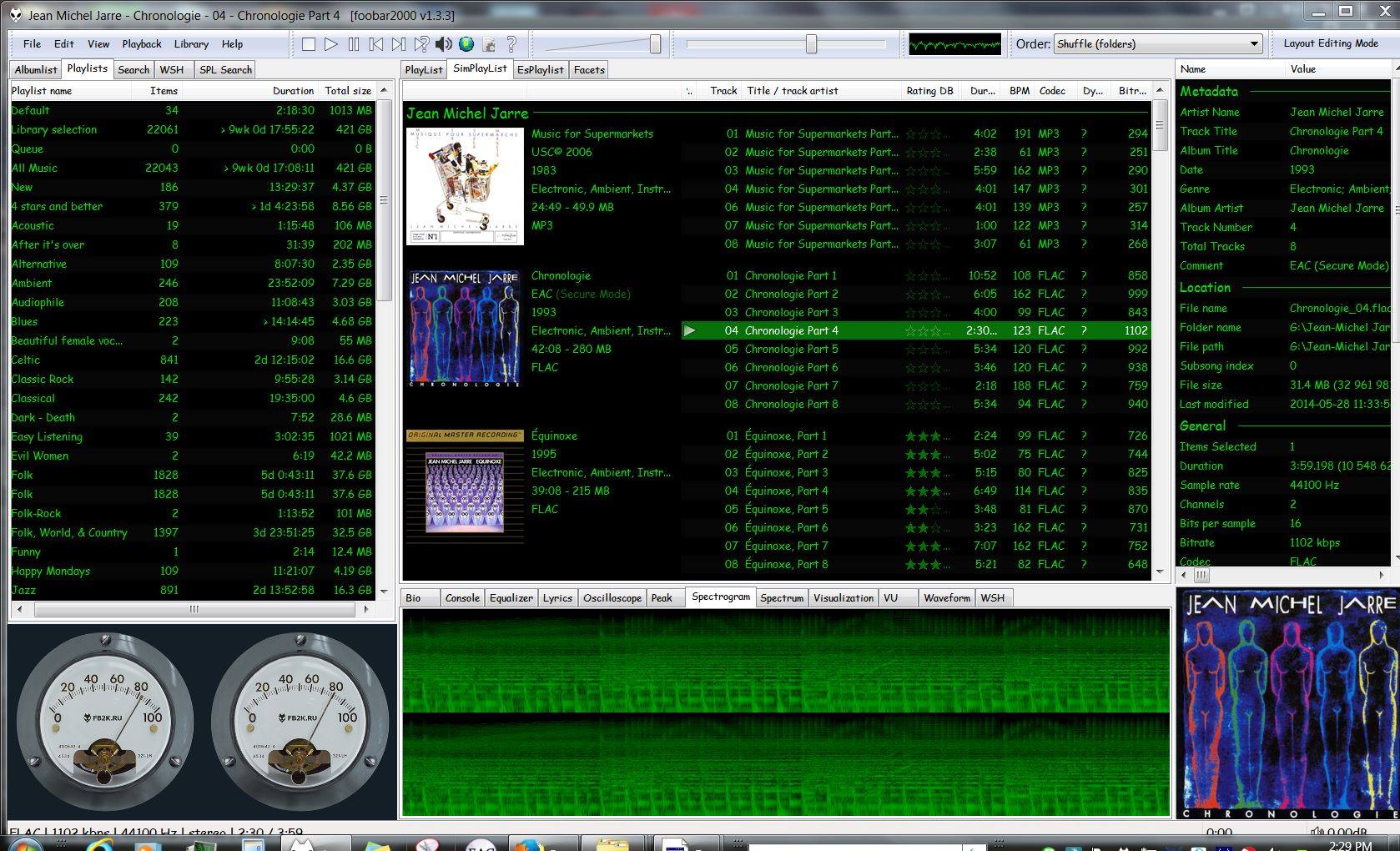
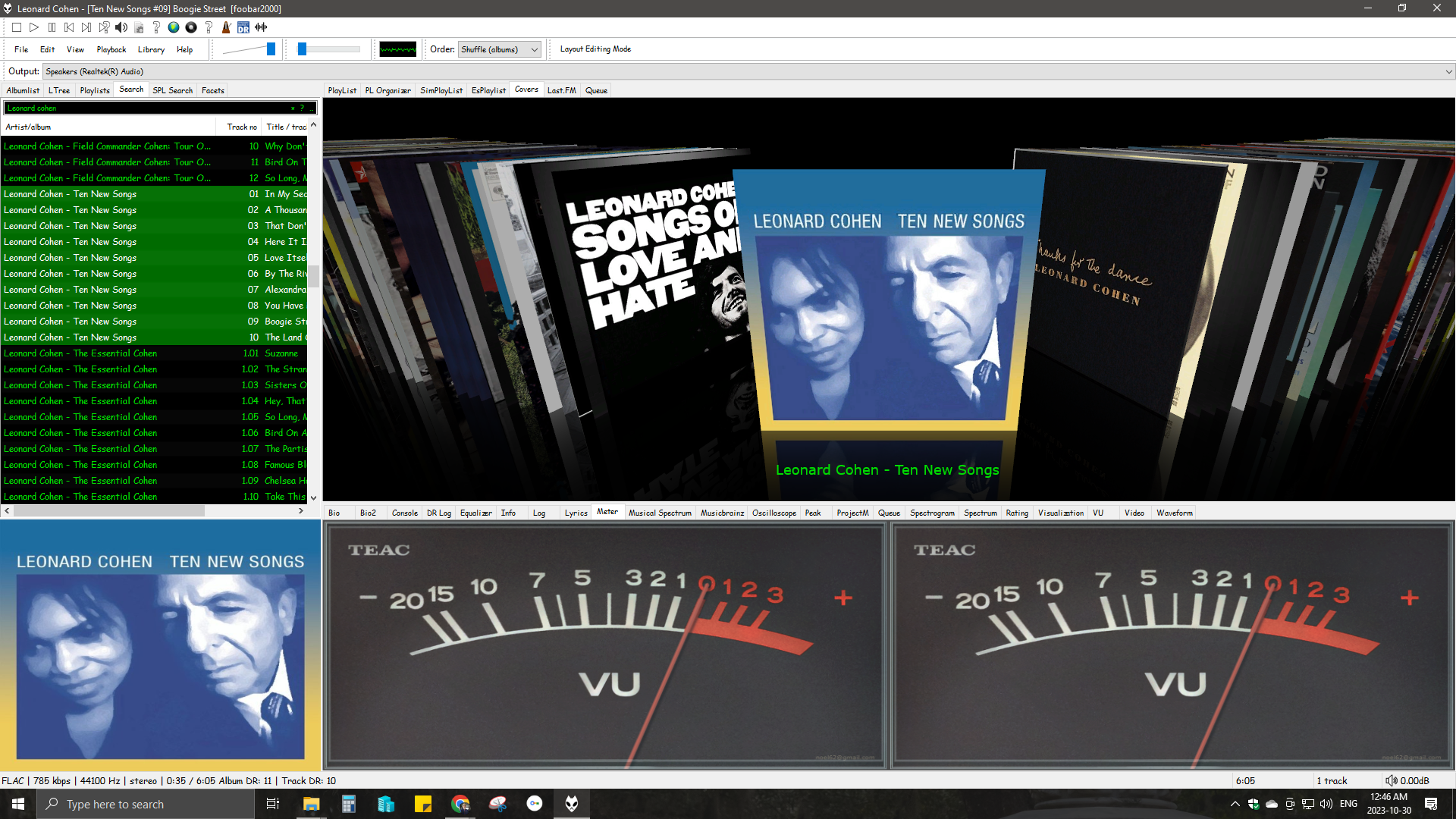
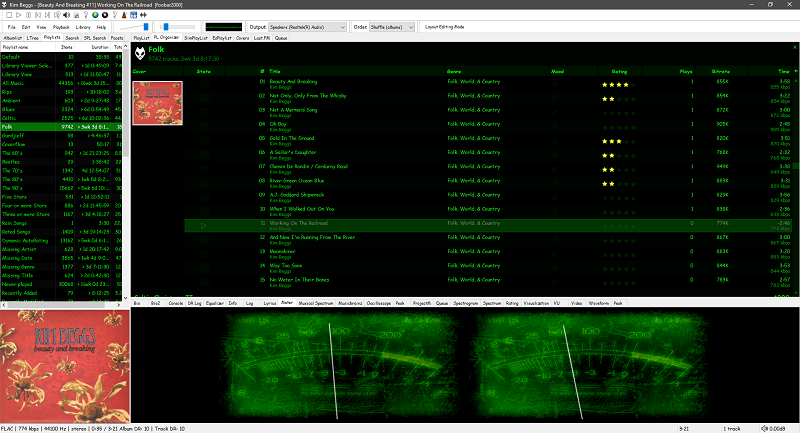
Foobar2000 is not limited to the Default User Interface or DUI. There is an alternative popular interface called Columns User Interface or CUI. CUI is most often used for theming or skinning foobar2000. There is also a Classic User Interface but it is rarely used or referenced.

Links:

Packages & Store Versions:

Official Foobar2000 Forums At Hydrogenaudio:

References:

My Current Foobar Interfaces ~ Default User Interface (DUI)