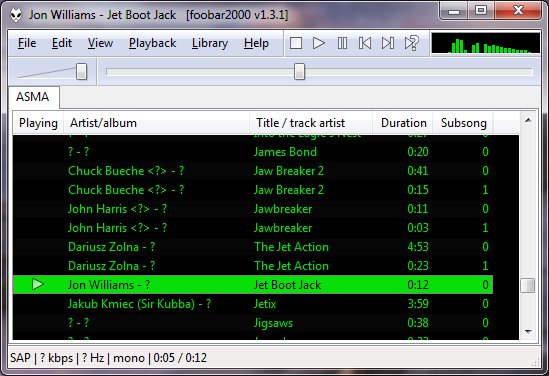
ASAP (Another Slight Atari Player) plays and converts 8-bit Atari music (*.sap, *.cmc, *.mpt, *.rmt, *.tmc, …) on modern computers and mobile devices.
asap.sourceforge.net
sourceforge.net/projects/asap
asap.sourceforge.net/web
github.com/epi/asap

ASAP (Another Slight Atari Player) plays and converts 8-bit Atari music (*.sap, *.cmc, *.mpt, *.rmt, *.tmc, …) on modern computers and mobile devices.
asap.sourceforge.net
sourceforge.net/projects/asap
asap.sourceforge.net/web
github.com/epi/asap

Podcast Generator is an open source Content Management System written in PHP and specifically designed for podcast publishing. It provides the user with the tools to easily manage all of the aspects related to the publication of a podcast, from the upload of episodes to its submission to the iTunes store.
Features
- Click & Go: 3-step installation wizard. No MySQL required. Works in any PHP web hosting.
- Power and simplicity: Easy & intuitive web interface to publish audio and video podcasts.
- Newbie-proof technology: Just upload your content, all the rest is “automagic”.
- Customizable: Support for multiple themes and languages. Social Networks integration.
- Apple friendly: Ready for iTunes Store and all iOS devices.
- Open Source: 100% free and open source.
www.podcastgenerator.net
sourceforge.net/projects/podcastgen

This is Michael Mutschler’s famous mp3 shell extension, also available for Windows 7 and 64 bit.

sourceforge.net/projects/mp3ext

Super Audio CD Decoder input plugin for foobar2000. Decoder is capable of playing back Super Audio CD ISO images, DSDIFF, DSF and DSD WavPack files. Direct DSD playback for compatible devices.
Separate DSD Processor/DSD Converter plugins for track extraction into DSD/DST encoded files.
sourceforge.net/projects/sacddecoder
Foobar2000:Components/Super_Audio_CD_Decoder_(foo_input_sacd)
Sony: How to install a Super Audio CD Decoder component
I’ve successfully followed these steps to get DSD (.dsf filetype) and SACD (.iso filetype) playing at high bit rate using foobar2000 on my S.M.S.L M500 DAC.
This has been adapted from “SECTION II” of this page, thanks to “sirblew” for the tip!
Introduction
DSD stands for Direct Stream Digital and it is a high-definition lossless audio format with a twist. PCM signal solutions (like FLAC, TTA or APE) measure a set of bits multiple times per second to capture the audio data, hence the 16/24-bit parameter. On the other hand, DSD uses only one bit but samples it 2.8 million times a second to capture the audio signal.
ASIO Output (Required)
Download and extract foo_out_asio – ASIO Output
Install the asio component:
- File > Preferences > Components
- Click Install.
- Select “foo_out_asio.fb2k-component”.
- Click OK, then OK again to restart Foobar2000.
Set the asio component as the output device:
- File > Preferences > Playback > Output
- Device: “ASIO : USB DAC ASIO” (or name of your device)
Optionally, disable all other devices:
- File > Preferences > Playback > Output > Devices
- (uncheck all but “ASIO : USB DAC ASIO”, for example)
SACD (ISO) Playback
Download and extract foo_input_sacd – Super Audio CD Decoder. This decoder is capable of playing back Super Audio CD ISO images, DSDIFF, DSF and DSD WavPack files.
Install DSD SACD component:
- File > Preferences > Components
- Click Install.
- Select only “foo_input_sacd.fb2k-component”.
- Click OK, then OK again to restart Foobar2000.
Set plugin for “PCM” as output mode:
- File > Preferences >Tools > SACD
- Output (per device)
- Type: “DSD+PCM” (was PCM). Note: DSD+PCM will send a converted to PCM stream to Foobar so graphic add-ons like VU-meters, spectrographs and so on will work as they do when playing regular PCM files.
- Samplerate: 384000 (was 44100)
- Converter
- DSD2PCM Mode: “Direct (64fp, 30kHz lowpass)” (was “Multistage (32fp)”). 30KHz low pass filtered means all DSD noise above that frequency is removed and does not reach the amp.
- Input
- Preferable Area: “Stereo” (was “None”). Only stereo tracks are displayed.
- Editable Tags (was unchecked).
- Store Tags With ISO (was unchecked). Stores tag info in the plugin folder.
- Linked 2CH/MCH Tags (was unchecked). Tags added to a SACD ISO will be shared between stereo and multichannel tracks.
- Click OK
DSF Extraction (optional)
This can be useful if you open an ISO file and want to extract the contained files to DSF.
Download and extract foo_dsd_converter.
Install DSD Converter component:
- File > Preferences > Components
- Click Install.
- Select only “foo_dsd_converter.fb2k-component”.
- Click OK, then OK again to restart Foobar2000.
Ensure “Convert” menu item is enabled:
- File > Preferences > Display > Context Menu
- Ensure “Convert” (and child items) are checked.
Now right click a file in the playlist an choose “Convert > DSD Convert”.
- Output format: DSF
- Path:
- Output style: “…” then choose file name: “nn. title” and close dialog.
- Click “Convert”.

Red Dot Forever is an extremely simple program to record MIDI files. It has no advanced editing features — but if you just want to RECORD, listen back to what you PLAYed, and finally SAVE your recording to disk, then Red Dot Forever is all you need.

sourceforge.net/projects/reddot

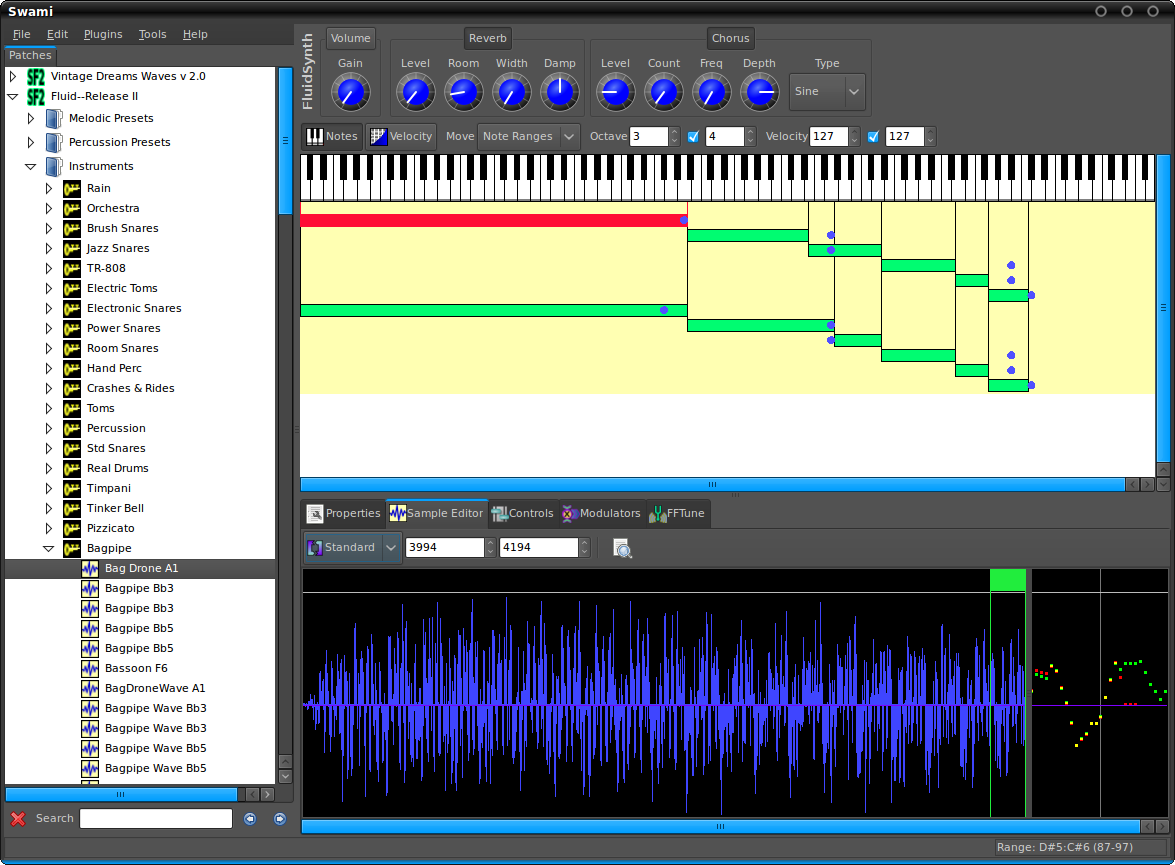
Project SWAMI, Sampled Waveforms And Musical Instruments, is a collection of free software for editing, managing and playing musical instruments for MIDI music composition. Current focus is primarily the SoundFont format, which is an open file format for digital audio “sample” based instruments.
www.swamiproject.org
sourceforge.net/projects/swami

A simple reference table: How to grade records on Discogs
www.brianchernicky.com/how-to-grade-records-discogs-table

TheAudioDB is a community database of audio artwork and data with a JSON API.

This component provides an editor for title formatting code [mainly targeted at title formatting beginners]. The editor includes syntax highlighting, a preview of the selected fragment of the code and a view of the code structure. The idea behind the component is to allow users to explore title formatting scripts by exposing aspects which are normally hidden on the user interface of foobar2000 and its components.
www.foobar2000.org/components/view/foo_tfsandbox
github.com/stengerh/foo_tfsandbox
Hydrogenaudio Topic

Additional encoding/decoding and input components expand the range of audio file formats that can be played by Foobar2000. Not all of these components are official or officially recommended. Listed alphabetically by component name.
foo_hdcd ~ This post processing service component will decode HDCD data in any 16-bit PCM stream passed through it by supporting inputs, such as CDDA, WAV, FLAC, and WavPack.
Command-Line Decoder Wrapper ~ This component allows foobar2000 to play or convert any audio format with a standalone command-line decoder available, including various exotic formats that do not have native foobar2000 decoder components. (foo_input_exe)
FFmpeg Decoder Wrapper ~ This component allows foobar2000 to read arbitrary file formats via user-supplied ffmpeg.exe and ffprobe.exe. (foo_input_ffmpeg)
foo_dyndec ~ Exposes the decoded sample rate, number of channels and bit depth to components that can only use static information natively.
foo_input_dummy ~ a pseudo input
How to install a foobar component.

Internet music dealers currently sell “CD-Quality” tracks, or even better (“Studio-Master”), thanks to lossless audio coding formats (FLAC, ALAC). However, a lossless format does not guarantee that the audio content is what it seems to be. The audio signal may have been upscaled (increasing the resolution), upsampled (increasing the sampling rate) or even transcoded from a lossy to a lossless format. Lossless Audio Checker analyzes lossless audio tracks and detects upscaling, upsampling and transcoding.

Watch music videos and video playlists using Foobar2000
- This component adds the possibility of playing Youtube, Vimeo and Dailymotion clips directly via their URL.
- In addition to single clip URLs it supports clip feeds (i.e. playlists, channels etc.) from Youtube and Dailymotion.
- Single clips and feeds can be added using File menu commands Add location and Add multiple URL(s).
- Component has several UI elements, both DUI and CUI are supported. There are element for searching on Youtube within the program, for video playback and elements for various technical info about clips and component workflow. All elements are listed under Youtube Source group in UI configuration windows.
- In addition to UI elements it has several popup windows with similar functionality.
- For Lyric Show Panel 3 it provides an additional lyric source.
- Clip thumbnails are exposed as album art to the program.
- Single clip can be turned into album with multiple tracks.
fy.3dyd.com
www.foobar2000.org/components/view/foo_youtube
Install component then install these dependencies:
Installing madVR:
If it works it will say “Install Successful”
Additional Resources:
wiki.mikejung.biz/MadVR#LAV_Filters

 The Audio File