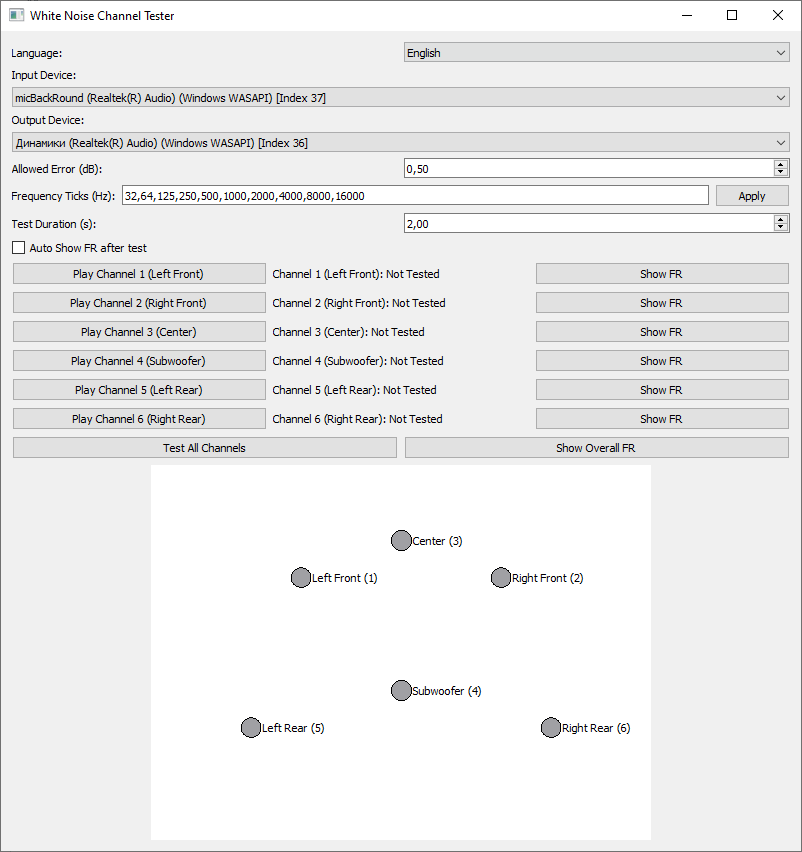
An application for testing the audio channels of home theater systems and calibrating the gain of each speaker.
github.com/goha500503/White-Noise-Channel-Tester-Calibration

An application for testing the audio channels of home theater systems and calibrating the gain of each speaker.
github.com/goha500503/White-Noise-Channel-Tester-Calibration

The SMP EAC Log Viewer is a Spider Monkey Panel (SMP) script for Foobar2000 designed to display Exact Audio Copy (EAC) log files in a DUI panel. It preserves the alignment of log columns, color-codes the conclusion lines for quick success/error identification, and prepends a summary line so it scrolls with the rest of the log.
%album%.log%artist% - %album%.logEAC.log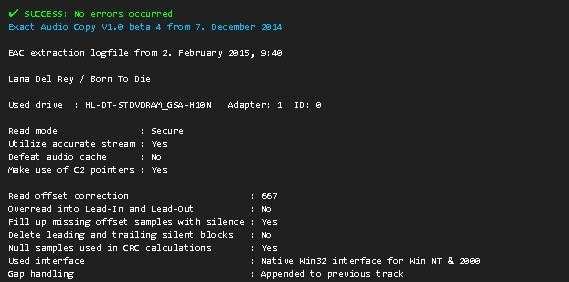
eac_log_viewer_panel.js script into your preferred scripts folder. Typical choices:
C:\Users\<YourName>\Documents\Foobar\scriptseac_log_viewer_panel.js. or point to the script’s location in Panel Properties… → Script File → File.This project is licensed under the MIT License. See the included LICENSE file or the GitHub repository for details.

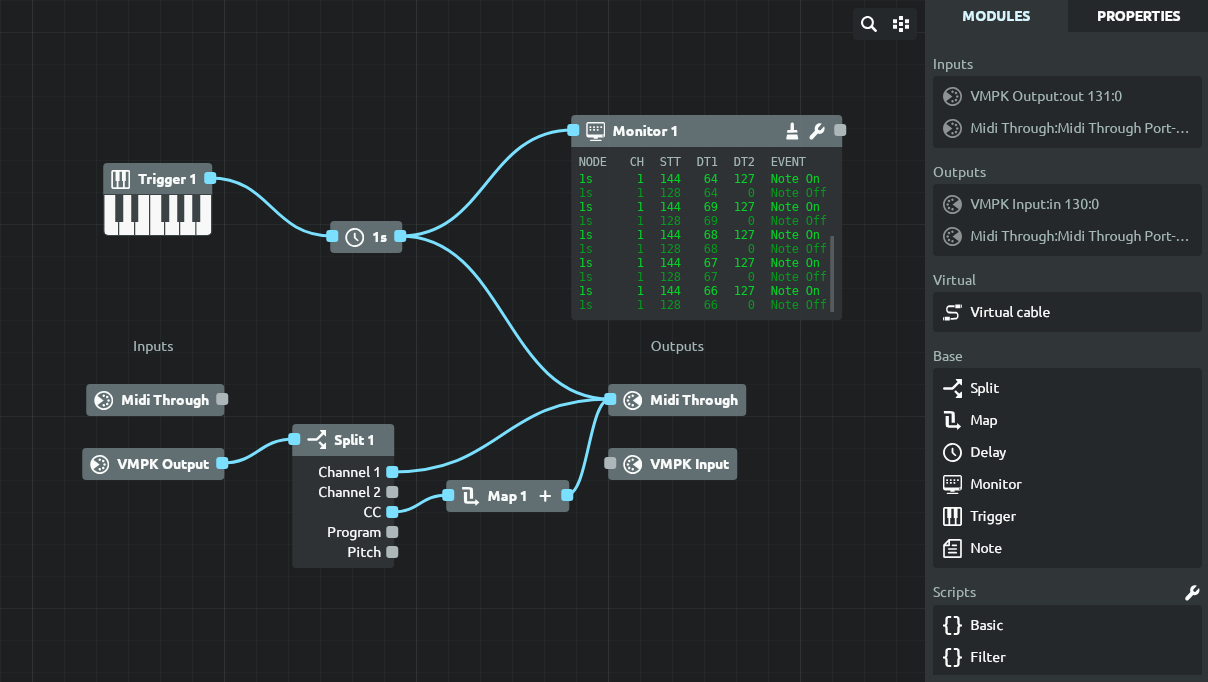
Mididash is an open source MIDI routing software with a node-based interface and Lua scripting. A modern take on programs like MIDI-OX.
tiagolr.github.io/mididash
github.com/tiagolr/mididash
sourceforge.net/projects/mididash

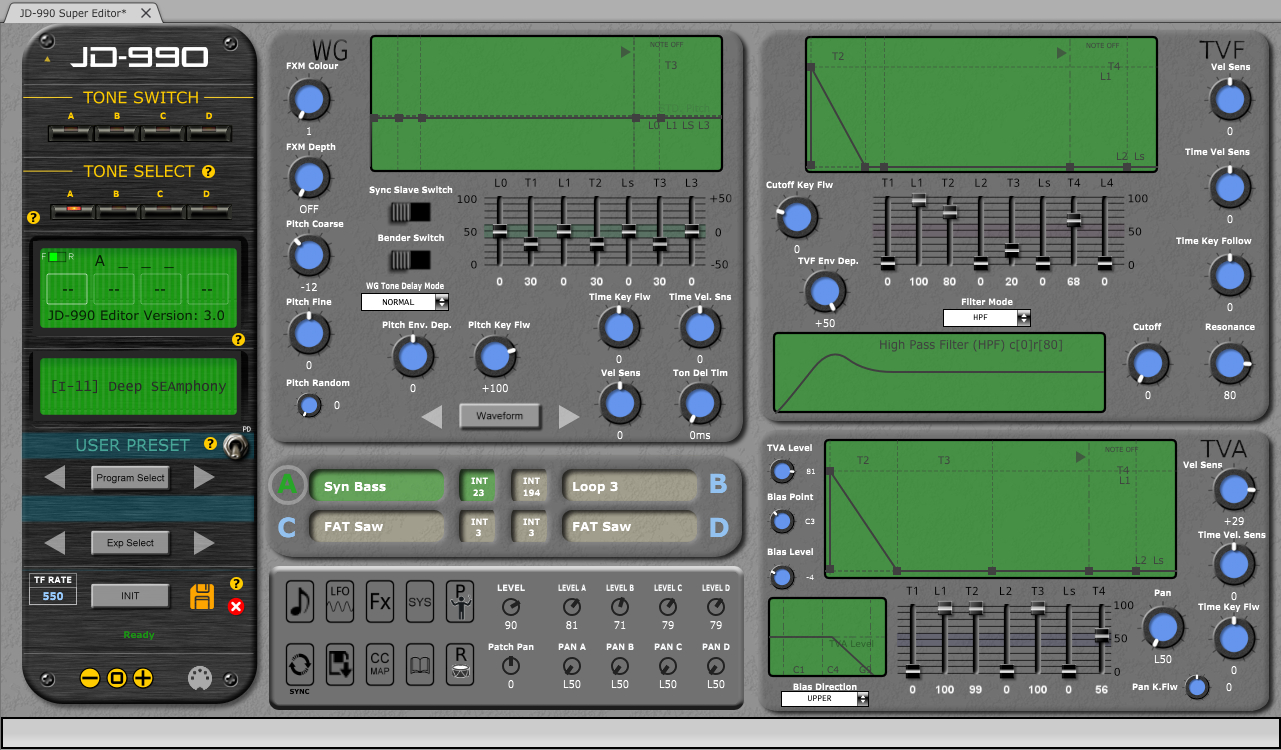
CtrlrX based editor for Roland SUPER JD SYNTHESIZER MODULE JD-990
sourceforge.net/projects/jd990-super-editor
github.com/RomanKubiak/ctrlr

Museeks aims to be a simple and easy-to-use music player with a clean UI. You will not find tons of features, as its goal is not to compete with more complete and more famous music players.
.m3u import/export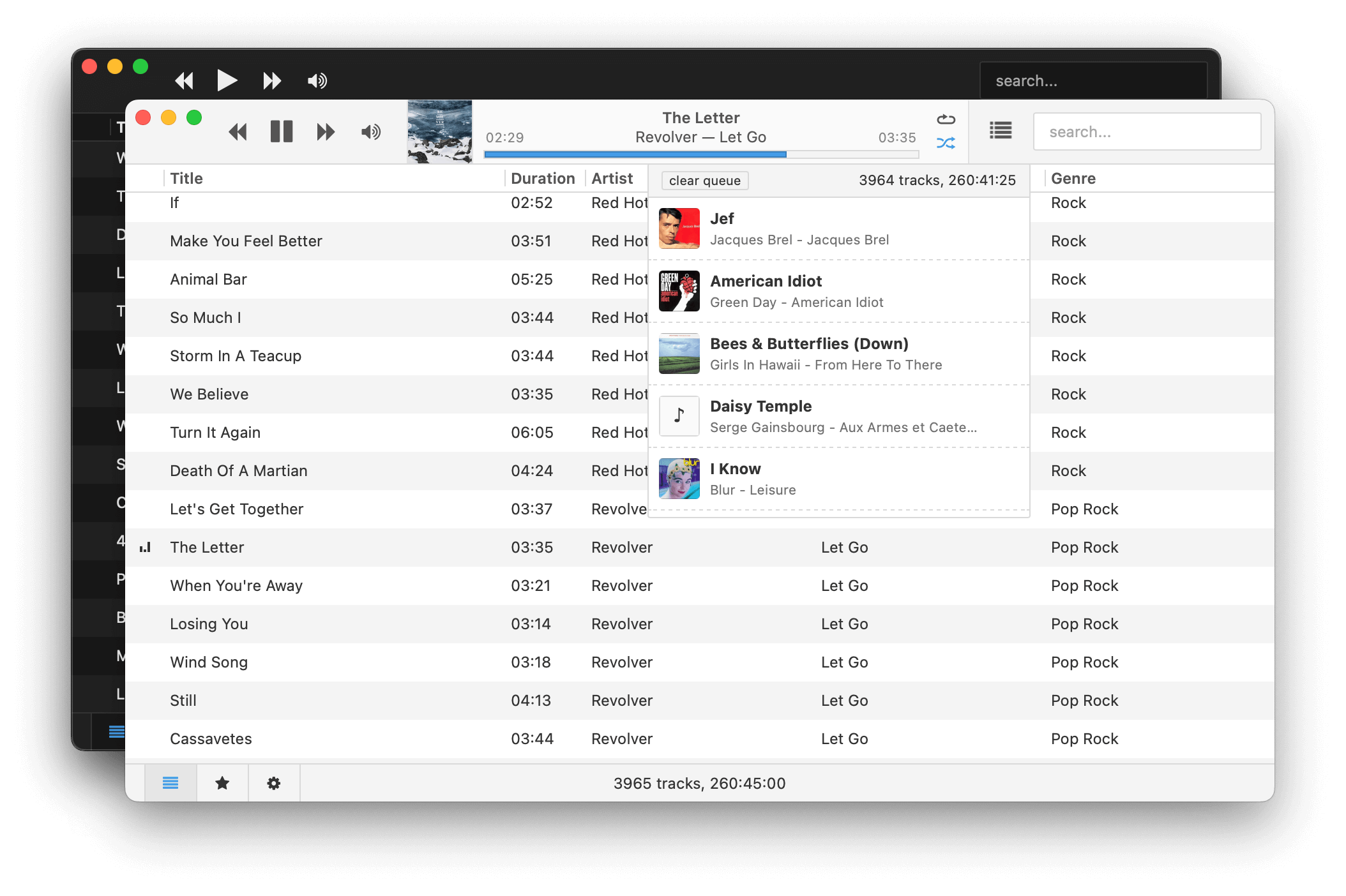
museeks.io
github.com/martpie/museeks
sourceforge.net/projects/museeks.mirror

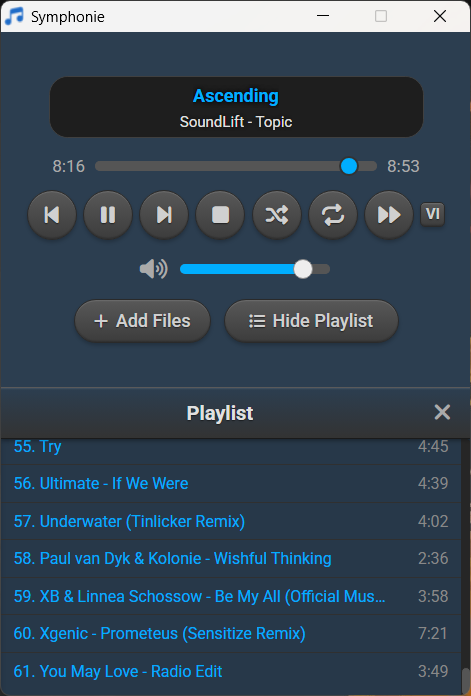
Symphonie is a sleek, lightweight desktop music player built with Electron and powered by HTML5 capabilities, offering a clean interface for enjoying your local audio library. It supports popular formats including MP3, FLAC, AAC, M4A, OGG, WAV, OPUS. Features include playlist management, intuitive playback controls, track metadata display (title/artist), and shuffle functionality for a seamless listening experience.
sourceforge.net/projects/symphonie

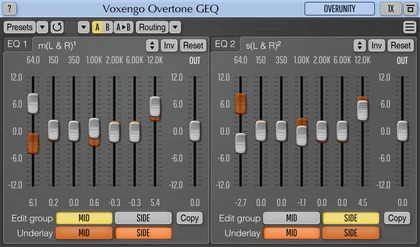
Overtone GEQ is a free 7-band harmonic (overtone) graphic equalizer AudioUnit, AAX, and VST plugin with multi-channel operation support (supporting up to 8 input/output channels, audio host application-dependent). Overtone GEQ offers extensive internal channel routing capabilities, and supports mid/side channel processing.
Beside equalizing, Overtone GEQ applies harmonic enhancement: it uses 7 harmonic enhancement modules, one for each EQ band. This generates a complex harmonic coloration you will probably like a lot.
Overtone GEQ was designed to allow audio engineers to apply quick EQ shape adjustments together with adding a bit of harmonic richness to the audio material (mainly mixes and sub-mixes due to a comparably high load this EQ puts on a CPU).
www.voxengo.com/product/overtonegeq

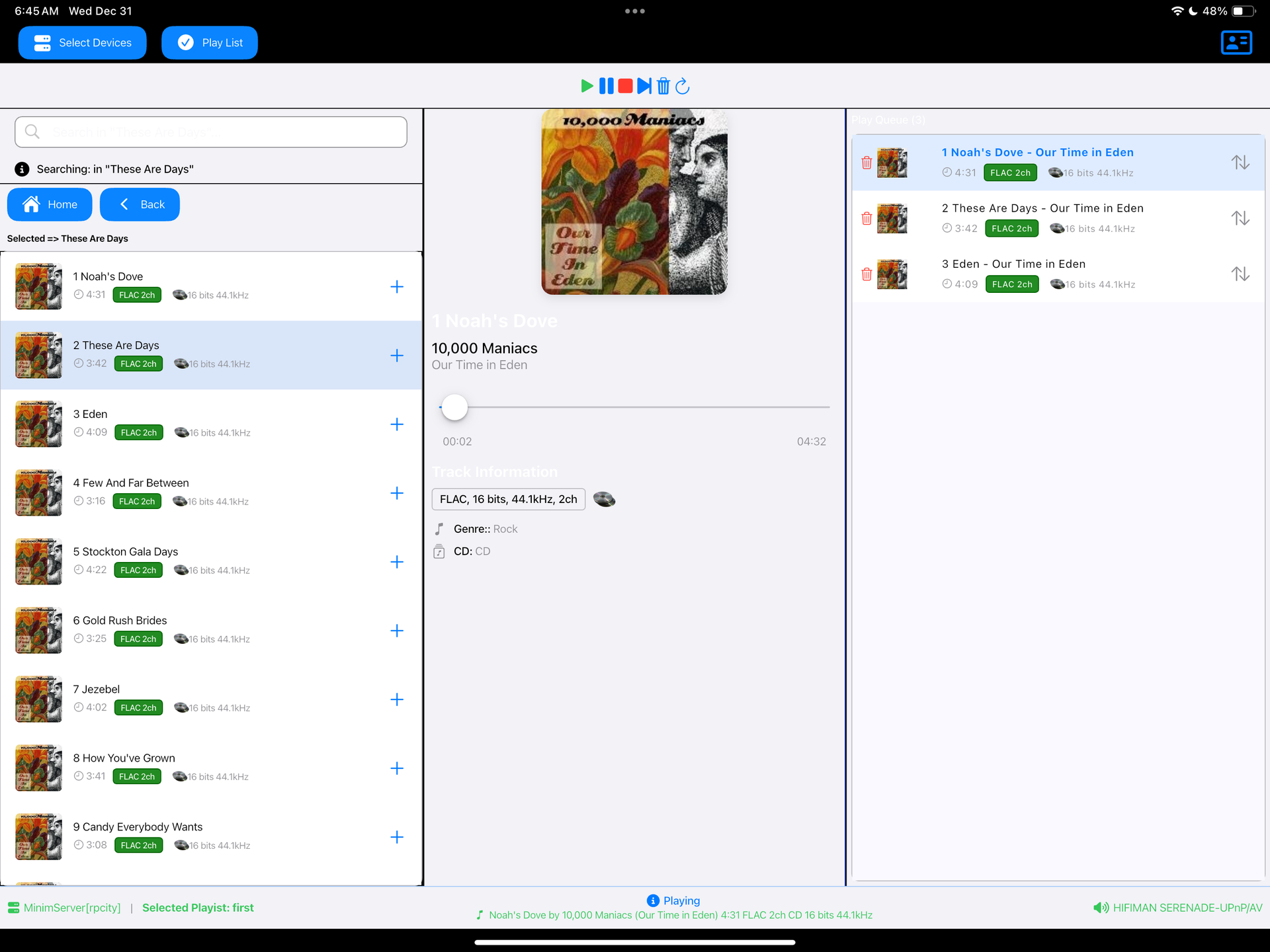
Read a DLNA Media Server to select music to play on your DLNA Renderer
Scan the network for your Media Server (“Server”) and Renderer (“Renderer”) devices, select one of each and then from the main screen select the music you want to play, drilling into Albums, Artists, Genres (all defined by your Media Server). Any music you want to hear is called a track and is loaded onto the play queue. Then select Play button to listen to the track listed at the top of the queue. You can also create playlists and store your favorite tracks for playback.
sourceforge.net/projects/dlna-music-controller
en.wikipedia.org/wiki/List_of_UPnP_AV_media_servers_and_clients

This is a first JUCE plugin, meant to offer some useful metering.
github.com/airwindows/Meter/releases

This is an audio player for Windows, Linux and MacOS.
It is designed to play audio CDs dumped to raw bin/cue files.
The bin/cue files can be loaded from a folder on disk, or from a zip archive.
This player provides a convenient way of listening to dumps in that format without any additional step(s):
- No need to mount the cue file as a virtual drive.
- No need to extract the cue/bin files from zip files.
- No need to convert the data to wav/flac/ogg/mp3.
This is currently NOT supported:
- Playing from archives in 7z and rar formats.
- Playing music from other formats such as wav, mp3, flac, ogg, etc. Just use a regular music player for that.
Album and track metadata is loaded from the CDTEXT information when present in cue file.
Additional metadata is optionally retrieved from CueToolsDB, including album art.
Lyrics are optionally retrieved from LRCLIB. Using a local LRCLIB sqlite3 database is also supported.
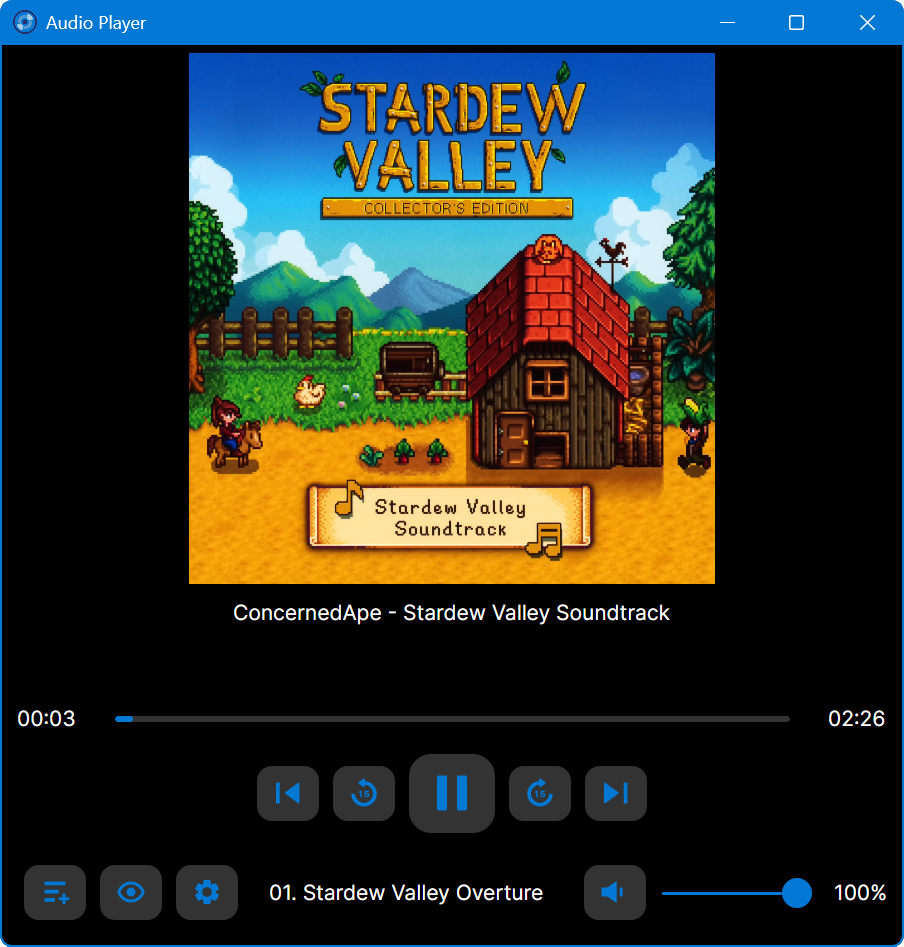
github.com/huguesv/AudioPlayer

Swing Music is a fast and beautiful, self-hosted music player for your local audio files. Like a cooler Spotify … but bring your own music. Just run the app and enjoy your music library in a web browser.
Features:
- Daily Mixes – curated everyday based on your listening activity
- Metadata normalization – a clean and consistent library
- Album versioning – normalized albums and association with version labels (eg. Deluxe, Remaster, etc)
- Related artist and albums
- Folder view – Browse your music library by folders
- Playlist management
- Beautiful browser based UI
- Silence detection – Combine cross-fade with silence detection to create a seamless listening experience
- Collections – Group albums and artists based on your preferences
- Statistics – Get insights into your listening activity
- Lyrics view
- Android client
- Last.fm scrobbling
- Multi-user support
- Cross-platform – Windows, Linux, MacOS (coming soon), arm64, x86
- Blazingly fast
- Pure awesomeness
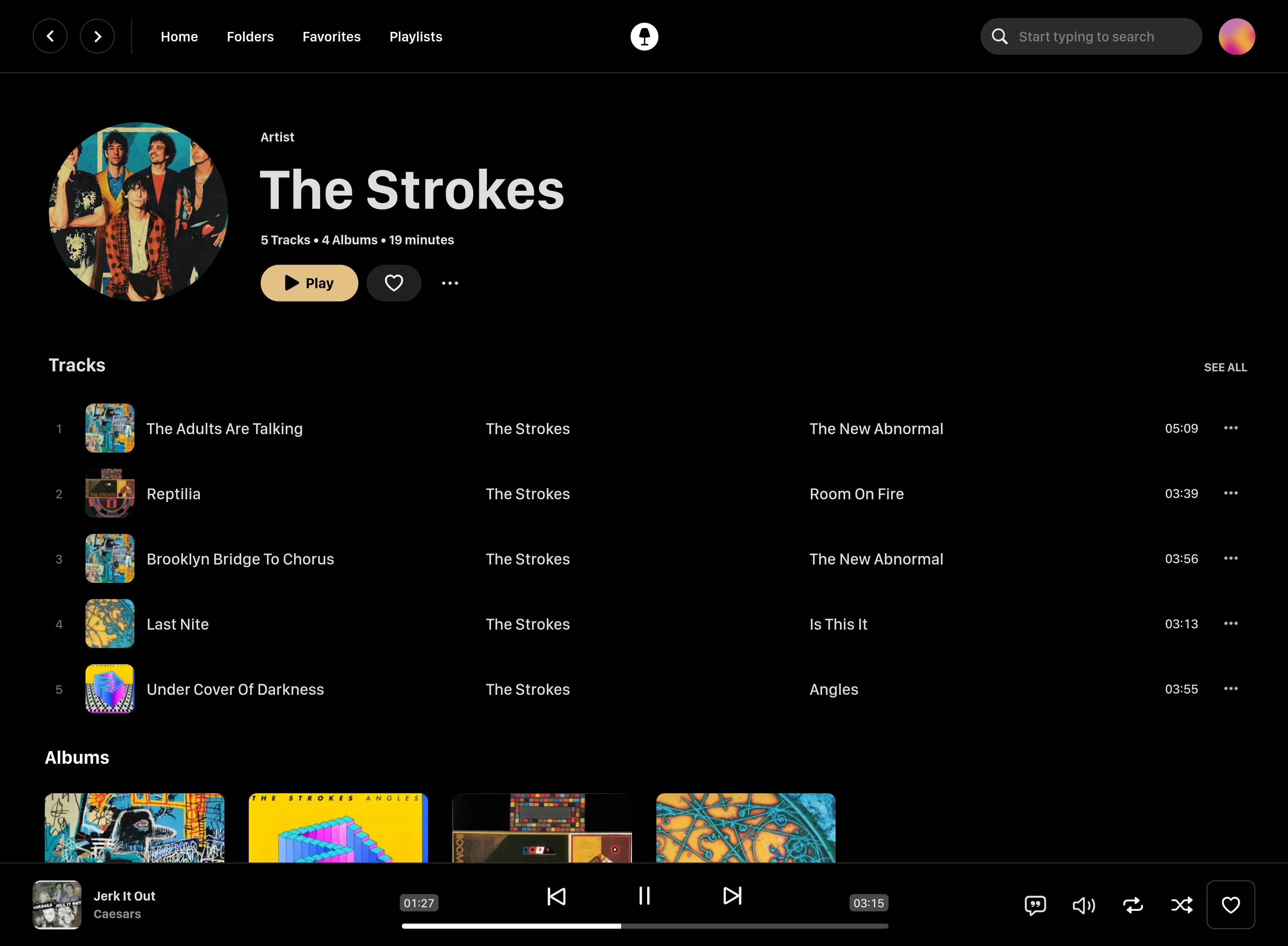
github.com/swingmx/swingmusic
github.com/swingmx/android
github.com/swingmx/webclient
sourceforge.net/projects/swing-music.mirror

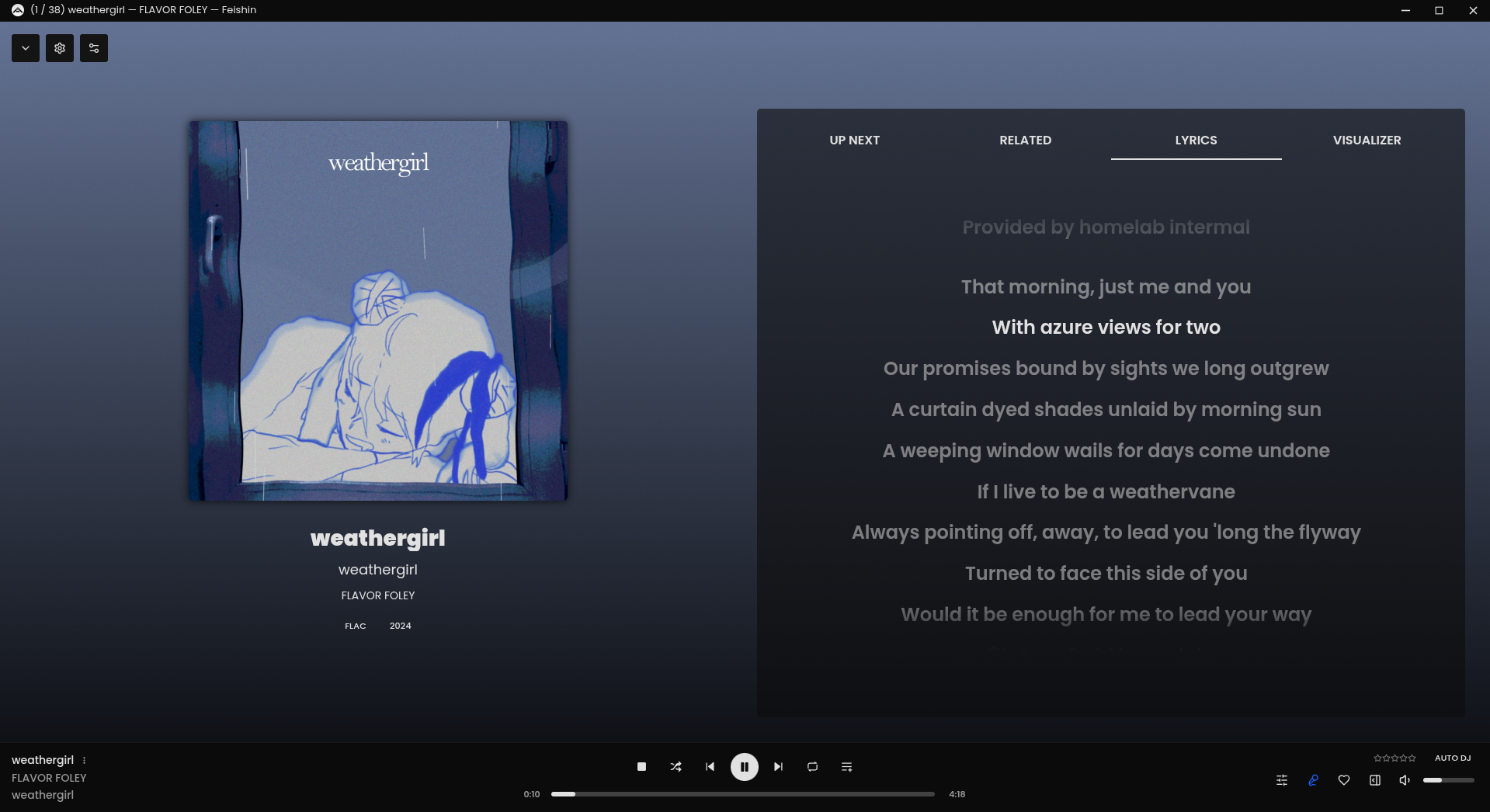
Rewrite of Sonixd.

 The Audio File