
Before layout changes are made and periodically, it’s a good idea to backup your current theme.
Open File > Preferences > Display > Default User Interface
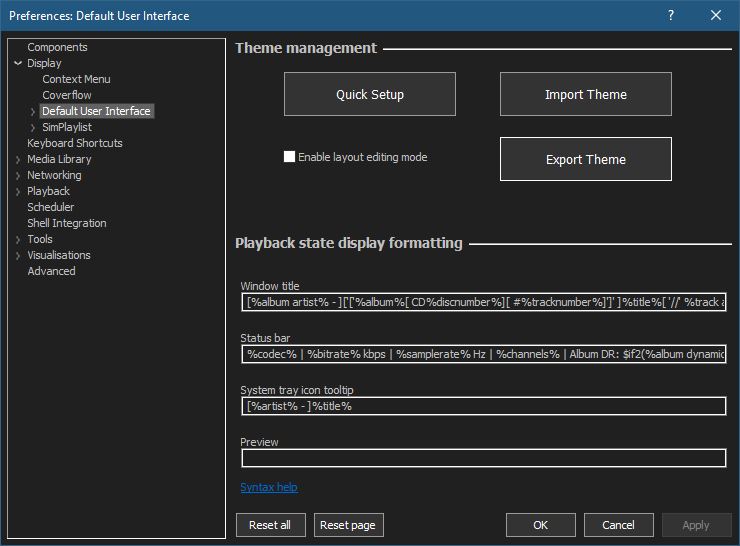
Now select Export Theme to open the Choose Theme Selections to Export dialog
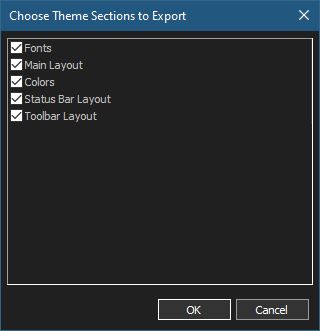
Normally everything is left selected. Click Ok and give the .fth theme backup file a useful name and save it in a folder that itself is backed up.
If you make a layout mistake or need to install a new instance of foobar2000 just import the .fth theme file


