
File Operations are available from the context menu when a playlist item or group is selected.
wiki.hydrogenaudio.org/Foobar2000 File Operations – foo_fileops
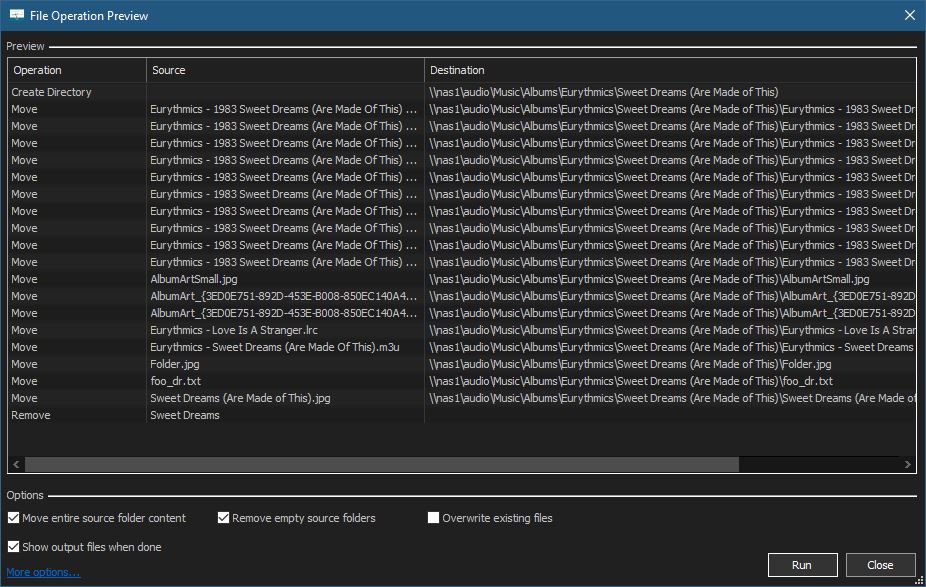
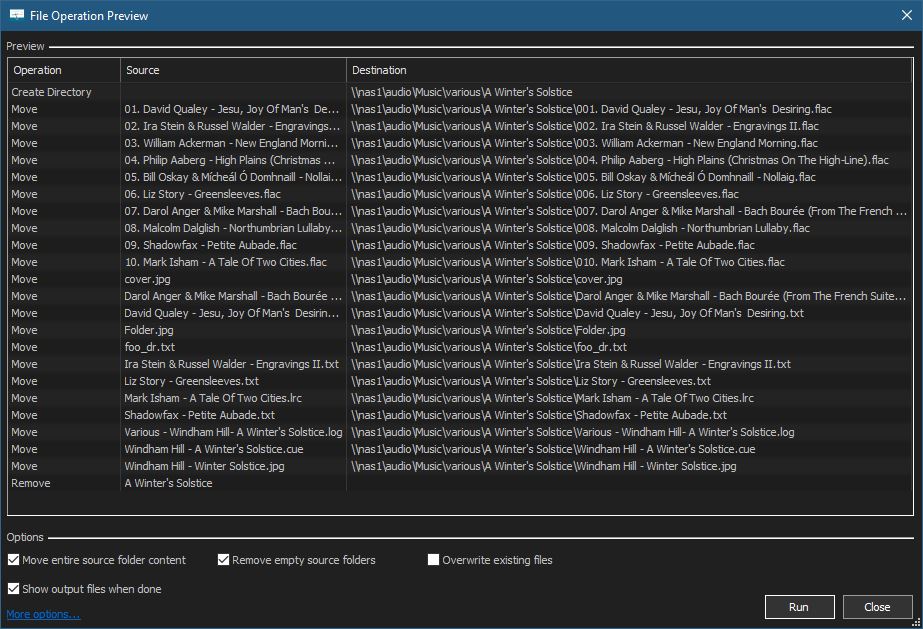
Using File Operations is both efficient and necessary. The library location of the your music is updated by the built in component foo_fileops. Albums are filed differently than compilations. Often users have a local library and a networked backup archive. File Operation Presets allow you to automate these procedures.
File Operations preset selection submenu
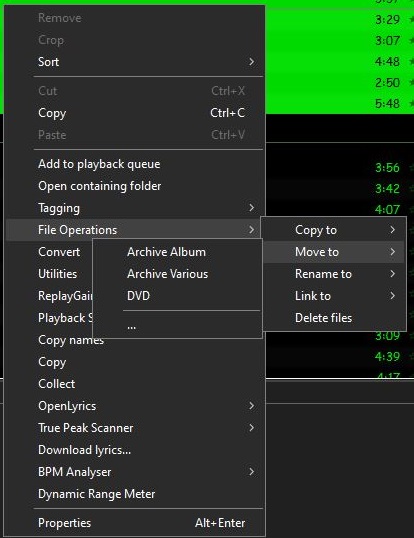
For instance, archiving an album:
Or archiving a compilation:
Creating A File Operations Preset:
- Select a song or an album
- Right mouse click selection and select File Operations from menu
- Select either Copy to or Move to
- Select the ellipse …
- The File Operations Setup dialog is now displayed
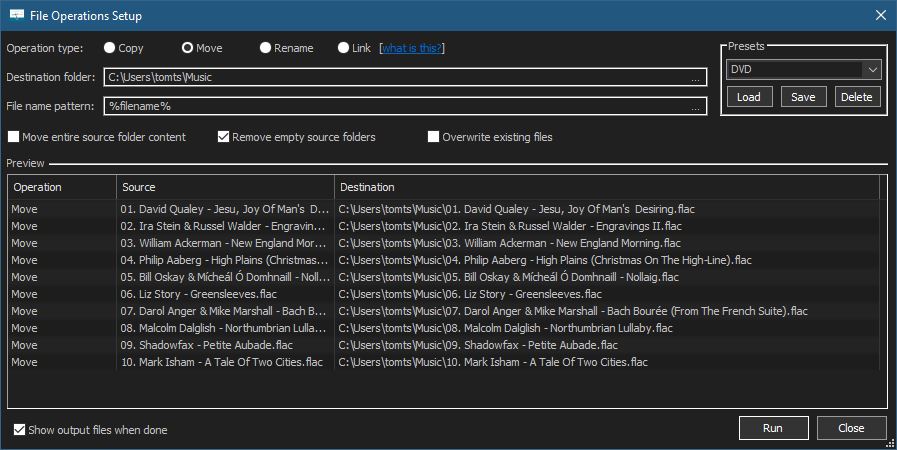
6. Once you have selected a destination folder and selected any appropriate options, type a name for your preset in the Presets field and save it.
7. You can Run, modify (save) or delete existing presets from this form.


