
Properties dialog (most direct)
This is the canonical metadata view.
How
- Right-click a track or selected tracks
- Choose Properties
- Or press Alt + Enter
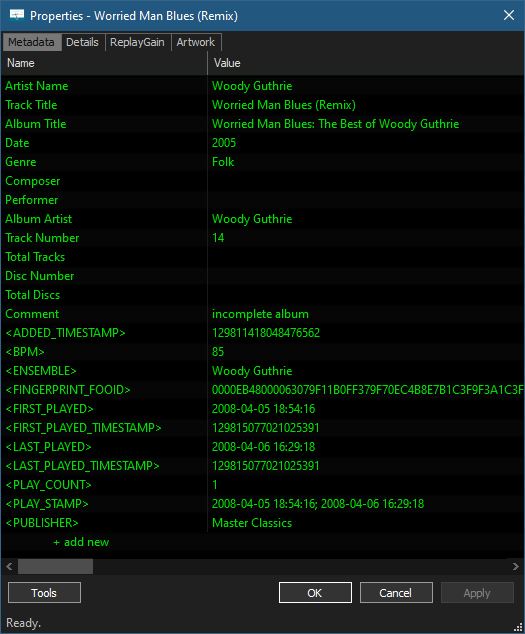
What you see
- All embedded tag fields (ARTIST, ALBUM, DATE, GENRE, etc.)
- Technical metadata (codec, bitrate, sample rate, channels, etc.)
- ReplayGain info
- File location and size
- Embedded Artwork
Notes:
- For multiple files, differing values are shown as
<multiple values> - This is the same dialog used for editing tags
- Encouraged_Tag_Standards
- File Properties – Tags (File Metadata)
- How_to_transfer_tags_between_two_sets_of_tracks
- ID3 Tag Mapping


