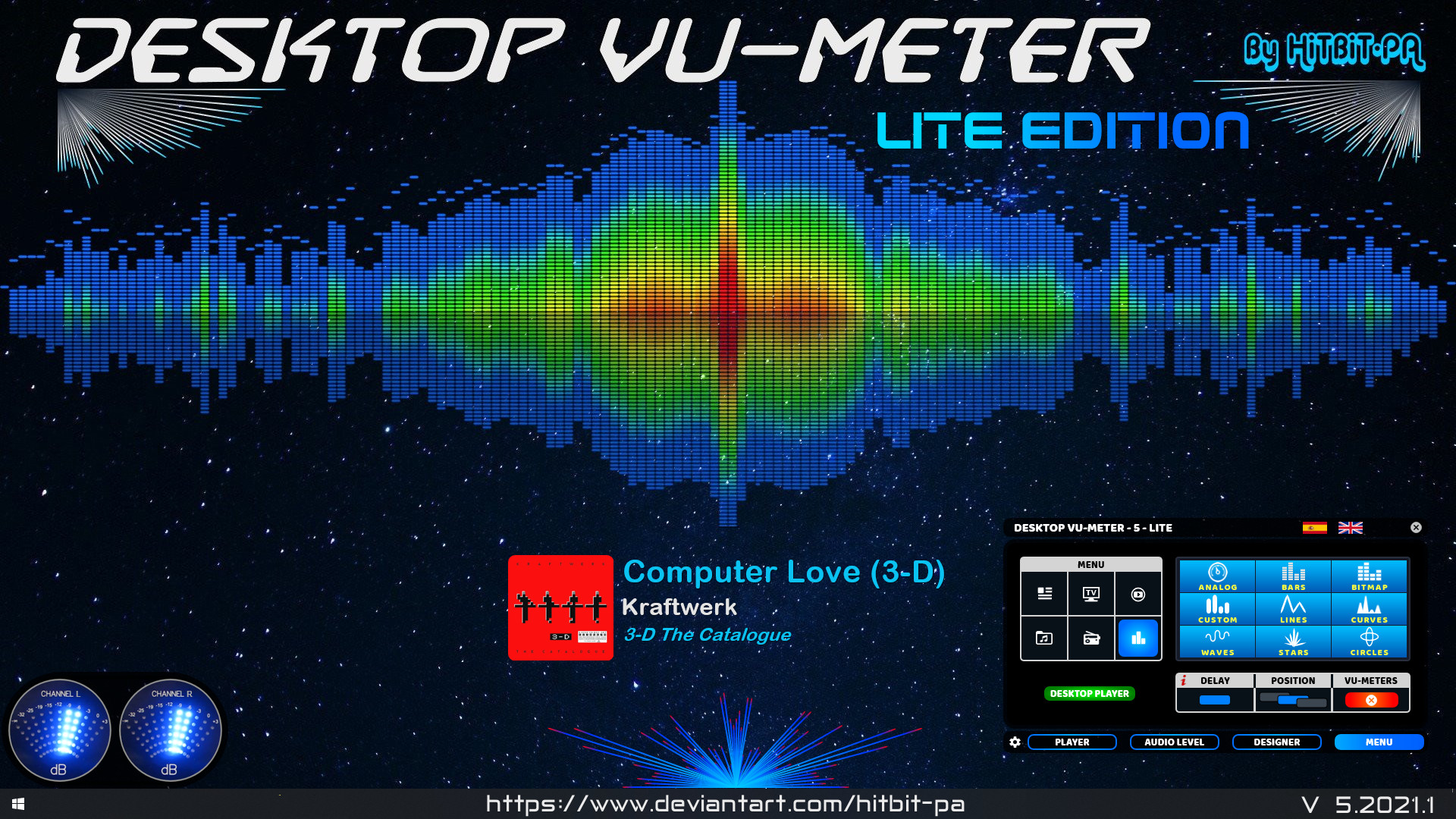
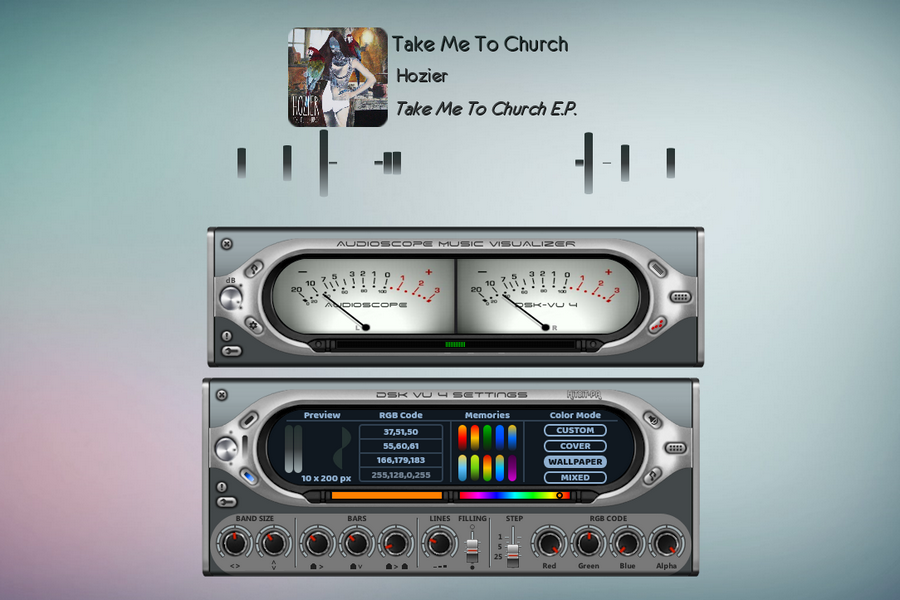
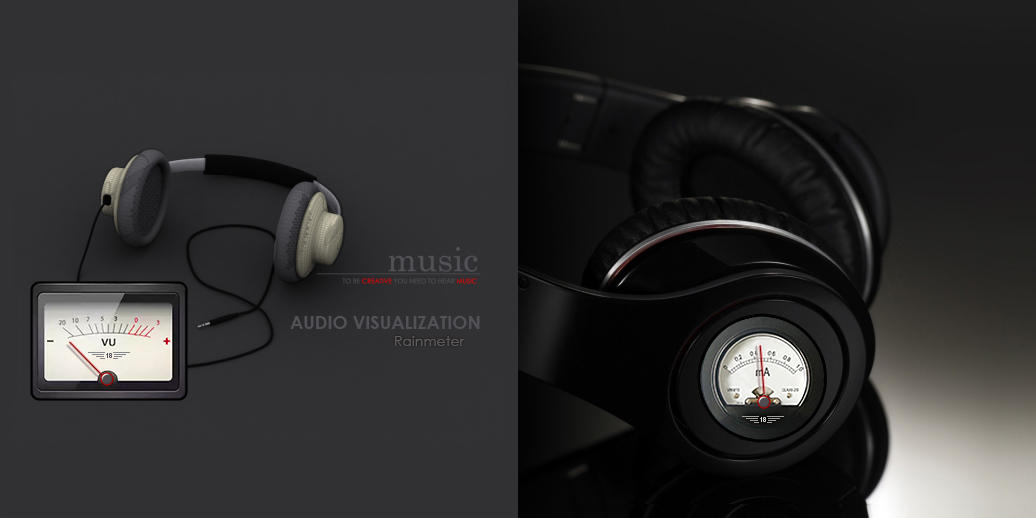
If listening to music is one of your favorite hobbies, then the Desktop VU-Meter 4 plugin could just be perfect addition to your desktop. The skin features more life-like VU meters that will give ultimate control of your audio music experience. The audioscope music visualizer features analogue and digital VU-meters, waves and lines that move in correspondence with the rhythm of the music. On the audio level settings, use the mouse wheel to modify the various values and the left button to configure load default values. You can design your own visualizer using the gradient, custom colors or extract colors from the cover or wallpaper, after which you’ll set up the player and audio device and then load the visualizers.
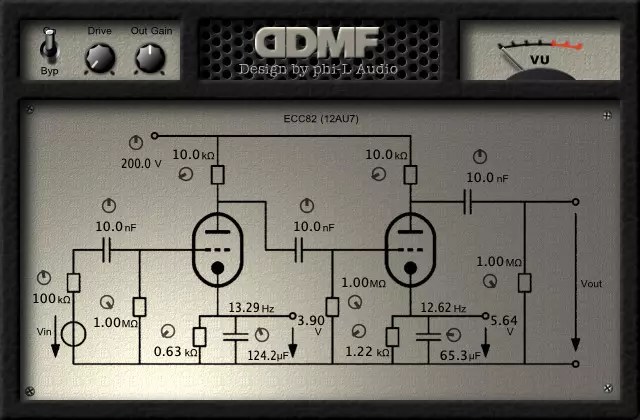
The plugin is very unique in the sense that it gives you full control over all aspects of the modelled circuit. All values of all the capacitors, resistors etc. can be tuned by the user.
This is a free plugin. It comes in all the usual plugin formats (VST/VST3/AU/AAX), for 32 and 64 bit hosts, and for Mac Intel & Silicon.
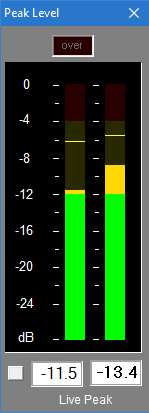
Realistic vintage Hi-Fi audio LED VU level meter, which shows relative loudness in decibels of the ambient sound, music or your voice. It features fall time selection, alternative VFD or Neon segments and calibration.
With 0.1dB resolution readout, ideal for accurate steady state measurements or for reading peaks however short.
For Windows XP, Vista, 7 or above. Requires WDM drivers, does not support ASIO.
The button to the left of the readout switches the digital readout to follow the maximum peak markers or the instantaneous ‘live’ peaks. In conjunction with the peak hold feature this enables transient peaks to be read accurately.
Zero is referenced to Full Scale Digital, although this can be modified with the calibration adjustment to provide some headroom as required.
Sample rate can be set to match recording if necessary.
Infinite peak hold setting if required, even across program restarts. Reset by double-clicking meter display.
If you need to run multiple meters monitoring more than one source there is a Multi-Channel Level Meter for up to 24 channels.
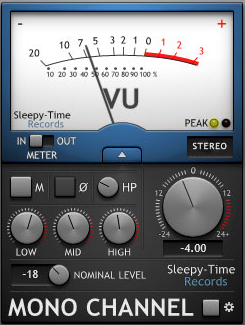
MonoChannel is a EQ and VU meter with basic console channel controls.
Insert MonoChannel on your audio tracks to monitor your audio signal and adjust its tonal balance. It is designed only to encourage the use of proper gain staging and audio balance workflows in digital audio. MonoChannel is NOT a distortion/saturation/console emulation plugin.
Windows VU Meter is a standalone application that mimics an old stereo’s VU or audio level meters. Designed for Microsoft® Windows Vista® and up (even tested on Windows 7®), the program has no intervening toolbars or window frames to allow the program to allow a clean interface and make it easy to overlay on top of a program you’re using. Features of the program include:
For Microsoft ® Windows Vista ®, and after testing, works with Windows 7 ® as well.
Clean interface that includes no toolbars or window dressings
Ability to select response time of VU Meter, selectable of 150ms or default 300ms. Response time is the amount of time it takes the needles to make a full swing of the gauge.
User selectable interface component coloring. Program saves and remembers settings the next time it’s run.
Option setting to allow always-on setting, allowing the program to be laid over another program that you’re monitoring the audio levels for. An example image.
User option to alter the maximum value of the VU Meter. This is handy for videos or music that were recorded at a lower value. The above example image is an example of this too.
All program options and commands are handled by right-clicking the interface.











 The Audio File
