
Self-hosted web app for browsing, playing, and editing music file metadata. Features a three-panel UI to navigate your library, listen to tracks, and write tag changes directly back to audio files. Built with Next.js, React, Prisma + SQLite, and node-taglib-sharp.
Most metadata editors are either desktop-only, command-line tools, or bloated apps with steep learning curves. If your music lives on a NAS, a server, or a headless machine, editing tags means SSH, mounting drives, or syncing files back and forth.
Tagr takes a different approach:
- Run it anywhere — Docker, bare metal, your NAS. If it runs Node.js, it runs Tagr.
- Edit from any browser — No installs, no plugins. Just open a tab.
- Do one thing well — Browse your library, edit tags, save. That’s it.
Features:
Metadata Editing
- Edit 40+ metadata fields inline — title, artist, album, year, genre, composer, BPM, lyrics, and more
- Album art management — view, replace, and upload cover images directly
- Star ratings (1–5) with a visual widget
- Support for track/disc numbering, sort fields, catalog numbers, barcodes, and extended tags
- Read-only display of audio properties (codec, bitrate, sample rate, channels, bits per sample)
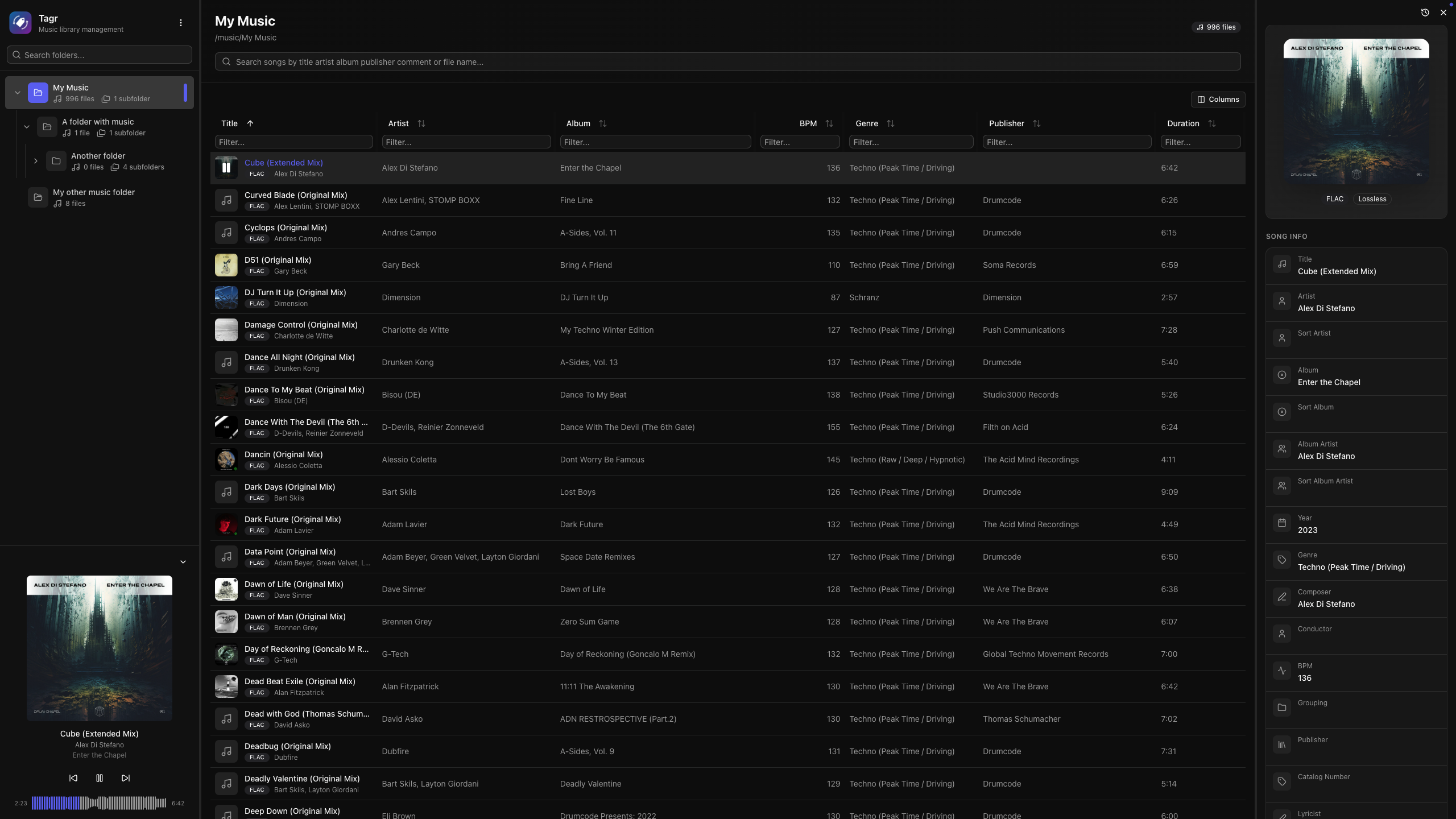
Music Player
- Built-in audio player with interactive waveform visualization (WaveSurfer.js)
- Play/pause, previous/next track navigation
- Click-to-seek on the waveform
- Auto-advance to next song
- Collapsible sidebar player with album art, title, and artist display
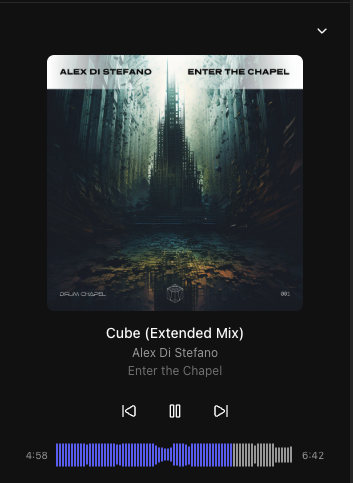
Library Browsing
- Three-panel layout — folder tree, song list, and detail editor side by side
- Folder tree with hierarchical navigation and real-time search
- Sorting on any column — title, artist, album, year, duration, bitrate, date added, and dozens more
- Advanced filtering — text, numeric ranges, date ranges, and boolean filters across all fields
- Customizable columns — show/hide any of 40+ columns to match your workflow
- Virtual scrolling and infinite pagination for large libraries









 The Audio File